668 items from 132 newsletter issues

AstroPad Workbench

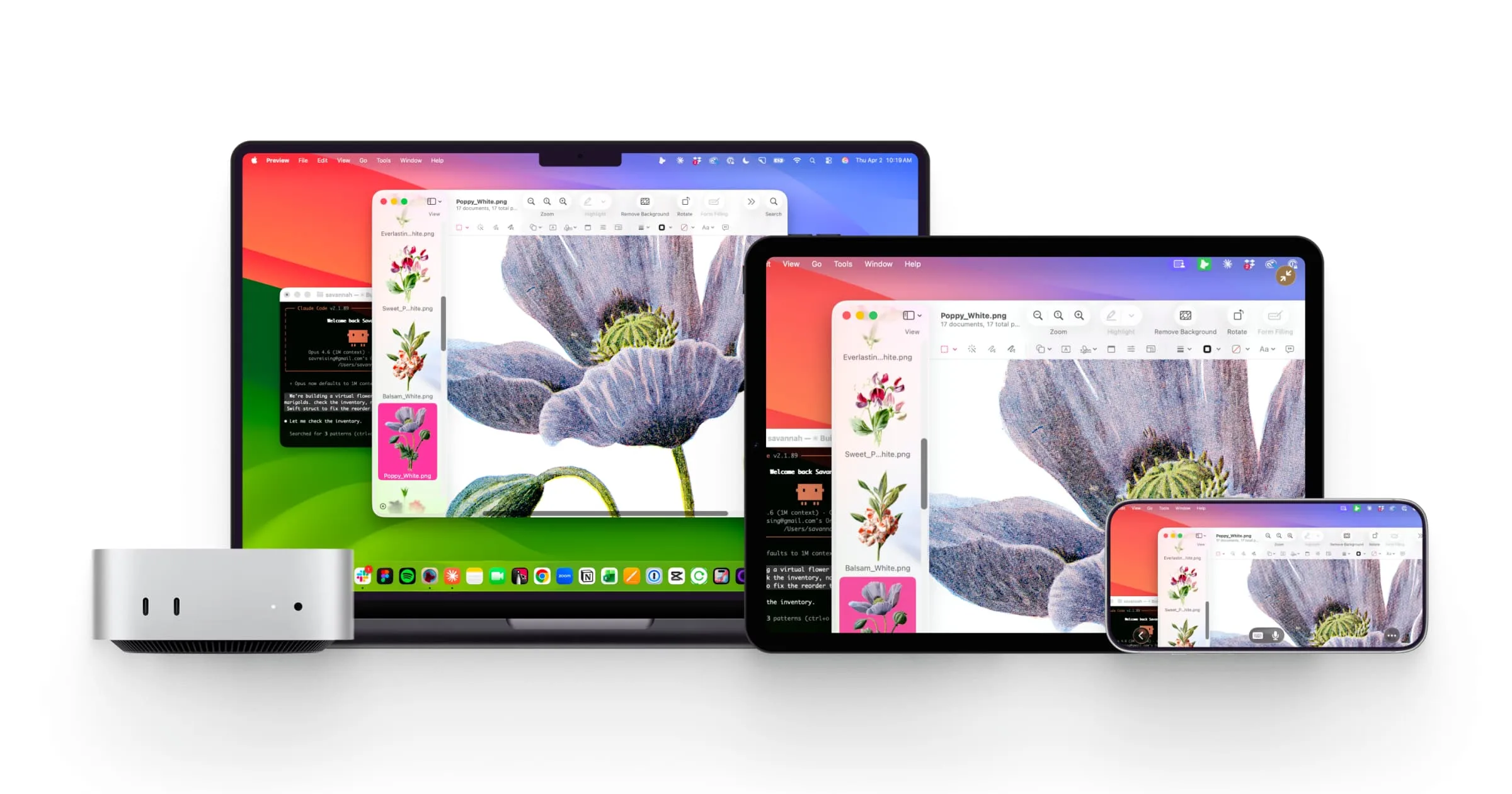
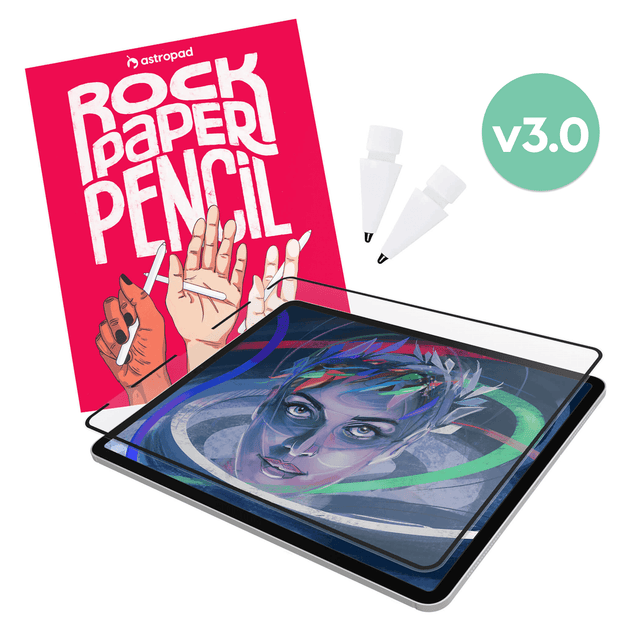
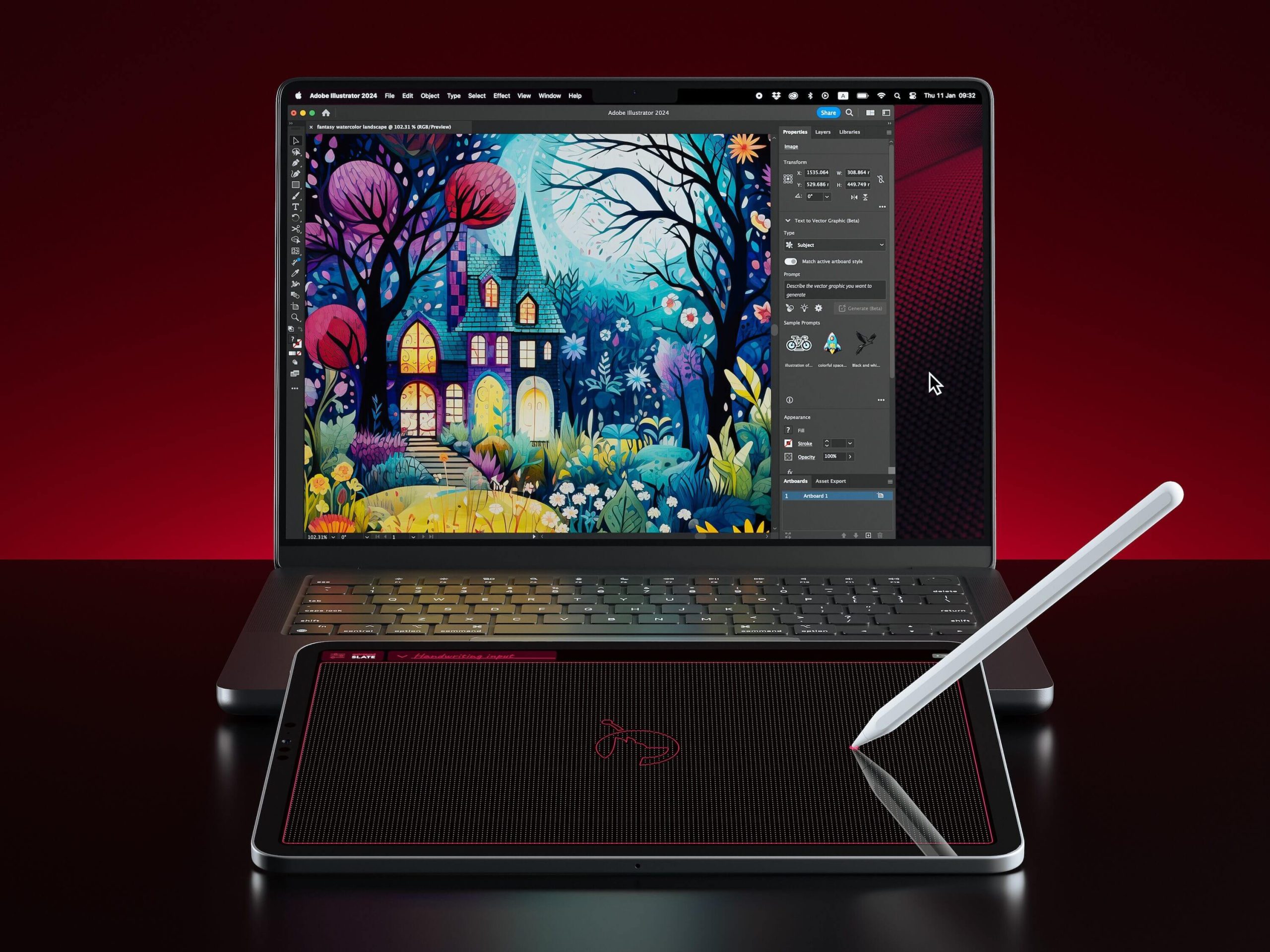
The folks at AstroPad, makers of the excellent Rock Paper Pencil iPad accessory, just launched a really nice tool for remotely accessing and controlling your Mac from your iPhone and iPad. It's got a clean, easy-to-understand UI, and in my early testing was easier and more intuitive to get up and running than my current VNC tool of choice, Screens. Worth checking out if you ever need to quickly remote into your Mac to look something up, control an on-device AI agent, etc.

☑️

FloatyDo is a remarkably simple but delightful to-do list app that floats above all your other apps, so that you can always see exactly what you need to be working on next. It is highly customizable with different color, font, and UI changes available. Will this replace Apple Reminders, Things, or OmniFocus? No… but if you just want a simple way to keep track of what you need to do next, this might just be the move.

Keeby for MacOS

Keeby is a new arrival in the last week or two that plays highly customizable mechanical keyboard sounds as you type away on your computer. Perfect for when you're using your laptop away from home, or if you're just wanting to test out the sound of different keyboard switches before you commit and buy one. I've previously used Klack to this end, but Keeby looks to offer way more customization plus the added benefit of spatial audio.

🧠

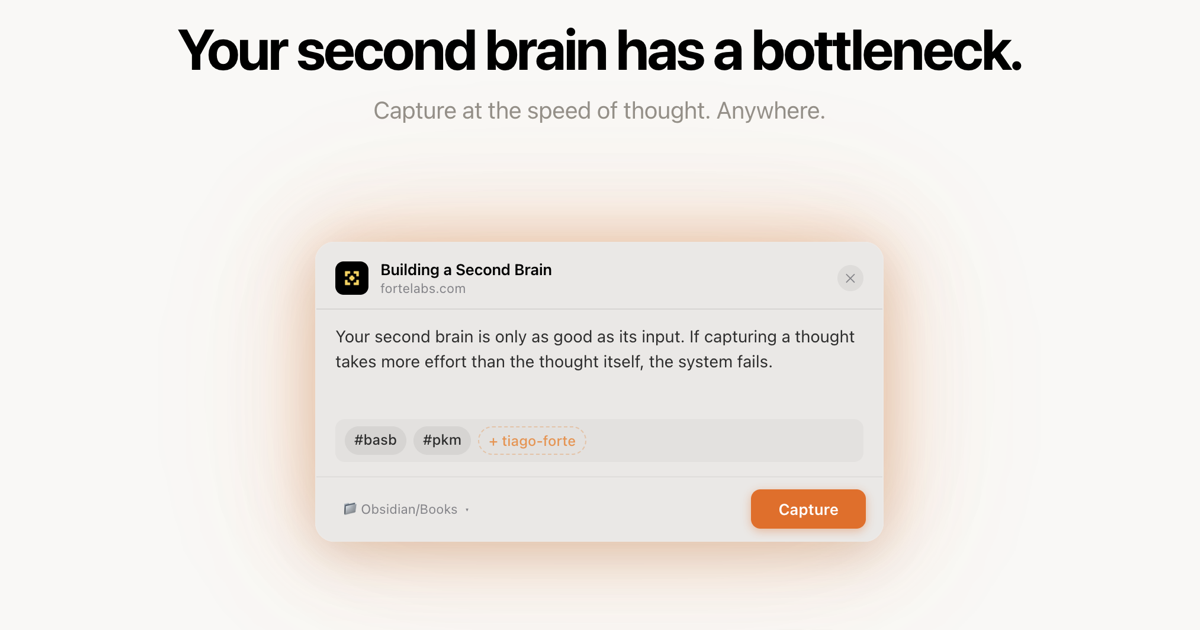
+ Claude Co-Work - While I'm still using Notion for all of my work stuff, I've been using Obsidian lately in combination with Claude Co-Work for a really smart Personal Knowledge Management solution. This video captures the concept well, but in short, you capture thoughts, articles, web clippings, etc. in your Obsidian vault, and then set an automation task in Claude Co-Work to parse your vault and build a robust wiki around the information you capture. By design, you keep all the content you create and capture in one part of the vault, and everything the AI does in a separate part so there's no intermingling. The beauty of this model is that Obsidian is built around plain text files in folders on your computer, which means you can use really any text editor you want AND you can use any agentic LLM you want for the parsing, and you can change both the app and the AI effortlessly.

🩳

I'm no style icon, but living in Texas I'm always on the lookout for some good shorts come this time of year as temperatures routinely start landing north of 80ºF/27ºC. I recently discovered these Walking Shorts from Roark and am really digging them for their comfortable/flexible/breathable fabric that doesn't look like a tech fabric, and some nice travel features like zip-and-flap pockets and a back phone/stash pocket. Weirdly, this particular model of shorts with the drawstring waist is only $30, compared to the very similar model with a button waist that goes for $79.

🔌

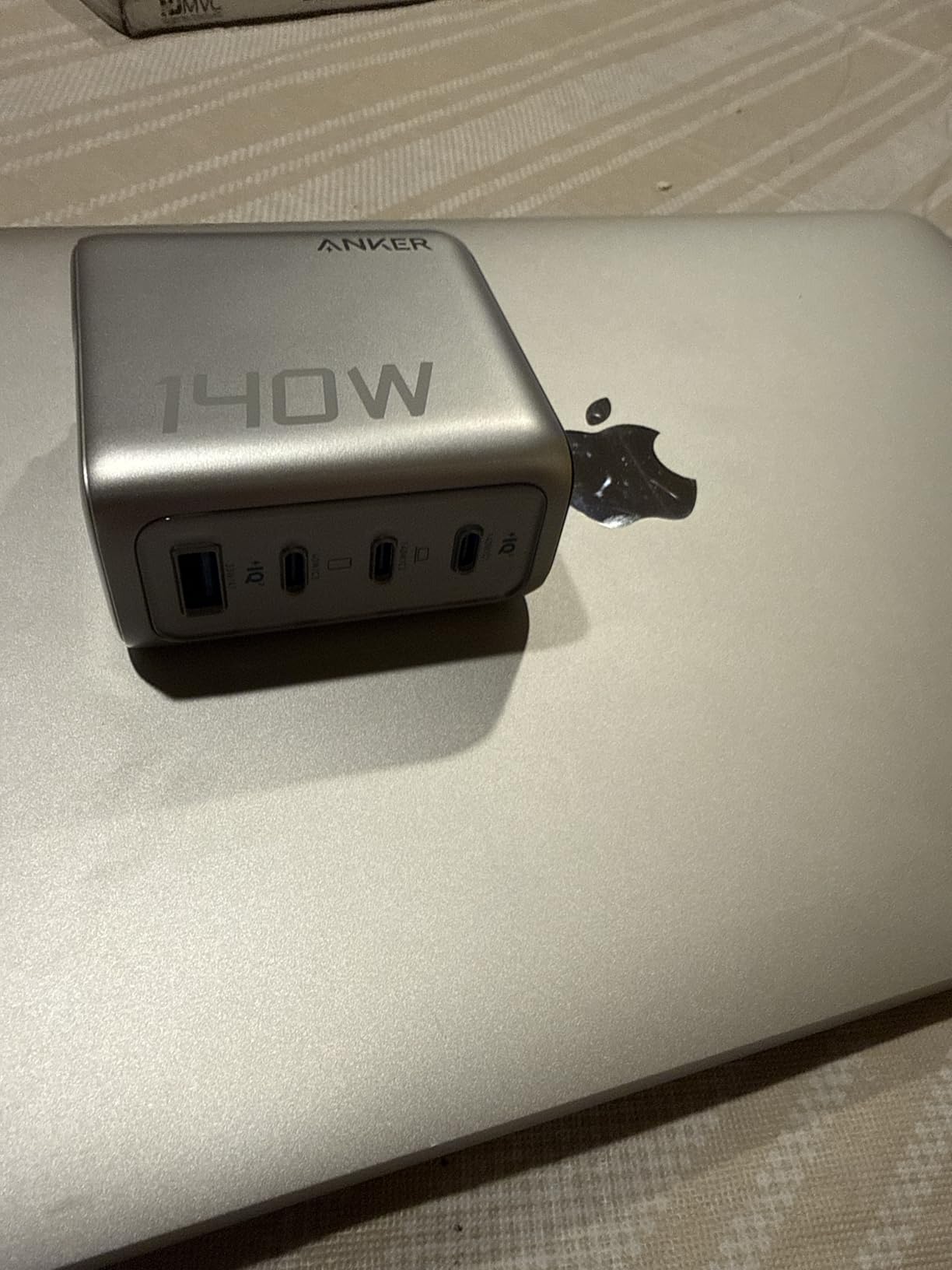
Another week, another well-designed charging solution from the folks at Anker. This is a clever power strip that clamps on to your desk so that you have USB-A, USB-C, and standard AC power outlets available to use on top of your desk and plenty of standard power outlets available under the desk as well, all with surge protection built in.

One Strange Thing

Ever since I was a kid, I've been fascinated by the paranormal and the unknown. I'd spend hours poring over pulp paperbacks about UFOs, Bigfoot, the Loch Ness Monster, secret societies, and haunted houses. I've been missing getting exposure to these little unexplained mysteries and (in some cases) completely fabricated conspiracies. So I built a tiny site that feeds out one little parcel of esoteric trivia each day. Expect details on various poltergeists and cryptids, famous UFO sightings that happened on this day in history, secrets of the Illuminati, explanations of occult symbols, and more. It's also got an RSS feed, and a Threads bot, and a couple of fun easter eggs hidden in the site.

🛋️

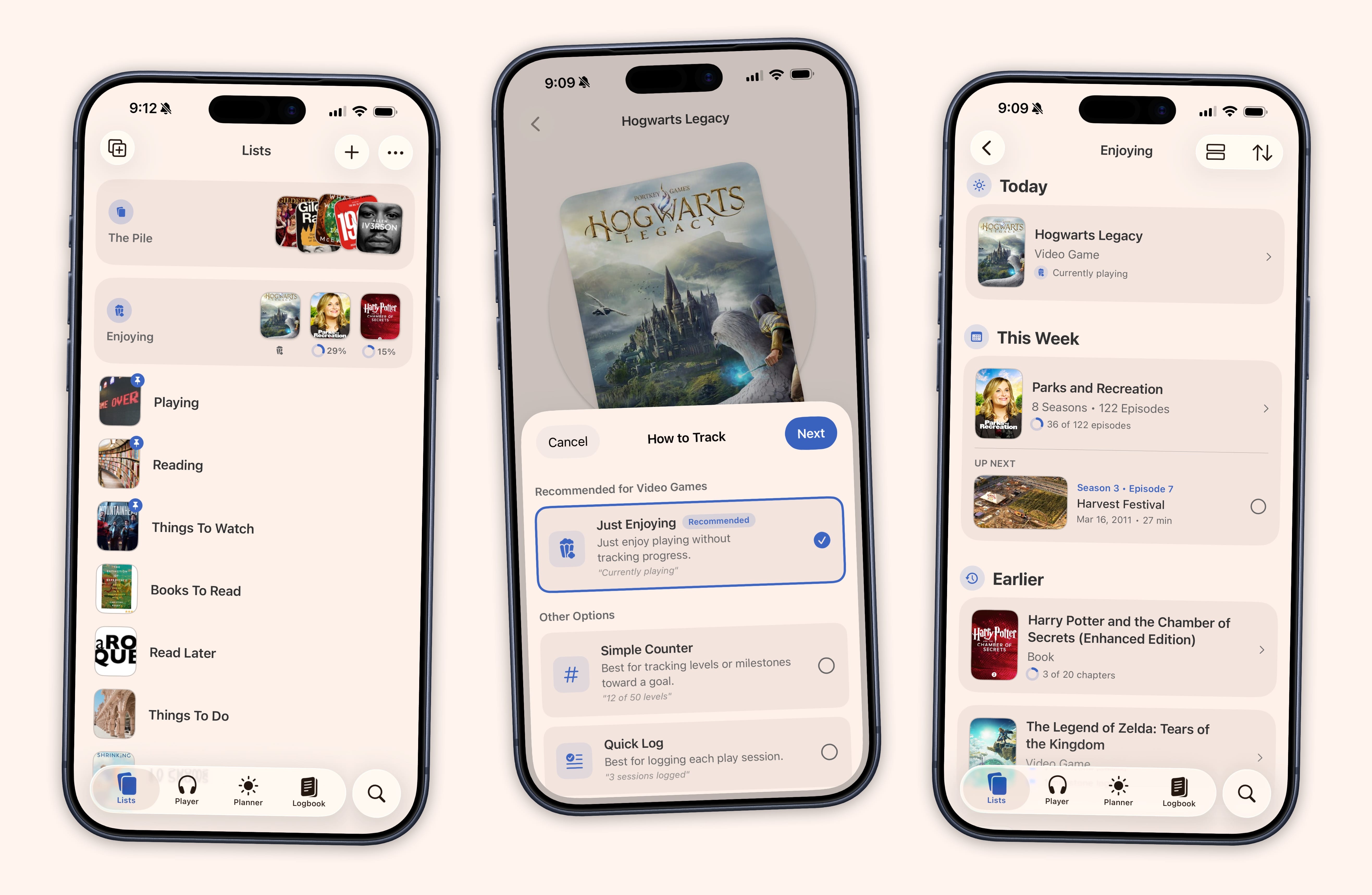
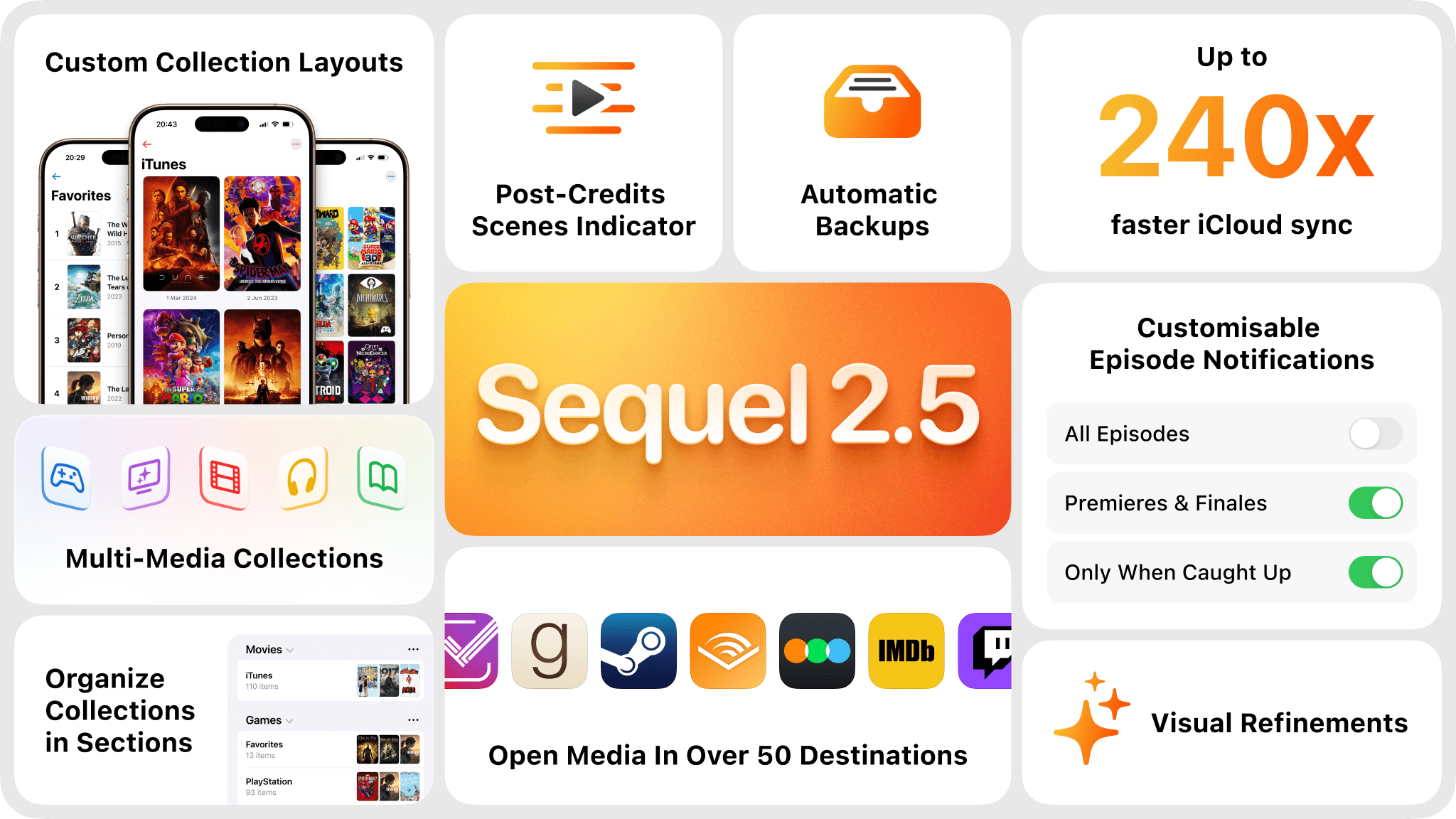
Sofa is a really delightful, indie app for organizing everything you want to watch, read, play, and listen to — and version 5.0 adds a built-in podcast player, trip planning with maps and budgets, and a stats dashboard that turns your consumption history into charts and rankings. If you like tracking the shows / movies / books you watch AND like getting cool analytics about your habits, you should definitely be trying it out.

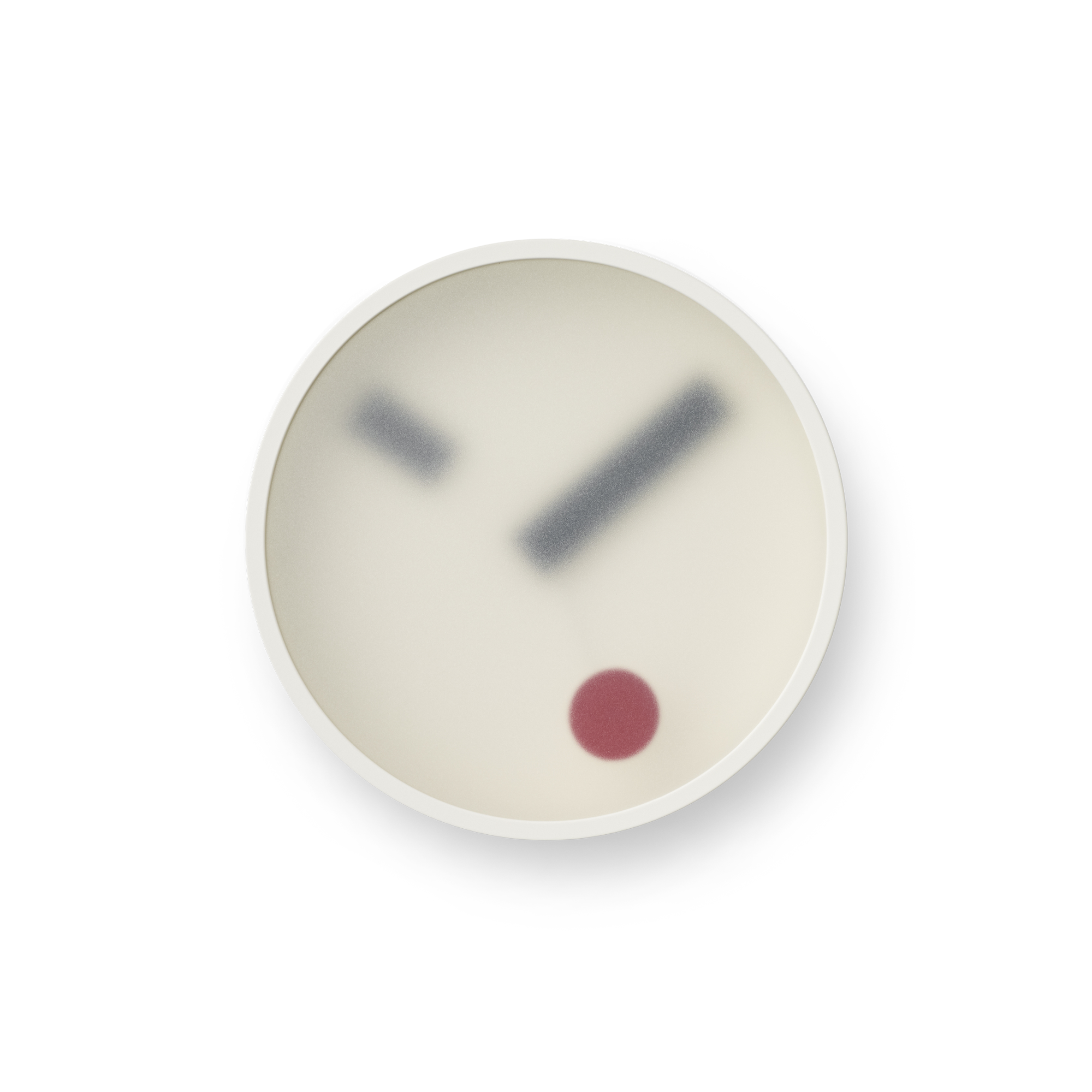
The Balmuda Clock

Tip of the hat to Cool Hunting for the find on this gorgeous Japanese bedside or desktop clock milled from a solid block of aluminum. Instead of hands, it features a gorgeous system of lit-up numerals and ticks to indicate the time. It also features a gentle gradual alarm, a timer, a calming sound mode, and pairs with your iPhone to play music and set various alarms among other customization options. Preorders go live for the US at the end of April for an absurd amount of money.

🎵

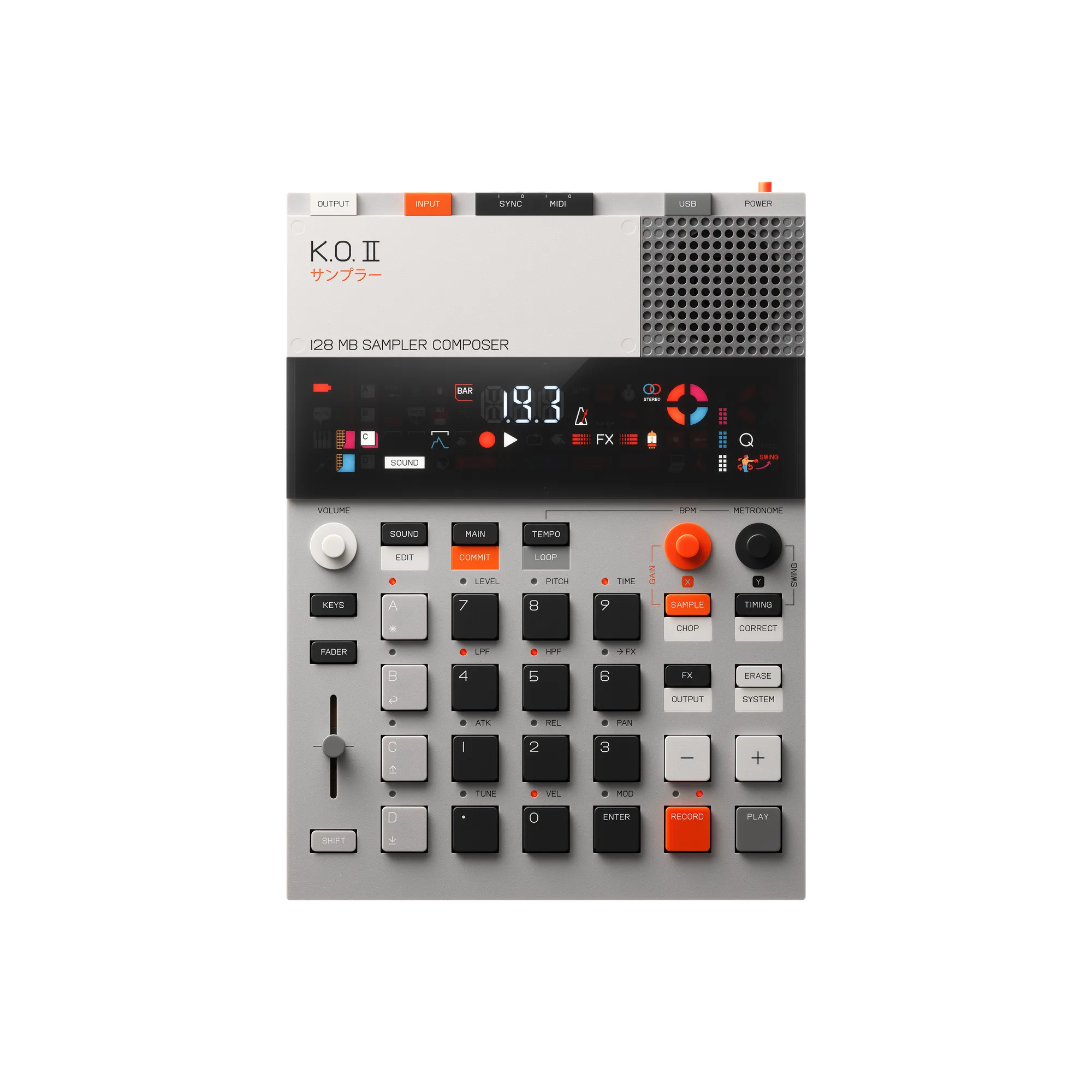
The makers of countless iconic samplers/drum machines of all time have released a more portable and approachable entry-level version at last to compete with the Teenage Engineering K.O. II. It costs just a little bit more, but looks to be easier to learn and use, and features Akai's excellent drum pads. The Verge has a great review up on it already, where Terrence O'Brien says it's his new favorite portable beat maker. I want one.

🟠

Color Snap is a simple but fun web app (an iOS app might be in development too?) that gives you one color a day and challenges you to capture three photos that feature that exact color (or as close as you can get) over the course of the day. You are scored based on how accurately you are able to replicate that color in your photos. It's a fun photographic challenge for folks looking for inspiration, and also a great way to train your eye for the nuances of color.

🎮

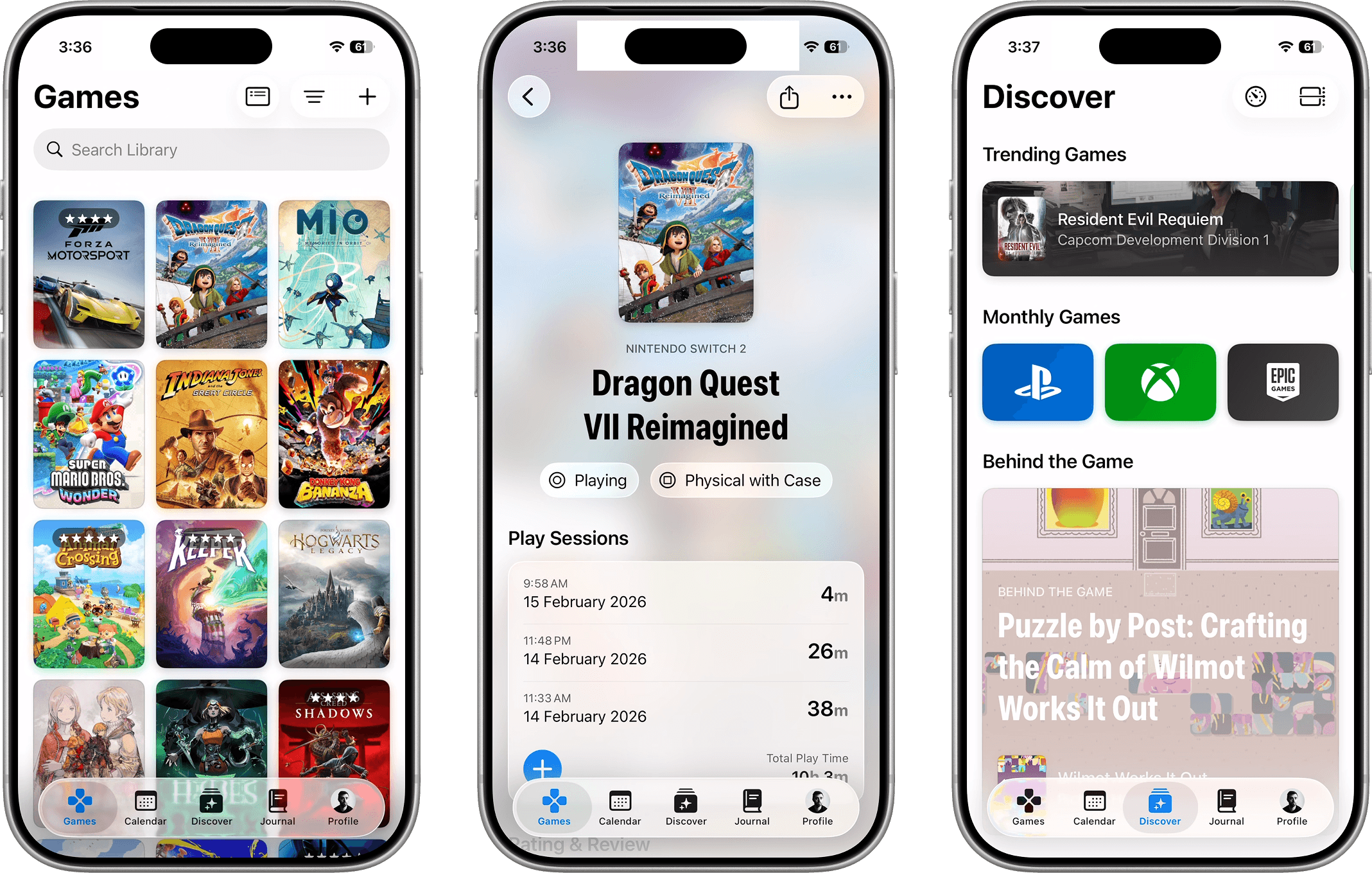
Much like with books, I tend to start way too many games and either never finish them or just slowly make my way through, often forgetting where I was. GamePal is an awesome app for keeping track of your game library, the games you want to play, and your progress through the various games you're actively playing. The creators just released a big update earlier this month bringing Live Activities for tracking how long you've been playing, and a center for staying on top of major gaming events/announcements.

🎥

I have a first-generation version of this webcam and it's far and away my favorite webcam/microphone combo for video calls that I've used. This new version has an even larger sensor allowing for higher-quality video and better low-light performance, paired with a better microphone array for even better sound. It's got a great companion app that lets you optionally control exposure/white balance/bokeh, and more. I'm sorely tempted to upgrade. If you don't need the smart gimbal, check out the cheaper Link 2C Pro which has all the same tech for $50 less.

Tempo Focus for iOS

Tempo Focus is a delightful-looking new Pomodoro timer for iOS with a really clean, modern design aimed squarely at helping you get focused work done. It features a fun flipboard-style countdown timer, optional background app and notification blocking, rest cycles, and more, all with nice analytics.

AirPods Pro Max 2

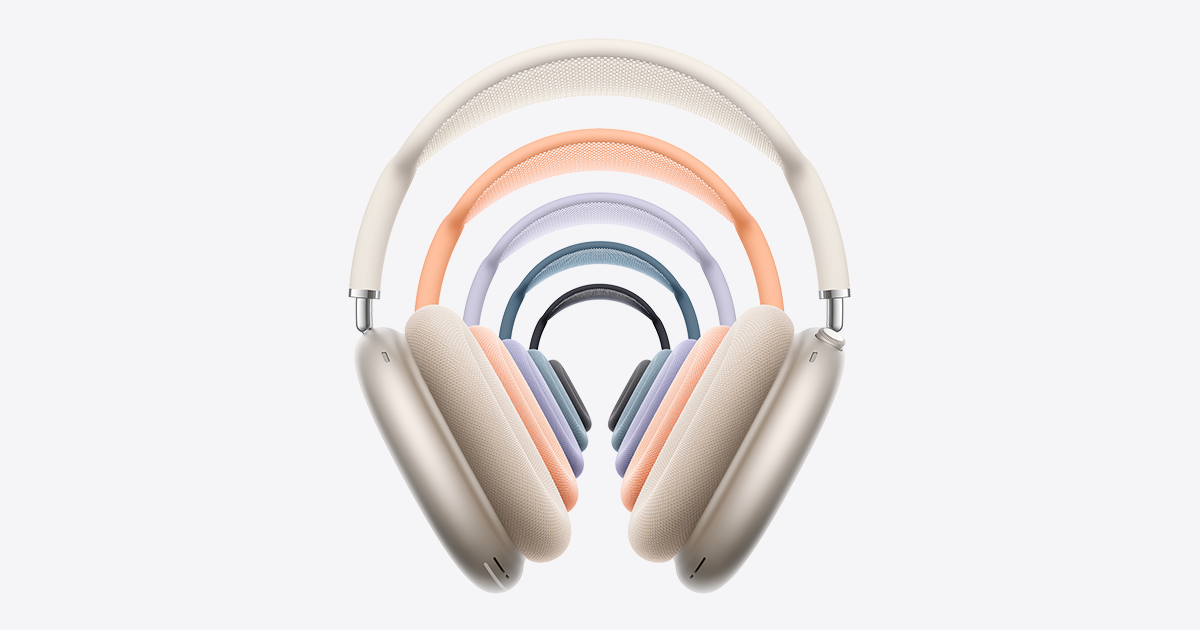
In a surprise move, Apple announced a proper v2.0 update for the AirPods Pro Max line this week. This new version finally brings the H2 chip so it gets Live Translation, Adaptive Audio, and Conversation Awareness like the AirPods Pro 3, reportedly higher fidelity sound, and 1.5x improved Active Noise Cancellation. While this all sounds awesome, as someone who is still rocking the OG AirPods Pro Max with a Lightning charge port, I'm perhaps most excited that I finally have some good reasons to update beyond just desperately wanting to have all my devices on USB-C.

🥾

Seeing as we're out ignoring TLC's sage wisdom and chasing as many waterfalls as possible on this trip, it seems like a good time to highlight AllTrails, which is my favorite hiking companion app. In short, you can search for local trails to hike / bike / run on, sorted by terrain difficulty, popularity, and scores, and filter for things like "Dog Friendly," "Wildflowers," "Kid Friendly," etc. Once you've picked your trail, you can download an offline map of the entire trail to your phone AND Apple Watch, and use it to navigate and track your progress as you go. It's just such a delightful app, and has saved our butts numerous times.

I grabbed one of these for use on this trip this week and am really loving it. It's charging much faster than my old 7.5W Qi MagSafe chargers, but most importantly it's ridiculously slim. It's effortless to slip into my EDC bag, and keeps my iPhone nice and pocketable when it's in use. I do wish that it was available in Qi 2.2 for even faster 25W charging, but it doesn't seem like there's more than a handful of models out there offering those speeds and they're all pretty massive.

🎵

The folks at Maxell, makers of basically all the cassettes you made mix tapes on back in the day, are back with a really great looking modern portable tape player. It has 11 hours of battery life, offers both a headphone jack and Bluetooth connectivity, and :gasp: USB-C fast charging. I honestly don't think I have any cassettes left, but I kind of want to grab one of these when they come back in stock.

Plastic Vinyl Scanner

While I'm far from a pro crate digger, I love visiting vinyl record shops looking for gems. I've been keeping tabs on this app while it was in beta and am stoked that it's finally out in the wild. In short, you use the app to scan any vinyl record album art (or barcode) in your collection or in shops, and it will tell you how much it's worth, the BPM and key for every song, let you pull up the album in Spotify to give it a sample listen, and let you log it to your collection or bookmark where you found the record in case you want to come back and buy it later. Genius concept with a really pleasing UI implementation.

Monologue for macOS / iOS

While I'm pretty embedded in the Wispr Flow ecosystem, I've played with and really enjoyed Monologue, a competing voice-to-text dictation tool for the Mac. It's the best-looking, with a really fun retro-skeuomorphic design, and equally strong at transcribing your voice dictation into any text field on your computer as Wispr Flow. I ultimately abandoned Monologue when Wispr Flow beat them to market with a really great iOS app. However, Monologue has just recently released their own iOS keyboard app that once again looks and works fantastically in my testing. I'm currently experimenting with both and may wind up jumping ship back to Monologue. Both apps are cloud-based, which means much faster and more accurate transcription, with the downside being that your recordings are leaving your device—that said, neither app keeps any of the recordings, and they do not let your recordings or transcriptions be used for training LLMs. (If you want the option of doing local transcription, check out Superwhisper, which is also pretty solid.)

Text Sniper for macOS

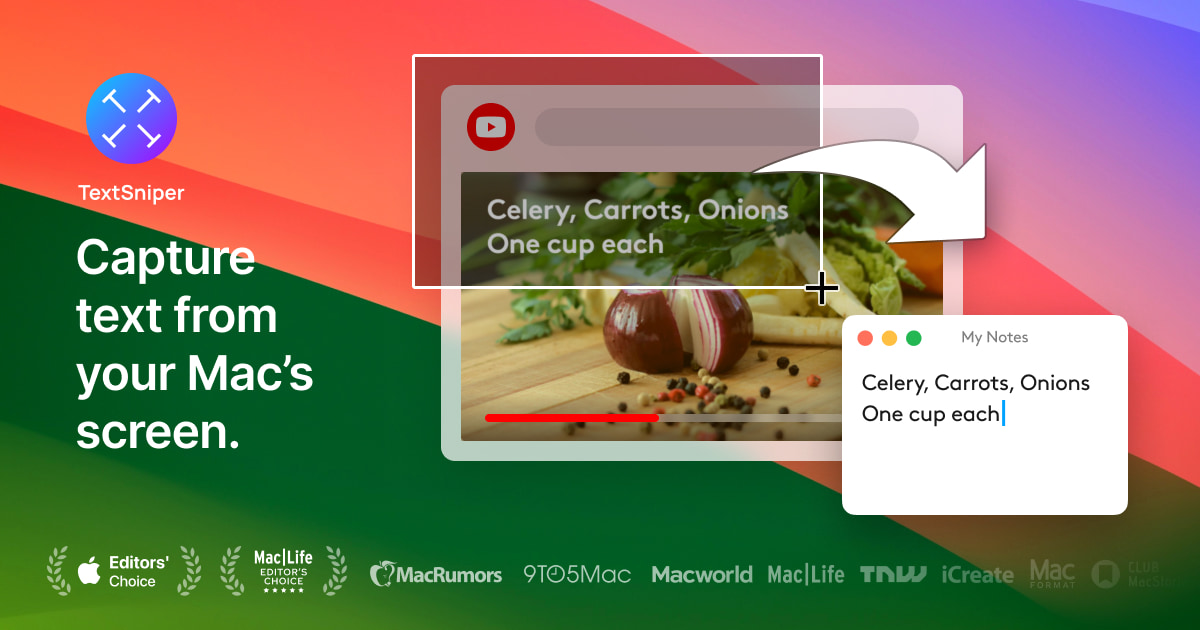
This is one of those little utilities I use a ton and just forget that not everyone knows about. In short, this little applet runs on your Mac and lets you select and extract text from anything on your Mac's display. Handy for pulling text out of photos, PDFs, locked-down websites, YouTube videos, etc. It's my favorite way to OCR.

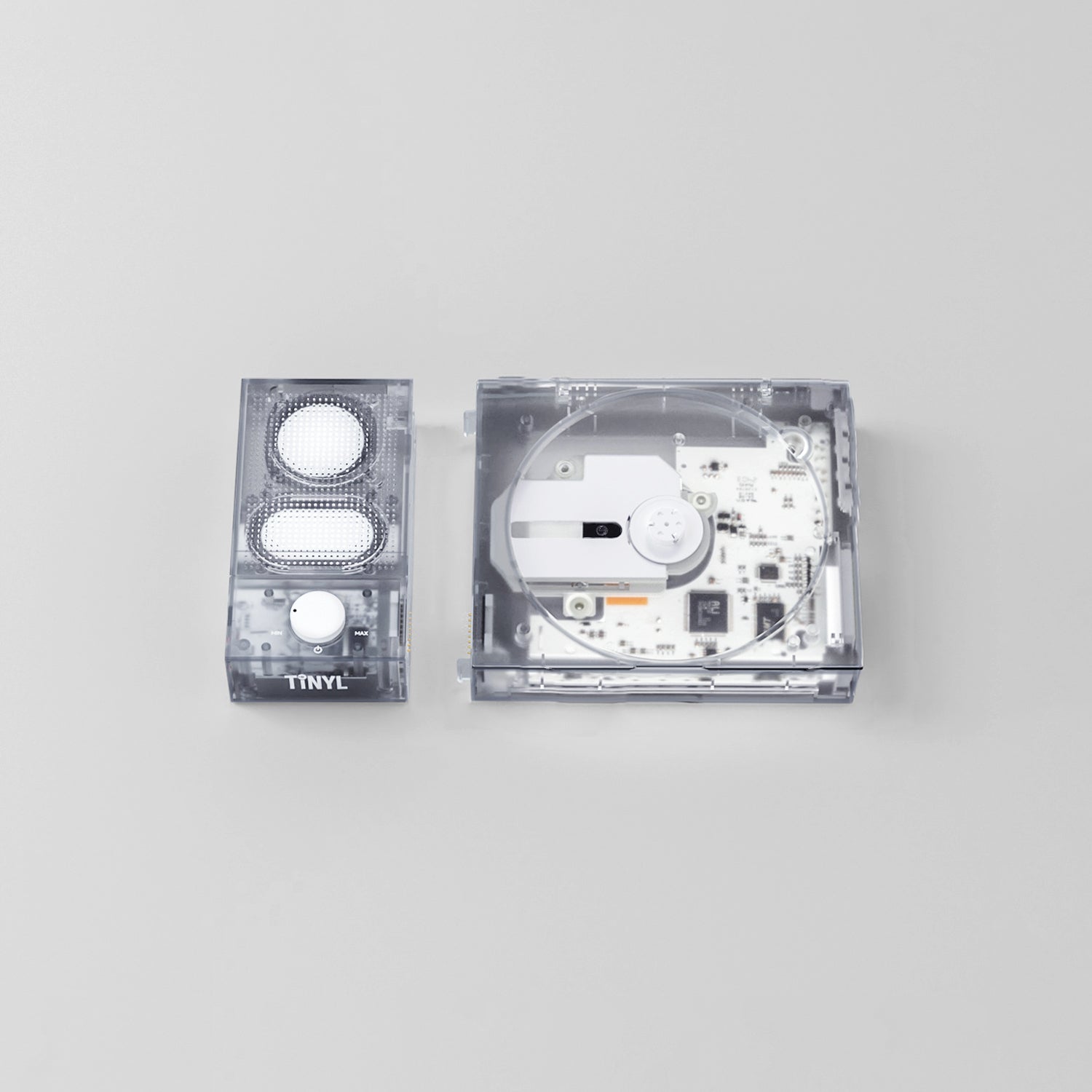
TINYL SPLIT Transparent Bluetooth CD Player

I've got an enormous pile of old CDs in my closet and have been thinking about brushing them off for little listening parties. This beautiful transparent desktop player may be just what I need. It's got a clever modular, magnetic design that lets you split the Bluetooth speaker off from the CD player so you can take the player on the go, or bring the speaker with you as you move around the house. The CD player can also transmit via Bluetooth to any Bluetooth headphones or speakers you might have. Features aside, they had me the moment I saw the beautiful transparent case.

🛜

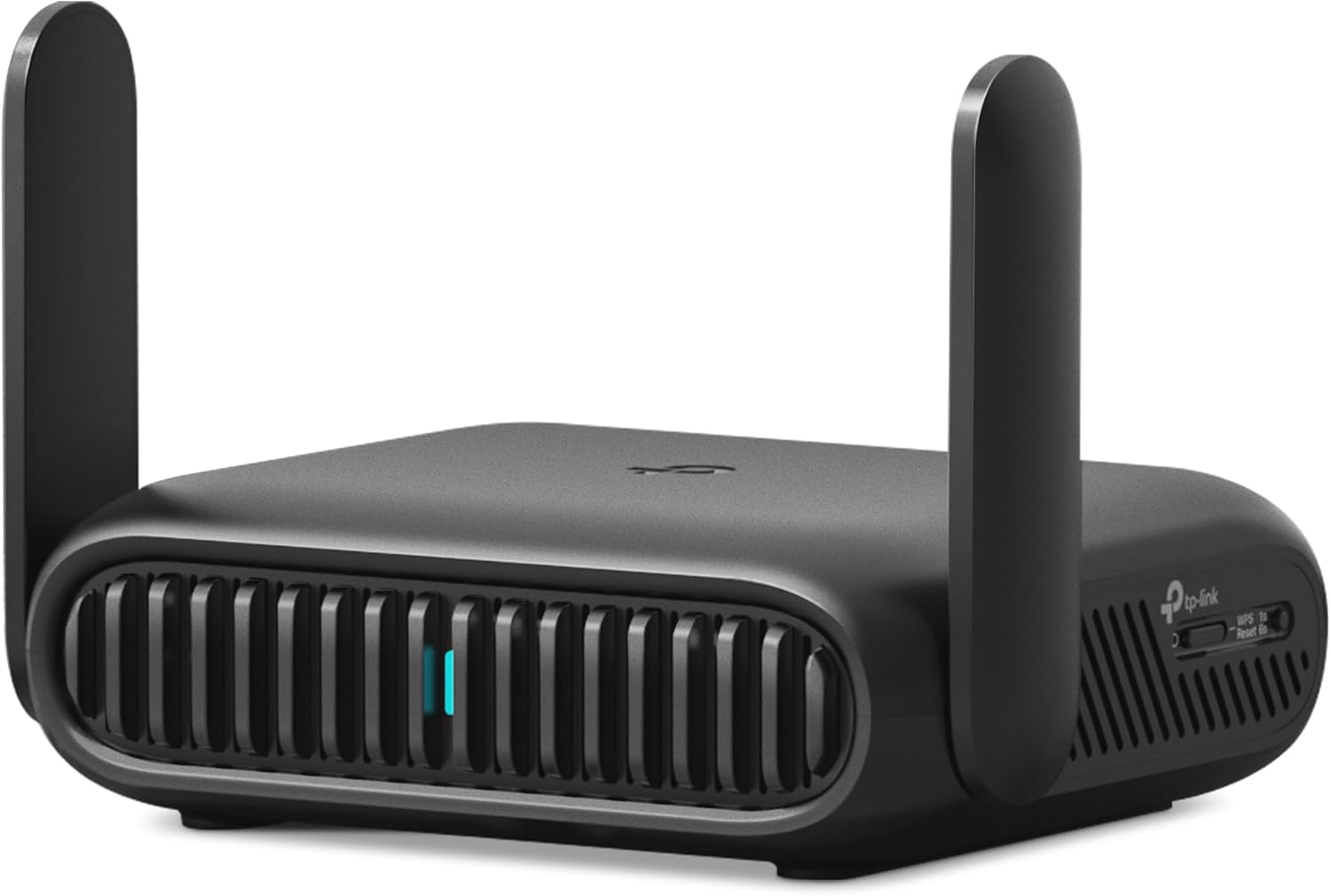
I grabbed one of these to bring on some upcoming travels, with the goal of being able to use it to share the airplane and Airbnb's Wi-Fi connections with the entire family without having to log each device in. The travel router lets you run a VPN on the device so all traffic from all devices connected to it is automatically protected. This model is a little thicc but has really great range and offers Wi-Fi 7 for bountiful speeds and throughput. That said, if it wasn't permanently sold out everywhere, I probably would have grabbed the Wi-Fi 5 travel router from UniFi just because it's so tiny.

🎴

This is a really fun vibe-coded project from Vijay that basically turns Wikipedia into a series of collectible trading cards like Pokémon with varying degrees of rarity. You get a few starter packs of cards that you can then tear open and flip through, all embedded in the site. You can also trade cards with friends and the community via a fun marketplace mechanic.

FontCrafter

This is a really cool web project that lets you turn your handwriting into a custom font— the best part is it's all done locally, for free, with no account needed, using JavaScript in your browser. No data leaves your computer. Simply print out the handwriting template, fill in all the letters, numbers, and punctuation, then take a photo of it with your phone and drop it into your browser. You'll get a bundle of OTF, TTF, WOFF2, and Base64 versions of your font you can use wherever you want. I'm eager to try it out.

Junior Hanafuda Cards

Indie designer Louis Mantia has been making gorgeous playing card sets for years. He's now offering some beautiful sets that feature a custom-made wooden box sourced from Japan. While he offers lovely standard playing cards, I'm eager to grab a set of the Hanafuda flower cards he offers. He even has a really helpful site that teaches you how to play a number of different games with both standard cards and Hanafuda cards.

MacBook Neo

While it's gotten a mixed reaction within the techsphere, I'm thrilled about Apple finally releasing an affordable, entry-level Mac for the masses. With an education discount, you can get it for just $499 ($599 standard price). Would you want to use this Mac for editing multiple 8K ProRes RAW videos at once, or running massive local LLMs? Absolutely not. But for everyone else that just wants a secure, approachable computer that can surf the web, check email, do homework, back up photos, etc., this thing is a home run. I'd love to see these start replacing the ubiquitous Chromebooks that have a stranglehold on the public education system these days.

Philips Hue Bridge Pro

I have been a big fan of Hue lights for a long time. I recently redid my whole office lighting setup with Hue bulbs, which has been fun for fine-tuning the exact color temperature and brightness I want while I work, when I switch over to video calls, etc. That said, I've been using the same home bridge for a little less than 10 years and I've been noticing a little lagginess. Sure enough, Hue now has a new "Pro" version of their bridge that supports over 150 lights at once and adds really cool motion sensor tech that basically triangulates wireless interference between the bulbs in the house to detect motion, which can then be used to trigger lights turning on/off as you pass from room to room. I will probably pick one of these up sooner than later.

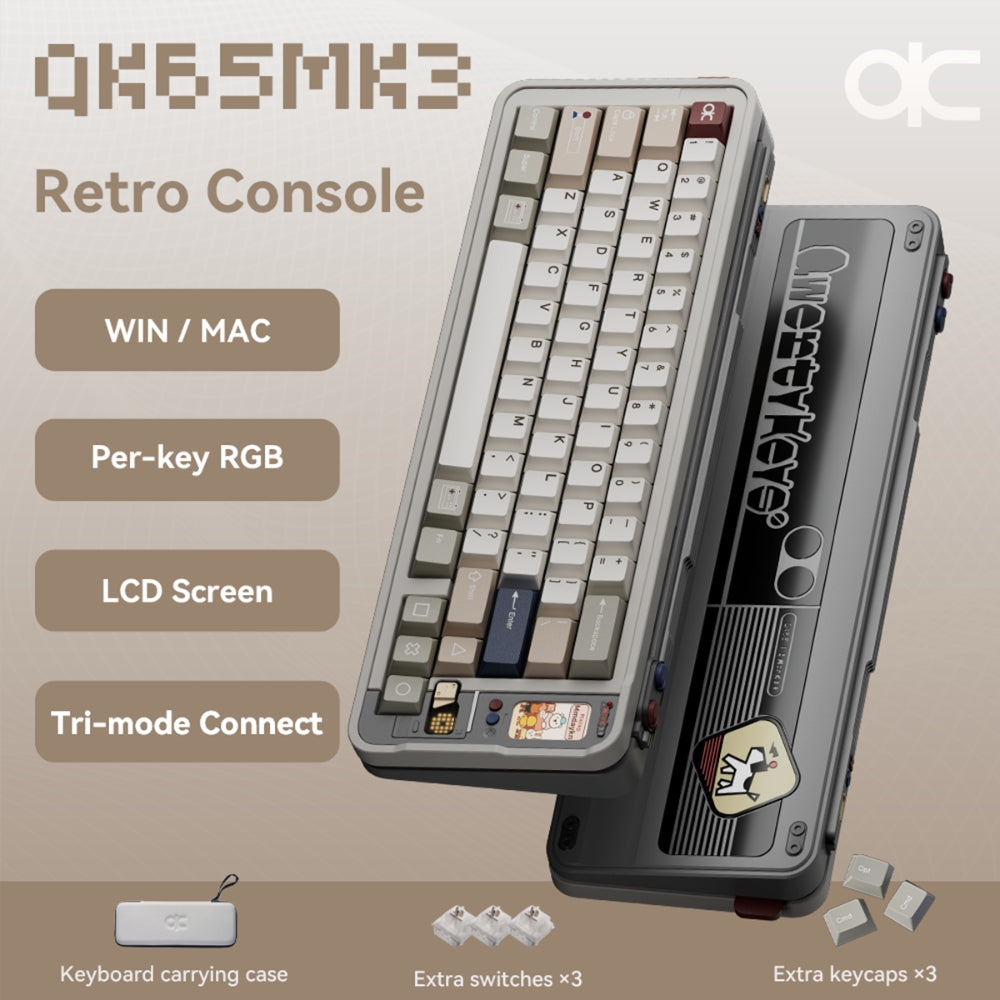
QK65 Mk3 Prebuilt Mechanical Keyboard

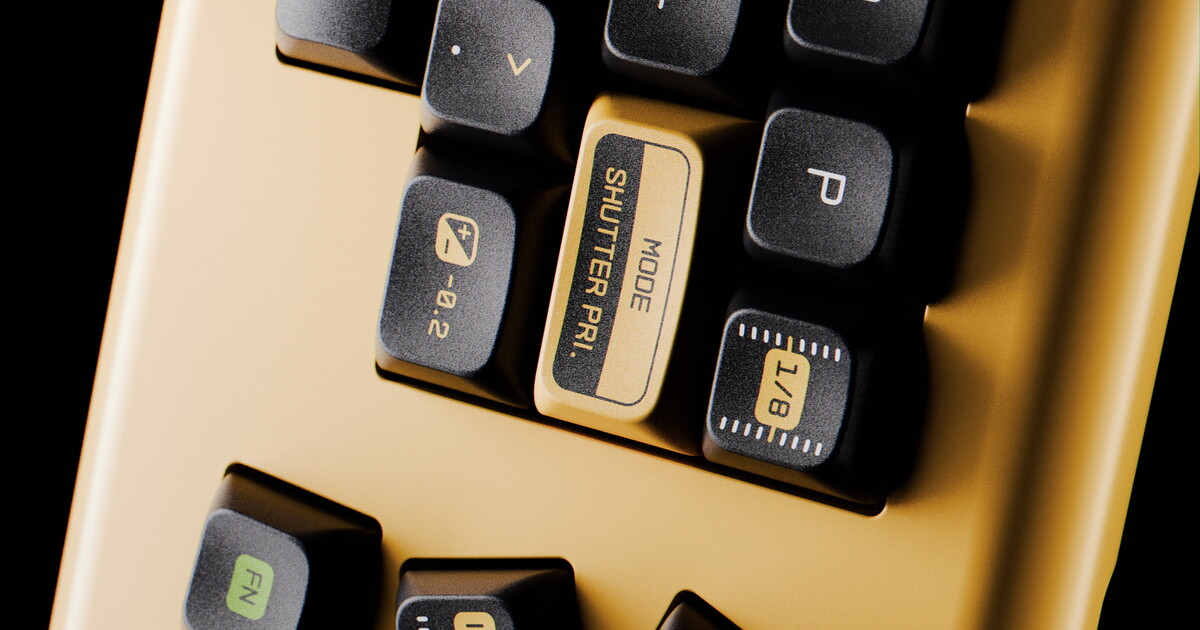
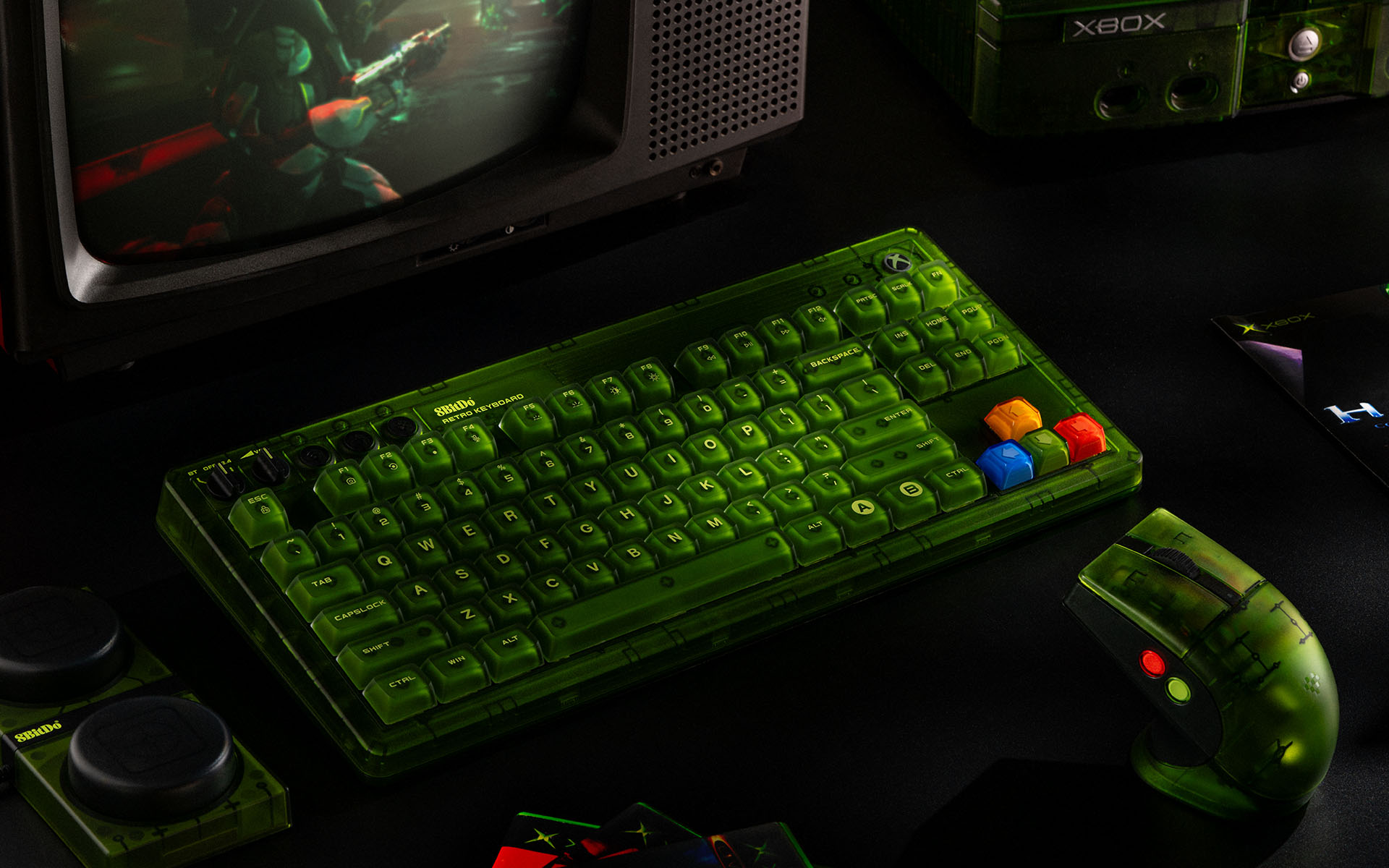
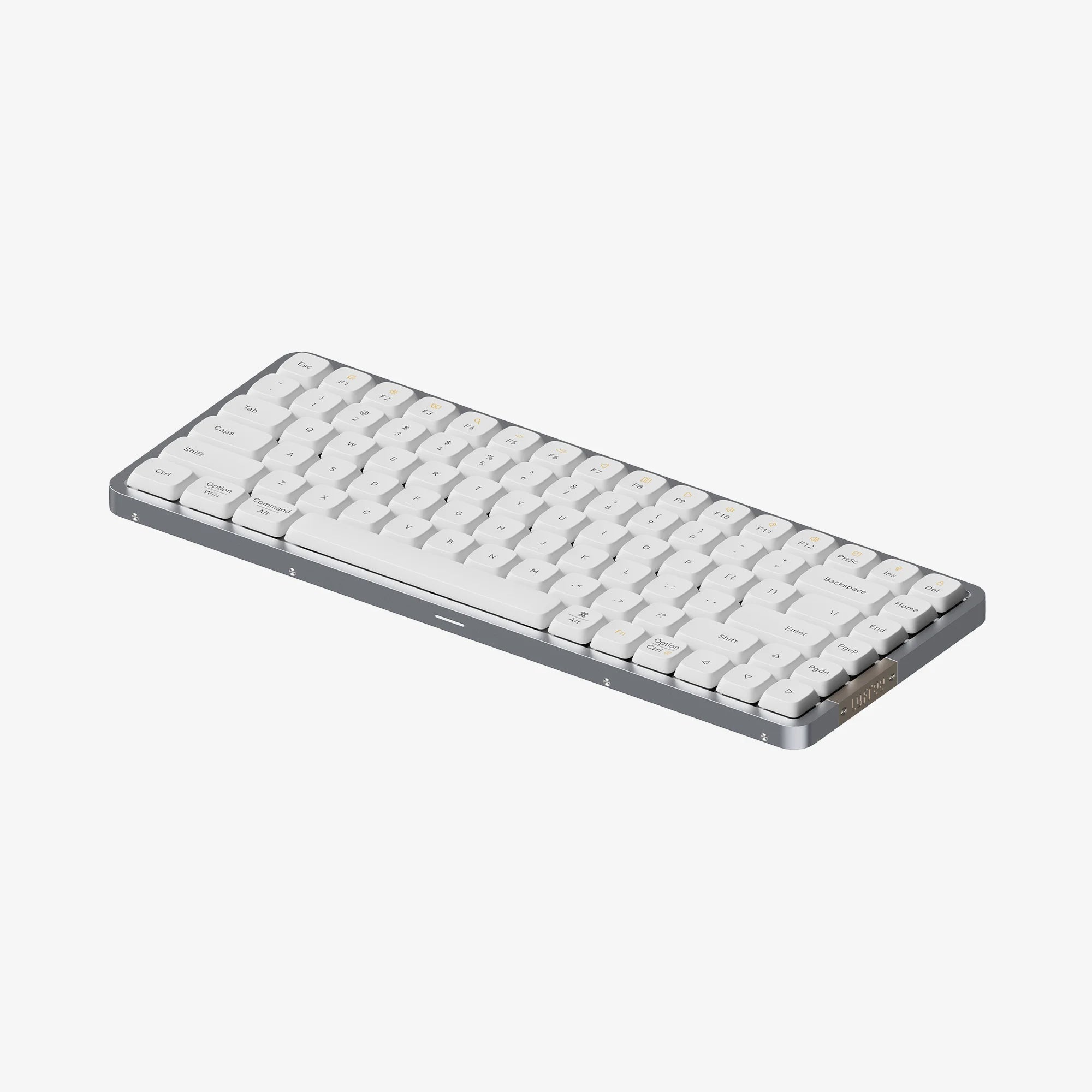
I stumbled across this fun, pricey keeb after a tip from Andrew over at Clicksnclacks. I'm mostly into keyboards for how they look and sound; I don't understand most of the nuances of different configurations, switches, etc., so I tend to drift to pre-built boards like this. This one in particular has fun retro video game vibes to it and an awesome LCD screen for displaying information and even playing mini games. I'm going to be filing this one away for a future Christmas list.

🖊️

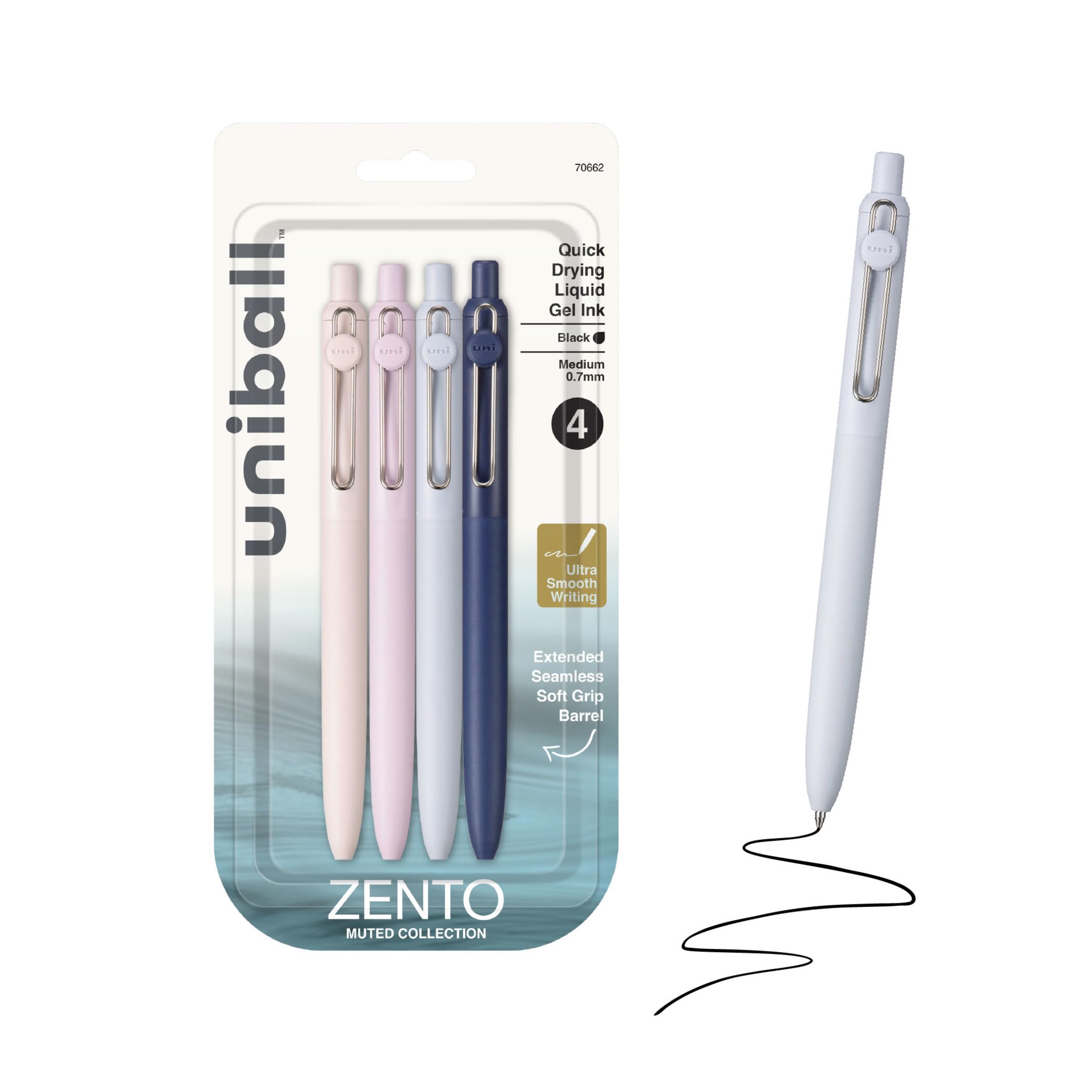
Being a pen nerd and space nerd means I really had no choice but to grab one of these limited edition Fisher Astronaut Pens made to commemorate the upcoming (sadly delayed) Artemis II launch. It's made out of blue titanium nitride, giving it a unique sheen. Naturally, like all the astronaut pens carried by NASA astronauts going back to Apollo 7, it features the pressurized Fisher PR4 cartridge that lets you write underwater, upside down, or in zero gravity.

Current RSS Reader

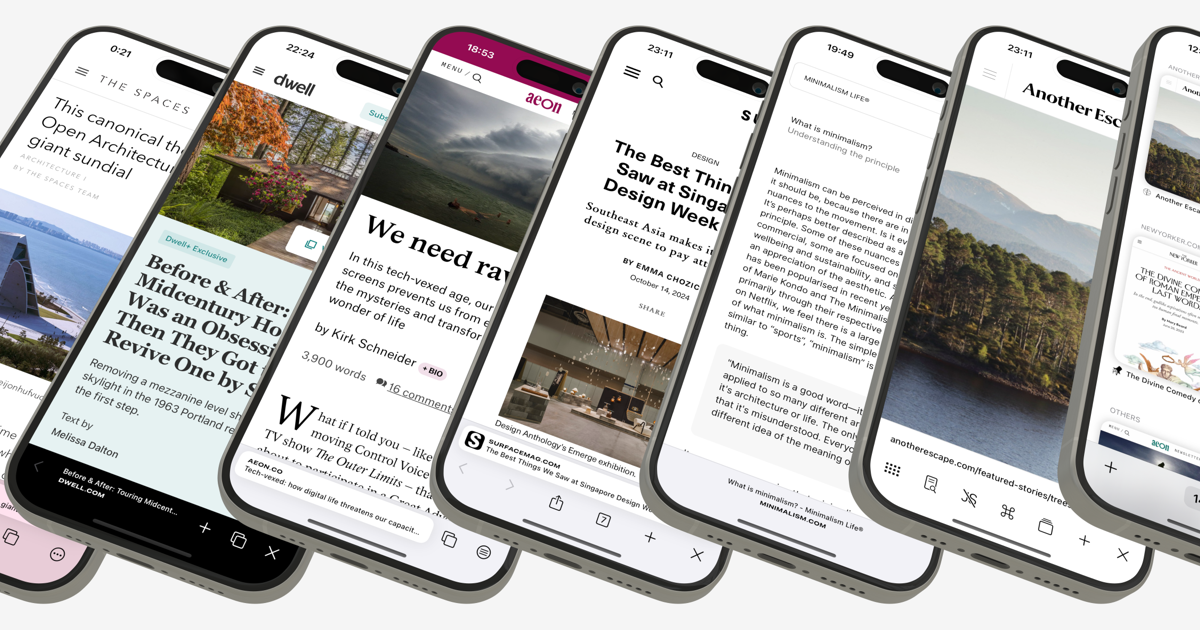
This peaceful RSS reader has been making the rounds the last week or two since it launched, and I've got it high on my list to try out. In short, rather than filling an inbox with articles from your feeds that you have to work your way through, Current acts more like a river, where things pass through your inbox over time. You can give different feeds different amounts of time they stay in your inbox before they're erased and float away— so in-depth blog posts from your favorite author stick around longer than perhaps breaking news might. The developer, Terry Godier, wrote an epic essay explaining the rationale behind the app.

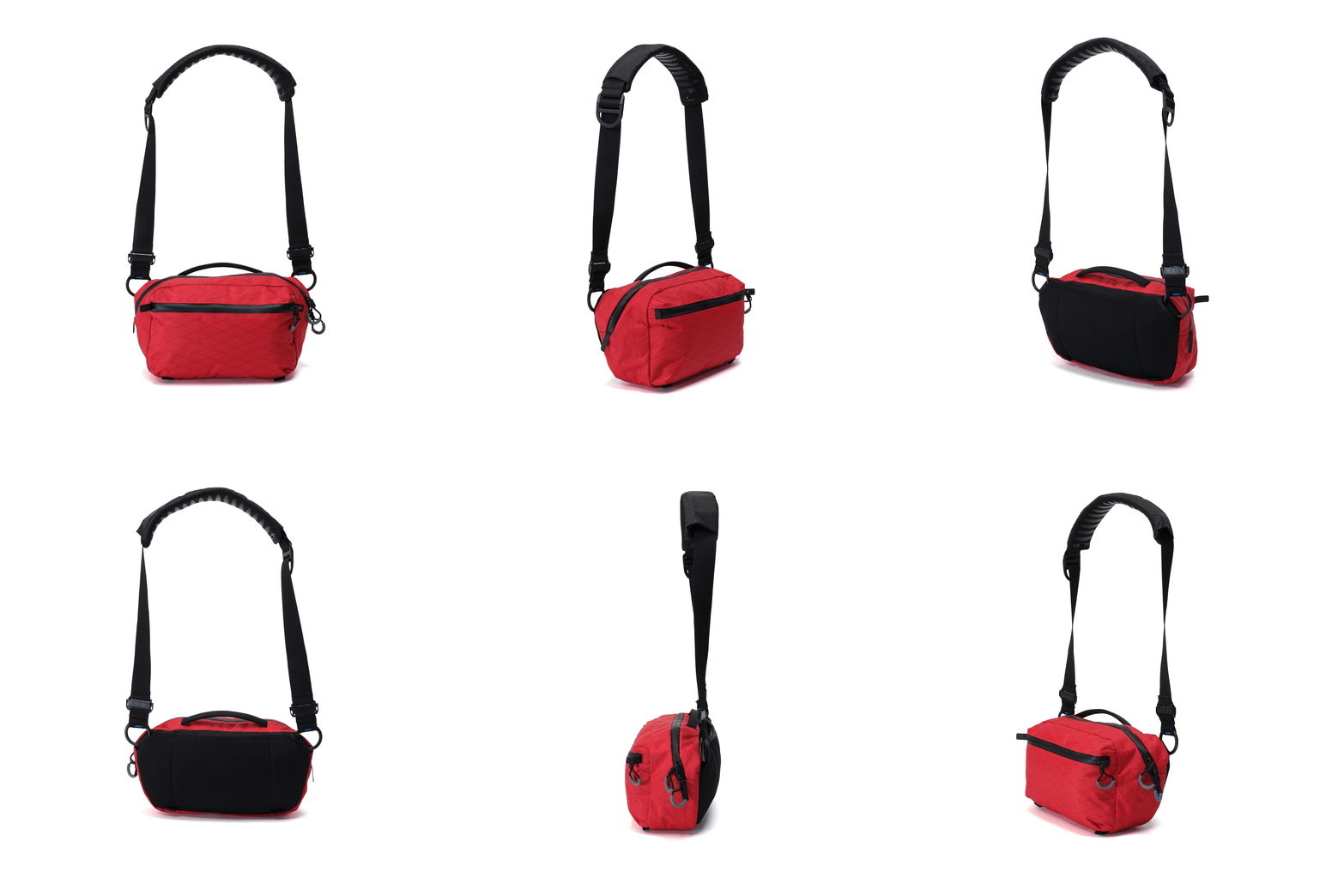
Gura Gear Kiboko City Sling 6L

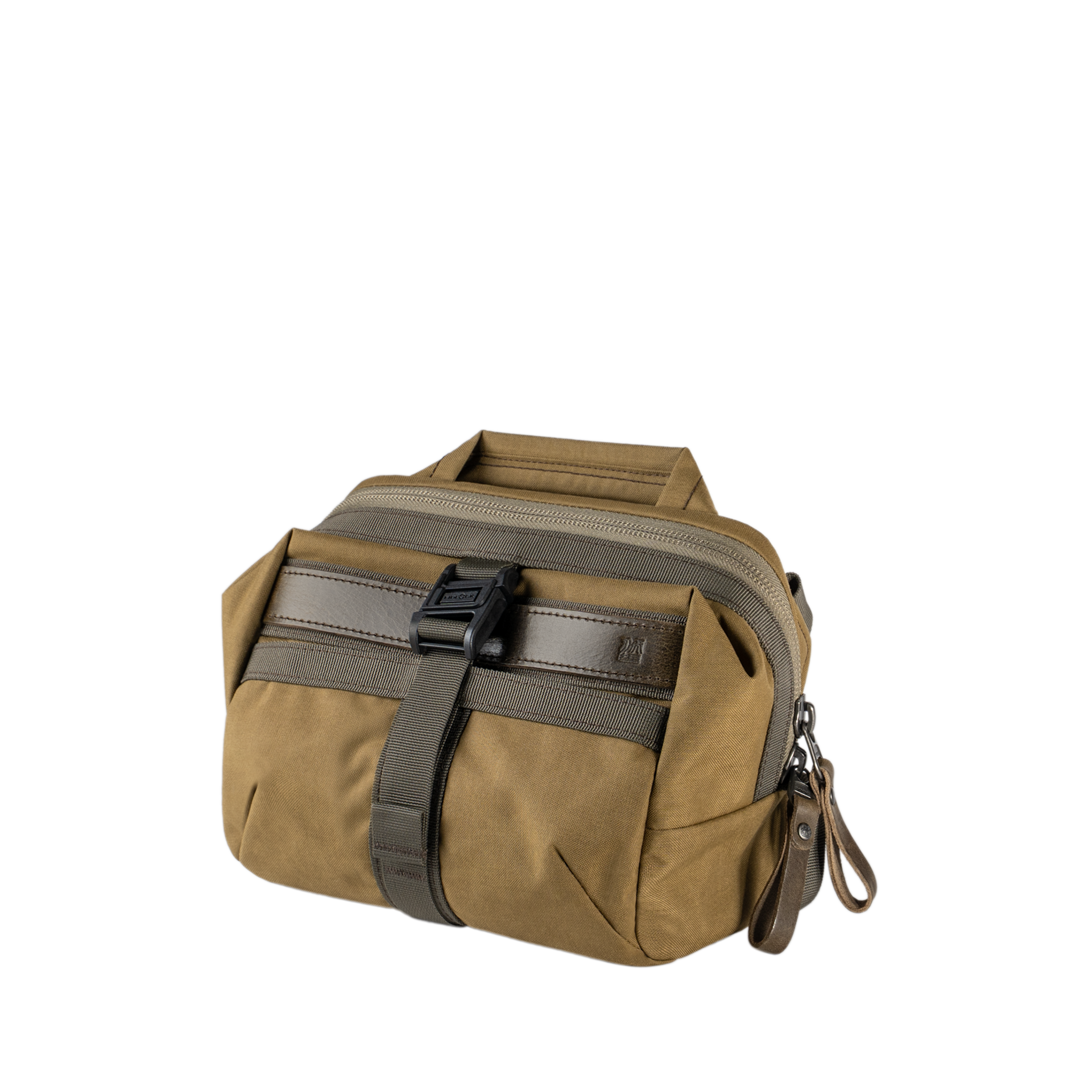
I'd never heard of this brand before, but I got this bag this week to carry around my camera and some spare gear for daily outings and have been super impressed with it. It's got a super light, abrasion- and weather-resistant X-Pac fabric exterior, a removable padded camera insert, tons of interior and exterior pockets with built-in organization for things like pens, AirPods, memory cards, wallets, and more. It also has a hidden RFID-blocking passport pocket. The shoulder sling also features a really unique dynamic leveling system so that the bag stays level as you move about, making it easier to safely get precious gear in and out of the bag.

Kobo Libra Colour

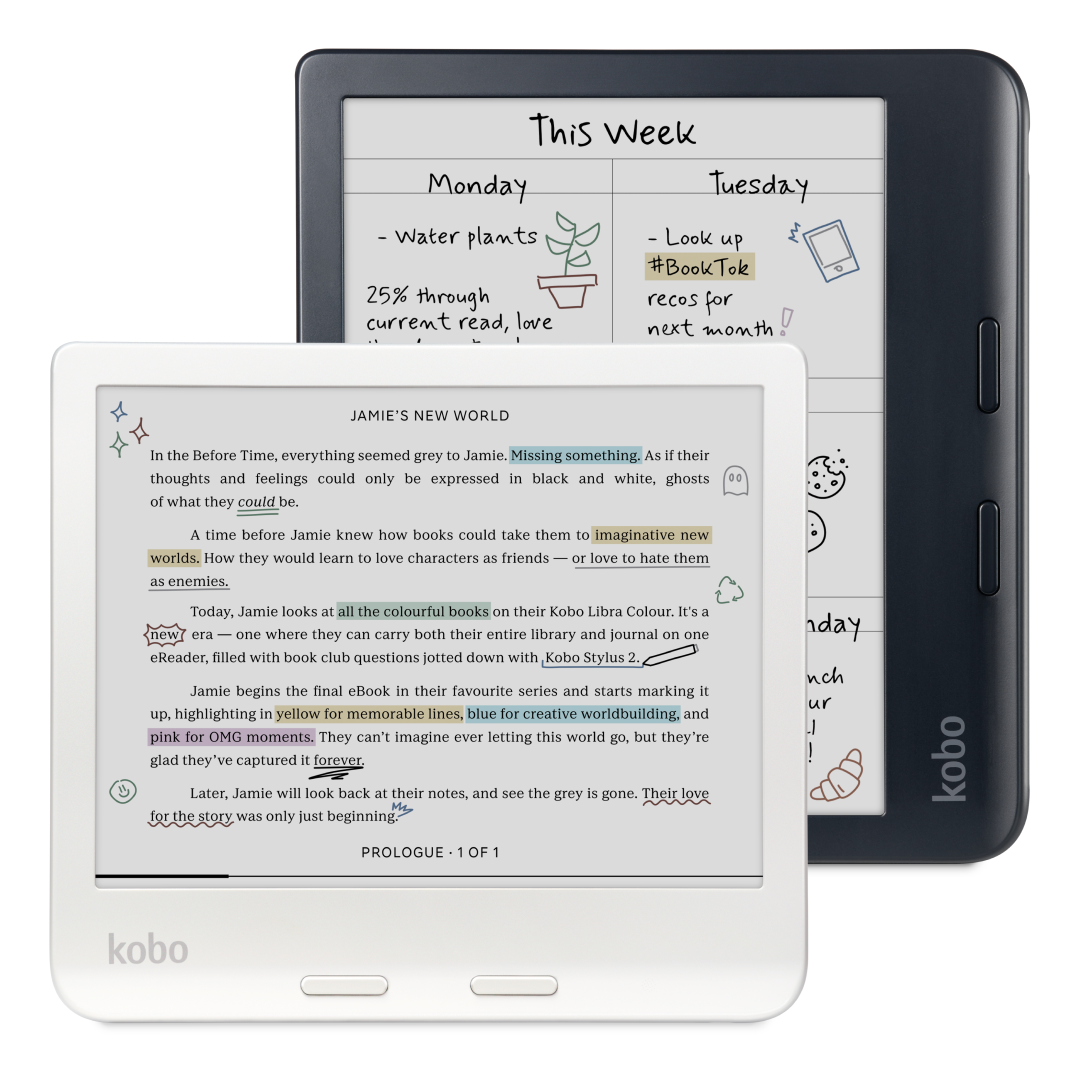
I've been wanting to switch from Amazon to Kobo for a while and finally pulled the trigger this week. I had been holding off because I was worried they'd be dropping some amazing new upgrade this year, but after doing some research, any upgrade they may release this year will likely be a minor refresh. This thing is great fun, super sharp display, love having physical page turn buttons, and while the color display is by no means the most vivid in the world, it is nice to have.

Mimoto Message Analysis

This is a really clever privacy-first tool for analyzing your iMessage chat history. It uses on-device AI to give you insights on your communication style, the individuals you talk with the most, the state of various relationships, along with things like which emojis you use the most. It seems almost like a Spotify Wrapped but for your own iMessages, with all processing done locally and nothing sent to the cloud. I haven't gotten to run it yet. I'm not sure if I want to know (and am also wary of trusting any third-party software with my message history), but I like seeing developers leveraging local AI more for fun things like this.

Acme Weather for iOS

The folks who brought us Dark Sky (which was subsequently bought and disbanded by Apple) are back with a new weather app, and I'm pretty stoked about it. Instead of giving you one forecast that might be wrong, Acme shows alternate predictions so you can see the range of possible outcomes and how reliable the forecast actually is — which is kinda genius. It's also got community reports where people nearby can share what they're actually seeing, custom notifications for whatever conditions you care about (windy days, high UV, etc.), and beautiful real-time radar maps. Too soon to say if it will replace Carrot, my longtime favorite weather app, but I'm enjoying trying it out.

Birdie Air Monitor

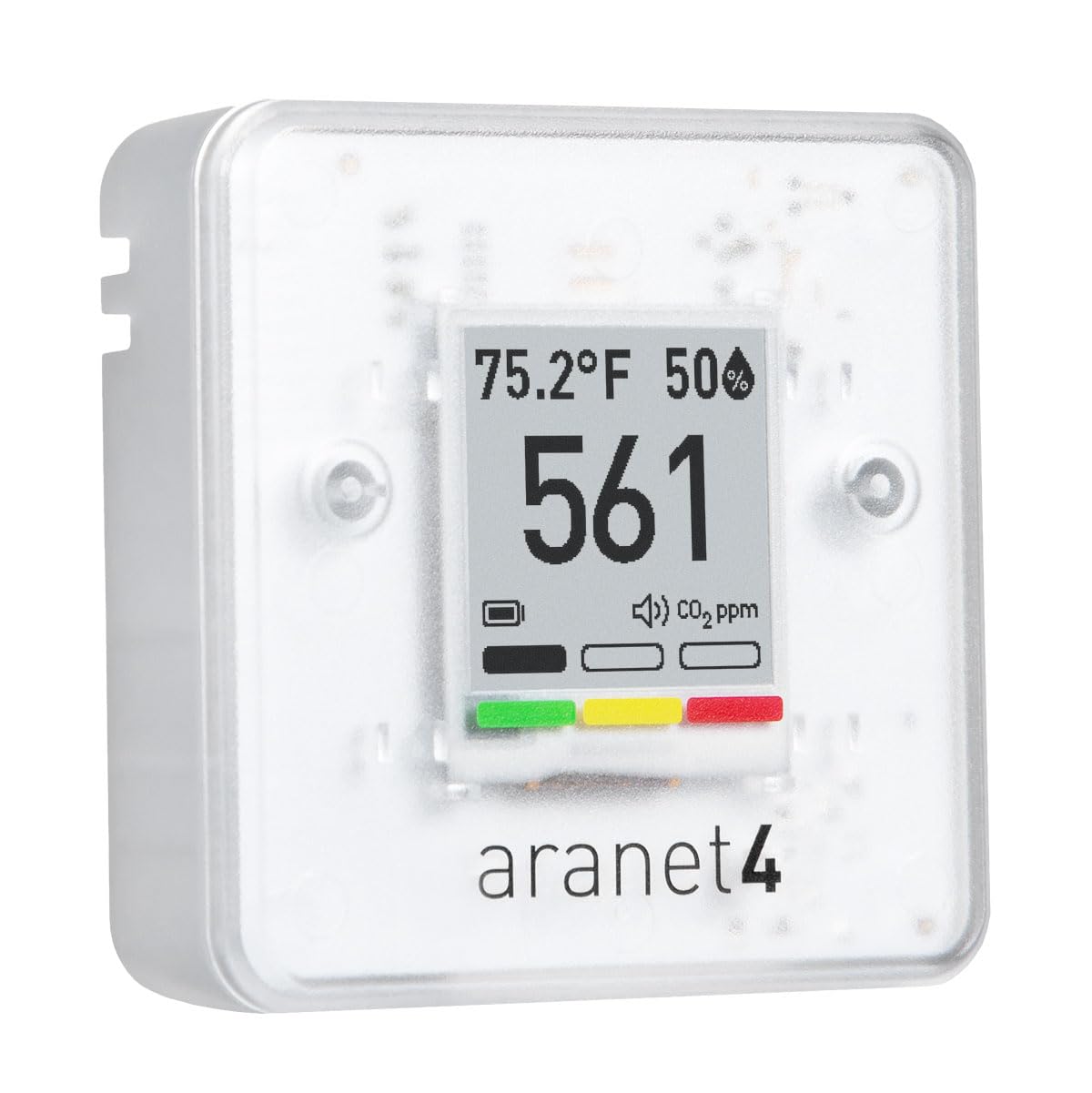
Over the last couple of years, I've become sort of obsessed with air quality and have bought several air quality monitors for our house and backyard. While it's nice to know the very specific metrics, I honestly don't use them much more than "high number bad, low number good." This really cute and beautifully designed air quality monitor does the same simplification for you. When the birdie is standing upright, your air is good. When the birdie falls down, the air is bad and it's time to open a window. I'm putting this on my shopping list.

Dockside Shelf for macOS

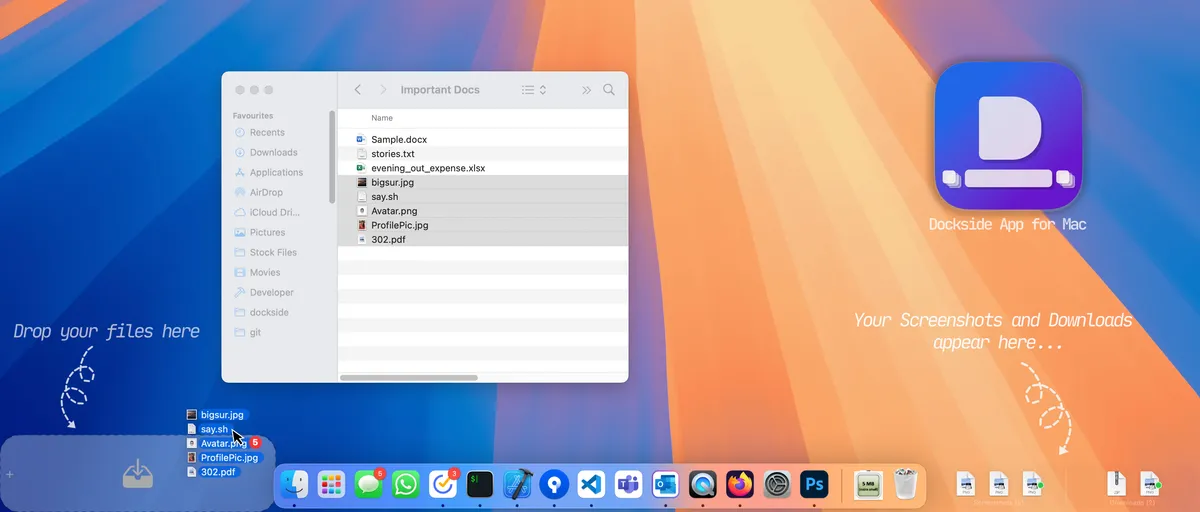
Dockside puts a handy little shelf on the bottom of your screen that you can temporarily place files on while you work. For example, if you've ever grabbed a file with your mouse to move somewhere else and then realized that you have to go find the right folder, you can just set the file on the Dockside shelf while you go open the right destination folder and then drag it in. It also lets you run actions on files in the shelf and preview them in place. I've been using Yoink for a similar function for years, but this looks like a nice alternative, and not bad at just a $5.99 one-time payment, no subscriptions.

Epilogue Game Boy Operator

This cool little device lets you plug any Game Boy or Game Boy Advance cartridge into your computer— immediately enabling you to play the game on your laptop on a giant screen, but also letting you do other fun things like back up your saves on old, fragile cartridges. More innovative things like using your old Game Boy camera as your webcam. It's a great concept, and I'm a sucker for transparent electronic design like this. Not bad at $49— certainly cheaper than trying to restore an old Game Boy or grabbing an Analogue Pocket.

📼

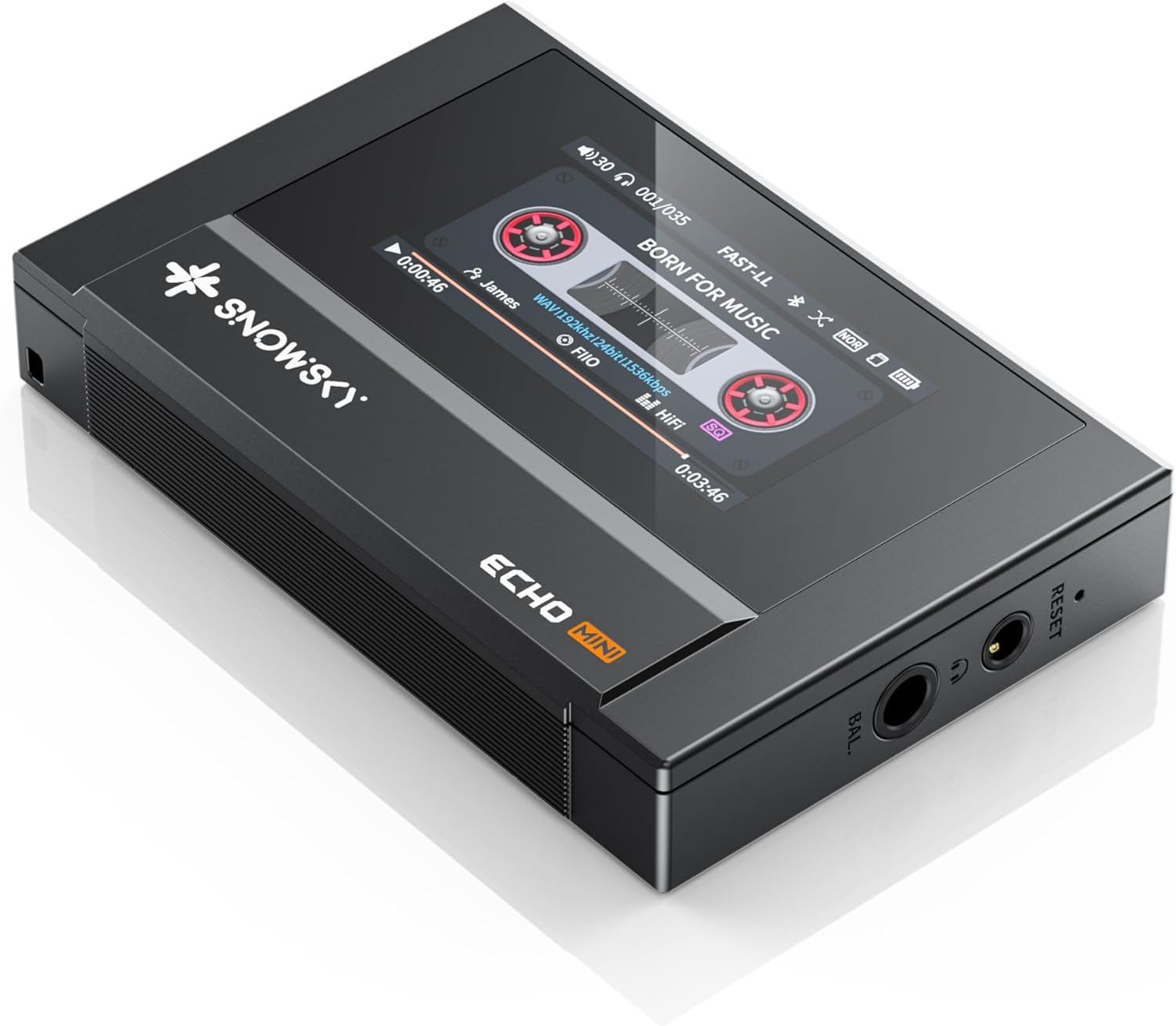
Thanks to Michael for the tip on this one. The SnowSky Mini is a pocketable, digital audio player (DAP) that mimics an old cassette player in its styling, while still offering high-quality audio while playing MP3, FLAC, OGG, M4A, WAV, DSD, and other format music files. It has Bluetooth 5.3 support as well as both 3.5mm and 4.4mm headphone outputs. I've been considering getting into the standalone DAP life; this may be a good entry point. I need to find some good in-ear monitors though — anyone have good starter recommendations?

📰

Analog Reader is kinda genius— it aggregates all your most favorite newsletter sources (ahem) into a beautiful, printable newspaper that you can physically print and read or load onto an e-reader device for a beautifully formatted, distraction-free reading experience. They've even got a roadmap to eventually offer printing and mailing services, so you can get your custom newspaper in the mail each week.

🧳

This is a really clever roller bag setup that features built-in vacuum bags for compressing your effects down to the smallest possible volume. Apart from its core gimmick, it's also got a bunch of premium/fancy features like a built-in battery and wheel locks.

Dot for MacOS

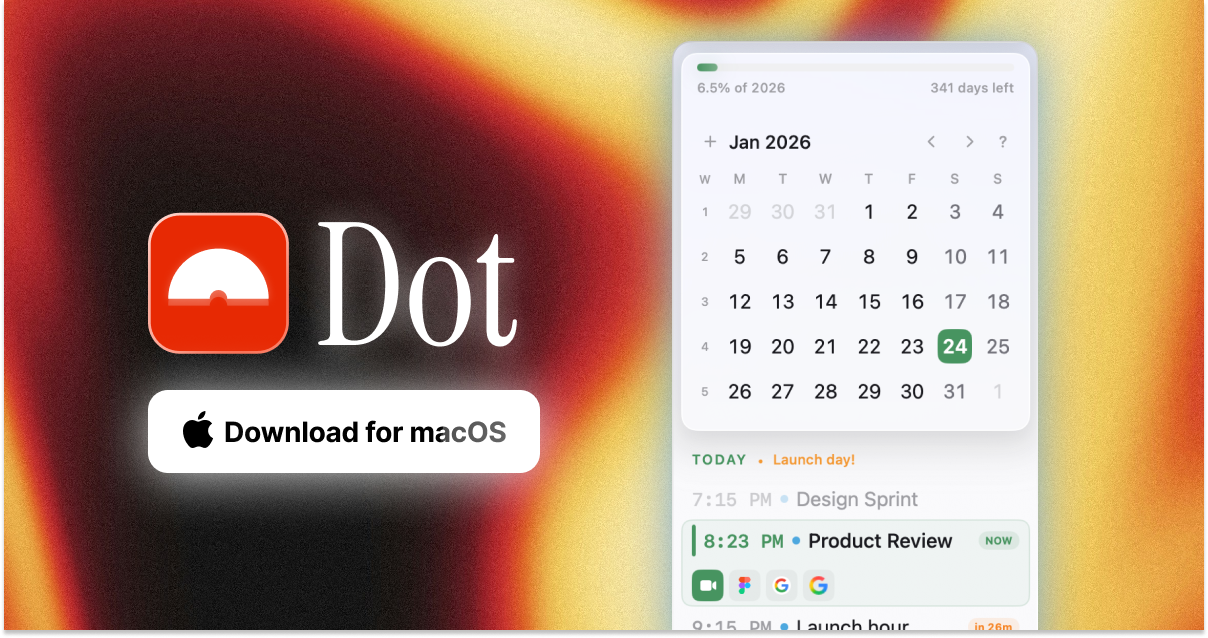
I've been growing increasingly dissatisfied with Fantastical, and have finally found the perfect replacement in Dot, a newly launched indie calendar app. It lives in the menu bar, has great natural language processing (i.e. it will turn "Call with Bobby on Friday at 2pm" into a calendar event), and is highly customizable to look and act in a way that's most useful for you. I will say it is not a full calendar replacement (like Fantastical is); you will still need to set up your calendar accounts via the native Mac calendar app, but this is a really great way to get things done in the calendar.

FilmMeter for iOS

FilmMeter is an all-in-one film photographer's companion app. For film lovers, it lets you track what film stocks you're using in which cameras, when you loaded them, what shots you've taken on the roll, and more. For everyone else, the app also offers real-time light metering, LiDAR distance measurement, flash calculation, and focal length previews with different camera and lens presets. It's got me inspired to send my old film camera rig in for a CLA in time for some summer shooting.

⌨️

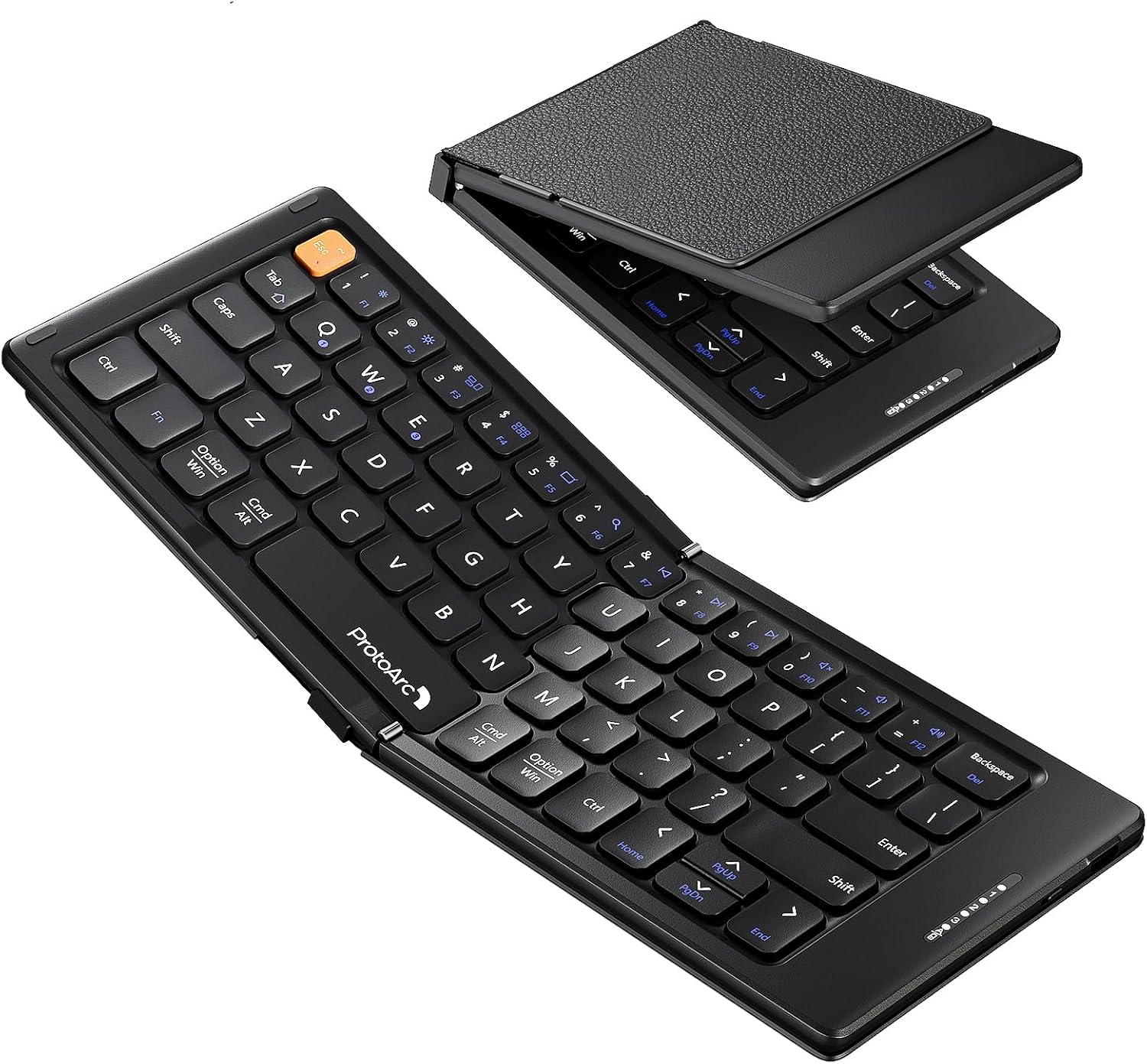
My iPad Mini was stolen by a serial thief in our neighborhood (my daughter), and I've been thinking I'd get another one whenever they come out with a refresh. This is probably the keyboard I'll grab to go with it. It folds up super tiny to just 5.7" x 4" (14.5cm x 10cm), but connects to up to 3 devices via Bluetooth and supports iOS, iPadOS, and Android, and seemingly has pretty decently clicky scissor switches. Not bad for ~$25-$30.

Aulumu 360º MagSafe Stand

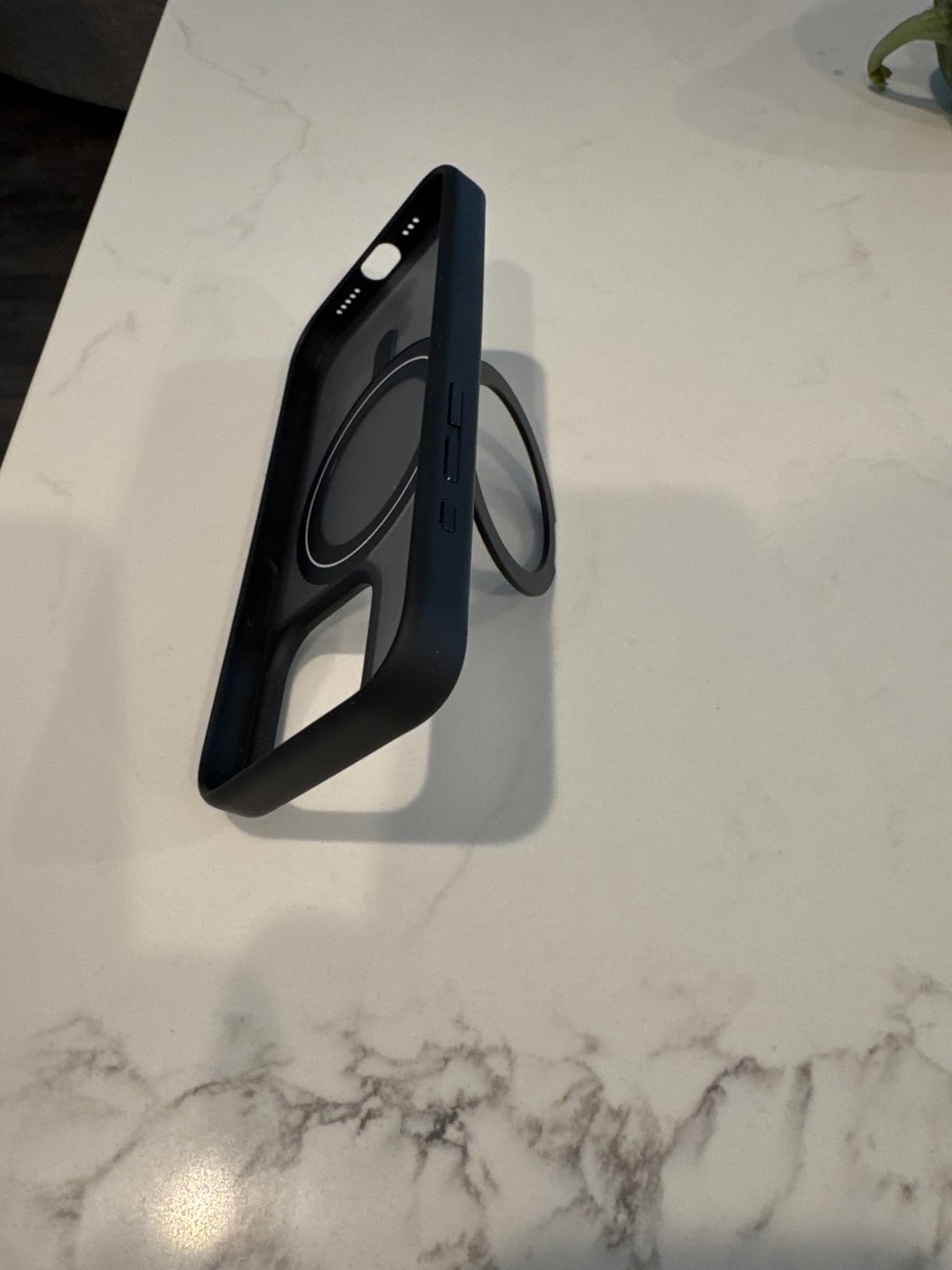
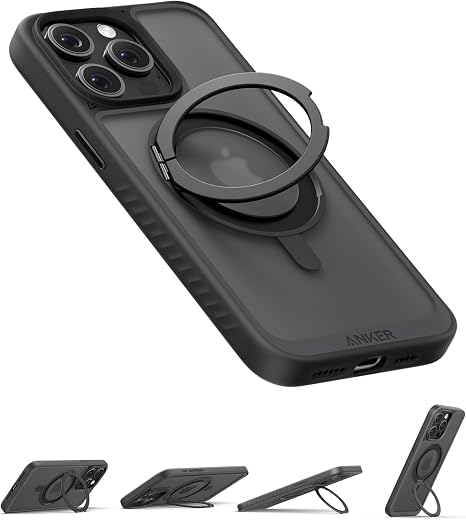
I have another MagSafe stand for my iPhone from Aulumu that I really like, but this new one is interesting enough that I may switch— it is a swiveling, 360º rotatable MagSafe stand that attaches to the back of your phone that is unique in that it has magnets on both sides so you can mount your iPhone to any ferrous surface and then pivot the stand to get any viewing (or filming) angle you want/need. Like my other stand from them, it's got a kind of cool cyberpunk aesthetic to it, but unlike my other stand, no hidden box cutter or protractor in this one.

🖋️

All of my fountain pens are pretty thick bois, so I grabbed this slim Muji fountain pen to try out this week, and I'm really loving it. It's super light, feels sturdy, and has great knurling on the grip. My only complaint is the Fine nib on it doesn't lay down as much ink as other nibs I'm used to, so ink colors come out lighter than I'm used to. That said, it's a really nice pen at a pretty reasonable price (~$29 on Amazon as of this publishing).

Oasis Lights

Thanks to my homie Bobby for sharing these great-looking smart home lights. If you're wanting to branch out of the Hue ecosystem, these simple accent lights and smart bulbs offer some pleasing-looking light, changing color temperatures over the course of the day, and control via Alexa and Google, with more smart home integrations apparently forthcoming.

Puck Yeah Espresso Tracker App

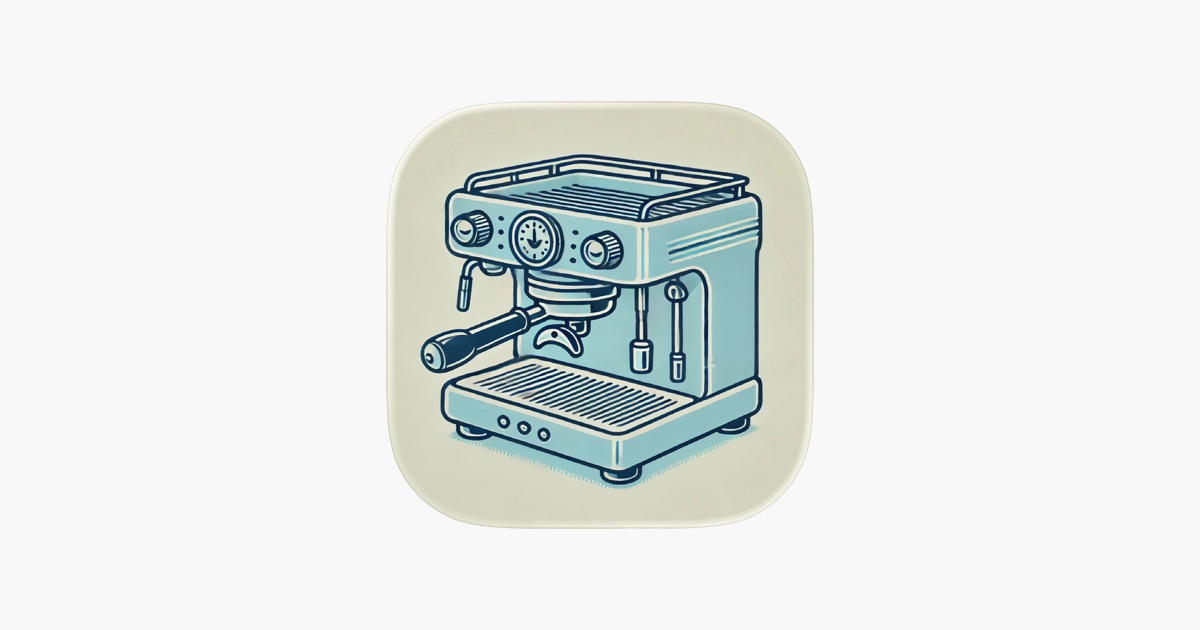
I'm a data / tracking nerd, and this app is exactly what I've been looking for. It lets you track all the parameters of the espressos you brew (dose, grind, time, temperature, yield, etc.) and then helps you dial it in as you give notes on the flavor profile, etc. You also can rate/log your shots and beans, track your caffeine intake, and more. It's really thoughtfully done with a clean, accessible UI.

Retrocade

OK, this one is cool at one level and SUPER cool at another level. On the iPhone or iPad, Retrocade is a formidable emulator of a number of classic arcade games like Asteroids, Galaga, Centipede, and more. Each game has its own custom frame and controls honoring the original arcade look. It's neat! HOWEVER, if you happen to have access to an Apple Vision Pro, Retrocade will drop you into a fully immersive 1980s arcade, where you can walk up to any of the full arcade cabinets for each of the games and play them just as you would in real life. Check out this YouTube short for a preview of what it's like.

Lost Post

This is a surprisingly heartfelt and delightful app. The premise is simple: Every day you get a prompt with a thoughtful question to answer. Once you've answered it, you will receive someone else's answer to the question from the day before. It's totally anonymous apart from getting to see what country the respondent is from, and they can choose whether or not to share their age and gender info. It's just a sweet way to learn more about other people and cultures, in a lovely app design.

Pagebound

If you like geeking out on books, you should really be checking out Pagebound. It's a woman-run, independent alternative to Goodreads that has lots of great discoverability features, plus a clever review and discussion format for chatting with other folks who are currently reading the same books as you. If you join, let's be friends.

WotanCraft Mini Rider Sling Bag

I'll admit, I have a bag problem. This one is my new obsession. A compact (and expandable) sling bag perfect for carrying a small mirrorless camera and a few other everyday carry things. This Taiwanese company makes a bunch of beautiful leather and canvas bags for travel, biking, etc., and although I don't bike, I like that this bag has the extra around-the-waist strap available to keep the sling in place while hiking/running.

Yamamoto Bullet Journal

I have recently been getting back into fountain pens, and my good buddy sent me this as an added temptation this week— This is a beautiful, simple Bible-sized journal/folio that opens to hold two reporter-style slim notepads for note taking, drawing, journaling, etc.

AYN Thor Dual Screen Retro Handheld

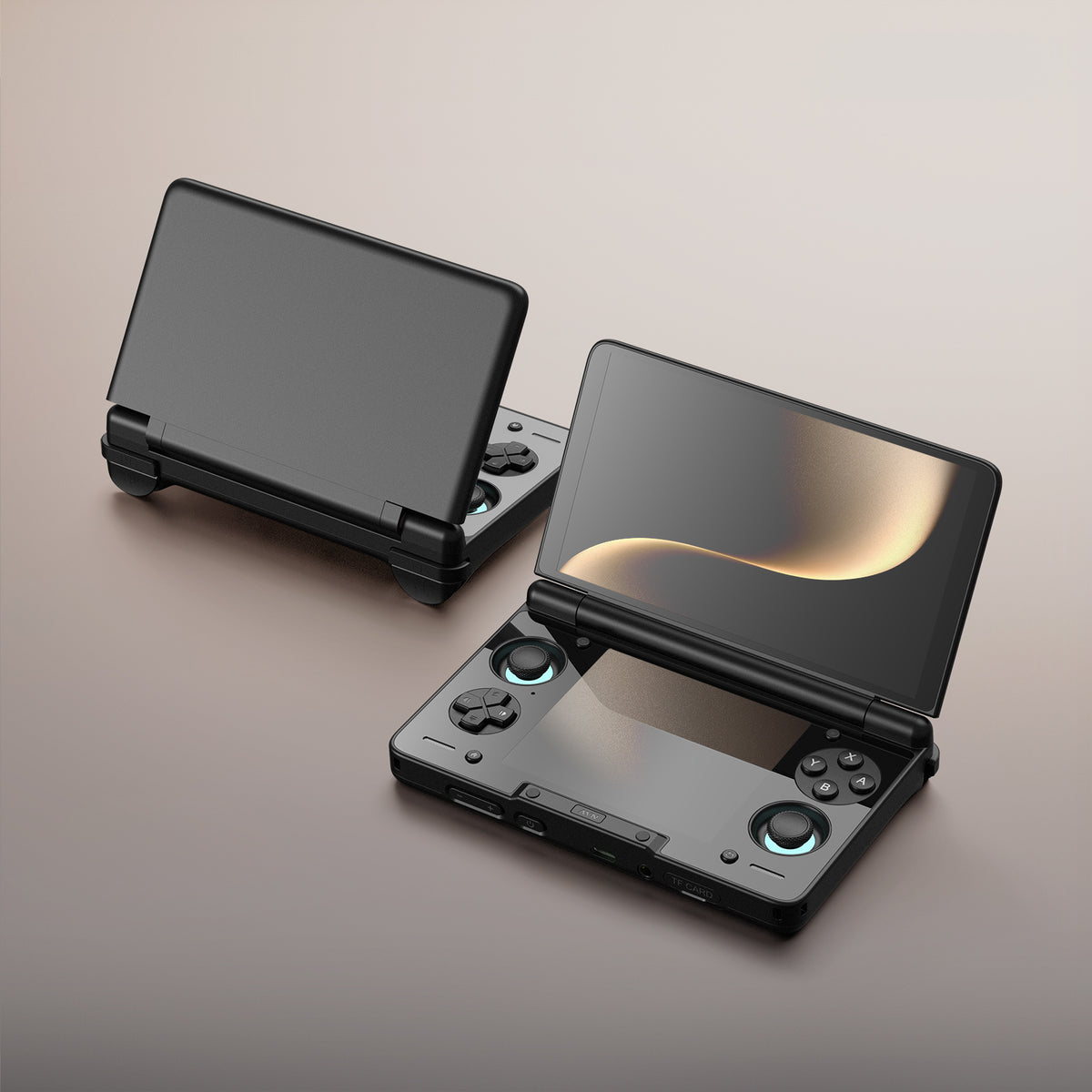
This is the new hotness in retro gaming handhelds—AYN has a great reputation for making overpowered retro handhelds capable of playing games from all the iconic gaming systems. Now their latest has a dual-screen setup for emulating Nintendo DS and Nintendo 3DS games as they are intended. I've also seen folks playing non-dual-screen games where the main game is on the larger top screen and then a game guide website is open on the bottom screen to help them through challenging parts. Looks like a blast.

🔋

I'll admit that this is probably too late for this current winter storm, but I highly recommend picking one of these up or something like it for the inevitable next one. I have an older version of this unit that gives us a lot of peace of mind when looking down the barrel of possible power outages, like we experienced here in Texas back in 2021. This unit can power your home devices and a Wi-Fi router for a very long time or could keep a fridge or small space heater running for a few hours in a pinch. The best part is being able to hook this up to a collapsible solar array that you can pop up in your backyard to recharge it if needed.

Fitera

I'm trying out this new workout tracker that launched this week from Trevor, who has been building the app in public over on Threads. It's got a really clean, modern UI for tracking your weights, reps, and sets, as well as any PRs you set along the way. It's free with several popular workout routines built in, or you can pay to unlock the ability to program your own custom routines. It's actively being developed with Apple Health integration coming in the next update.

Slidecatch Titanium EDC Tool

Speaking of watches, I'm really digging the look of this sweet, pocketable EDC tool that has a smooth sliding mechanism for extending or retracting various included tool bits—it has your standard flathead and Phillips screwdrivers but also includes a watch fork tip and watch push pin for changing out the watch straps/bands on your watches. It's beautiful, fidgety, AND handy.

Alpaka Switch 2 Sling

I own a couple of products from Alpaka and I have enjoyed them all. They tend to have really nice tech materials and thoughtful design, so I'm pretty stoked about this new gaming sling that they've made. You can remove the straps and use it as just a carrying case for your Nintendo Switch 2 or Steam Deck, but it can also fit an X100V, your keys, your passport, your phone and wallet if you wanted to have it as a shoulder bag for going through the airport. Looks great.

🤖

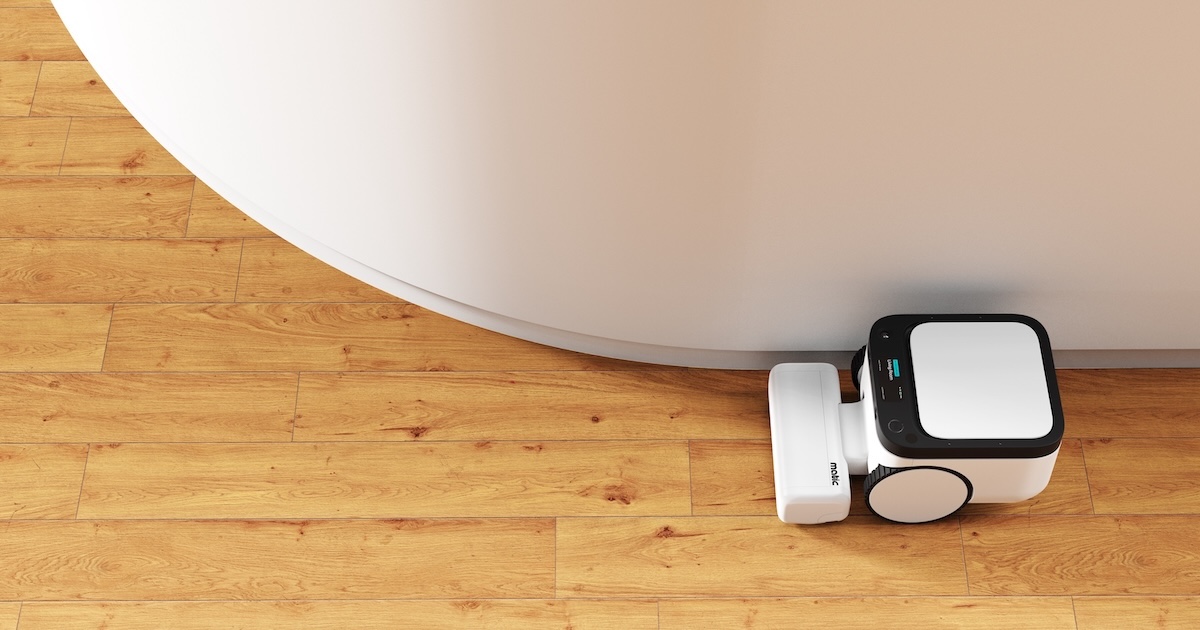
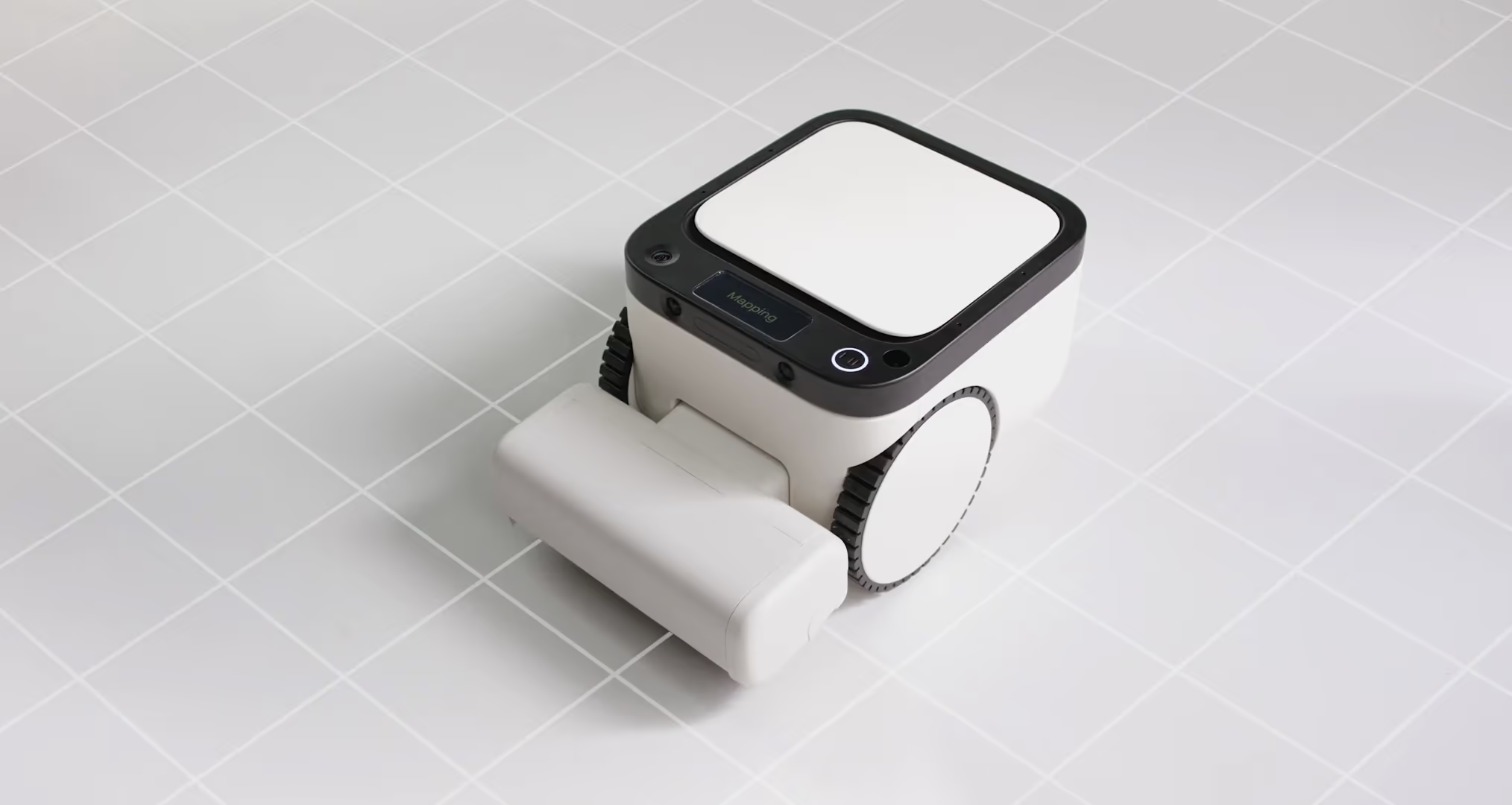
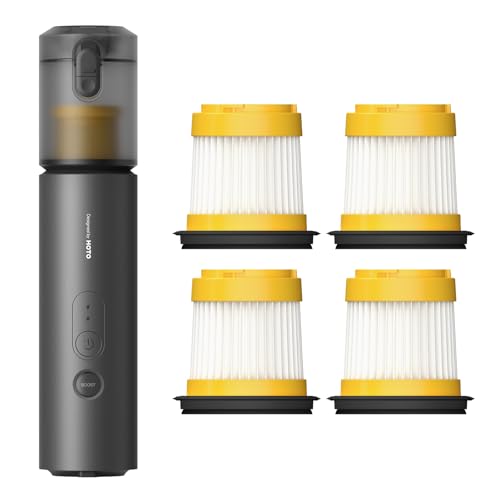
We got one of these at Christmas, and I've been totally enamored with it. Apart from looking cute and almost having a personality of its own, it is the best robotic vacuum that I have seen. It easily handles all the obstacles and traps that you might expect to find in a home with two young children, including shoes and toys littered everywhere. Highly recommend it if you are thinking about moving away from the Roomba ecosystem like we have. FWIW, using my link should get you 6-12 months' supply of HEPA bags for free if you want to grab one.

📠

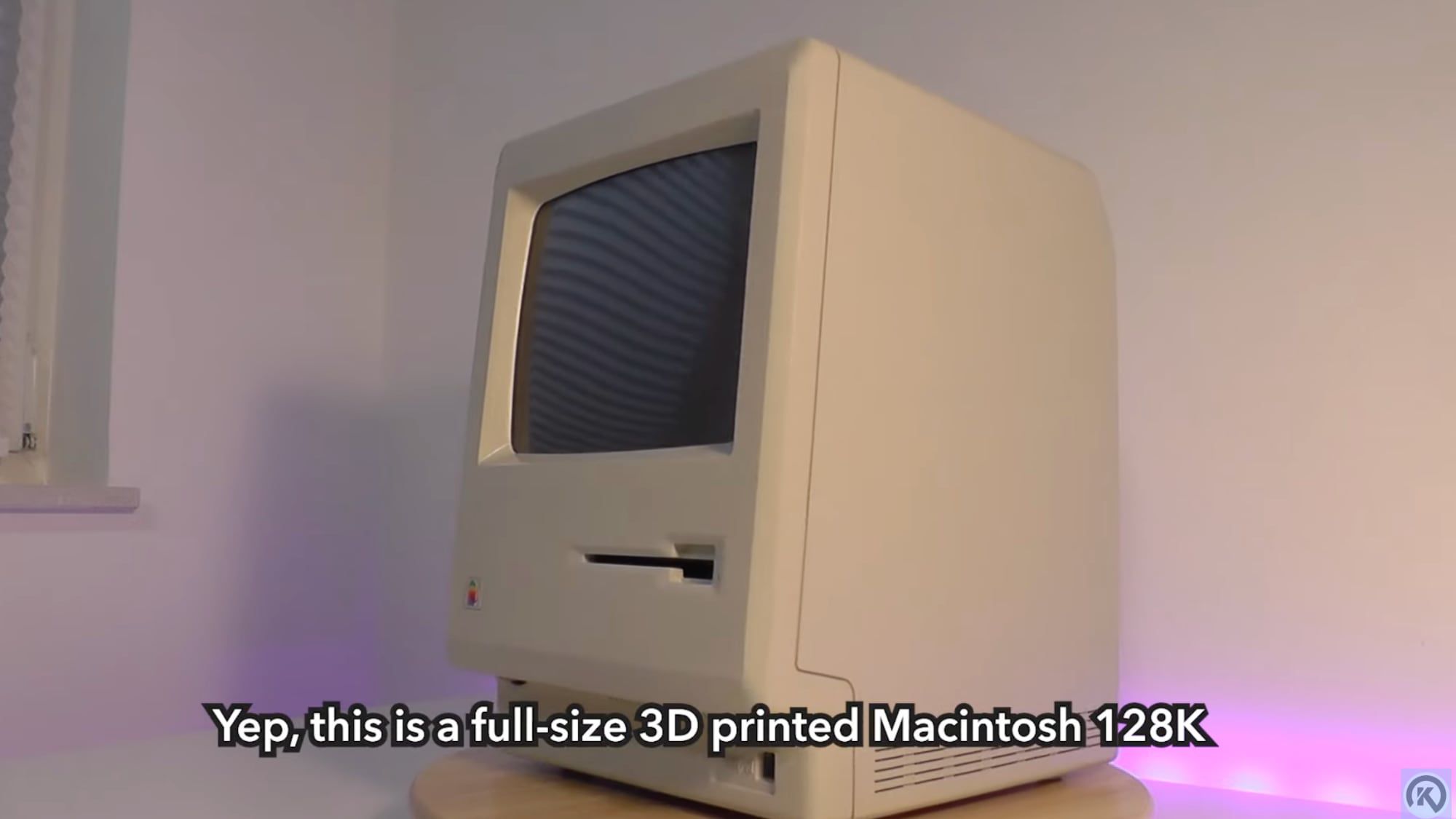
The evil geniuses at Spigen are back with another retro Mac-inspired iPhone case that really hits all the notes of the early 1980s. It's beige and boxy, but from what I hear, it's still very slim and offers great protection. I would say that this is for those of us who are not as committed as the folks who pick up this epic 3D-printed OG Mac iPhone case off Etsy.

Untired for iOS

This indie-made focus app takes the fun approach of being themed around a tavern straight out of Dungeons and Dragons. It helps you block apps on your phone that sap your attention and energy, and the more you stay out of those apps, the more points you gain to be able to level up your tavern and attract unique travelers and visitors to your tavern. It's a neat concept executed in a fun retro JRPG art style. Well worth it if you're wanting to experiment with limiting your access to social media, etc., on your phone. (Thanks for the tip, Jay!)

All of my earliest watches were Casios, so they've got a special place in my heart. This new moonphase from them has this great 80's analog techno vibe to it that I'm really digging, plus I'm a sucker for a moon phase.

Copilot: Budget Tracking for iOS

As is tradition, every January I like to revisit our budget and figure out where the heck all our money went after we get through the Christmas season. My favorite app for this is far and away Copilot (not to be confused with the Microsoft AI). Copilot makes a secure connection via Plaid to all of your financial institutions and credit cards and then uses its own smarts to categorize your spending. You can tweak the categories, or make your own, and then build budgets for how much you want to spend in each bucket each month, easily getting alerts when you're getting close to your spending cap, etc. It looks great, works great, and has killer customer service. I'm a fan.

Fuji Instax Mini EVO Cinema

Fujifilm announced a cool new addition to their Instax line of instant cameras this week. This new one looks more like an old 8mm film camera than the usual Polaroid-like format of the others in the line. This one is unique in that beyond shooting and printing stills, it also takes 15 second video clips, and it has a built-in dial to choose from different "eras" of film looks from the 1930's up to 2020's. It launches in Japan later this month.

OhSnap MCON Gaming Controller

This is a ridiculously slick full featured gaming controller that attaches to the back of your iPhone via MagSafe and can easily be folded away so it is completely invisible from the front of your phone in between gaming sessions. It features anti-drift joysticks, Hall Effect analog triggers, and can pair to up to 3 Bluetooth devices for quick switching. Ships late January.

TwelveSouth Valet Tray

This is a super simple concept, but like all TwelveSouth products, it looks quite premium and well built. This minimalist valet tray offers you a sleek place to drop your keys / wallet / phone / sunglasses / etc., but with the added benefit of a built-in wireless Qi2 charger for your iPhone or AirPods. It also has a discreet USB-C port for simultaneously charging a pair of smart glasses or an iPad overnight.

HabitKit for iOS

I put out a call earlier this week for recommendations for habit trackers to play with for the new year. After downloading half a dozen or so, this is the one I'm sticking with for the next few weeks/months. In short, apps like this help you keep track of whether or not you've completed some habit you're trying to build, or if you've successfully avoided some unproductive habit you're trying to quit. You simply mark in the app that you've done (or not done) the thing that day, and then it presents you a nice chart of your progress. HabitKit is simple but with a lot of deeper features if you want them, and best of all it looks nice. As nice as it is, there's no way I'm going to be able to stick to my resolution this year.

🔦

Santa picked up a pair of these flashlights for my kids after I stumbled across this quick YouTube short about them a few weeks back. The LoopDot is a super fun, pocketable, fidgetable flashlight with a pixel display that can be customized to show you the remaining battery levels, act as an RGB light source, and even play simple pixel games on. It's super satisfying to handle, and I love that you can switch between flood and spot light modes just by giving it a shake.

🎹

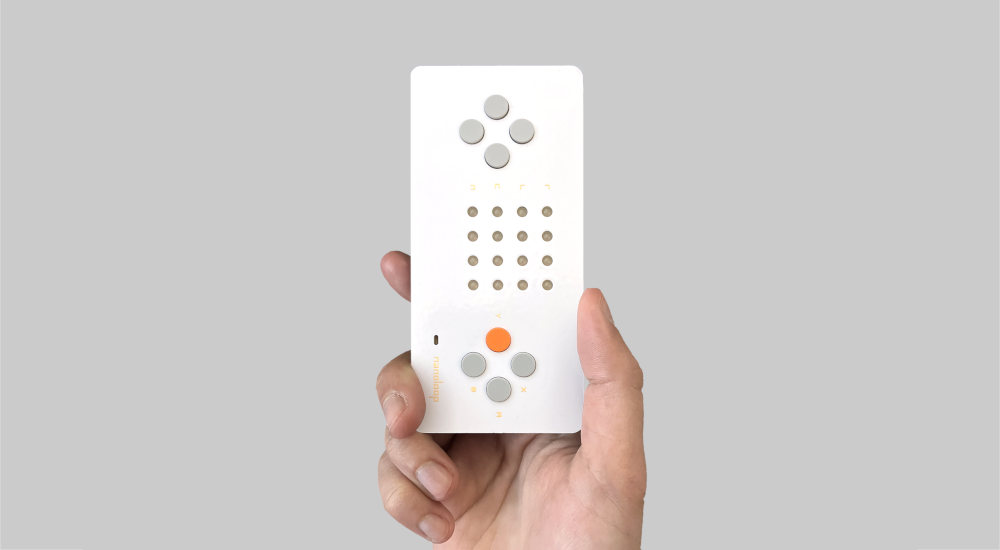
The NanoLoop Q is a tiny pocket groove box that takes the shape of a retro game pad with a 4x4 grid of monochromatic orange LEDs. Those make up a 16-step sequencer. You get up to four channels to use built-in synthesizers to create your own catchy loops and beats. I'm a sucker for any small, good-looking, pocketable devices with buttons and lights on them. Bonus points for it making really fun sounds, being USB-C powered, and having over 30 hours of battery life and multiple years of standby battery life.

Thru: Virtually Hike the PCT for iOS

This fun indie app uses your daily step count to simulate your hiking the gorgeous 2,650-mile-long Pacific Crest Trail. As you walk/run/move throughout your day, your virtual character advances on the trail map, and you unlock cute badges commemorating famous sights you've reached. I love this mashup of health, nature, and tech.

🎧

The best headphones got even better this year. The improvements to active noise cancelling are fantastic, and I find the new ear tips more comfortable for longer wear.

Allett Sport Wallet

A dear friend gifted me one of these wallets last year, and I’ve been absolutely loving it. Very slim, lightweight, gender-neutral designs, great looks, and thoughtful touches like an optional micro-pen slot and built-in RFID-blocking materials. I cannot emphasize enough how thin both the leather and nylon versions are, even more front-pocket-friendly than my usual Bellroy.

Anker 14-Port USB-C Hub

If you don’t need Thunderbolt but have a lot of things you need to power and/or connect to your computer, this thing is fantastic. I particularly enjoy the LED display that shows you how much power your various devices are drawing.

This chunky boi has saved my hide a number of times. It’s about a half-inch thicker than I wish, but it can recharge my iPhone 17 Pro 2–2.5 times. It has a built-in kickstand and a small display to show how long until you’re fully recharged. It goes almost everywhere with me.

I love my analog watches but have been primarily wearing the Ultra 3 since it came out this Fall. I got it in Black and have really been enjoying both the look and the functionality. I still wear my nicer watches quite often, but I keep putting this watch back on. Having Chirp on my watch face is a huge bonus, giving me access to a smart LLM on my wrist at all times.

Bear App

Bear remains my favorite writing and note-taking app. There are a ton of great options out there, but it’s the one that best fits how I like to capture information. I still write the first draft of all my weekly Hiro Reports right here.

ChatGPT

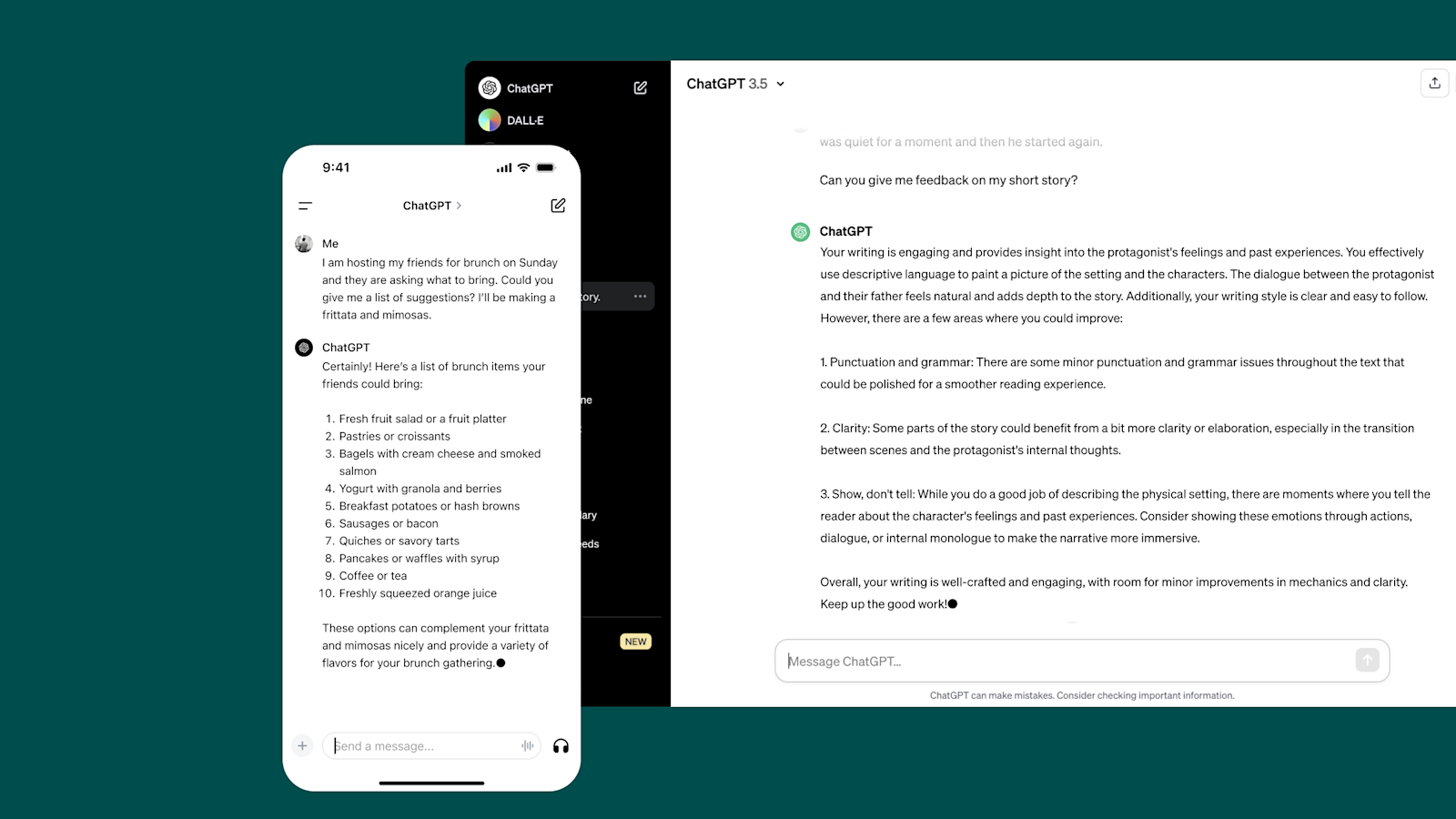
I’ve played off and on with Claude, Perplexity, and others, but ChatGPT is the only AI subscription I’ve maintained all year.

🔅

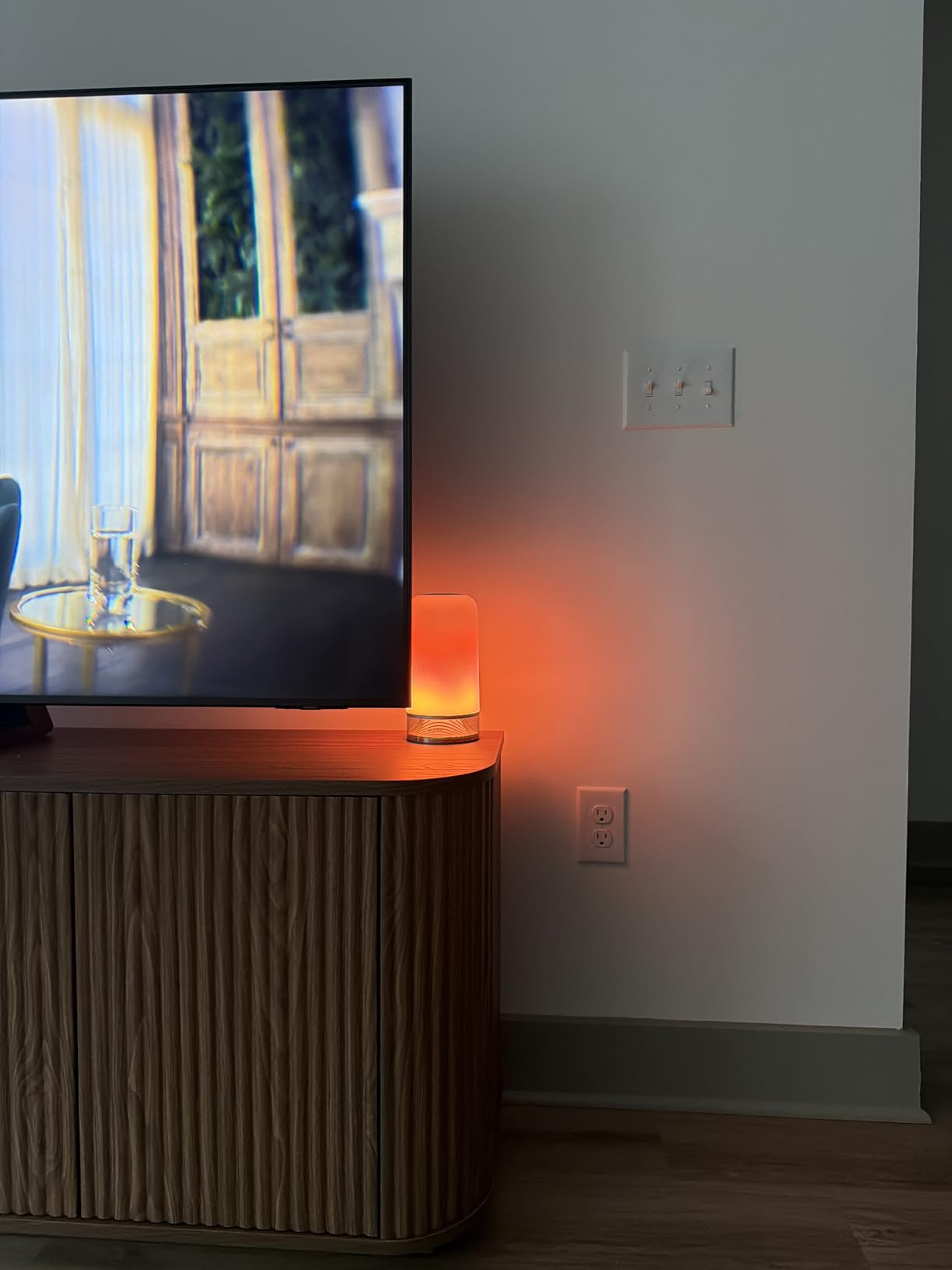
My wife and I each have one of these on our nightstands—they’re good-looking, highly customizable lights that I automate via Apple’s HomeKit to turn on at bedtime to just the right tone of warm light. I’ve tried 3 or 4 lamps like this and these are by far the best.

Granola.AI

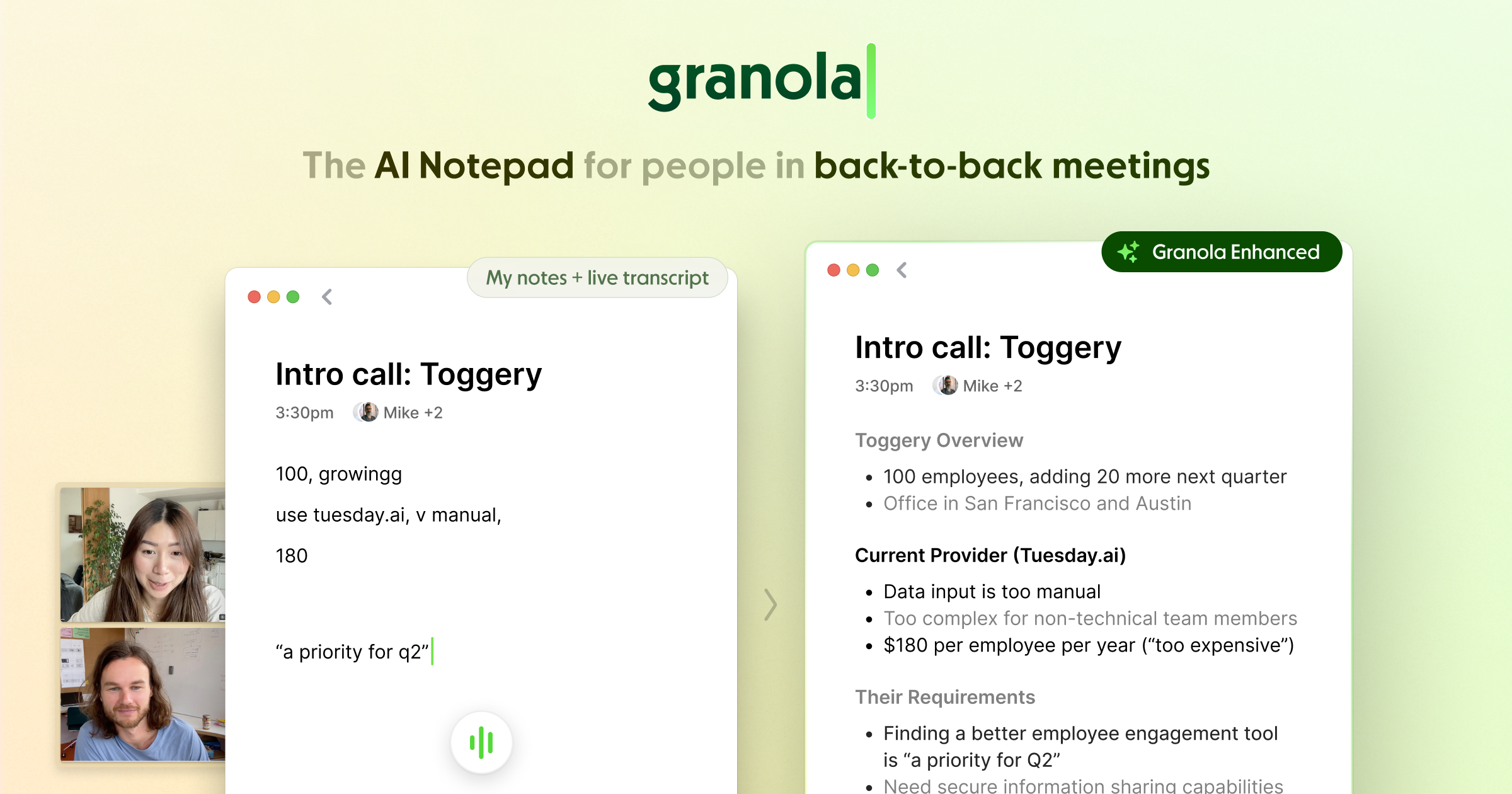
This is easily my favorite AI meeting note-taker app. It runs in the background on all of my calls without needing to invite a bot to your meetings, takes meticulous notes, formats them exactly how I like, and then drops them into Notion or anywhere else I need them. The iPhone app is very handy for capturing in-person meetings. I have been using it happily for months and only recently discovered I was somehow still on the free trial version. I leapt to pay for it as soon as I figured that out, because it’s totally worth it.

Ice Menu Bar

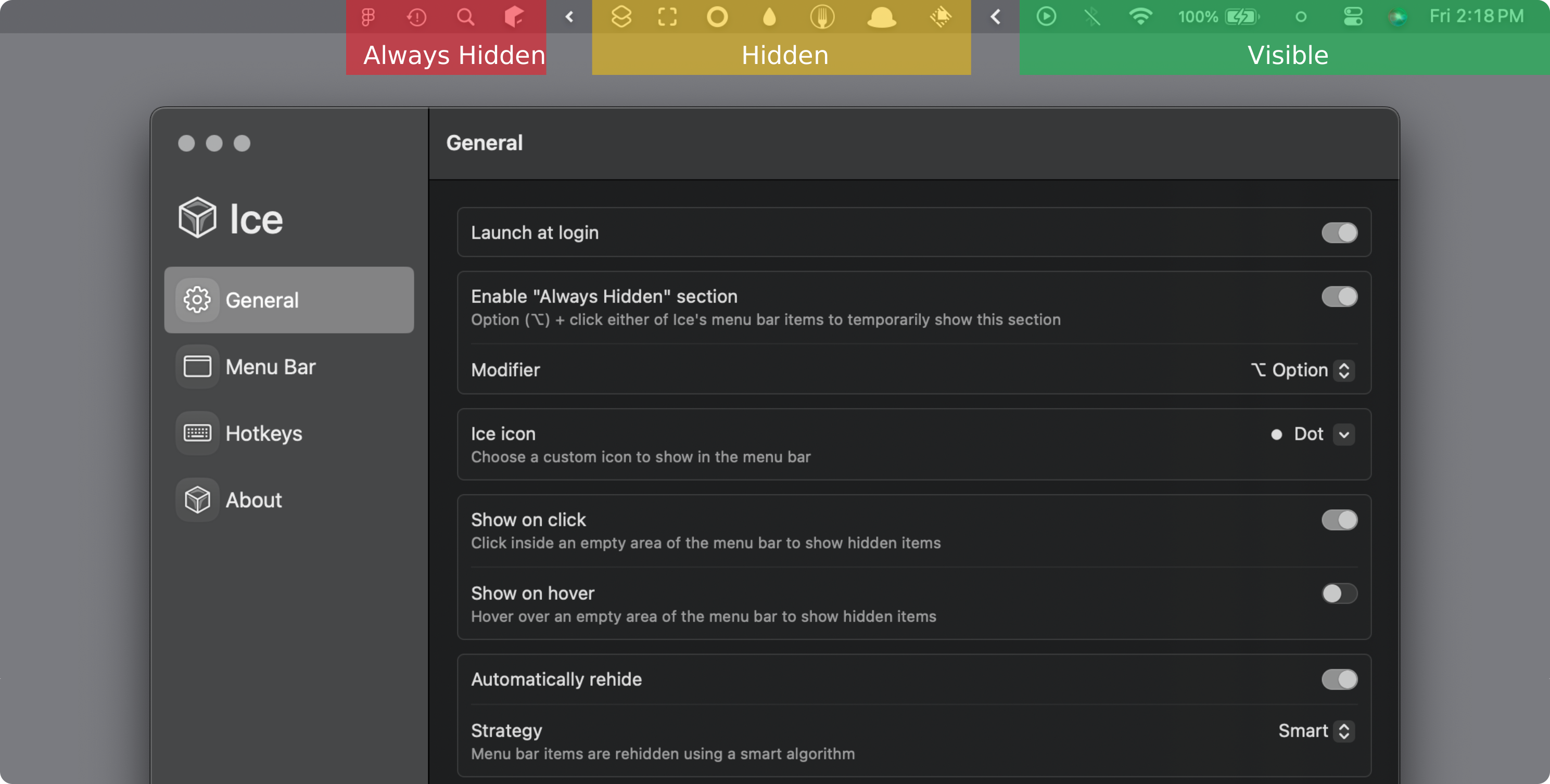
I switched to Ice after being a Bartender user for years. This app does a great job at hiding all the menu bar items on the top of your Mac’s display until you need them.

📷

I’m two years deep into using the Insta360 webcam. There have been several newer devices released that look like great upgrades, but I’ve not felt compelled to jump ship yet. This offers great video quality, easy integration on the Mac, and a nice built-in privacy mode. Just make sure you get some good lights; otherwise no camera can save you.

📱

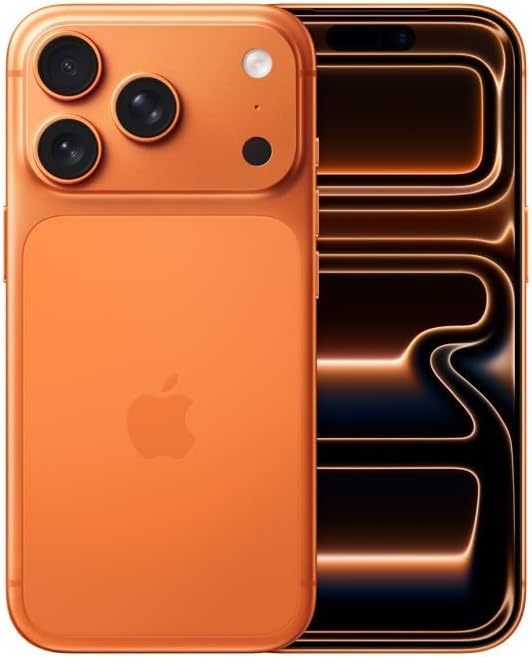
I upgrade every year, almost 100% because of the camera updates. This year is no different. I usually go with Black, but decided to try out the Orange this year… I think I’ll be taking Amy Winehouse’s recommendation next year.

Kagi

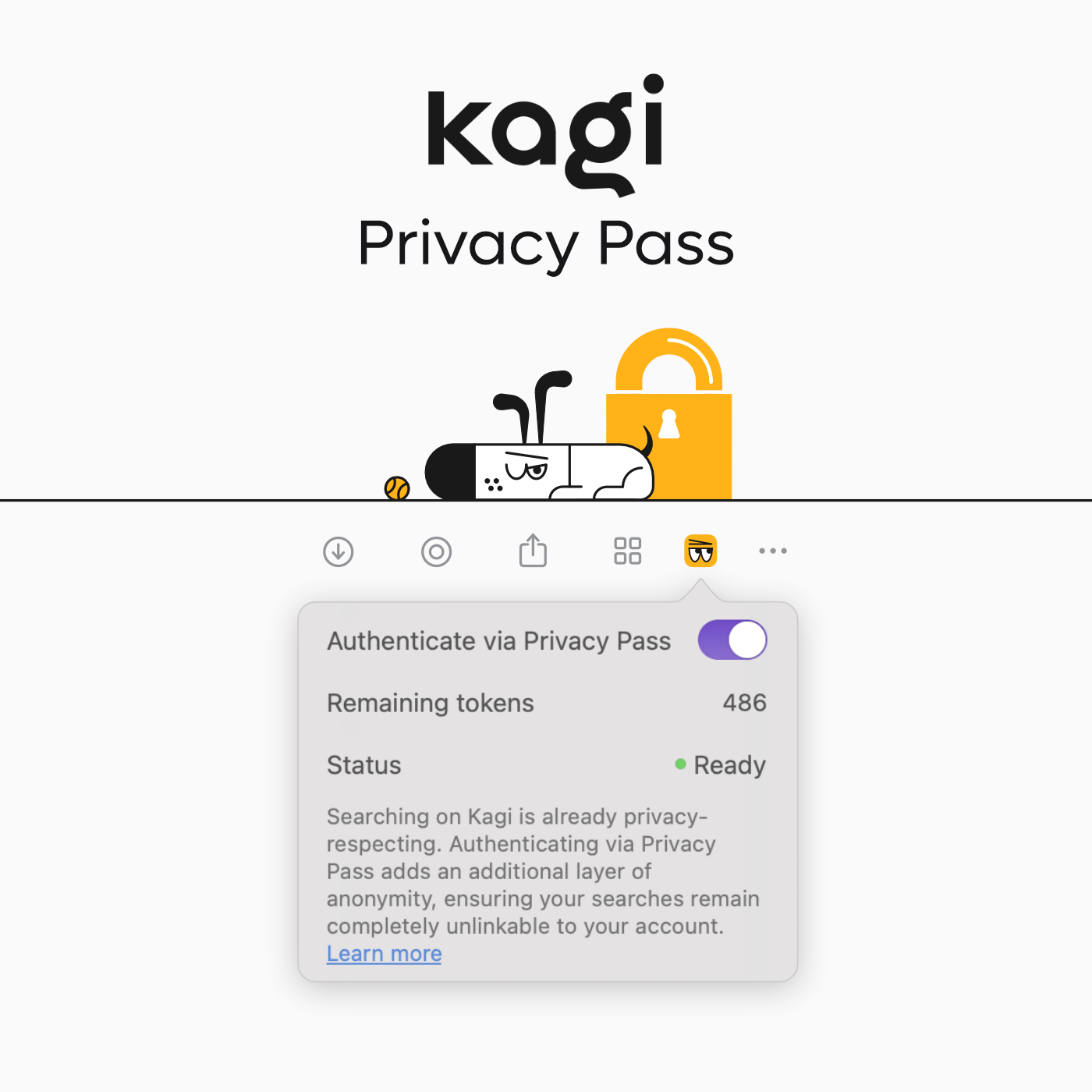
Apart from being privacy-centric, not running ads, and not selling our information to advertisers, Kagi’s search engine results are easily the most accurate and helpful of all the engines I’ve experimented with.

Leica M10-P

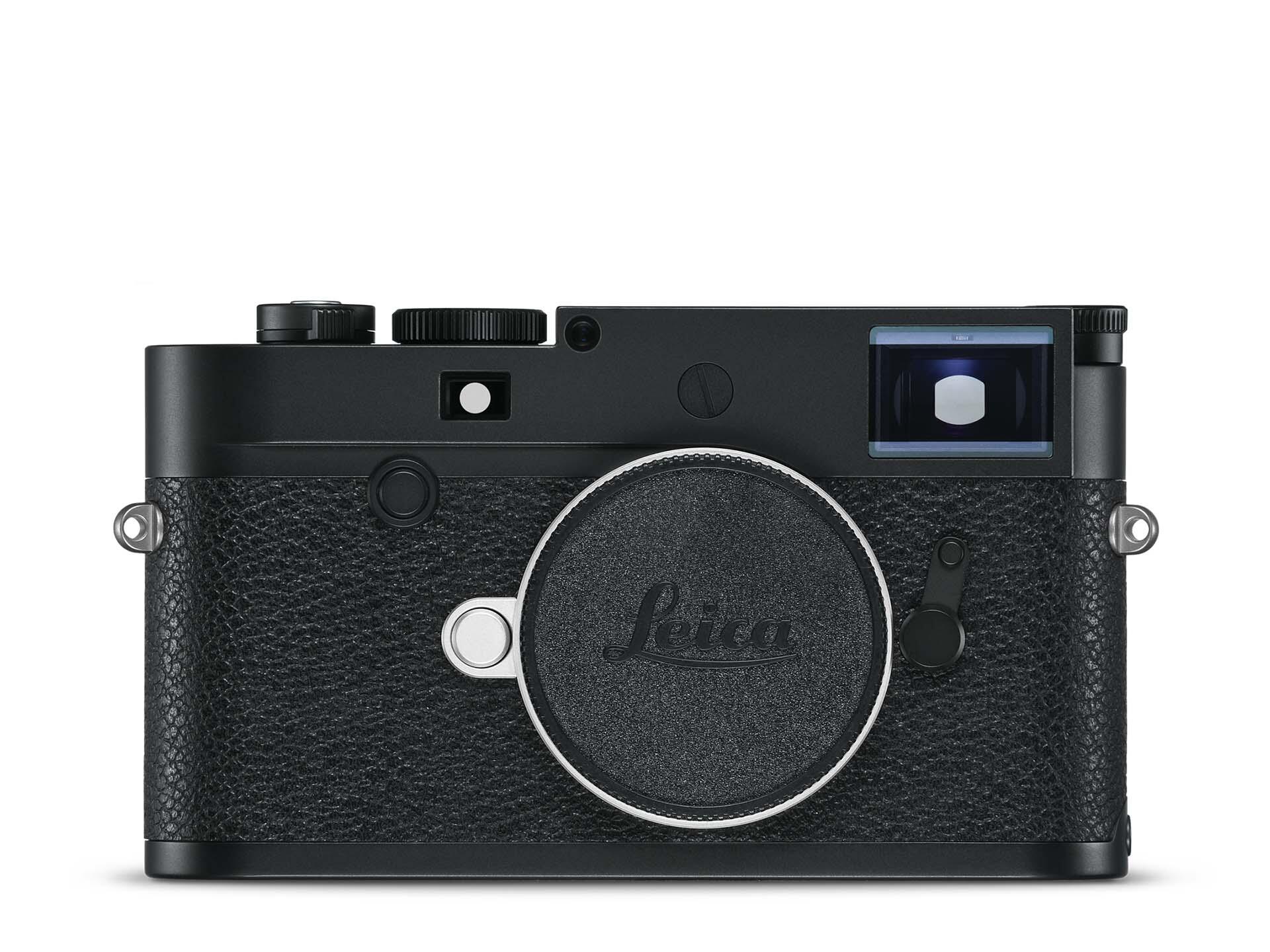
I picked up this dream camera in late 2024 and carried it with me almost daily for the first half of the year. I am not carrying it daily anymore, but it’s still my most-used camera apart from my iPhone.

LG 32” UltraGear OLED Monitor

I appreciate a good dual-monitor set-up, but they’re just overkill for my needs. Instead, I like having one really big monitor to work with. This is that monitor. It’s super bright, plenty sharp, and works great with my Mac. If Apple ever offers a larger Studio Display, I might upgrade to that, but this is great for now.

📰

This is my travel computer of choice. It’s slim, lightweight, and the new updates to iPadOS make it much easier to use it in a way similar to how I use my Mac, meaning I don’t have to completely change my workflows when traveling. The fact that they relocated the front-facing camera to landscape orientation is also a huge boon for video conferencing on the go.

MacBook Pro M5

I upgraded from a 2021 M1 MacBook this year and have been really happy with the upgrade. Apart from photo/video editing and some very amateur music production, I don’t need much power for most of my work, so I really didn’t feel compelled to wait for the M5 Pro and M5 Pro Max chips.

Nintendo Switch 2

After not playing many games in 2024, I wound up playing a lot more this year thanks to picking up a Nintendo Switch 2. Totally love this device. Donkey Kong and Cyberpunk 2077 have gotten the most play time.

🎒

OK, it’s not a backpack, but I did pick up this camera sling this year and used it quite a lot. It’s surprisingly spacious and offers modular inserts for getting the perfect fit for your gear. I do wish it had more storage space for non-camera gear.

Notion

I switched from Obsidian to Notion this year and found it to be a huge level-up for my needs. I use it as a personal CRM, an inbox for all my meeting notes, an organizer for my work stuff, and more. There are a million more things I could do with it if I had the time to really get it organized, but one of the things I love is being able to just throw everything into it and let the built-in Notion AI find and organize whatever I need.

⌨️

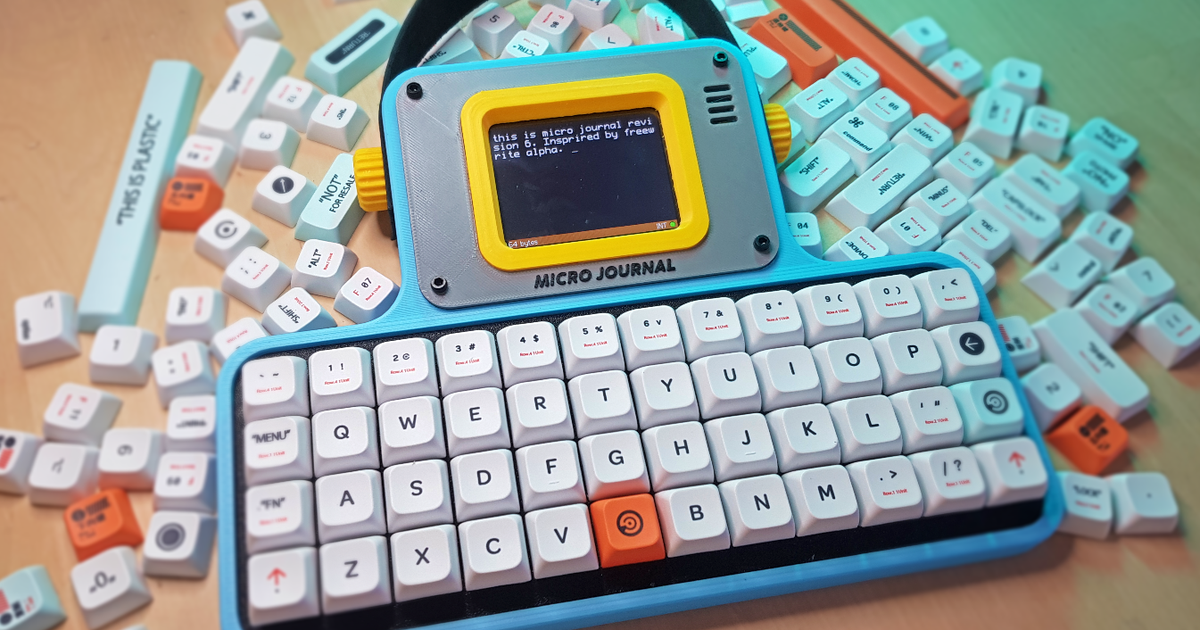
I’m far from a keyboard expert, but this compact, luxurious board—with its colorful, retro video-game aesthetic and touches of transparent design—is a joy. I also love that you can swap in either low-profile or standard keycaps to suit your taste. I’ve used it nonstop since it came out back in April.

💧

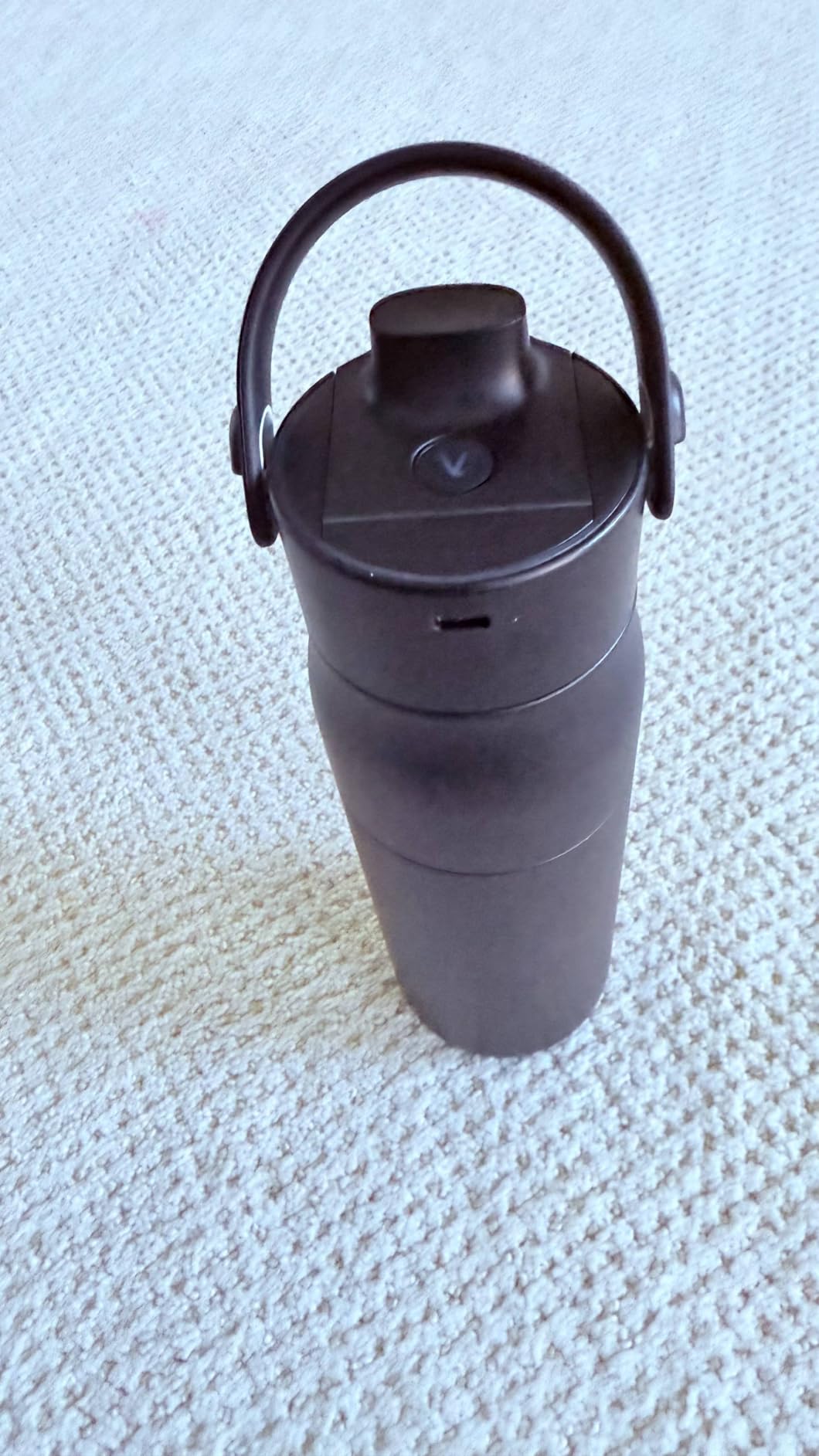
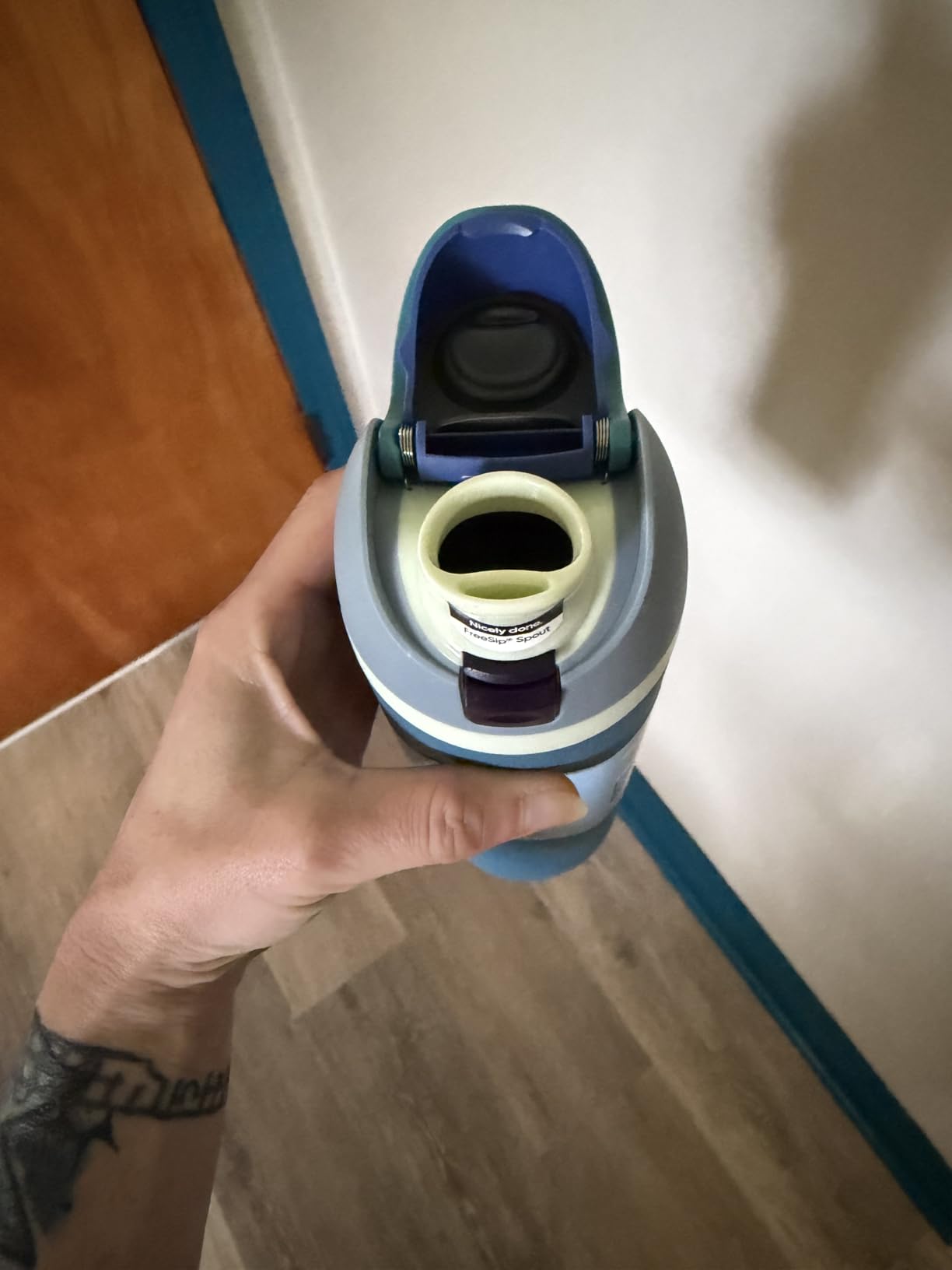
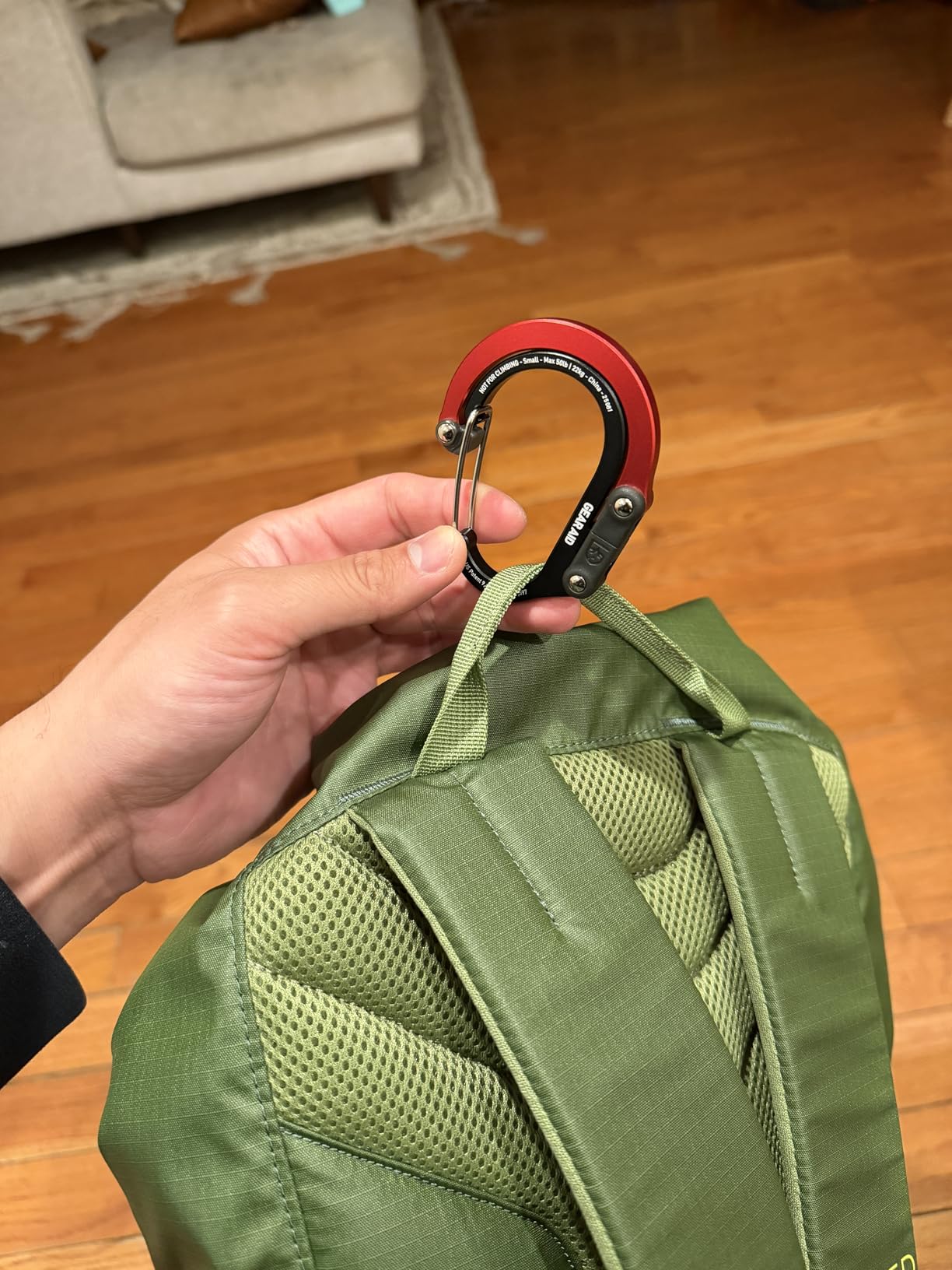
I’ve got like 4 or 5 of these in different sizes and colors. It’s my favorite water bottle, and I always have one with me. Having the built-in option to chug or sip from the straw is super pleasant, and I appreciate the built-in locking loop that allows me to hang it from a carabiner when needed.

Plinky

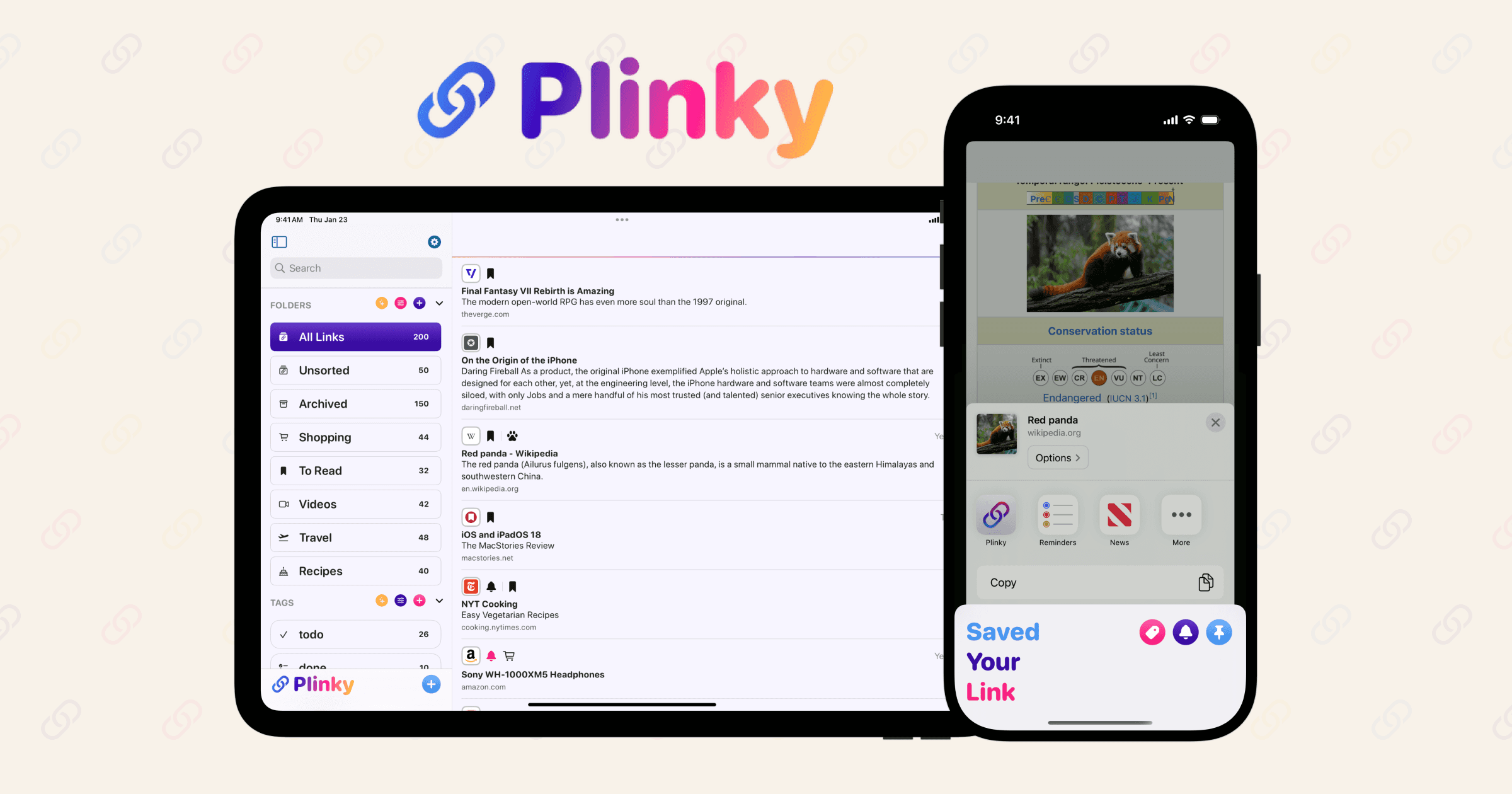
You might be shocked to learn that I collect a lot of links over the course of the day, and Plinky is my strong favorite place to do it, thanks to its delightful user interface and hard-working indie developer, Joe Fabisevich. My only gripe is that it doesn’t have a full-featured Mac app yet, though I understand one is in the works.

Raycast

This is still my most used app every day on my Mac, and was the first thing I downloaded on my new MacBook this year.

Studio Neat Mark One

I have a ton of pens, but this one was easily my most used this year. It’s always on my desk either nestled at the top of my keyboard above the function keys or in the beautiful wooden pen block my father-in-law made me. It’s the perfect size for my hands, and the lack of a pocket clip makes it effortless to use in any orientation. It looks great too.

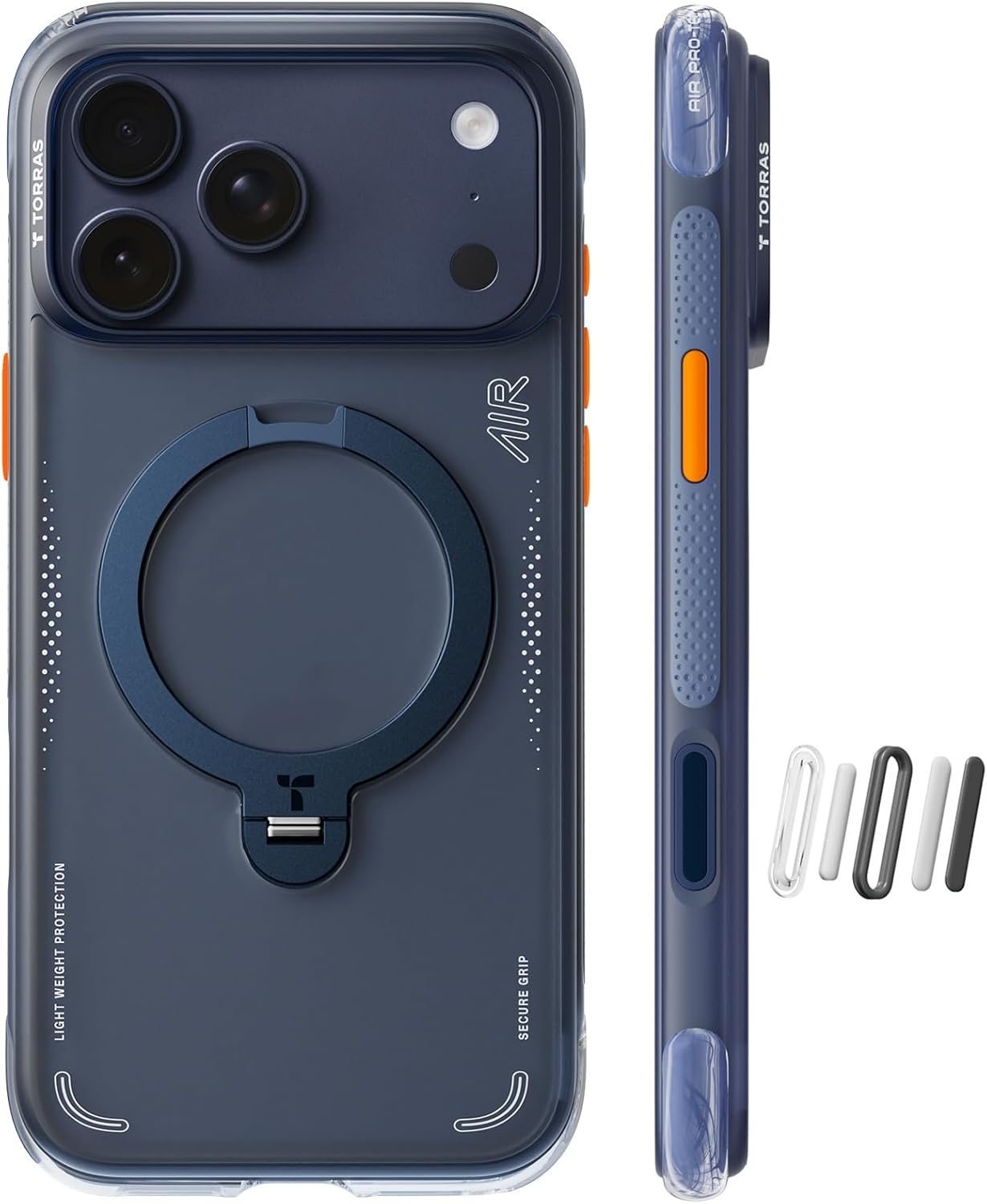
📱

I went caseless for about half the year without any problems and then promptly dropped my new iPhone 17 Pro the first week after it came out and broke the screen. After getting it replaced, I went back to the Torras Air Case, which is remarkably nice. If you have to be burdened with a case, having a built-in kickstand, pop-out grip, fidget ring, and magnetic features are a huge bonus.

Toto Washlet C5 Bidet

I’ll spare you the details, but man is this thing nice, and one of those things you come to miss when you travel. Apart from the medical benefits of using a bidet, having a warm toilet seat alone is worth the price of admission.

Uplift Desk

I’ve had this powered desk for 4 years now and am still extremely happy with it. At the press of a button, it changes from sitting mode to standing mode, feels rock solid, and looks great.

WisprFlow.AI

I tried out a bunch of AI dictation apps this year, and this one was my favorite. With the press of a hotkey, I can easily dictate highly accurate text into any app or text field. With the press of a second hotkey, I can also dictate commands like “Please proofread this text” or “Change this to all caps,” etc. They just raised a bunch of funding, so who knows if it’s going to enshittify or accelerate its awesomeness, but for now I’m a happy subscriber.

🎵

I’ve never been a Spotify user, and my Apple Music algorithm has been completely taken over by my kids’ music choices, so I set out to find a music service that could just be mine. I settled on YouTube Music because it’s included for free with my YouTube Premium subscription. It’s been surprisingly great! I particularly like that you can listen to songs from their catalog as well as obscure indie music that users have uploaded as YouTube videos.

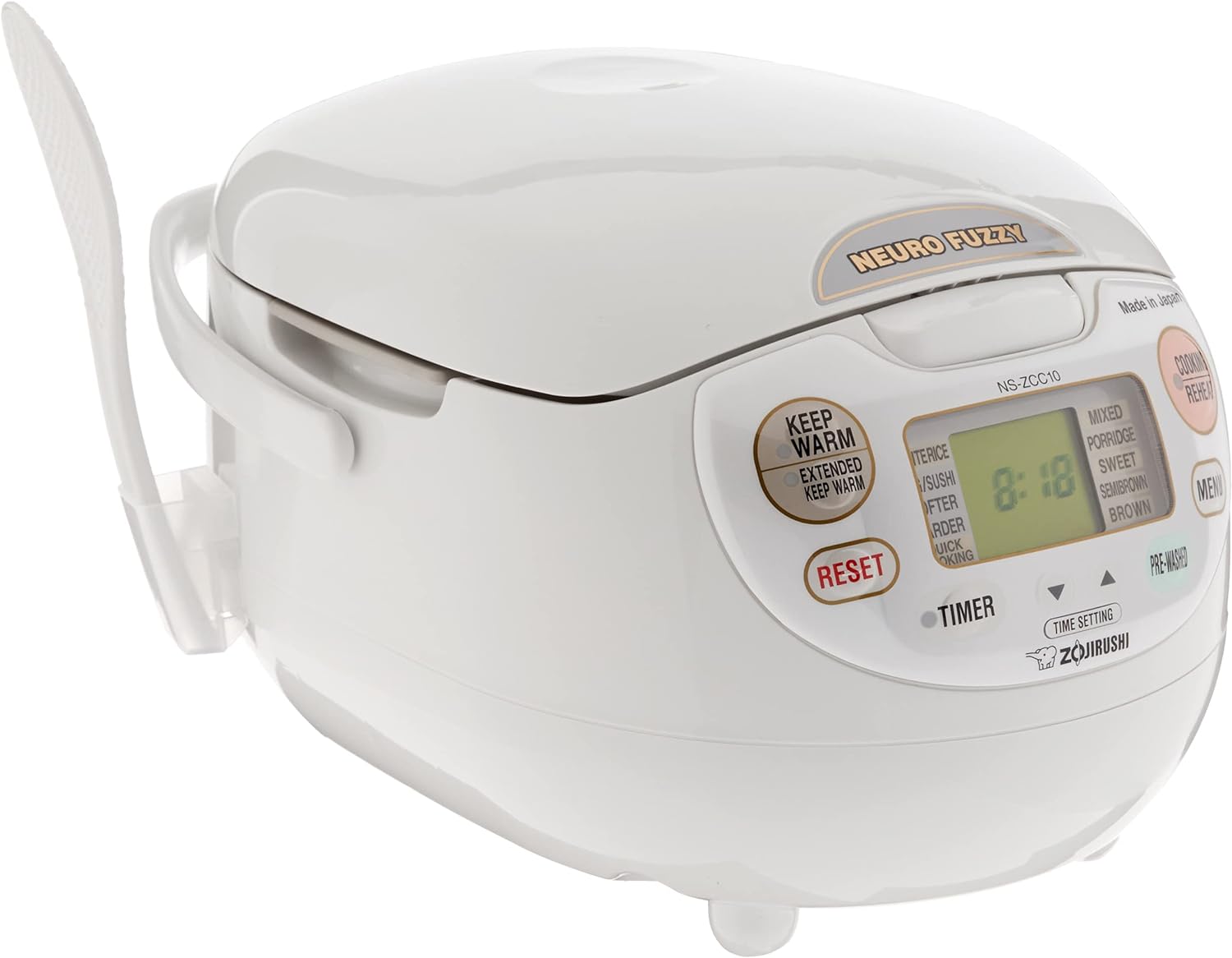
Zojirushi Neuro Fuzzy Rice Cooker

We make a ton of rice in our household, whether it’s for side dishes or impromptu onigiri nights. This machine makes it dead simple to get perfect, consistent rice every time.

Capwords AI for iOS

This 2025 Apple Design Award winning app is a clever tool to help with language learning—it lets you snap pictures of any object you want to learn how to pronounce in another language, and then it will create a flashcard with both its name, spelling and pronunciation. It also creates a digital sticker of the object that you can collect along with the translation. A really cool use of AI combined with on‑device image processing for privacy.

MagSafe iPhone Monitor Mount

I saw a cool video from Scott Yu-Jan this week where he attached one of these to his computer monitor so his iPhone could ride sidecar via a Qi 2 charging MagSafe connection. (Thanks for the tip, Eric!) It honestly seems like a great way to save desktop real estate and can be handy for folks who may not be able to pair their phones to their work computers, etc.

Paste App for MacOS/iOS

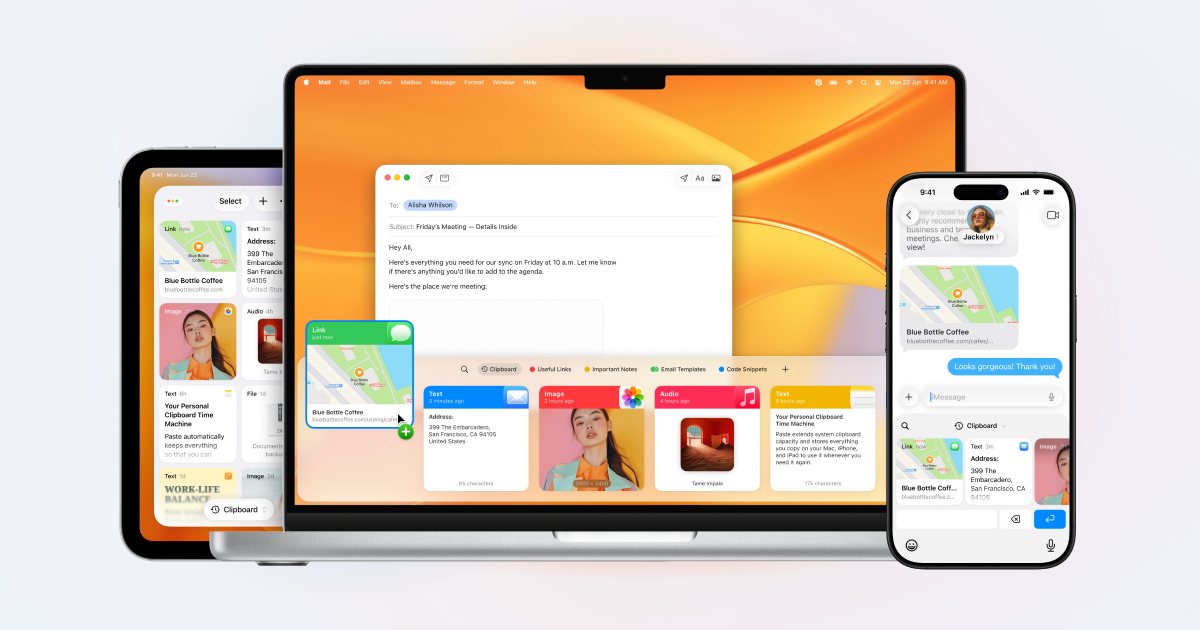
I've been using Raycast's clipboard manager for a few years now and recently decided to give Paste a try... it's a big level up! Whereas Raycast's clipboard manager covers all the basics of letting you quickly search your clipboard history and re-paste your content wherever you wish, Paste offers a great iPhone app and keyboard so you can copy and paste from your clipboard history across both devices. It also lets you copy multiple things in a stack and paste them all together in one place. Like Raycast, you can set limits on how long it remembers things, forbid it from remembering certain types of sensitive information, which is great for privacy.

Arcteryx Incendo Airshell

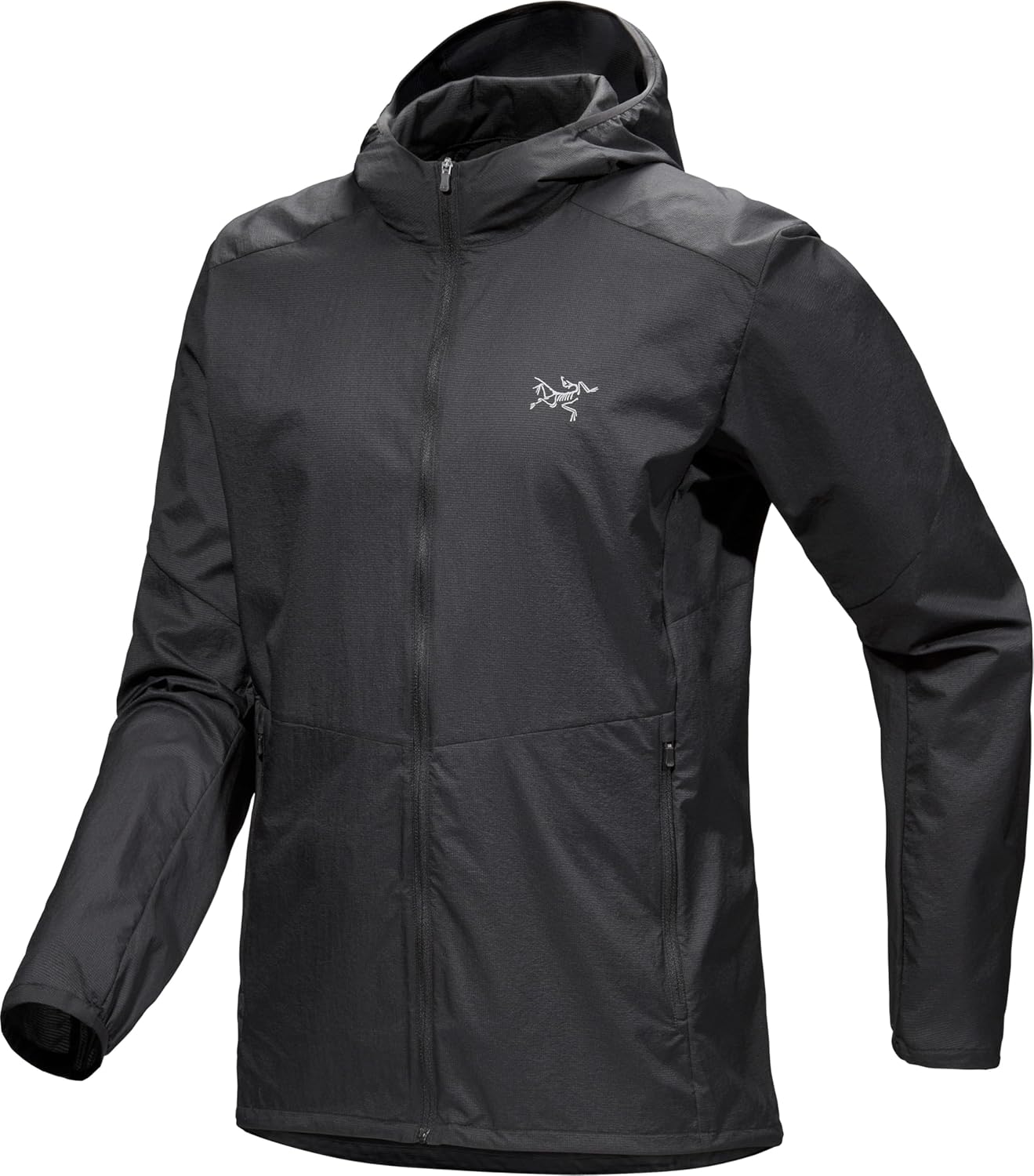
For Thanksgiving, we went up to the Pacific Northwest for a week of hiking and exploring in the cold and rain. It was a blast, and this little ultralight windbreaker was a lifesaver. It packs down small enough to fit in your jeans' back pocket, but then quickly deploys to protect from chilly wind and light rain/drizzle, all while still being super breathable so you don't find yourself drowning in a sweat swamp while you hike or run. The Arcteryx one is pretty pricey (I was able to get a crazy Black Friday deal on mine), but this much more affordable Patagonia equivalent looks equally as good.

🎹

Santa dropped off one of my Christmas gifts early this year and I've been obsessed with it the last week or so… The Microfreak is a hybrid digital dual oscillator synthesizer with an analog filter with wavetable and granular sampling capabilities that is widely considered to be a great first hardware synth for anyone looking to experiment with building their own sounds and patches. Apart from being a good beginner's synth, it's also used by the pros like ambient composer Trentemøller.

🔈

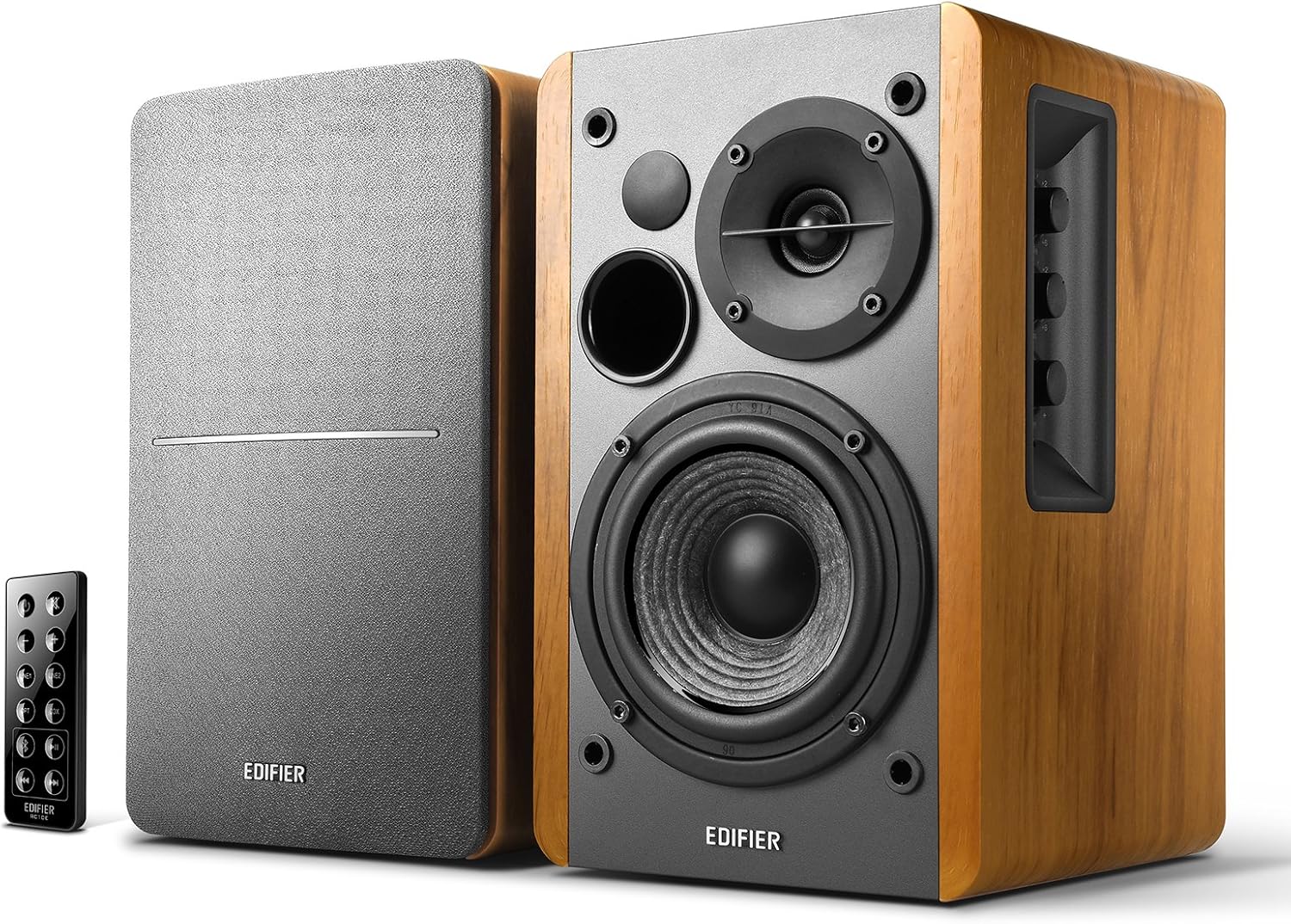
These desk speakers are another Black Friday/Cyber Monday deal pickup that I've been enjoying. I'm far from an audiophile expert, but they sound great to my ears, easily fill my home office, and have lots of nice features like Bluetooth connectivity, adjustable bass and treble controls, and multiple stereo ports. Highly recommended if you're looking for something for your computer, a little record player, etc.

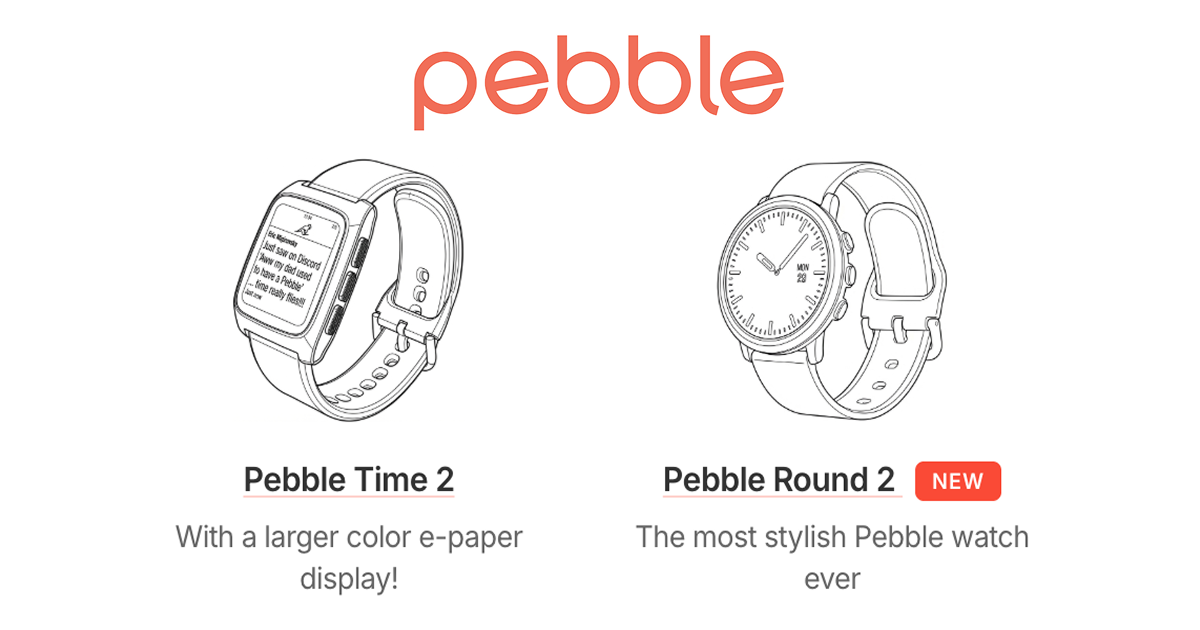
Pebble Index 01

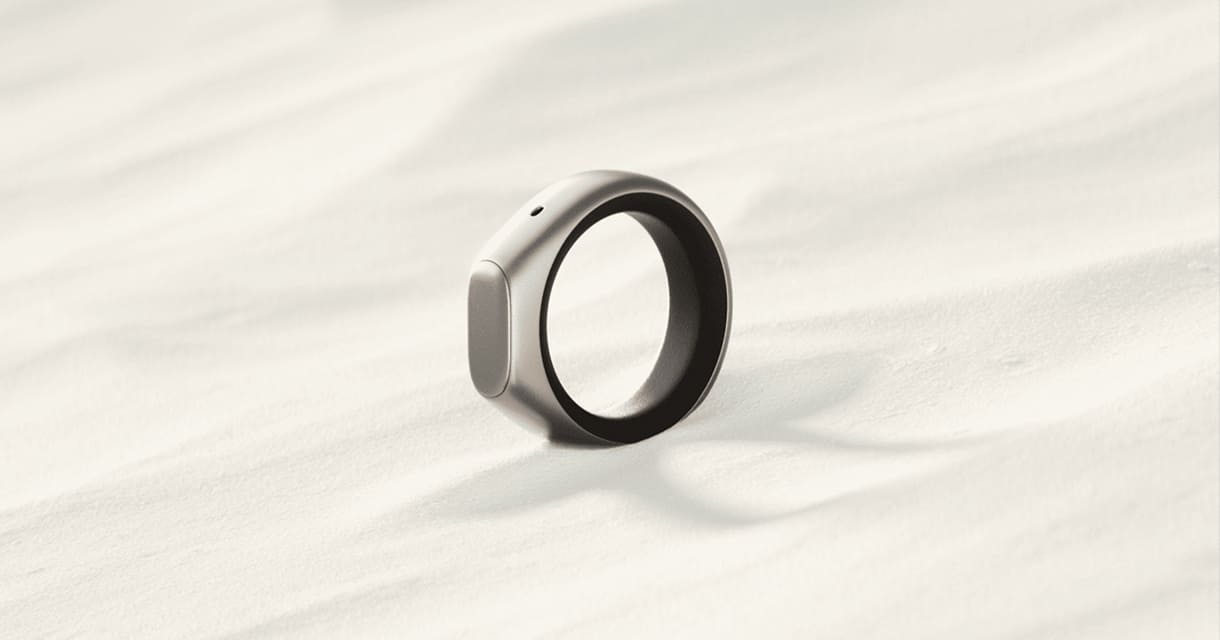
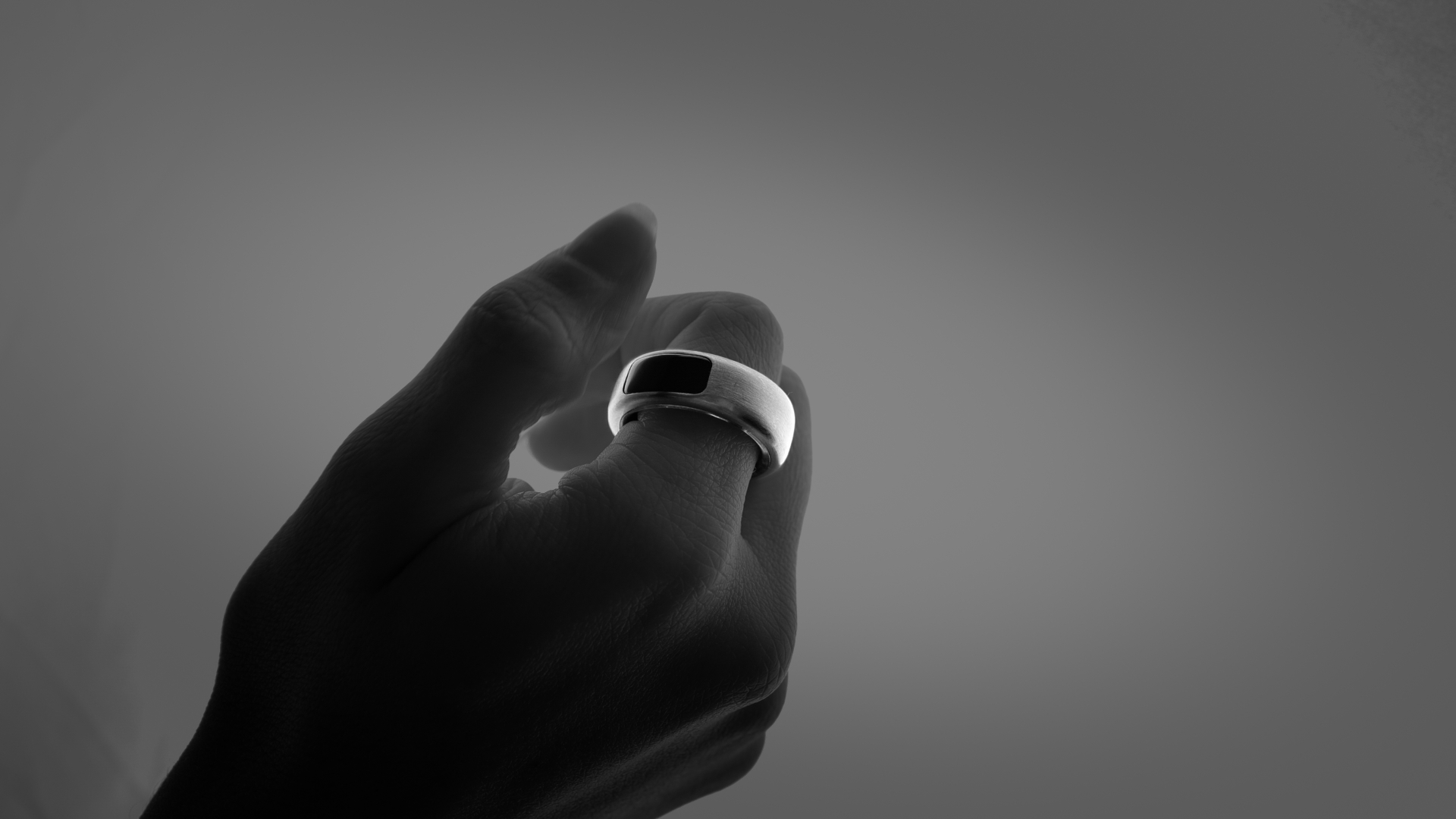
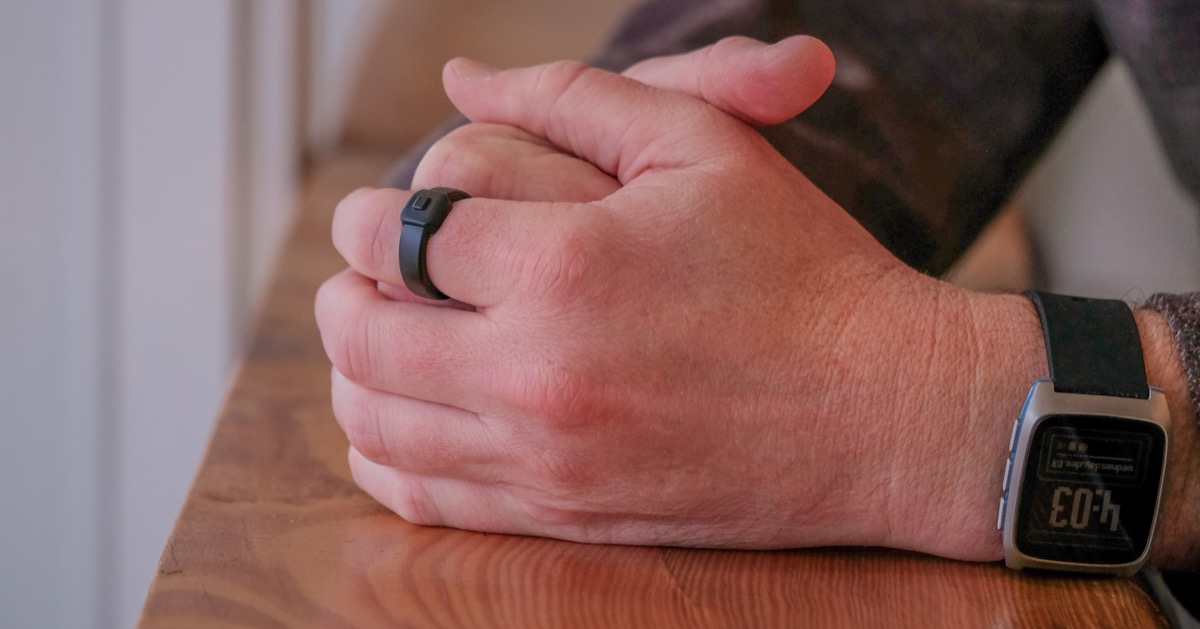
The folks at Pebble—famous for the original E Ink watch that's now being revived as a modern smartwatch—just announced that they're also making a smart ring. It's designed to capture your fleeting thoughts via a built-in button and microphone. The ring's software is customizable, so you can ostensibly configure it to handle other tasks as well. The big catch? It's not rechargeable. You'll get about two years of use, and then you send it back to be recycled. It also doesn't offer any of the usual health tracking features you expect from smart rings. Personally, I'd have a hard time justifying grabbing one, but it's neat to see experimentation in this space—and who knows? Maybe we were given ten fingers so we can rock a constellation of smart rings?

2026 Standard Memorandum Book

Years ago when I lived overseas I used to keep a memorandum book like this—a simple journal with just a few lines for each day to let you capture just the highlights. I appreciated the constraint as only having space for 3-4 lines helped me be more consistent with my journaling habit, knowing that it would be a 2-3 minute exercise rather than a 30-minute, multi-page brain dump. These daily record books look terrific. I grabbed one for 2026 and also picked up a pack of their Adventure Logs for memorializing our travels next year. (Thanks Bobby!)

Chirp for Apple Watch

I don't too often have Apple Watch specific apps to recommend, but I've been really enjoying Chirp. In short, it is a voice-enabled LLM on your wrist. At the push of a button on my watch face, it brings up a microphone button for me to hold and make my request. Chirp then uses Google's Gemini to go search for whatever I need and comes back with a very high-quality voice response. You can also use it to set reminders and dictate messages that you want to send. Best of all, you can get 7 queries a day for free, which is honestly more than I generally need.

💡

I mentioned these last holiday season and thought I'd reshare them in case anyone is looking for a great Christmas light solution. These HomeKit-compatible lights are a fantastic year-round lighting set-up that let you pick from different lighting combinations for the different holidays, or make your own from scratch. I've had them up for over a year now and now a bunch of other houses in the neighborhood have been getting in on the action.

🏠

Like many families, our garage is more a cross between a gym and bulk storage space than a place for cars. As a result, we wind up walking in and out of it much more than driving in and out of it. Having this Siri-enabled smart garage attachment has been a huge help, letting us quickly open the garage by voice command or touch of a button from a homescreen widget on our iPhones. It's also nice for being able to quickly check the status of the garage to make sure it's closed when we're away from home… and if it's not, we can close it from wherever we are.

XTEINK X4 Magsafe eReader

I love this concept. It's a small eInk device that attaches to the back of your iPhone via MagSafe connection that allows you to keep your ePub library of books handy everywhere you go. I will probably wind up grabbing one of these after Christmas so I can make progress on my reading backlog rather than doomscrolling in the new year. Could I just use the Kindle app or any other ereader app rather than firing up Threads/Instagram/Mastodon when in line at the grocery store? Totally. Do I do that today? I do not.

🔦

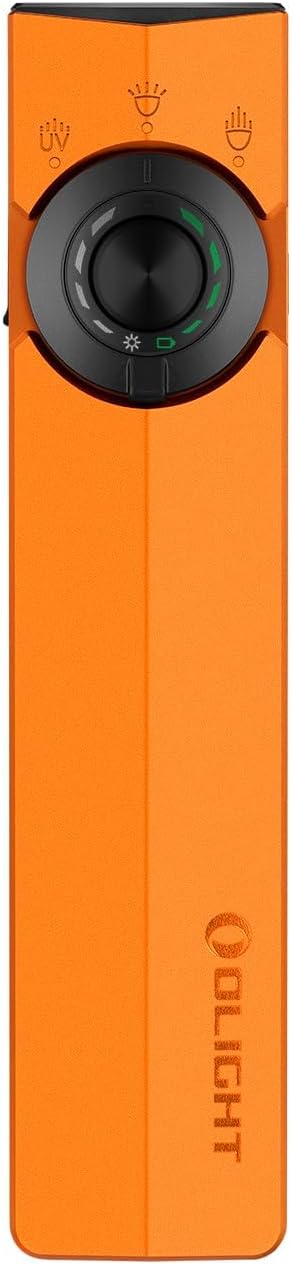
I've had a few Olight flashlights and always found them to be powerful and compact, if not exactly "cool" looking... Their latest keeps with the trend. It's a very oddly shaped flat device, reminiscent of an Apple TV remote, but it features a 200m spotlight flashlight, a 1700 lumen flood light, a green laser beam, and a powerful UV light, all in a compact, USB-C rechargeable package, with a double-sided clip so you can throw it in your pocket or attach it to the brim of your baseball hat. It's a little goofy looking but would be an amazing little flashlight to keep in your EDC bag. I'm putting one on my personal Christmas list.

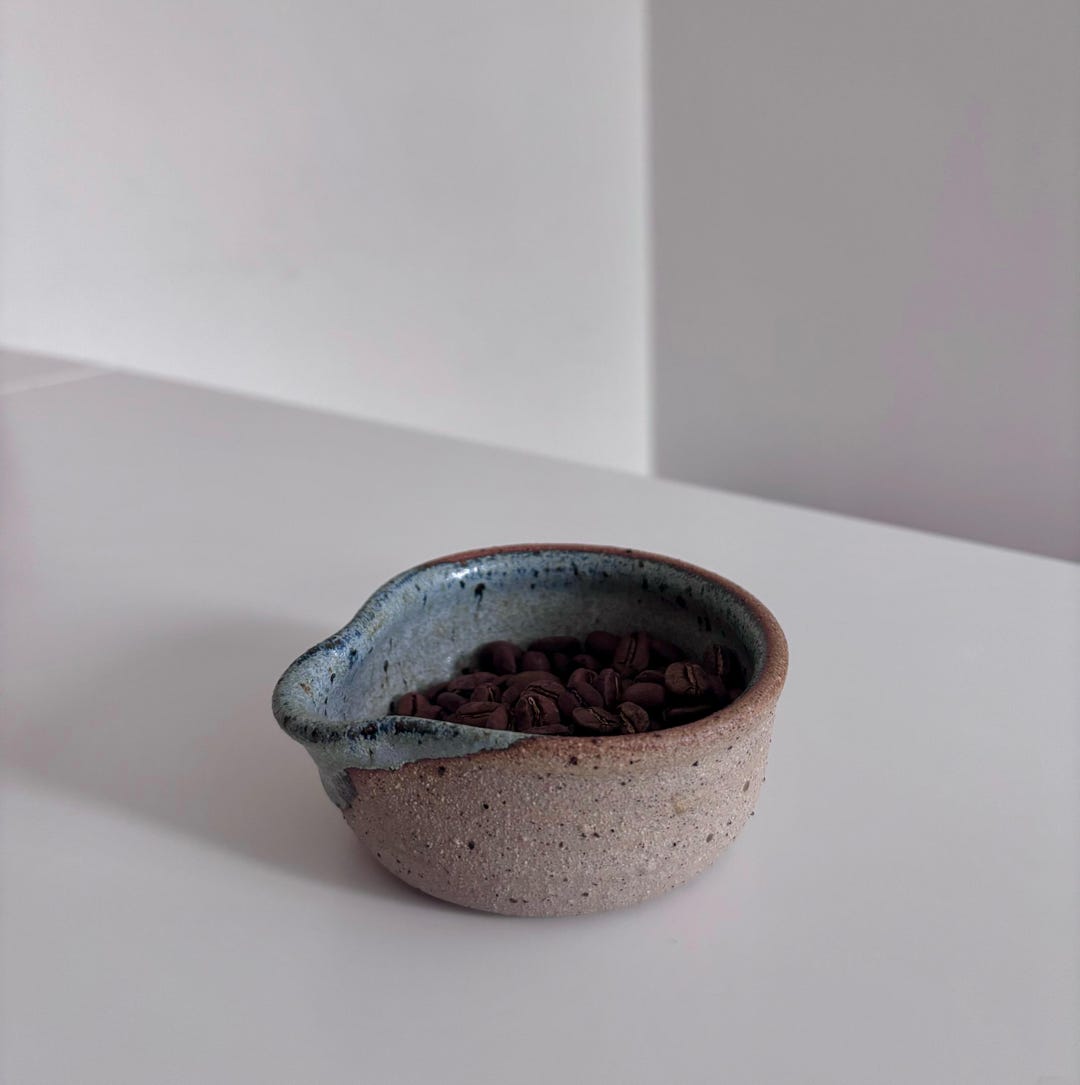
Stoneware Coffee Dosing Tray

My old wooden coffee dosing tray is starting to show its age (and I'm not sure that my regular RDT'ing has been kind to it), so I've been on the lookout for an upgrade. I found this gorgeous handmade stoneware one while crawling Etsy, and plan to add it to my personal Christmas wishlist. Please don't buy them all out before Santa can order mine!

📦

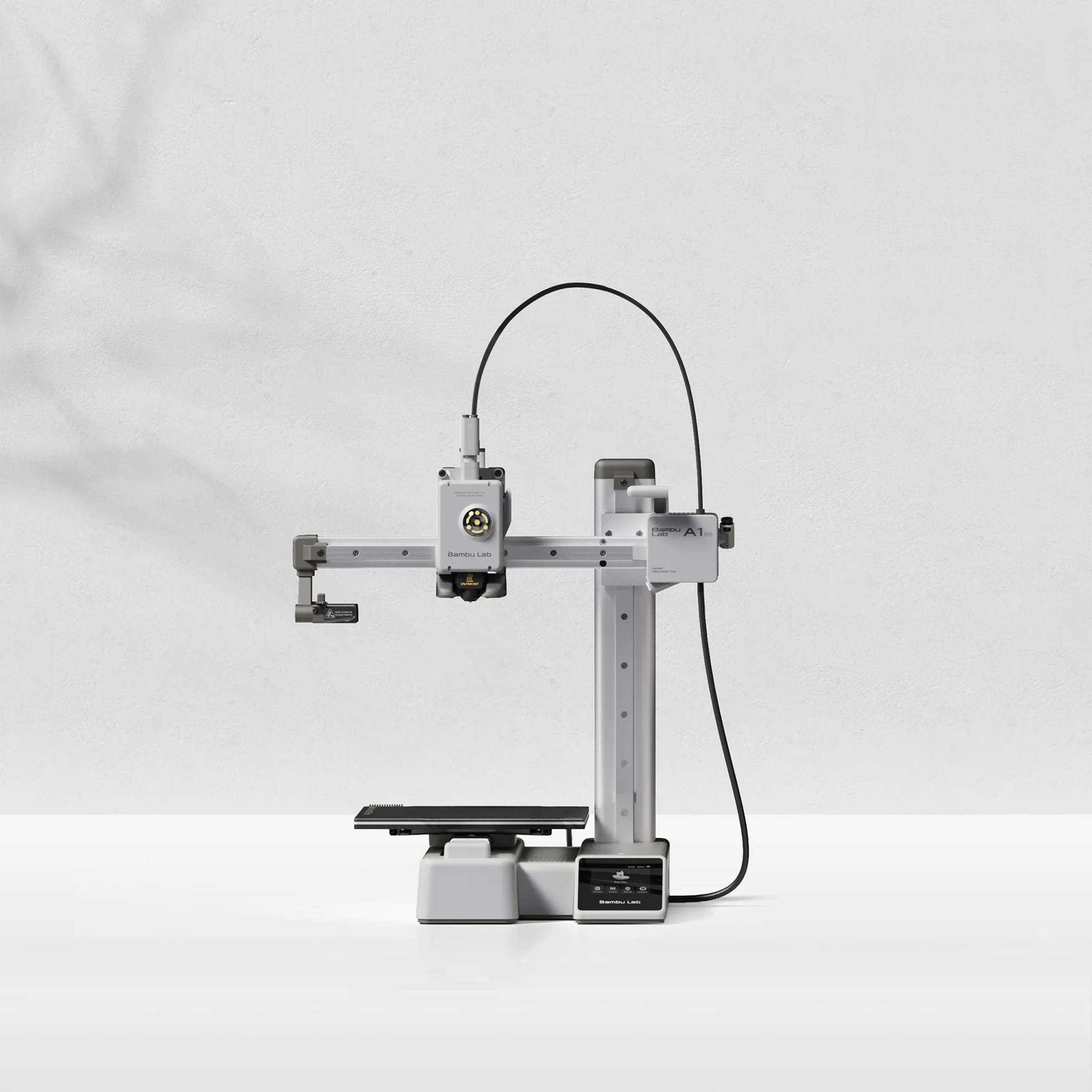
The absolute no-brainer best way to get someone started with 3D printing. And it is currently back down to its pre-tariff pricing of $199. $$$

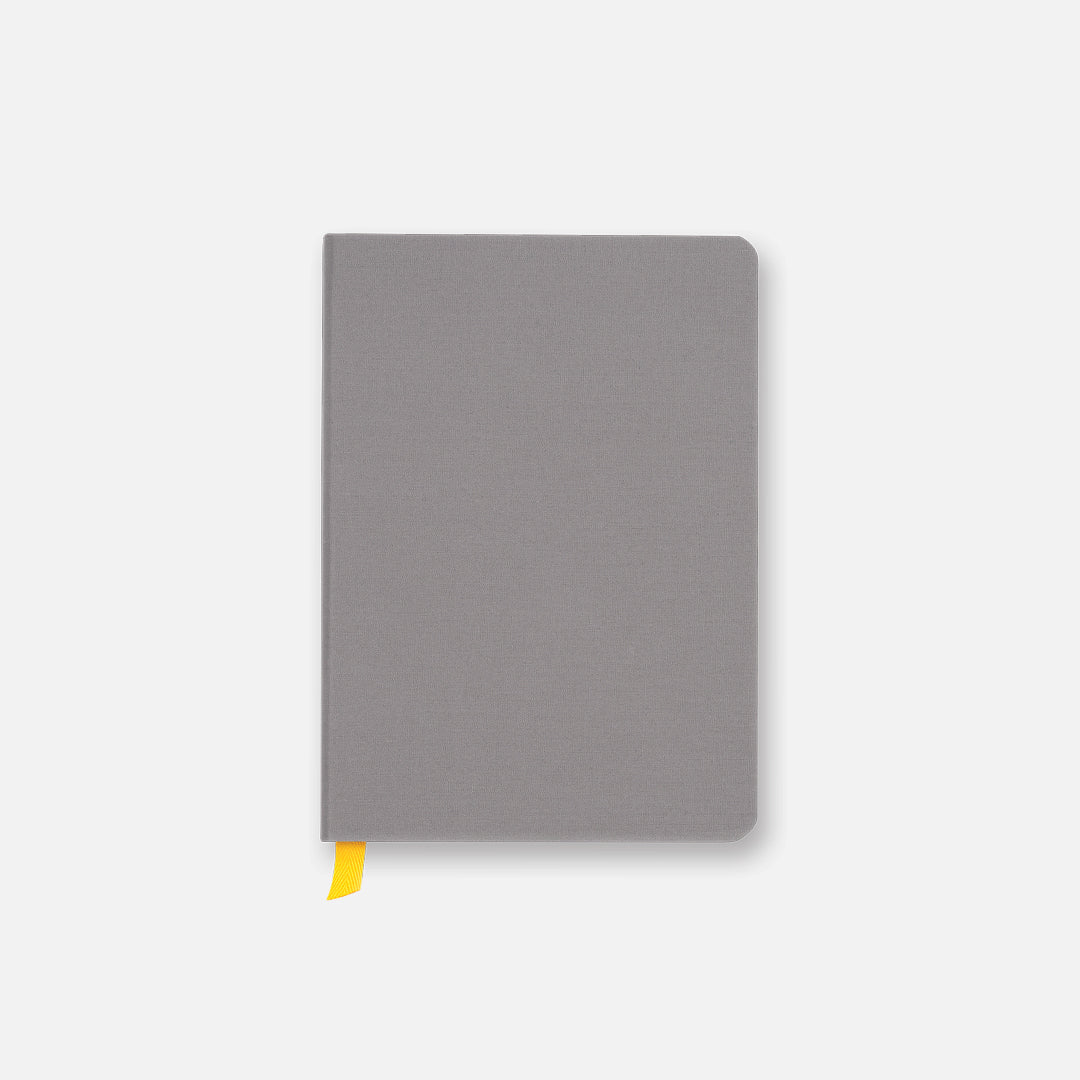
Baron Fig Confidant Notebook

This is my favorite notebook/journal. It not only looks super clean; it has dreamy, fountain-pen-friendly paper. $

📦

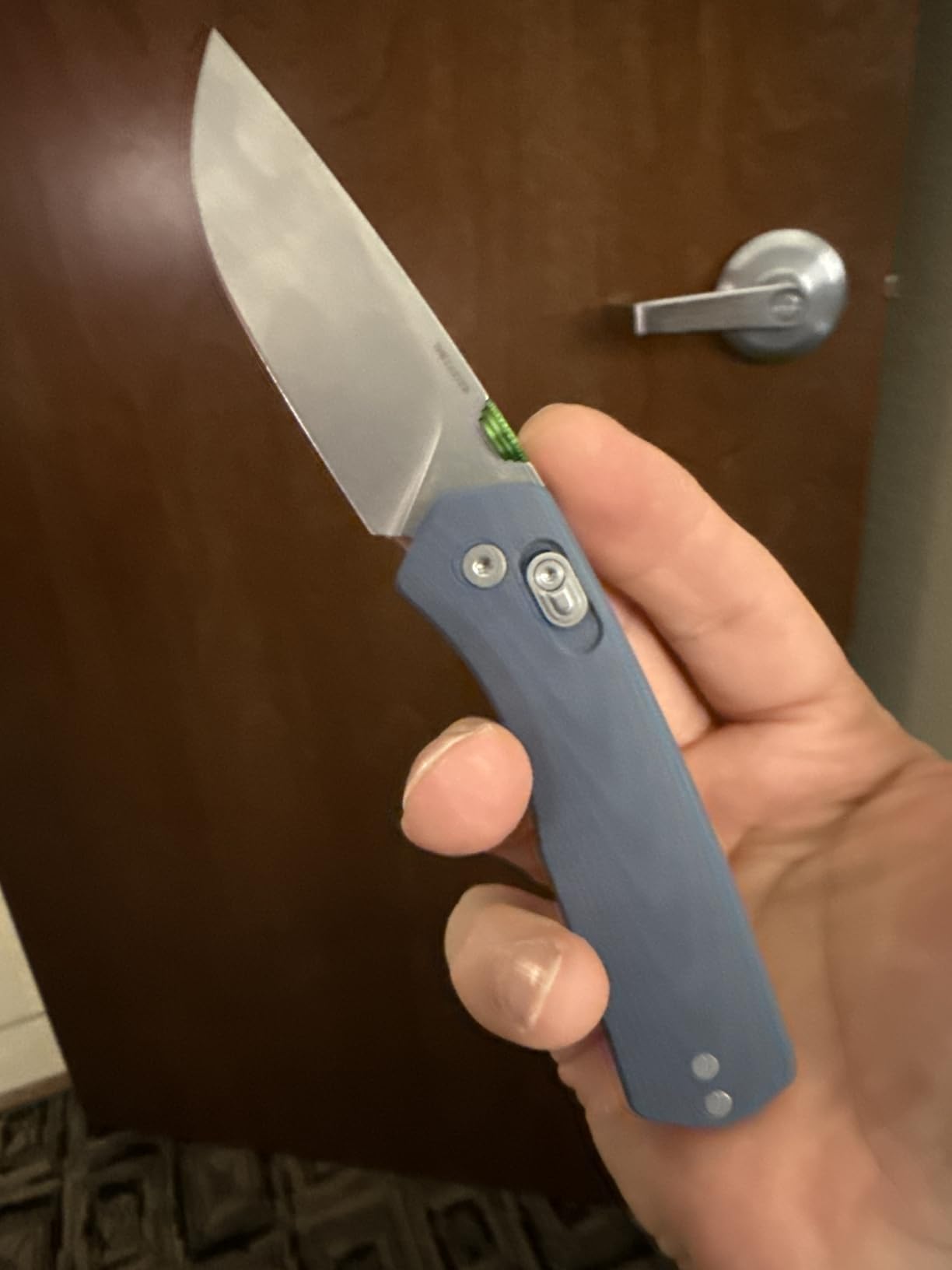
A really solid, good-looking pocket knife is an essential. The Bugout is an excellent, all-purpose knife that’s not only a great first pocket knife but also still respected by knife nerds with massive collections. $$$

Big Idea Design Baseline Pen

I’ve got a ton of pens from these guys, they’re all beautiful, tougher than nails, and fun to write with. This one’s fun because it’s so pocketable. $$

📦

This is one of the few books that I routinely give out as a gift because it’s so universally helpful and practical. $

CIVIC CPL Backpack in X-Pac

Hands down my favorite backpack for both working from a coffeeshop for the day or for taking into the woods for a day hike. $$$$

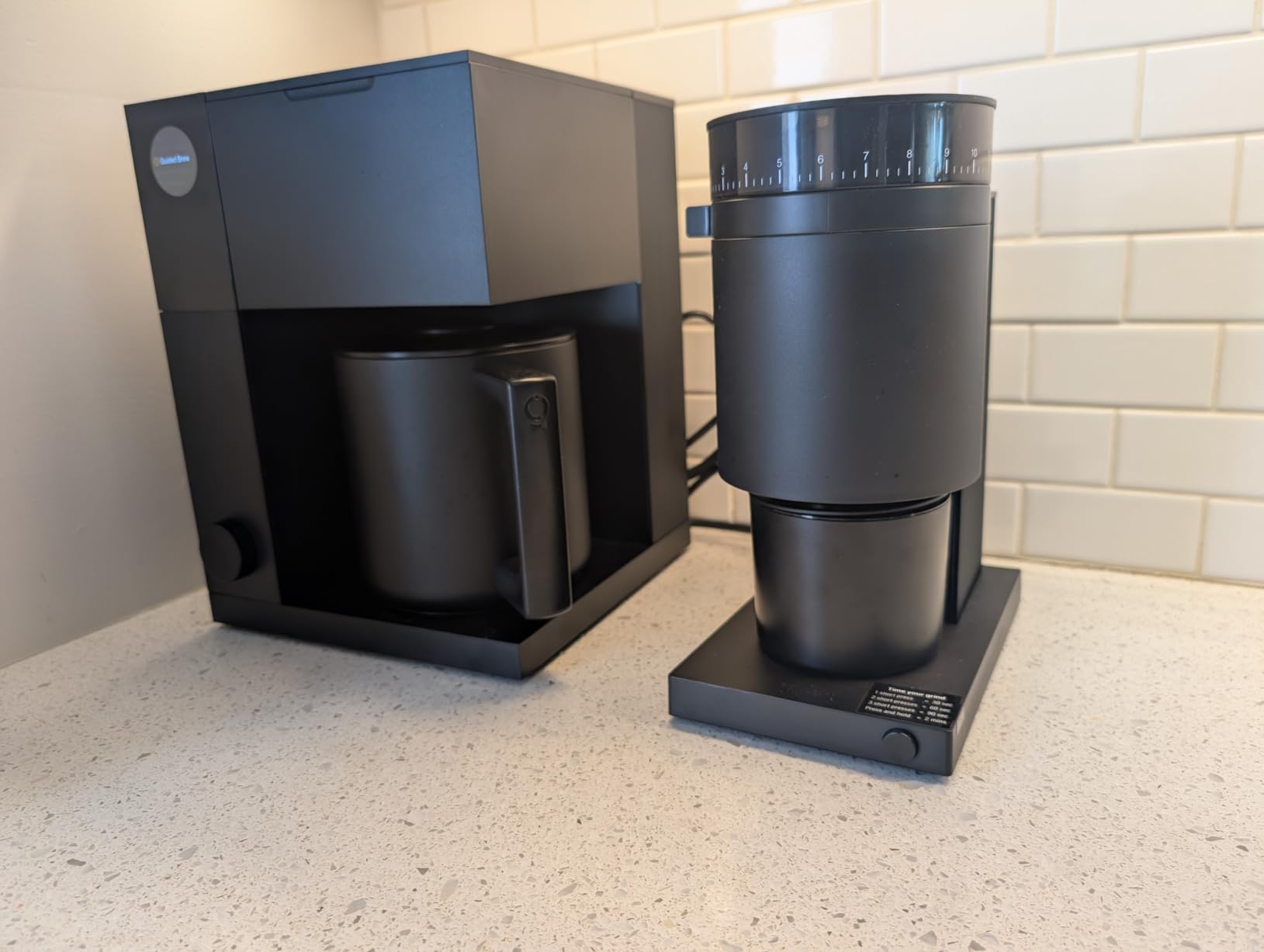
Fellow Aiden Brewer

Perfect for the coffee-loving gadget geek in your life. This smart brewer makes amazing coffee. $$$$

📦

I love this affordable, tabletop lever-action espresso machine. It’s perfect for someone wanting to dip their toes into the steamy waters of espresso without dropping a couple hundred (or thousand) dollars. $$

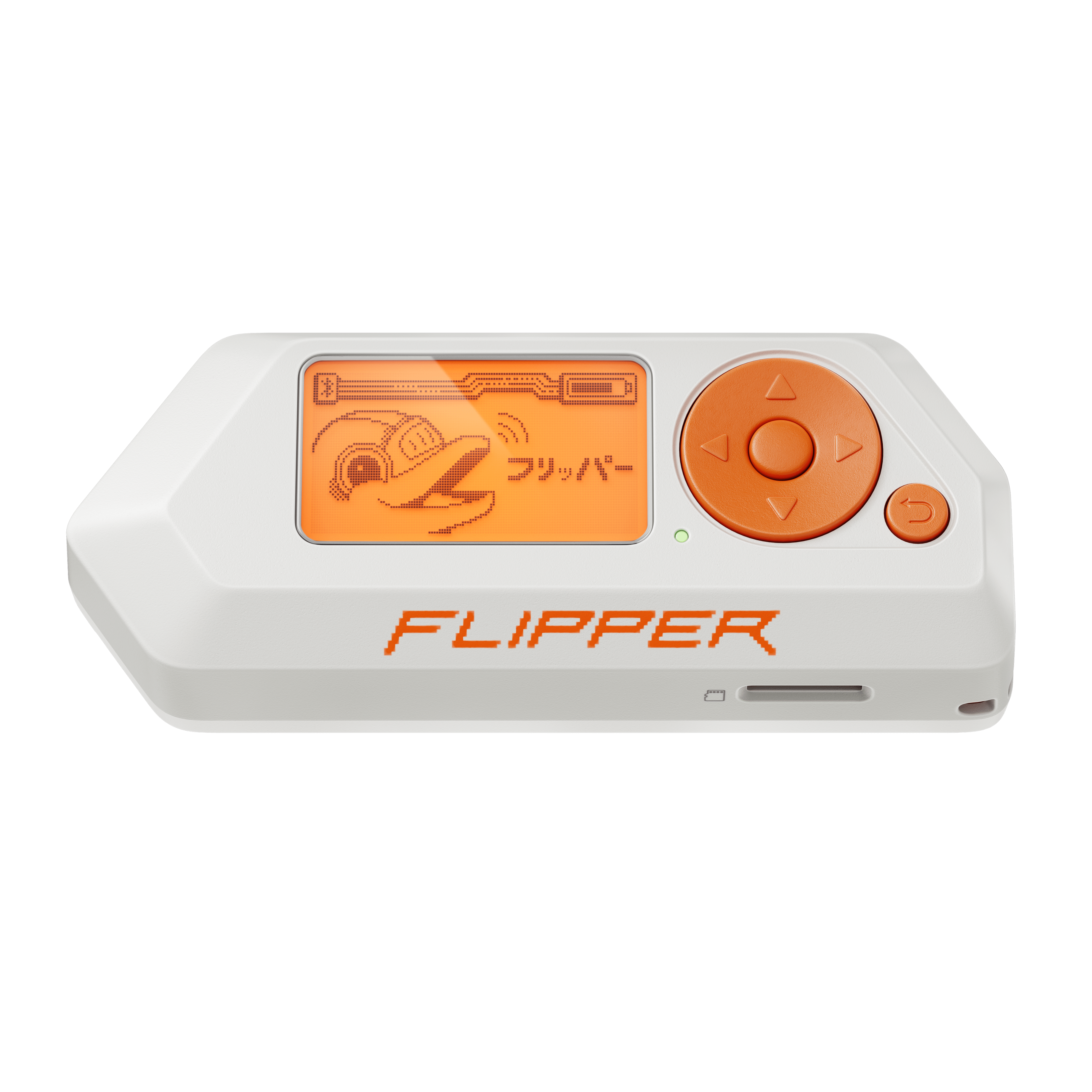
Flipper Zero

This little hacker multi-tool makes a great gift precisely because it’s the kind of thing it really doesn’t make sense for most of us to buy for ourselves… but it’s a lot of fun to play with. $$$$

📦

Give the gift of easy smart home automation with this do-it-all hub that lets you bring most any smart device into the Apple HomeKit ecosystem. $$$

📦

Probably the cutest travel drink mug I own. The cord handle is just a super fun touch, and I like drinking out of the tempered glass more than my usual insulated metal mugs. $

Mercury Spacecraft 1:1 Replica Shingle

This is for a very specific type of nerd that would appreciate an exact replica of a prominent piece of the Mercury spacecraft capsule… Hello, I am that nerd. $$$$

Nuphy Kick75 Keyboard

I use this keyboard every day and just love it. Super fun design, plenty of keys, a great customizable twisty knob, customizable lights when you type, and more. $$

📦

This amazing smart sprinkler system has been a game changer for our lawn and garden care. $$$$

Outin Mino Travel Espresso Maker

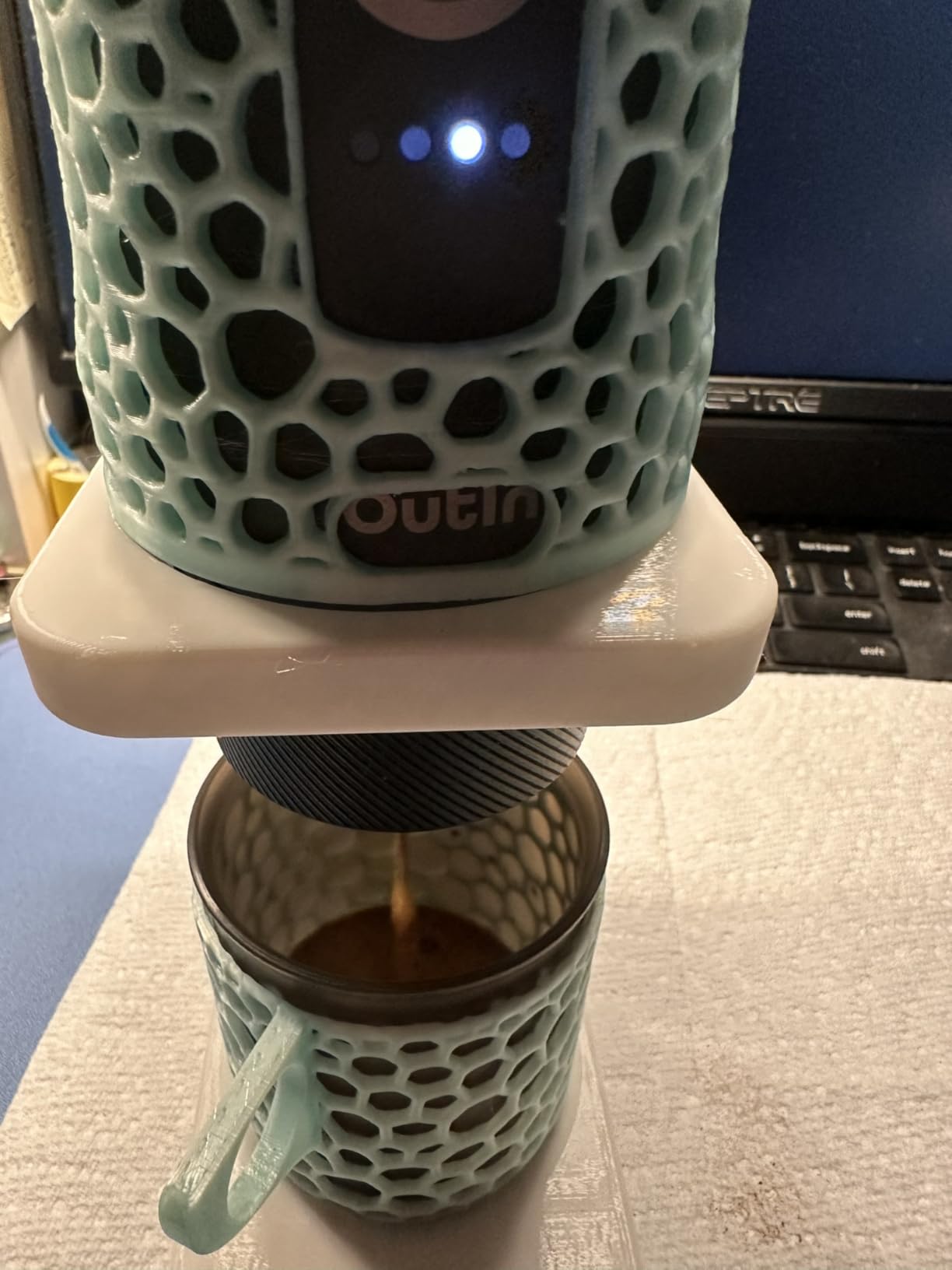
This tiny device lets you brew espresso from ground beans or from Nespresso pods when camping or roughing it at Folgers-loving in-laws. It’ll even heat the water for you! $$$

Papanui Hell Cat WWII Cap

My favorite baseball hat. It’s made in a vintage style from surplus WWII Frogskin Camo fabric. Super quirky. $$$

SimpleBits Fonts

A little out of the box, but rather than mailing a package across the world, what if you bought someone a really cool font they could use forever? $

📦

A samurai sword–bearing pizza delivery guy, the mafia, ancient Sumerian mythology, and one of the best-named protagonists in modern fiction. Give the gift of some of cyberpunk’s finest. $

Spinware Stoneware Cups

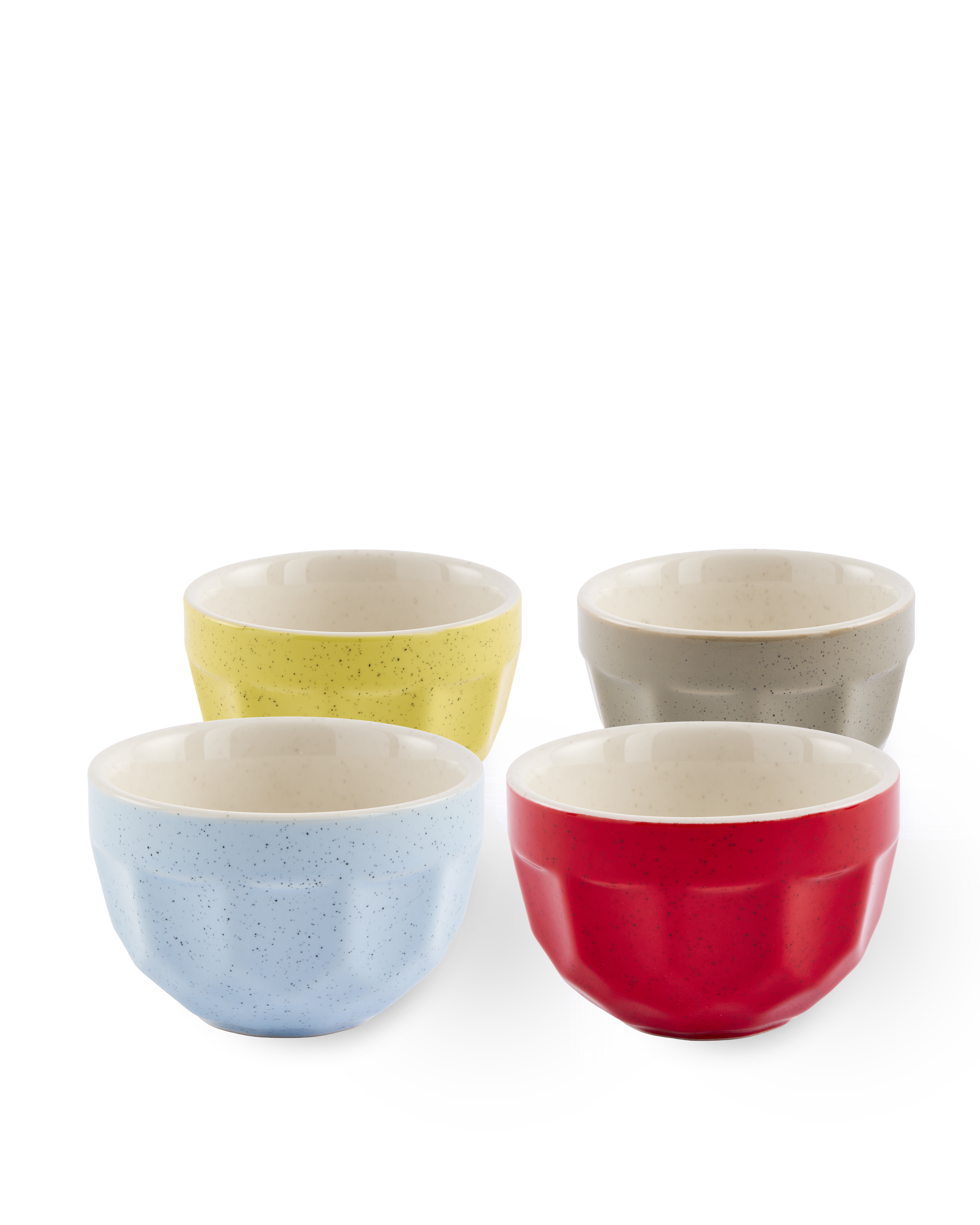
These are far and away my favorite cups for espresso and latte drinks, so satisfying to hold and great looking to boot. $

📦

This unique little device looks like an old-school calculator but is actually a fairly sophisticated sampler and sequencer for making beats on the fly… Plus it fits in your pocket! $$

📦

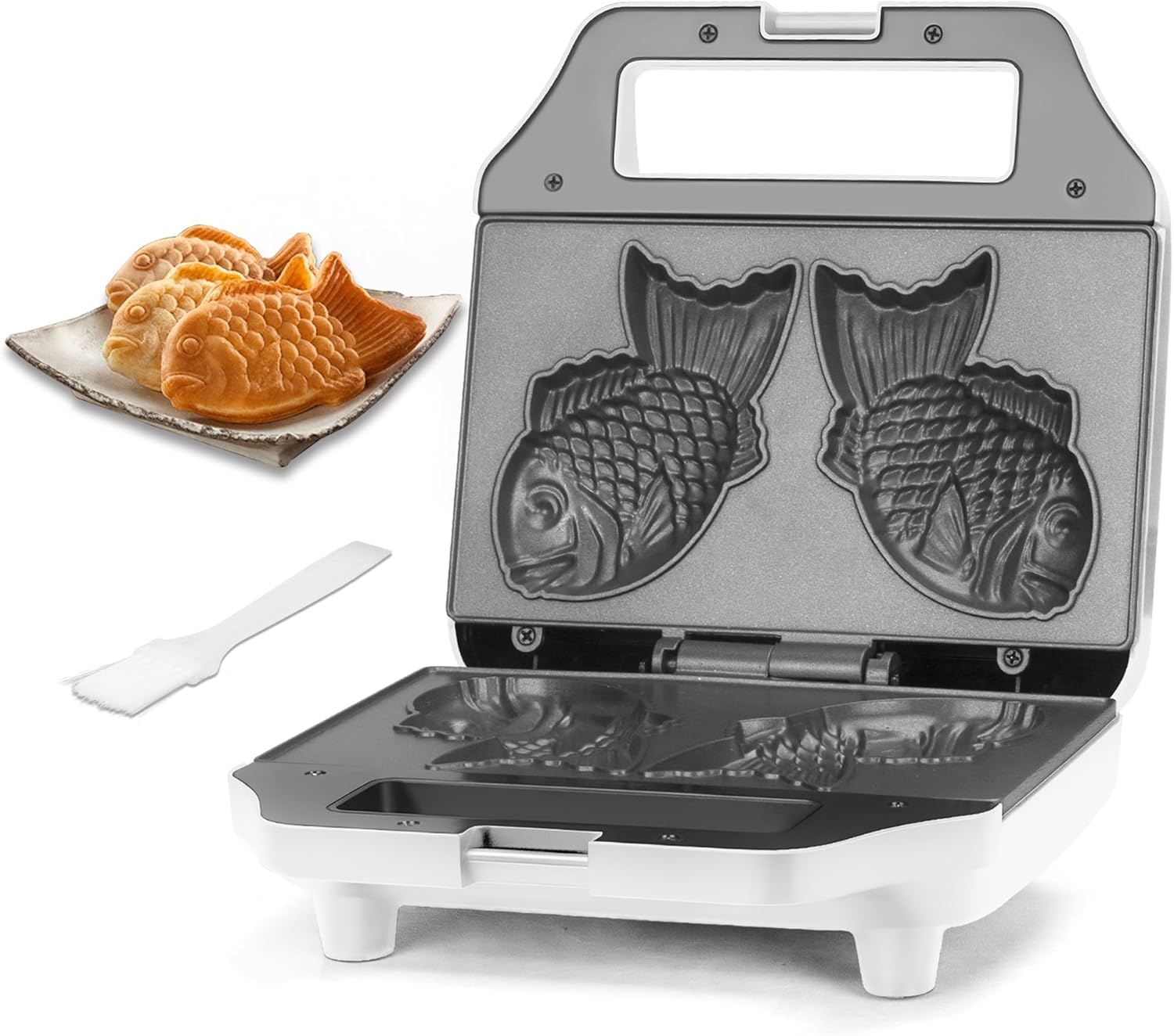
If you haven’t had Taiyaki fish waffles, you’re missing out—they’re tasty, usually filled with red bean paste, Nutella, or something else delicious, and they’re shaped like fish! $

📦

This is one of the most fun toys I’ve gotten in recent years. It’s a great fun beat maker and sampler from the kings of fun physical product design. Think of it as the big sister of the PO-33 linked above. $$$$

📦

This is my go-to recommendation for someone wanting to get into retro gaming. It’s a great-looking handheld and comes with a nice starter library of games. $

📦

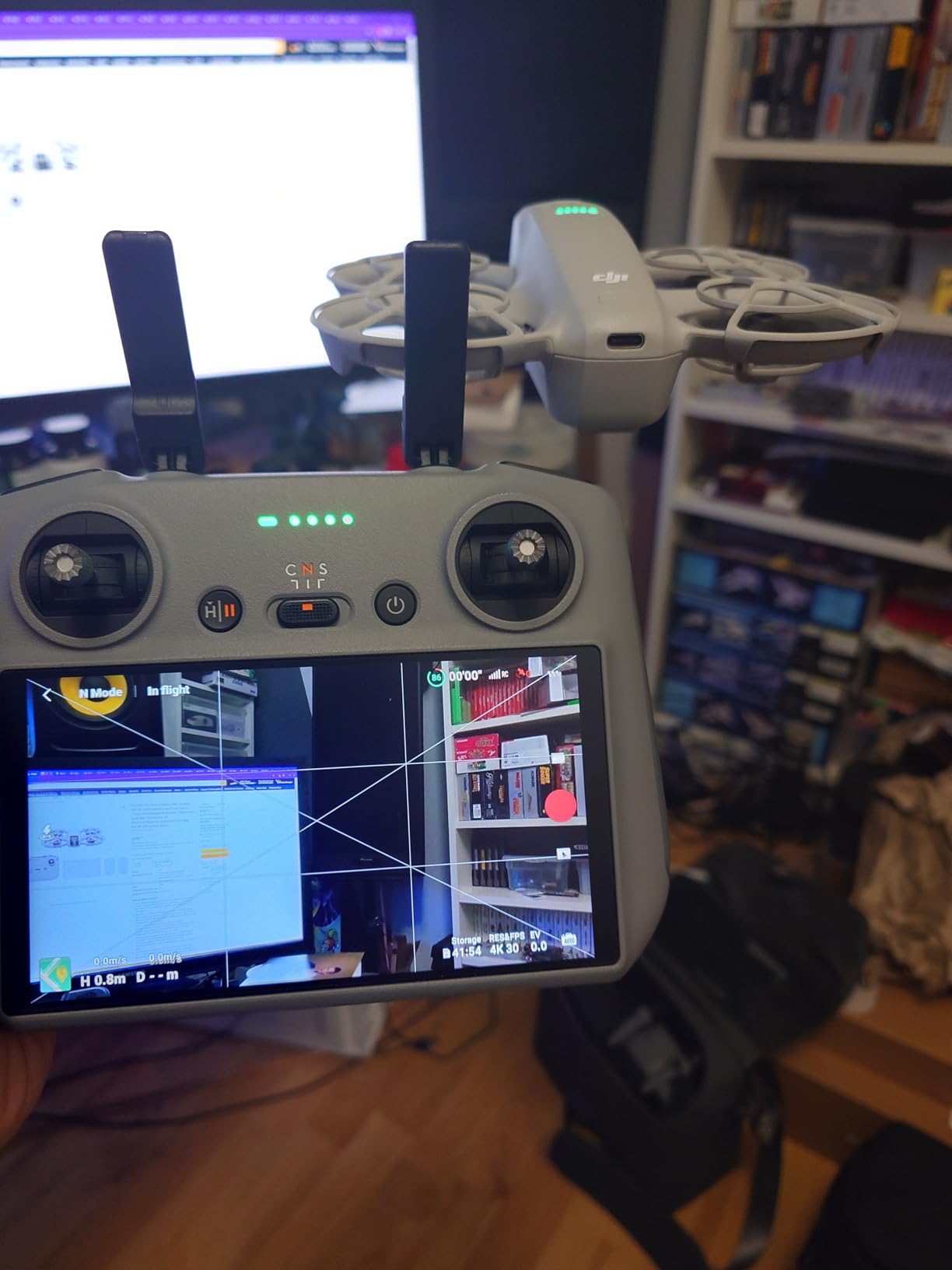
Another great way to get into an otherwise expensive and complex hobby… Previously I’d recommended the DJI NEO, which is quite good, but there is a distinct possibility of DJI drones being banned here in the U.S. $$$

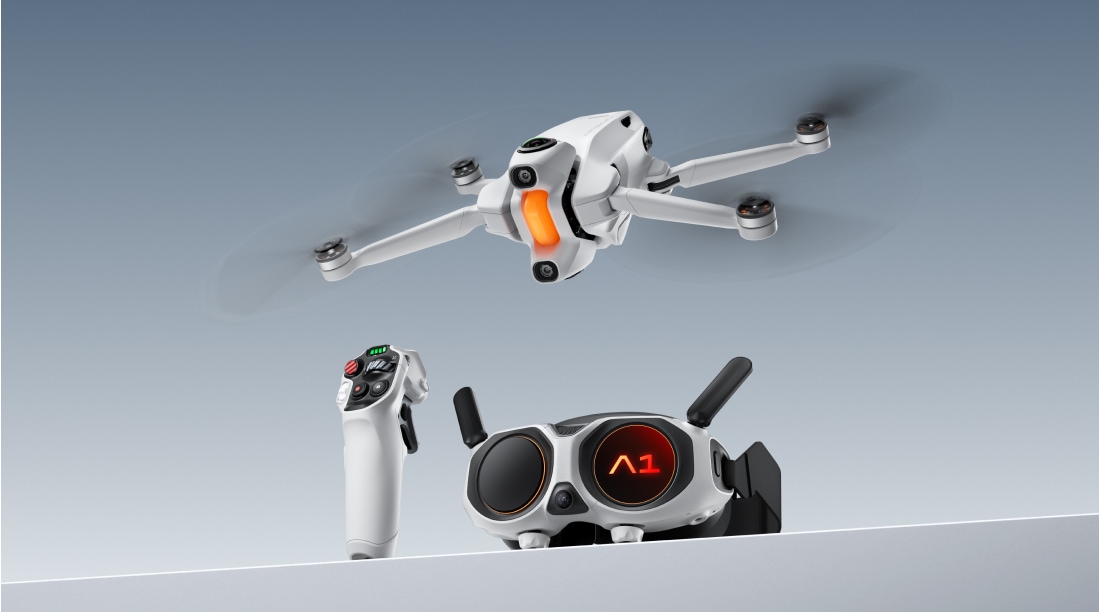
Antigravity A1

This is a really cool-looking new 8K 360º compact drone that is coming out in the next few months. It weighs 249g so you don't need to register it with the FAA to fly it recreationally in the US, and comes with an interesting motion-sensitive joystick and first-person view (FPV) goggles that let you see your flight as if you were sitting in the cockpit of the drone. Interestingly, the goggles have displays on the outside so people standing around you can also see what you're seeing. Peter McKinnon made a fun preview video of it a few weeks back in case you're curious.

Dulton Double Face Clock

I saw Tom Hitchins had this beautiful Japanese-import double-faced clock in his studio, and I promptly set out looking for where I could get one for my Christmas list. It's just beautiful!

Moment Pro Camera II for iOS

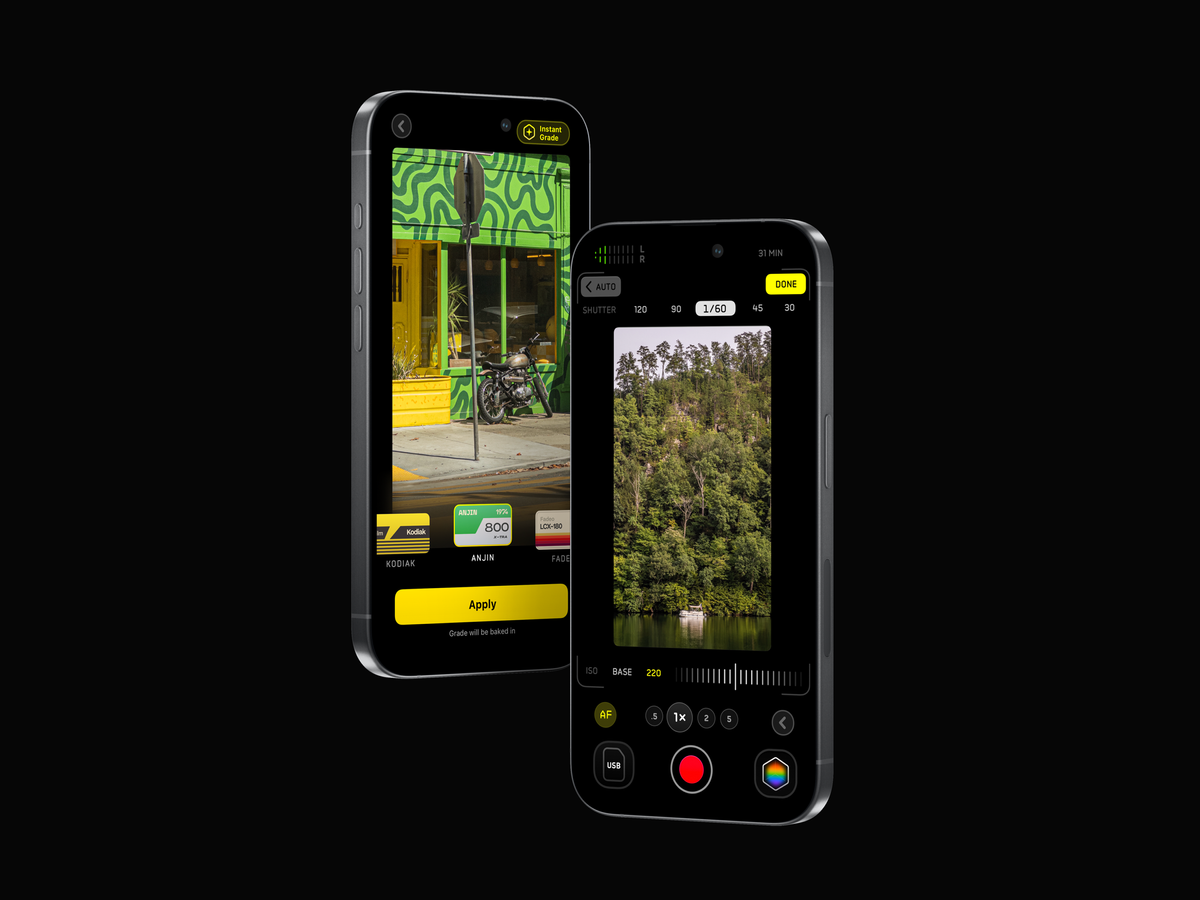
Moment dropped a new version of their Pro Camera app for iOS, bringing a ton of advanced features for both photos and videos into one central app. Like Halide, it will let you manually control your shutter speed, ISO, EV, focus, white balance, and opt out of Apple's sometimes heavy-handed processing on your photos. It ALSO lets you apply custom LUTs to both photos and videos, shoot in Apple Log 2, offers open gate and even anamorphic desqueezing in case you picked up an anamorphic lens for your iPhone. Best of all, it's a one-time purchase and they have a full roadmap for making the app even better in the months ahead.

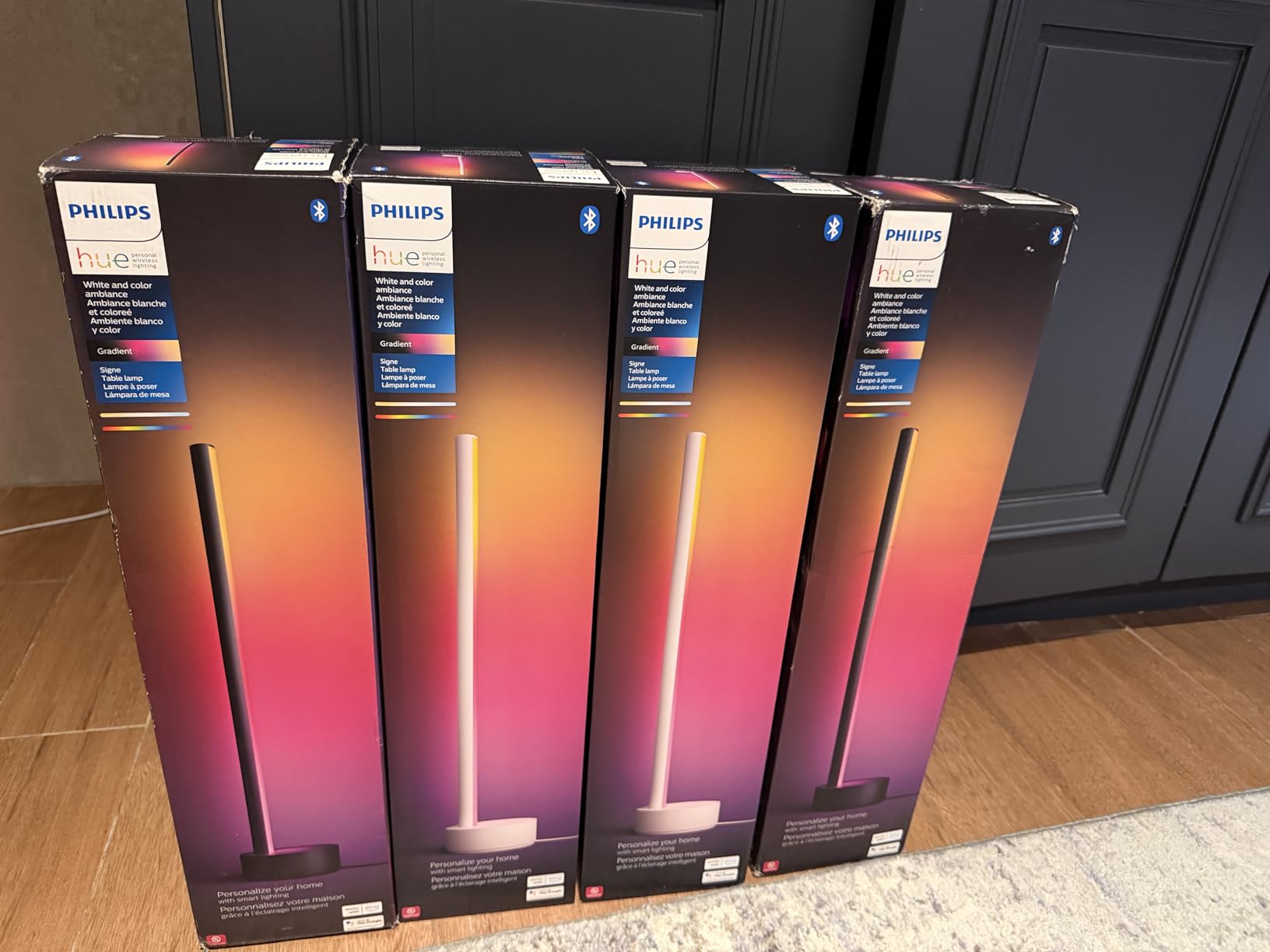
Philips Hue Twilight Lamp

OK, let me start by acknowledging that this lamp is $300… but I really dig how it looks. It's also got two different lights built into it: a reading lamp that can be adjusted for warmer or cooler light, and a separate light in the back that can project beautiful color gradient patterns for mood lighting. It integrates with Siri/Alexa/Google Home, and best of all it has two programmable buttons on top that can be used for triggering smart home automations.

Howie Virtual EA

I've just started playing with Howie this week and have been pretty impressed. In short, it's an AI-powered executive assistant that helps with schedule and calendar management. Need to schedule something with someone? Just cc Howie and it will find times on your calendar, coordinate with the other person and send invites according to your preferences/training. The part I like best about it is that it's backed up by real humans who double-check to make sure the AI doesn't do something dumb with your calendar.

Stream Ring

I am generally wary of the newish breed of smart devices that are always recording audio around you to capture and transcribe your every spoken word and interaction. I get the appeal for some folks, but the privacy nerd in me has major concerns. This new smart wearable has me intrigued as it's a ring that only records when you activate a button, in a sort of push-to-talk setup—it can transcribe notes, speak back to you via headphones, and draw insights from your recordings. The price isn't terrible and it's up for pre-order right now.

Tactile Turn Switch Pen

Texas-based Tactile Turn manufactures some of my favorite US-made everyday-use pens. I've got several of their bolt action and click pens, and now I'm eyeing these new Switch Pens pretty hard—they feature a unique light switch-style flicker on the side of the pen that looks super satisfyingly fidgetable. It's made out of titanium and comes in two different sizes, allowing you to choose between your favorite type of refill cartridges.

✂️

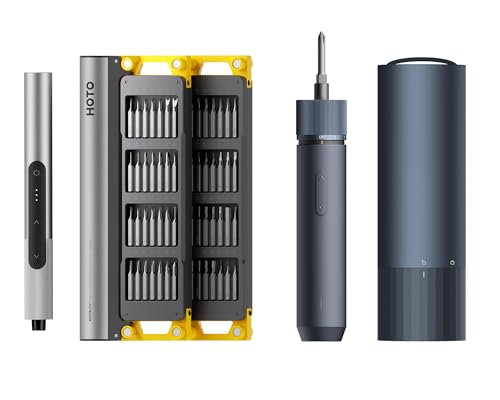
Hoto is one of my favorite tool companies—all of their products that I own look great and function impeccably. So, I'm kind of geeking out to try their new electric scissors. Here's the catch: I don't know what I'd use them for... I could see maybe getting into cardboard craft projects at some point, but I feel like I need a lot more time first. Anyone have any recommendations?

📱

After about 3-4 months of going caseless on my iPhones, I finally dropped and destroyed the screen on my iPhone 17 Pro about a week into owning it. Upon getting the screen fixed, I overnighted this case from Torras to protect the new screen. I've had a few Torras cases before, and this one is my favorite—I like the air cushion bumpers, and feel like the kickstand/grip ring is the most stable yet. I also really like the look of the blue case on my Cosmic Orange.

Aura Ink

Aura released an interesting new take on their fantastic digital photo frames this week, this time using color e-ink in its display, giving a more analog, paper look to your photos. The large 13.3" e-paper frame looks to be pretty high resolution and can run for up to three months on a single charge, letting you mount it on a wall amongst your other pictures. We have had several different digital photo frames, but the ones from Aura have easily been our favorite.

Hacktivate

Shout out to Andrew for flagging this cool educational game/simulator that teaches you the real-life fundamentals of offensive hacking, encryption, decryption and more. Even if you're not into cybersecurity, you'll probably enjoy the puzzles and challenges. Best of all, you can try it for free, and then it's a one-time payment to unlock it for playing on your Mac, iPad, and iPhone. I'm having a blast with it.

James Brand x Timex Watch

Thanks to Adam for flagging this gorgeous GMT field watch from Timex and The James Brand. It uses a super reliable Miyota 9075 automatic GMT movement, letting you track the time in two different time zones at once, and has the perfect amount of color pops for my liking. I have a few knives and tools from The James Brand and have always been really pleased with them—they look great and hold up to regular heavy use.

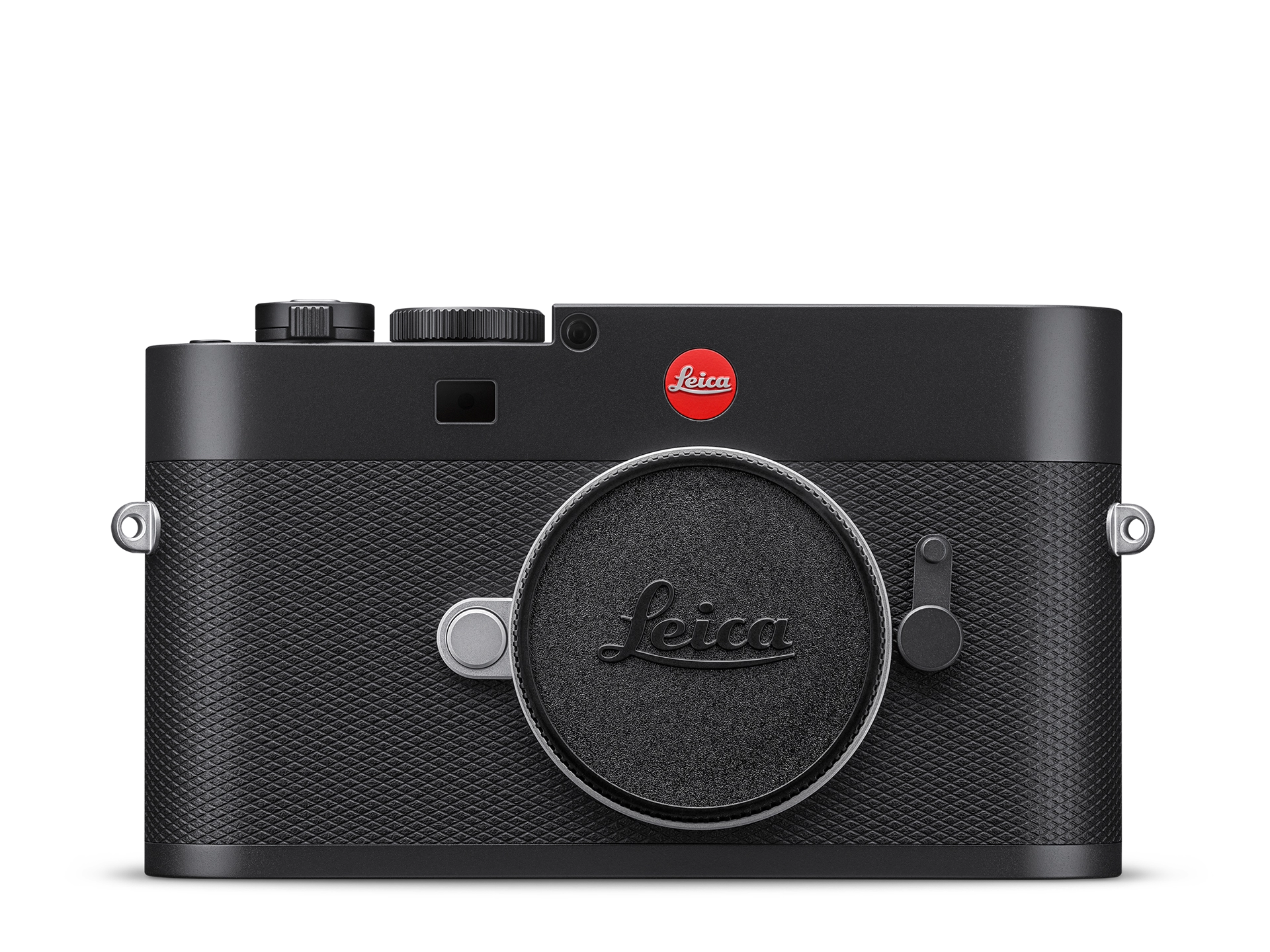
Leica M EV-1

Leica released a new version of their iconic M-series cameras, this time ditching the glass rangefinder in favor of an electronic viewfinder. While it can be seen as a controversial move if you forget that no one is forcing you to buy this camera, I think it's a really savvy move to increase the accessibility of the Leica M range. Like all Leicas, the new camera is gorgeous and costs an insane amount of money. Even if you have no interest at all in this camera, I highly recommend watching YouTuber GxAce's fantastic review that is almost more of a time-traveling cyberpunk documentary than a camera review.

RunBuds for iOS

RunBuds is a fun, indie take on social running apps, letting you watch both yours and your friends' runs on a track. You can also set up group goals, like collectively running a certain cumulative distance by a deadline. I'm not running much these days (more into rucking), otherwise I'd be all in on this.

Dia Browser

The Browser Company announced the general release/availability of their follow-up to Arc Browser earlier this month. I've been on the beta for months and have found it to be my favorite of the various AI-powered browsers out there right now. It's got a clean UI, the AI is there if you want it but stays out of the way if you don't need it, and is just a nice-looking implementation of a Chrome browser all around. I still don't love that the Browser Company requires you to have a user account to use their browsers—a major privacy strike in my opinion. That said, it's a great option as long as you know what you're getting yourself into.

Raycast Keyboard for iOS

One of my essential macOS apps continues to iterate on its newish iOS counterpart. This week, they released their iOS keyboard which gives you access to your Raycast notes, templates, and snippets right in any text field. Most usefully, they also added an AI dictation feature that way outperforms the built-in Siri voice dictation on iPhones. You can also set up templates for the type of dictating you're doing so that it will format the transcription like an email, a text message, etc.

Seiko Rotocall / Astronaut Watch

Seiko announced this week that they are re-releasing their famous digital quartz from the early 1980s that was worn by several astronauts due to its hardiness and that the bezel could be manipulated even while wearing spacesuit gloves. I love the retro digital aesthetic, and will definitely be looking to pick one up when they become available in the U.S. next spring. (They'll be available in Europe and Japan next month!)

Spinware Handmade Stoneware Cup

I recently got a new espresso machine with a notoriously small gap between the portafilter and the drip tray, meaning it will fit only very small/short cups. After seeing these gorgeous cups in Tanner Colson's reels for a while I decided to give them a shot, and am blown away by how great they feel. They feel amazing in hand, are the perfect size for a flat white or cappuccino, but also are fantastic for cupping a double shot of espresso. Highly recommended.

🔪

A buddy of mine asked me this week for a recommendation for an EDC knife, a topic that I could spend hours talking/writing about. While there are a million good options depending on one's budget, needs, style, etc., the one that is the easiest for me to recommend is the Benchmade Bugout. Benchmade makes fantastic, long-lasting knives that will last forever with good maintenance. The Mini Bugout is compact, discreet, comes in a million different color and blade options, and there is a whole universe of DIY 3rd party modifications out there for changing out the grips, thumb studs, and more. It's a great all-around pocket knife.

Embrace Chair

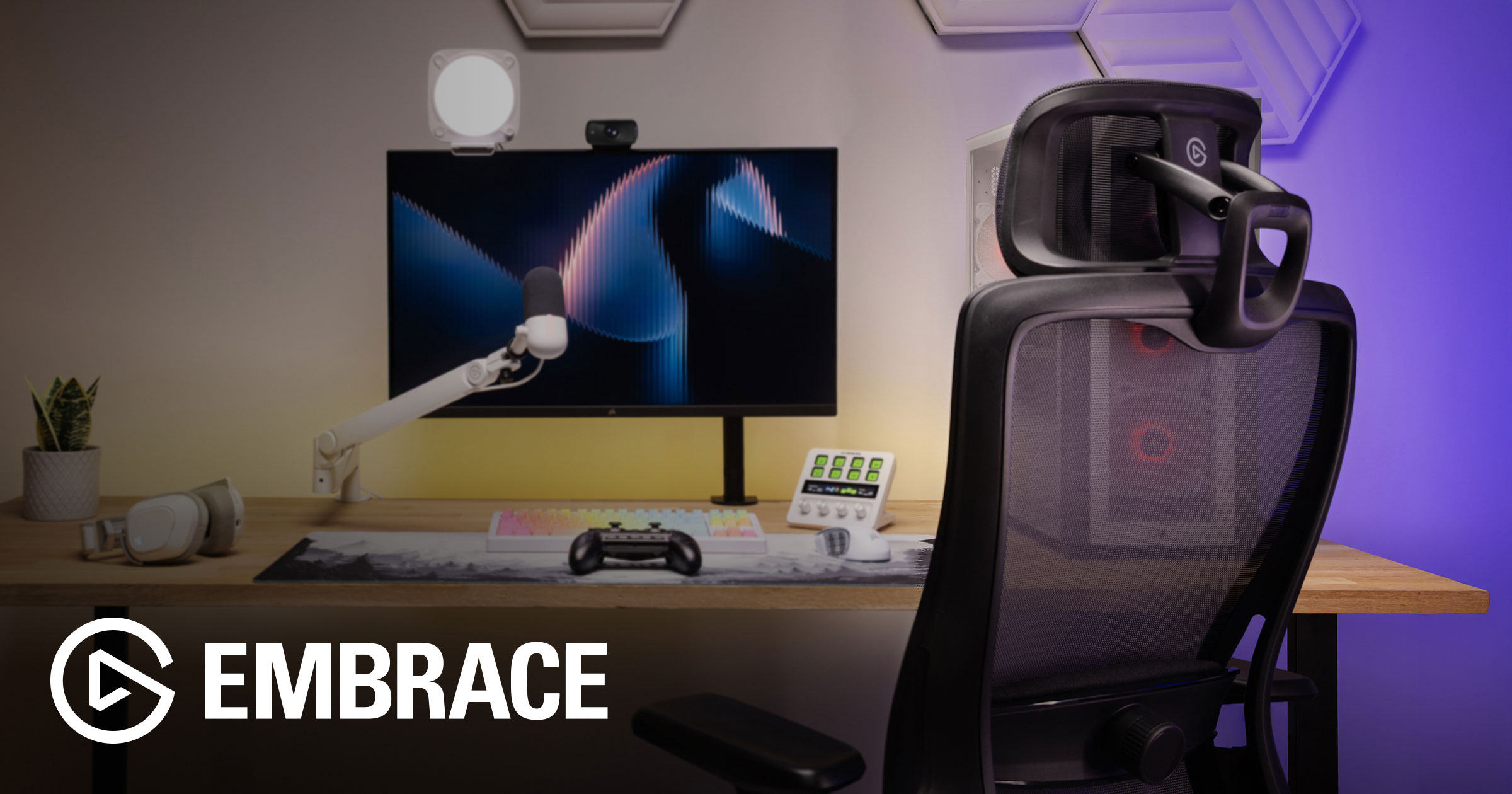
The folks at Elgato announced a really compelling new office chair that looks to be competing directly with the classic Herman Miller Aeron office chair. It's leveraging the same slightly transparent, highly breathable style that's perfect for those of us afflicted with chronic sweaty back syndrome– but presumably at a much better price point. I'm pretty happy with my current chair, but if I were in the market, this would be the one I would grab—every Elgato product I've had (including my beloved Key Light) has been a delight.

💾

I've become hooked on shooting video with the new iPhone 17 Pro (c.f. this moment of Zen on the Oregon Coast)… The phone's ability to shoot both Open Gate and Apple ProRes RAW means you have a professional-grade video camera suite in your pocket. The only catch is that footage just devours storage… and some footage settings literally require an external SSD before the phone will even let you shoot them. Enter the Lexar Pro Go, which is an insanely tiny external SSD that discretely clips onto the back or bottom of your phone. I just leave it clipped on when I'm out and about shooting, and it's barely noticeable.

🍱

Sidio Crates are my favorite way to organize gear at home. I have one for all my stationery and pens, one for retro gaming handhelds and hacker toys, and another for cables and old hard drives. Could you get something functionally similar for half the price at the Container Store? Absolutely. Would it look as good, be as rugged, or customizable? Probably not. I’m linking the Amazon page above for faster delivery, but if you want to get fancy, go build your own custom crates on their site. (Thanks for the reminder, Kevin!)

Bento Focus for iOS

Francesco, one of the creators of Bento Focus, kindly gave me a trial to take a look at the app, and I’ve really enjoyed playing with it. While it’s specifically designed for helping folks diagnosed with ADHD, it’s still just a really relaxing and delightful app for anyone who is feeling overwhelmed with tasks or overstimulated in general. The app has several different modules tailored to your unique motivation style and distraction risks to help you focus, track to-dos, and more. It’s been recently updated for iOS 26, bringing Liquid Glass to its lovely UI.

Nomad Apple Watch Ultra Sport Band

I was simultaneously shocked and dismayed that Apple neglected to come up with a fun, orange-colored watch strap to pair with the new Cosmic Orange iPhone 17 Pro. Fortunately, third parties have stepped up to the plate. I grabbed an Orange Sport Band from Nomad, which has been a delight. Feels extremely well made and is super comfortable. It’s not a perfect color match (they already had this orange strap for sale before the launch of the iPhone 17 lineup), but I’m really enjoying it.

Outin Mino

The folks at Outin have just launched a new, even smaller, portable, powered espresso machine for travel and camping. They have very kindly sent me one to review in the coming days, so I’ll have more thoughts soon, but first impressions based off the specs alone are positive—It’s more compact than their Nano that I used and really enjoyed on a recent trip, but claims to heat your water both hotter and faster while also including a more powerful pump for your ’spro. It looks like a winner.

Prometheus Lights Beta QRV3

Let me preface this by acknowledging that the price point on this thing is ridiculous, but it’s a really fantastic light. It’s about half the size of a thick pen, but kicks out a whole lot of high‑quality (90+ CRI) light. With the optional clip, it clips nicely into jean pockets or backpacks, but with the default magnetic keyring, you get some magic—When you tug the flashlight off the magnetic keyring, it automatically turns on, and then turns itself back off when you reattach it. Super satisfying. I’ve had mine for a few years now, and it’s one of my favorite fall and winter EDC items as the days get shorter.

The Outsiders for iOS

This is a fun new app from the makers of Gentler Streak, this time bringing their same love of great design and health data to an offering meant for those really invested in increasing their athletic performance. Personally, I’ve been using Bevel for this kind of data and will probably stick with that, but I signed up for a month of The Outsiders and really enjoy the look of the app.

My last travel charging setup died a tragic death between trips, so I picked this up for travel this week. It’s a clever foldable 3-in-1 station that charges your iPhone, Apple Watch, and AirPods at the same time, now with Qi2.2 support for 25W MagSafe charging. It even comes with both a cable and a beefy but diminutive charging brick—nice touch.

Notion 3.0

I switched from Obsidian to Notion earlier this year and have been enjoying its cleaner, more user-friendly approach to information and database management. The built-in meeting transcription and note-taking, combined with the beta of Notion AI, have been especially handy. With version 3.0, the AI gets a serious power-up: it can now handle agentic tasks inside Notion and across popular web services, meaning it can actually help you knock things off your to-do list. I’m excited to see what it can really do when I get back from my vacation later this week.

65x24

Héliographe's 65x24 is a stunning panoramic camera app for the iPhone getting a big design and functionality update tomorrow.

Alyx Caffeine Tracker

This is one of my favorite iOS 26 exclusive launches that I've gotten to beta test— It's a really silly, super fun caffeine tracker with personality. It makes good use of HealthKit, Alarm Kit, Apple Intelligence and more to make it effortless to keep track of your caffeine, how it might or might not impact your sleep, and even when you need to cut yourself off from your feel good juice so you can make it to bed on time. It won't officially release until the 15th, but will be worth the wait.

Chronicling

Rebecca Owen's lovely Chronicling is one of the best looking tools out there for keeping track of, well, anything. Keep track of habits and routines, health metrics, books read, when you water your plants, you name it. The iOS 26 update brings a new liquid glass design and Apple Intelligence support for smart event logging.

Cleft Notes

Jonny and Justin's Cleft is an awesome voice note transcription and summarizing tool getting a bunch of iOS 26 features like Spotlight Integration, Apple Watch syncing, speed updates, and even more features coming in Cleft 2.0 in November.

Daylish

Manuel Kehl, creator of my favorite meditation timer app, Zenitizer, has created this delightful day planning app that leverages iOS 26's new Alarm Kit feature to help you make sure to never miss a super important meeting. The app launches tomorrow, but you can catch the preview video at the link above!

Elytra

Nikhil Nigade's Elytra is a simple, private and feature rich RSS feed reader for the Apple Ecosystem that's getting a Liquid Glass glow-up with some new under the hood improvements as well.

Flyleaf

Max Melzer's beautiful Flyleaf is a really clean read-it-later app for saving articles from the web to read in a much more pleasant reading view without pop-ups, ads, etc. The new update brings a Liquid Glass design update.

GamePal

Jeremy Swinnen‘s GamePal is my favorite way to keep track of my gaming back log, and has an iOS 26 refresh all tee’d up for the big day.

Garden - Quotes Club

Victoria Ali's Garden is a lovely looking app for finding/tracking meaningful quotes releasing tomorrow.

Glass

Joao Dordio is the iOS developer behind Glass.Photo, an awesome independent photo sharing platform/community. The app has always been gorgeous and design-forward, and it's getting even better with an iOS 26 update coming out tomorrow.

Glu Sight

Jay’s Glu Sight is a beautiful, iOS native app for tracking your glucose and insulin levels, and it’s getting a Liguid Glass polish this week. Also check out Mira, his cool new video and mood journal app, also getting the iOS 26 treatment.

Keepfully

Alexander Käßner's Keepfully is a clever iOS app for keeping track of things you've loaned out and things you've borrowed, who has them, when they're due back, and so on. It's getting a Liquid Glass update.

MinTask

Rafael Ramos' MinTask is a playful productivity app built around the Eisenhower Matrix for smart task management.

Moonlitt

Flipping Hues' Moonlitt is a beautiful moon phase tracking app that I really enjoy for the Apple Ecosystem. It's got a number of beautiful widgets, watch complications, and more, all getting a slew of iOS 26 updates.

Noir

Jeffrey Kuiken's Noir is one of my favorite Safari extensions on iOS, as it very handily helps add a dark mode to any website you visit. This is perfect for late night scrolling when you don't want to wake your partner or fry your eyeballs by visiting a site that doesn't support dark mode natively. It's ready to go with a new Liquid Glass design. Be sure to also check out his Zelda: Tears of the Kingdom and Mario Kart World Travel Guide apps as well!

Orbit

Joshua Newton's Orbit is a gorgeous app for finding and keeping track of all of your subscriptions, and it's getting a great looking Liquid Glass update. I personally have saved a couple hundred bucks thanks to Orbit helping me hunt down and cancel some subscriptions I forgot about.

📦

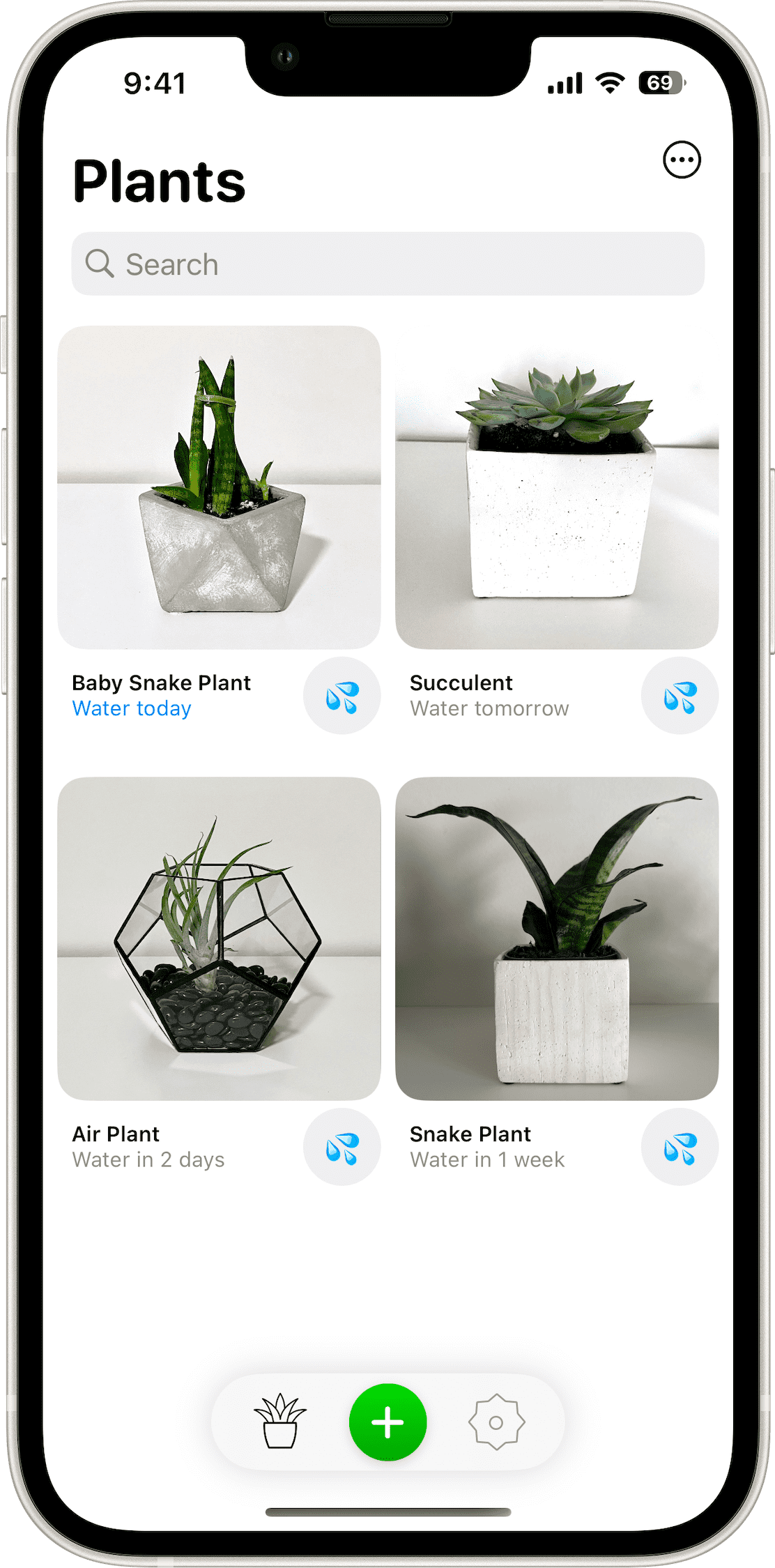
Jordan Hipwell's Plant Daddy is a lean, iOS-forward app for tracking when to water and otherwise care for your plants. Jordan's done a great job of integrating lots of Apple ecosystem features like widgets, iCloud syncing, notifications, and now an updated look for iOS 26.

Quiche Browser

Greg de J.'s Quiche Browser is a beautiful, customizable web browser for iOS that's getting the full Liquid Glass treatment.

Sofa

Shawn Hickman's Sofa is a delightful app for keeping track of things you want to enjoy later— Shows, movies, books, video games, podcast episodes, you name it. It's getting a great iOS 26 boost tomorrow.

AstroPad AR Screen Protector for iPhone

AstroPad launched this week a new anti-reflective screen protector for iPhones that promises to reduce reflections and glare on your screen by 75%. The side-by-side comparison photos are pretty startling... As someone who loves AstroPad's Rock Paper Pencil paper-like iPad screen protector and pencil combo, I'd be all over this screen protector if there weren't rumors that the iPhone 17 Pro will have similar tech built into its display. We'll find out this week.

🎧

This is a really clever new release from Mophie that lets you simultaneously charge both your AirPods Max and AirPods Pro in a single, attractive stand. I ordered one as soon as I saw it—I would like to use my AirPods Max more, but it seems like they need a charge every time I reach for them.

📺

This device features a small camera that captures whatever is on your TV screen, and then syncs colored LED lights mounted on the back of the TV to light up the wall behind it to match the on-screen visuals. In theory, it should create a much more immersive movie-watching experience. I've been wanting to try something like this for a while but have always been put off by the price for what is essentially a bit of a gimmick. This new entry from Govee has great reviews and costs way less than others I've looked at previously. I'll be putting it on my Christmas wish list.

🖥

After seeing this stand in Chris Lawley's excellent iOS 18 iPad Workflow video this week, I immediately ordered this nice magnetic stand for my desk that will let me use my iPad Pro in Sidecar mode as an extra monitor for my Mac. I like the clean, Apple-like minimalism of the design, and the fact that it's easy to rotate between portrait and landscape modes.

Mark One Pen with Clip

Austin-based Studio Neat recently launched a new version of one of my all-time favorite pens, the Mark One. The new version introduces a clip for those who want to throw the pen in a pocket or want to keep it from rolling off the desk so easily. Personally, I love the sleek, clipless version on my desk, but for folks who want an EDC version, this might be what you've been waiting for.

Bevel Health Dashboard for iOS

Bevel Health Dashboard brings you almost all the power of Whoop but without the heavy investment in yet another wearable. Bevel pulls data from Apple Health whether it's being drawn from your Apple Watch or an Oura Ring, etc., to give you insightful and well-composed analytics for strain, recovery, sleep, nutrition, and more. I've played with a few apps like this, but this one has one of the cleaner and more practical user interfaces. And I also particularly like the included nutrition scoring leveraging AI. I am a week in but already enjoying the data and how it's presented more than most other similar offerings I've tried from Whoop and Oura.

Cobot Agentic AI for iOS

Cobot is an app currently in beta that markets itself as a todo app that also gets things done. It does this by combining LLM smarts with agentic capabilities that leverage APIs for everything from Weather and News to things like Github, Notion, Canva, Square, and more. Once plugged into the various services of your choosing, it then allows you to build powerful automations that run at scheduled times like—"Every morning at 7am, send me a breakdown of the weather and my schedule, and a prioritized list of outstanding To-Do's from my various Notion projects, with suggestions for what time during the day I could tackle them." Cobot runs both as a web app and as a very clean and functional iOS app in TestFlight for subscribers.

💡

A few years back, I installed smart dimmer light switches throughout the house, and have since suffered through all kinds of anomalous lighting issues that had the family wondering if maybe we'd accidentally invoked some lesser Goetic demon that communicated exclusively via flickering lights. Turns out, a bunch of our light fixtures are not compatible with dimmer switches. Whoops. Over the last month, I've been gradually switching all the troublesome lights over to these cheap smart switches from Kasa and have been very happy with them. They look nice, are compatible with Siri / Alexa / Google Assistant, all without a special hub thanks to their being Matter certified, and you can buy a 3-pack for just $45.

I saw a woman in line at my favorite North Austin coffee truck rocking one of these mugs and immediately went down a rabbit hole online to try and find it. It's super compact, looks great, and I love the hardened glass that lets you quickly see how low you're getting on coffee/tea.

Mira - Video Journal + AI for iOS

Indie developer, Jay, released a great-looking privacy-focused video journaling app this week. Mira has you recording ~30-60 second videos to document your thoughts, feelings, and recollections of the day, and then uses on-device AI models to transcribe and perform sentiment analysis to catalog your mental and emotional states. One of the best parts, in my humble opinion, is that nothing leaves your device, but Jay still takes advantage of app intents and Spotlight search to help you make the most of your entries.

Cassette: Home Video Player for iOS

Indie developer Devin Davies released this great fun app this week, with a really charming launch video. The app acts like old camcorder tapes that were filled with random family memories all jumbled together. Cassette pulls at random from your iPhone videos to resurface memories in a fun, nostalgic way, leveraging a really fun, skeuomorphic video tape-inspired style. Go watch the launch video—you'll immediately know if it's for you or not.

Macrowave for MacOS

Macrowave is a gorgeous Mac app that lets you create your own private radio station that can securely stream your system audio to anyone you give the link to. This lets you create real-time peer-to-peer "radio" broadcasts of whatever music or video you're watching, and also allows you to voice over just like a DJ. The app is a little pricey if you want to broadcast, but it's completely free for anyone with a Mac/iPad/iPhone to be able to tune in via your link. You can even get push notifications when your favorite stations go LIVE. I'm going to be experimenting with a few small broadcasts this week over on my private station in case you happen to like old school punk, electronica, and hip hop.

I've been on the record about really not loving this company's name or branding, but I have to say this mechanical WDT tool is so insanely satisfying to use on my coffee grinds each morning. For those not familiar, the Weiss Distribution Technique (WDT) is a method of using small, very fine needles to break up the clumps in your coffee grinds to improve their consistency and distribution for a more even and better-balanced espresso shot. There are a lot of different tools out there, but this one uses a whole system of springs and gears to thoroughly mix your grinds and leaves them looking smooth and fluffy, ready for tamping. It gets bonus points for looking and feeling like a steampunk coffee accessory.

📂

This is a cool little app I'm trying out this week that lets you mount remote servers and cloud storage as a disk in Finder on your Mac, sort of like how DropBox used to work but with any service you want—Amazon S3, FTP, Google Drive, Azure, Backblaze, etc. (Dropbox may still work this way; I've not used it in years.) This lets you quickly access and open remote files like browsing any other files on your computer, or back up files to your remote server with a simple drag and drop.

Sachiel - Lego Keyboard Kit

I'm kind of obsessed with these build-your-own keyboard kits I just stumbled across from KBD Craft that have you build your board from scratch with Lego components (but real, functioning switches and keys). The new-ish Sachiel is an 85% keyboard with fun-looking, programmable twisty knobs, but I've also got my eye on the Israfel which is a low-profile, 50% ortho/split keyboard. I suspect one of these will be my next pick-up, but for now, I'm still really enjoying my Nuphy Kick75. (*Note: Their website seems to have gone down, so I've updated these links to their Instagram Page in the meantime.)

Brick

The Brick is a small grey square with an NFC chip in it that acts like a key for unlocking all the distracting apps on your phone. I've had several folks recommend this thing, and have resisted it for a long time—I keep telling myself I have more self control than I actually seem to possess. The reality is I pull my phone out of my pocket often throughout the day just to take a peek at something and then find myself 5 minutes deep into a social media scroll or work email exchange. One week with the Brick and I'm becoming way more aware of just how often that muscle memory kicks in. When you set it up, you select all the apps that you'd like to lock away (for me it's basically social media + work apps) and either set a schedule of when you want them to be locked (like in the evening when I'm playing with my family), or you can just selectively lock them when you want to focus (like during your morning routine). When you want to "unlock" these apps, you have to physically walk over to wherever you keep your Brick and tap the phone to the NFC chip inside.

Mighty Cursor

I've been using this app for just a few days, but I'm enjoying it so far. It turns your mouse cursor into an AI assistant that you can control with voice commands. It will answer questions, provide context-aware analysis, and more. Best of all, you can use your own API keys for the AI provider of your choice and let you bring your own Elevenlabs keys to give it the voice that you want.

📙

I've had a Magic Keyboard Case on my M4 iPad Pro since it first released. It's fantastic, but lately I've been using my iPad less for productivity, and more for consumption (basically playing Balatro + reading vintage comics in Marvel Unlimited). I went looking for a new cover that wouldn't weigh as much or be as bulky as the Magic Keyboard, and have wound up really liking this one from MOFT. Apart from being both sturdy and minimal, the cover can also be folded and tucked in a dozen different origami-like patterns to get the exact right stand angle for your purposes.

I grabbed one of these to take on a trip late last month and enjoyed it so much that it's now my primary espresso scale and my older MHW-3Bomber scale is in a drawer as back-up. It's compact, looks great, and has been highly accurate in my testing. I particularly like that you can control whether or not it beeps when you press buttons. Though I've not used it for pour-overs, it also has a handy feature to automatically tare and track your coffee grinds to water ratio.

🔥

Last week one of our fire alarms went off in the middle of the night, woke everyone up (including our two very freaked out kids), and yet there was absolutely no smoke or fire. This was the second time it'd happened in a month. A month or two before that we had one of the fire alarms start chirping in the middle of the night indicating it needed a battery. It took 10 minutes just to figure out which fire alarm it was. I was fed up, and decided to go shopping. I wanted to get a "smart" alarm so that I could get notified of low battery on my phone rather than via chirping in the middle of the night, and I also wanted to be notified if an alarm is going off when I'm not home. The X-Sense checks all those boxes for way less than the now discontinued Nest Protect smoke alarms. Set-up was super quick and easy, and so far no false alarms!

I picked up one of these for a series of trips I am taking through the summer and fall. I was drawn to it by the smallish form factor, the fact that it can heat water for you or take boiling water from a kettle, and brews with either ground coffee or Nespresso pods. After having gotten to put it through its paces this last week, I don't think it's going to win any world barista championships, but I am really enjoying having this as a quick and easy espresso option wherever I go and it certainly beats hotel room coffee machines. I'll be bringing it with me on the rest of my travels and camping trips this year. Schedule allowing, I hope to write a more detailed review of it for CoffeeGeek this fall. It's far from perfect but it's sparking joy for me.

🗒

Paper Apps makes super fun games that are played in a small, spiral notebook with just a pencil and one or two dice. I'm a big fan of their Dungeon game that I've written about previously and that has you play through a single-player dungeon crawl on the go. The new Labyrinth is a "3D" paper game from the same folks that has already way exceeded its funding goal on Kickstarter and is due to ship next month. There are three days left to back it/pre-order it; otherwise, you'll need to wait until they get it in stock on their website later this fall.

TRMNL X

My friends over at TRMNL have opened pre-orders for a new, much larger version of their fantastic, DIY-friendly, e-ink platform. The TRMNL X rocks a 10.3" display with more shades of gray, a higher resolution, and a faster refresh rate. It also has a magnetic back mount, a waterproof case, and touch controls. It will still work with their awesome, community-driven library of plugins and integrations with various web services and information sources. Full disclosure: TRMNL has sponsored previous issues of the Hiro Report, but this is not sponsored—I'm just stoked about the new release and have already put in my pre-order.

Let me preface this by saying I am wary of featuring Kickstarter projects, but the folks at Big Idea Design have done an impressive 51 launches on Kickstarter, and I happen to own and love a good number of their products… They're a great company churning out good-looking everyday carry gear. So, with that all said, I'm really intrigued by the beautiful new titanium-bodied GMT watch that they just launched this week. It features a beautiful double-domed sapphire crystal with an anti-reflective coating over a bright, good-looking full dial lume. For those not familiar, a GMT watch features an additional hour hand that you can set to keep track of time in a different time zone by pairing it with the 24-hour bezel on the face of the watch. It's a handy feature for travelers, and also just a super fun complication to add to mechanical watches. They're limiting it to just 300 pieces and plan to ship to backers next month.

📱

I've joined team "no case" for my iPhone this summer just so I can keep my pockets as slim and light as possible during the hotter months here in Austin. HOWEVER, if I was rocking a protective case, I'd be grabbing the newly announced Q3 Air. It looks to be a major improvement to my favorite case design, featuring a MagSafe-friendly ring on the back that can be used both as a grip aid and as a versatile kickstand for propping the phone up in any orientation, or for magnetically attaching it to any sufficiently ferromagnetic surface. This new update adds a fun high-tech aesthetic, airbag-derived drop protection, and satisfyingly clicky buttons.

Powerbug MagSafe Charger

The Apple product-loving geniuses over at twelvesouth have come up with a really clever and obvious offering in the Powerbug. It is a small puck-shaped power plug, no larger than an AirPods Pro case, that plugs into any power outlet and has a MagSafe-friendly charger right on the back of it. No need for cables or a fancy docking station. You can just attach your phone right to the plug. That said, it does have a discreet USB-C PD port that can deliver up to 35W of fast charging for other, non-MagSafe devices. I plan to grab one of these and use it in my kitchen.

Shakkei for MacOS

Rahul (of the excellent Hulry Newsletter) and his wife released a beautiful MacOS app this week that transforms your desktop background with dynamic, relaxing, hand-painted landscape scenes. It also optionally adds nature sounds and chill music to help you focus. It's a great concept, well executed, and a one-time purchase after a free demo. (Remember when all apps were like that?)

VSCO Capture for iOS

VSCO has finally launched an app that they should have made ages ago—a camera app that lets you apply their fantastic, customizable photo filters to your photos in real time as you take them. The app features all the manual controls you might expect from a "Pro" photo app, with an elegant live view that shows you exactly what your photo will look like with the filters and manual controls applied. I don't think this is going to replace the Leica LUX app as my go-to iPhone camera, but it's a great alternative.

Matador BetaLock

I plan to pick one of these up for my travel kit: It is a really smooth-looking carabiner for quickly attaching things to other things. The twist is it includes the added bonus of having a small built-in lock and key so that you can slightly more permanently attach things to other things. I've had a few other products from Matador and have found them to be pretty great.

SideNotes for macOS and iOS

SideNotes is a handy Mac utility that lets you keep a really clean, minimalist notepad on the side of your screen. It has built-in Markdown to Rich Text translation and quickly slides on and off the side of your screen by either clicking a little bar or sliding your cursor to the edge of the screen. Your notes on the Mac sync to the SideNotes iOS and iPadOS companion apps via iCloud, and it's only a one-time payment to purchase.

💡

I picked up one of these to do some experiments with for home automation. We have two young kiddos in the house who have been on a streak lately of getting up in the middle of the night. So I've been wanting to automate a few of our smart lights to turn on at a dim setting to light up their path when they are fumbling around in the dark. This is probably overkill for that solution. The FP2 uses mmWave radar to detect up to 5 people's movement in a space. You can also define zones within a space so that it can trigger distinct automations based off presence in specific parts of a room— i.e. When someone sits on the couch, turn on the lamp. I'm having a lot of fun playing with it and will probably pick up a few more.

Ghost Reminders Capture for iOS

I saw a few people mentioning this app over the last week and decided to give it a try. It's a really great concept: with the press of a button, you can just speak and it turns whatever you said into to-do items that get added to your reminders app. It's very simple, but it's got a delightful ghost-themed interface, and I particularly like that the voice transcription is all done on device. It does have a neat feature that will integrate optionally with a ChatGPT account that will provide insights and prioritization of your to-do list if you want some AI help. I'm finding it really satisfying to just quickly brain dump my to-do list and have it all show up in Reminders.

Sweets Kendama for Beginners

On my buddy Matthew's recommendation, I put an order in for one of these kendamas this week. As someone who loves yo-yos and other skill toys you can perform tricks with, I've been curious about these classic Japanese toys for a long time. It's just a ball, a string, a spike, and two cups, but people can do all kinds of fun things with them. It looks both fun and meditative. Eager to give it a try when mine comes in next week.

FujiStyle for iOS

If you’re at all into cameras, you probably know by now about Fujifilm cameras’ unique film simulation recipes that let you develop custom “looks” for your JPEGs so they can be transferred straight from your camera and be ready to post. The FujiStyle app appears to have cracked the code on a common complaint—that you typically have to manually thumb through a whole bunch of menu settings to build or replicate recipes. With the latest update, FujiStyle lets you effortlessly transfer recipes you find in their growing database of film simulations directly to your camera for quick saving in the C1–C7 slots.

GamerCard - Grab & Go Gaming

Grant Sinclair, the nephew of the inventor of the original ZX Spectrum 8-bit computer, invented this beautiful and svelte retro gaming handheld that is the thickness of just a few credit cards. It’s got a 4in high-resolution screen, two touchpads on the front, a USB-C port, and 128GB of storage, which means it’s a super pocketable and slick way to get a quick fix of Yoshi’s Island or Pokémon Emerald, et al. (H/T The Verge)

💤

I have been on a multi-year sleep optimization kick. I’ve introduced a sleep mask and mouth tape to my routine, and my latest experiment is with ear plugs. I probably have too much tech in the house, but I can’t tell you how many nights I’m woken up by random beeping sounds either from my own tech stack or from some errant toy belonging to one of my kids that is gasping for a fresh hit of battery life. It's early days still, but these $20 plugs look to be just what I need to block out noise while I get some sleep.

Send to Self for iOS

Shout out to Jay for sharing this fun new indie app concept for iOS that lets you send links, articles, bookmarks, notes and the like to yourself. The difference from just doing this via Messages is this app lets you organize content into categories and more easily search than you can with Apple’s built-in offering. However, like Messages, everything is synced via iCloud so you can access it across devices. It’s all free, with no subscriptions. Fun concept!

🔥

Over the holiday weekend, a good friend asked me about my grill/smoker of choice, and the unequivocal answer is the Traeger. I should caveat that I am not a “grill guy”—I love cooking, but I am by no means a master of smoking meats or anything like that. With that said, the Traeger suits my needs perfectly, using small wooden pellets to grill and/or smoke everything from salmon to homemade BBQ, and imbuing a rich smoky flavor that varies with the type of pellet we use. Traeger has added a bunch of great tech to their line-up in recent years, including Wi-Fi control/monitopring and compatibility with wireless meat thermometer probes.

📰

I have written about my article-hoarding tendencies: I collect links with every intention of eventually reading them, but most of the time I never do. Alfread looks like a great tool to help me actually start knocking down my read-it-later list. You can save articles directly to Alfread or connect your Pocket or Instapaper accounts. You then set a goal for how many articles you want to read and schedule notifications for when (or where) you want to be reminded to work on your reading list. I’m going to try scheduling some reminders at bedtime for the next week.

👟

I’m always wary of highlighting Kickstarter projects, but this is one that I’m particularly excited about, and it’s being done by a team of ex-Nike, Garmin, and Under Armour folks who know how to ship products like this. In short, this is a smart running shoe that tracks not just your pace and distance but also coaches you on your running technique for things like minimizing impact, perfecting your tempo and stride length, etc. As someone who really enjoys running but has to limit it due to repeated injuries from poor technique, I’m excited to give it a try. I backed it on day one.

✏️

A very dear homie kindly hooked me up with one of these, knowing how much I enjoy a good mechanical pencil. This beautiful brass-bodied tool features a tiny mechanical claw that holds onto a very thick pencil lead, which can be extended or retracted with a satisfying click on the back. The whole thing is a delight to hold, and I love its thick, stubby nature, which makes it both unique and super satisfying to use.

Sequel 2.5 for iOS

My favorite app for tracking movies, books, and shows that I am watching or want to watch has just released version 2.5, which I’ve been beta testing for a while now and thoroughly enjoying. Beyond all the tracking features I enjoy and the great design, it’s added features to let you open media in over 50 destinations, ranging from Goodreads and Audible to Letterboxd and IMDb, for when you want to dig in and learn more or share about something you’ve enjoyed. I also particularly appreciate the integration that lets you know if a movie has post-credit scenes you should stick around for (this helped me out when I finally got to see Sinners recently). Love seeing great indie apps like this continue to grow and flourish.

The Last Camera Project for iOS

This is a really clever combination of iPhone photography app and collective art experiment/experience. The premise is that you sign up and join hundreds of thousands (or millions?) of others, each of whom gets to take one photo that gets added to a collection to be revealed at Art Basel in Miami this December. You have to join a waitlist, and you’ll be notified when it’s your turn to take your photo. Once you’ve taken your photo, you can see all the other photos as they get added, which is really cool. I’m eagerly waiting my turn.

🔌

I recently had the embarrassing experience of running out of ports on the small Thunderbolt dock that I had for my office set up. After some deliberation, I wound up grabbing this larger and more capable docking station from Anker. In so doing, I gave up Thunderbolt ports, but gained the additional USB-C and USB-A ports that I need and saved a good bit of money. Your mileage may vary, but for me, I'm just running one 4K external display and not doing any major data-intensive stuff, so Thunderbolt is just kind of overkill for what I'm up to. It's totally a gimmick, but I also like the little digital display showing my power usage.

Diarly for iOS/iPadOS/macOS

I've happily used Day One for my digital journaling for years, but I've been feeling the itch lately to try something different. Diarly offers many of the same great features like multimedia journaling (include voice recordings, drawings, and photos), encrypted back-ups, custom and pre-made journaling templates, and so on. Where Diarly stands out for me is that it lets you sync your journal between your Mac/iPad/iPhone using an encrypted vault in your iCloud files, rather than requiring you to use their own proprietary sync servers. Beyond that, I appreciate that it gives you a little more customization over the look and feel of your journals. They're also being forward-leaning about letting you have the option of incorporating AI in your journaling for running queries, getting writing help, etc. It's only been a few weeks but I'm enjoying it.

Heltec MeshPocket

I've written previously about Meshtastic, a really fun off grid, peer-to-peer, text-based wireless communication protocol. The MeshPocket is a new Meshtastic-powered Qi2 battery pack that attaches to your phone for wireless charging but also comes equipped with Bluetooth and a built-in LoRa wireless communication antenna and an e-ink display for showing signal status, messages, and more. The whole thing is hackable for devising your own specialized applications as well, so it's not just limited to Meshtastic.

🌬

The folks behind the awesome mini vacuum/blower that I use to keep my keyboard and coffee bar clean are back with a new, more powerful version made for quick clean up in cars. This was an instant buy for me, as we're constantly needing to clean up dried mud, goldfish crackers, and other small things from our car mats. I also like that the blower is strong enough to blow leaves off your windshield wipers, another regular annoyance once we head into fall/winter.

PixelDrop for iOS

This handy little free utility lets you easily redact sensitive or private information in your photographs by applying a permanent pixelation effect or black bar to the image. This is handy for things like removing folks faces from photos, or removing private information from screenshots. While there are plenty of other apps out there that will do this, I really like the clean, simple user interface and the smart features like auto detection of faces and text so you can quickly redact and share your photo.

🥬

I am a sucker for a good nutrient and macro tracking app. The big problem that I usually run into is the old garbage-in, garbage-out issue—meaning if I get too lazy or if it’s too difficult to log the info, I wind up not getting much useful info back, and as a result, I give up on the venture after a day or two. I’m excited to try out Alma because it seems committed to making the logging and entry process as effortless as possible. It does this by leveraging AI to let you either dictate with your voice a description of what you ate or snap a picture, which the AI then analyzes to give its best guess at the nutrients, calories, etc. It also has a built-in AI-powered nutrition coach where you can ask questions to help you make more informed decisions before eating things. Cool!

📱

I only mentioned this thing in passing in my Summer Gift Guide last week, but want to give a little more detail here– I’d been seeing this thing pushed by a bunch of influencers in my algorithms for months and resisted for a long time because it seemed kind of cheesy. However, I crumbled a few weeks back, and it’s quickly become one of my favorite iPhone accessories. I’m using it every day for everything from propping up my phone on my desk while I work, to using it as a tripod to take group photos, and as a way to more easily display my Ladder workouts when I’m in the gym. I previously used and loved the Peak Design MagSafe tripod, but this is just so much easier and versatile (not to mention half the price)… there’s no way I’m going back.

ND Filter Sunglasses

Big thanks to Jeff for flagging these awesome adjustable tint sunglasses. For those who may not be camera nerds, ND filters attach over a lens to cut the amount of light passing through—much like sunglasses do. The difference here is that adjustable ND filters let you twist the filter to either increase or decrease the amount of light passing through. As a result, these sunglasses let you manually adjust how bright or dark you want a scene to be. If you are out in the Atacama Desert on a sunny day, you probably want to dial those things in. On the other hand, if you’re out on a cloudy day in the Irish countryside, you probably would want to let more light in. I need a pair.

Not Boring Camera for iOS

The folks from the Not Boring Company have a knack for taking app categories that are pretty oversaturated and finding a way to bring something new and exciting to the space. After making really unique takes on Weather, Timer, and To-Do apps, they are back with their take on a camera app. As usual, they’re bringing really fun and thoughtful design while still providing much-appreciated, good-looking filters for a more authentic look than standard iPhone camera processing allows. My only complaint is that you only get a small handful of test shots before they push you right into a $15/year subscription. I like it, but I’m not sure I’m ready to give up the Leica LUX app for it.

Pico Mac Nano

I am kind of obsessed with this, and if it weren’t for the 90-day backorder, I would probably jump on one right away. These are incredibly small, functioning replicas of the original Apple Macintosh 128k. They use a pico zero microcontroller to power a two-inch LCD screen with a custom-designed PCB to give you a ~2.5in / 62mm tall vintage Mac replica. You can run it with an internal battery or plugged in, and you can attach a full-size keyboard and mouse to put it through its paces.

📚

One of a few books that fundamentally impacted my lifestyle by making me completely rethink how I breathe. ~$17

Flair Go Espresso Machine

Let them make café-quality espresso in their hotel rooms and at their campsites. It blew me away when I met with Flair this spring. ~$200

🕶

These classic Ray-Bans don’t have any smart features, but they do fold up extra tiny to slip into a pocket. I bring mine on every trip I take.

Hoban Letterpress Calling Cards

I’ve had a bunch of these made and they’re such a delight. It’s an awesome (albeit nerdy) way to share your contact info with new friends over the summer. ~$65 to $165

🔪

A pocket knife that will hold up great in the woods and still look great on a valet tray. I have one in heavy rotation. ~$160

An amazing, lightweight camping hammock that comes with a great collapsing stand for when you don’t have trees handy. I use mine weekly. ~$375

😴

This high-end sleep mask + mouth tape has completely up-leveled the quality of my sleep. I have both the Slim version and the “Pro” version—I prefer the Pro a little, but I wouldn’t say it’s 2x the price better. ~$35

📲

A super slim, MagSafe-friendly tripod to prop your iPhone up at just about any angle for group photos or easy viewing while working. ~$40

📚

A super inspirational prod to get out and do hard things, and why it’s not only good for our bodies but also our spirits. ~$12

👾

An awesome, pocketable Gameboy-style retro gaming handheld that comes chock-full of games. ~$85

TRMNL e-Ink Display

OK, yes, they’re sponsoring this issue, but I’d be putting the TRMNL on the list anyway—it’s that fun… Please don’t tell the guys at TRMNL. ~$130 with discount code: hiroreport

🖊️

My favorite disposable pen—they look great and write insanely smoothly with way less feathering and smearing than most other pens out there. ~$7

Fuji X-Half

Fuji is back to making weird little cameras, and I love it. This week they released the Fuji X-Half, a little camera designed to get you as close as possible to the experience of shooting an analog half frame film camera in a digital camera. The camera shoots vertically oriented 3:4 photos by default and even has a thumb wind "film advance" lever. One of my favorite things is that you put in virtual rolls of film, wherein you choose what sort of film simulation you want to use, how many frames you want to be on it, and then you shoot away through the optical viewfinder until you finish the roll—only then can you see what you actually captured. The camera will even save a virtual contact sheet that shows you all 36-72 photos in one image, in addition to each individual frame. There's a lot more fun stuff this camera can do that makes it seem like it would be a blast. I love seeing Fuji experiment like this.

Glif iPhone Tripod Mount

After being sold out for ages, Austin-based Studio Neat has finally found another Texas-based manufacturer that is going to help them bring this awesome iPhone accessory back to market. I've had mine for years and it's still my favorite way to mount an iPhone (or any similarly shaped device) on a tripod.

- I don't think it will surprise anyone that I have a bit of a watch and pocket knife collection. My sweetheart bought me one of these Holme & Hadfield display / valet boxes a few years back and I still use it every day. I like how it lets me put my watches on display but also has a handy pull out drawer for picking out a pocket knife or pen (or both) to bring with me for the day. It looks like they have a nice sale going on this weekend, so I thought I'd share.

🖱️

Thanks to Jared Newman over at the excellent Adviserator newsletter for flagging this great, free MacOS app. Linear Mouse lets you customize how your different pointing devices (trackpad, mouse, etc) work. You can set up device-specific scrolling speeds, click rate preferences, and even custom actions for when you click certain buttons within specific apps. I, for one, am using it to customize my Logi MX Master 3S* without having to use the bloated Logi app.

🗺

I've been beta testing this app for a good while and was excited to see that it finally launched last week. In short, it solves the problem of saving Instagram Reels, YouTube Shorts, and TikTok videos that have practical information in them but that you never get around to extracting. For example, my algorithms know I like food so I get a lot of Reels about new restaurants and recipes I want to check out, but it's kind of a pain in the butt to actually write down the recipe or the address of the new restaurant in the moment. With Sortd, you just share these videos to the app, and it "sorts" all your saved videos into different categories (e.g. Restaurants, Recipes, Products, Books, et al), uses AI to extract the practical information and then gives you links to go find the restaurant in the Maps app, go buy the book online, or simply read the recipe without having to squint at the small caption text. It's got a great, friendly design, and is made by a hard working indie dev. Go check it out.

Chance.AI

Chance AI helps you look at things more deeply. Unlike standard AI visual tools that simply report what they see, this app uses a reasoning model to "think out loud" about the scene, providing insights about design, cultural or historical significance, and more. I'm enjoying it as a tool to explore moments more deeply, giving me more to consider as I watch scenes unfold.

GNAR iPhone Case

The folks at Peak Design just keep cranking out cool products. I already love and own several of their Every Day iPhone cases*, and am now very tempted to grab one of these new extra rugged but sleek outdoor cases. This case not only looks great but adds 4.5m/15ft drop protection, a removable USB-C plug to keep water and dirt out of your charging port, and a pleasing diamond-knurled edge on the outer bumper for extra grip. This could be perfect for helping my phone survive our summer rock climbing and swim hole outings.

🪛

- I've written before about my love for Hoto's stuff. They make thoughtful, beautifully designed tools for home use. They're back with a new version of the awesome Electric Screwdriver set that I use almost daily, now designed for precision screwdriving. This new set is for assembling and disassembling smaller items and electronics, compared to the other set that's more for furniture. Like the older set, this one comes with a nice storage case for all 56 bits... However, unlike the boring grey of the original, this one has a cool pop of color and uses magnets so you can modularly stack it with their other new tool sets. The electric driver supports three speeds with built-in smarts to prevent over-torquing micro screws on your glasses, phone, laptop, etc.

Kehai Wall Clock

I've been seeing this clock in several design feeds recently and decided to hunt it down. Originally designed and released in 2004 by Japanese designer Makoto Koizumi, it's just been brought back into production. I love the glazed finish on the glass and the pops of color. It reminds me of an abstract take on the VisionOS aesthetic. I want one.

UGMONK's Capture System

Jeff Sheldon of Ugmonk is back with yet another great-looking upgrade to our desktop note-taking systems. The Capture is a stackable, modular system for capturing and filing handwritten notes at your desk, building off his excellent Analog Productivity System, with which this new system is also compatible. The new system provides a tray for holding your 3x5in Analog to-do cards, and adds a new, larger tray and premium stock 5x6.5in Capture Card for long-form notes. I particularly like the addition of a small flap at the bottom of the trays to make it easier to slide used cards into the bottom of the stack (something I've struggled with on my wooden Analog tray).

Backbone Pro

I've been enjoying my original Backbone controller* for years— It's a handy video game controller that turns your iPhone or Android device into a portable gaming station by docking the phone right in the middle of the controller via a USB-C connection. The new version now not only connects to your smartphone but will also connect to your Mac and AppleTV via Bluetooth. It also appears that they have beefed up the grips a little bit for better ergonomics. This thing is perfect for playing platformers from Apple Arcade, cruising through retro games in Delta for iOS, and even streaming games from your Xbox or PlayStation cloud accounts while traveling.

Big Idea Design Base Line Pen

My everyday carry pen of choice is a Big Idea Design Bolt Action Pen. I love it, but it's pretty pricey and hard to recommend at an eye-watering price of $100. The big brains over at Big Idea Design recently came out with a very similar offering to the Bolt Action Pen that maintains the same fun, fidgety bolt action for just $60. It appears that the only thing you give up is the adjustable body length of the Bolt Action Pen, as the Base Line only accepts Parker-style refills… Which is just fine by me, because I'm always rocking a Parker-style Monteverde Ceramic Gel* refill in my pen anyway.

Granola.AI

There are a bunch of AI note-taking apps/services out there. This is the one I've been using lately and really liking. It runs in the background on your Mac and records both sides of virtual meetings, but cleverly also presents a notepad on screen that you can take notes in during the call. Once the call is over, it combines the transcript of the call with your notes to give you a nicely organized meeting summary. You can use their default templates, or create your own prompts for how you'd like the AI summary to be formatted, what it should focus on, etc. I like that it doesn't require having a weird bot dial in to your call, it just runs locally on your Mac. Handily, Granola also just released an iPhone app this week. It can't record calls yet, but it can be used for recording and generating notes for in-person meetings.

Particle News

So I almost hesitate to share about Particle News because it feels like the last few times I mentioned a good news app it got acquired and shut down within a month or two. That said, I've been really enjoying Particle. It lets you tailor your news feed to the topics you're most interested in, and then for every news story it starts with a condensed easy-to-read summary of what it is and why it's newsworthy, and then offers more details, along with a list of links to multiple news sources to go read more details directly from them. It's super customizable, all the way down to your being able to choose whether you want the intro summary for articles to be simple bullet points or an "explain it to me like I'm five" description, or some other style.

🎛

- We're at an interesting intersection in home tech. An increasing number of our electronics are networked and can be controlled via app, voice, presence, and more. But what do we do with older tech that we want to automate that doesn't connect to the web? Well, this humble Smart Switch aims to help answer that dilemma. In short, it's a little physical flipper that you can attach to any device with a button or toggle that you'd like to be able to flip remotely. The flipper can be activated over Bluetooth out of the box, or with a SwitchBot hub, you can control it with Apple HomeKit / Alexa / Google Home. Personally, I picked one up to be able to automate turning on my low-tech espresso machine in the morning so that it's ready to brew by the time I stumble into the kitchen.

Clocks App

This is a really cool little iOS, iPadOS and macOS app that essentially offers alternative screensavers to replace the default Standby Mode baked into the iPhone. It offers 28 different animations that you can customize with overlays of the time, date, and weather. Thanks to clever use of Shortcuts, the app will teach you how to set up your iPhone to automatically open the app and display the screensaver of your choice when you plug in your device to charge. If you like it on your phone, you can also use these screensavers on your iPad and Mac at no extra cost.

Friendzone Friend CRM for iOS

This new app offers something that I've long wanted- a simple, organized way to keep notes and reminders about the people you meet. In my professional career outside of my secret underground Hiro Report laboratory, I use a Customer Relationship Management (CRM) tool to keep track of my conversations with prospective customers and current/past clients. I've often thought it would be great to have something similar for one's personal life— An easy way to remember things about the people you meet, notes on those casual acquaintances you keep running into at mutual friends' parties so that you don't have to keep asking them where they're from and what they do every time you run into them, the names and backstories of the kind wait staff at restaurants you frequent, etc. Personally, I don't see myself using it for keeping track of my close relationships… but, at the risk of sounding like a total sociopath, I can see it being helpful for being able to build deeper relationships over time with folks that you are not in regular touch with.

HomeGrind for iOS

HomeGrind is a super fun indie app that released this week for us home baristas that are constantly taking drink orders from the rest of the family. The app lets you make a custom drink menu for your home cafe, listing all the drinks you can make and giving your guests options for the different milks and sweeteners you have to offer. Family and guests can download the app and place orders, upon which you'll receive a notification on your phone of the specifics of their orders. Your home "customers" can even leave tips in the form of emojis. I love this idea and am even feeling inspired to maybe do a free pop-up cafe for my friends in the neighborhood.

🧳

- Ever since getting my Leica M10-P, I've really made an effort to try and bring it with me just about every time I leave the house. It's small enough and hardy enough to really be able to lug it everywhere. That said, there are times where I don't want to worry about it flopping around my neck, or when I want to bring a spare lens or two, so I started looking for a really small everyday carry bag I could use for my outings. After trying a bunch of options, I've settled on this awesome 5L camera sling Peter McKinnon made in collaboration with Nomatic. It's got a customizable internal padded section for a camera and a lens or two, as well as small pockets for SD cards and batteries, while still leaving just enough room for me to throw in a wallet and sunglasses, or notebook and pen. I particularly like the structured outer shell that zips completely open for visibility and easy access to the camera compartment. The sling works great both as a shoulder bag and as a fanny pack, and doesn't scream "I've got a fancy camera in here." I dig it.

Raycast for iOS

Longtime readers will recall that Raycast* is one of my most used and beloved Mac apps. After months of teasing, they finally released their iPhone app this week. On its face, the iOS app is pretty simple— Due to the limitations of iOS, the Raycast team was unable to bring over the full suite of capabilities from the Mac. What they did bring over was their clean, minimalist, Markdown-powered, synced notes capability, quick access to all of the major LLMs via both their voice and chat AI interfaces, and access to your synced text snippets and quick links from your Mac. It's clear this is a first step towards something larger, however, and Raycast has already acknowledged they are working on developing an iOS keyboard so you can access more of this functionality in-line while writing on the iPhone and iPad. That said, Parker Ortolani has already written about the possibilities for using quick links and shortcuts to use Raycast for iOS as a modern day replacement for the vaunted Launch Center Pro. I'm excited to delve in and experiment more.

✈️

- The wizards over at 12South recently released an update to their awesome AirFly dongle which lets you turn any headphone auxiliary jack into an audio device to which you can connect your AirPods or other Bluetooth headphones. Although originally designed for use on planes to be able to use your own wireless headphones to watch inflight movies, I find it useful for using my AirPods with retro gaming handhelds during late night gaming sessions when I want to listen to the chip tunes without disturbing my partner. This new version now has buttons to make it easier to pair up to two sets of headphones simultaneously without needing to use a splitter.

🎙

- This is probably a somewhat niche recommendation, but I knew I would be conducting a lot of formal and informal interviews at the SCA Coffee Expo this weekend and I wanted a hands-free way to capture the audio of the conversations. I settled on the DJI Mic Mini and was extremely pleased with the size and quality of these tiny, wireless lapel-borne microphones. Interestingly, the Mic Mini is the smaller and cheaper sibling to the DJI Mic 2, but somehow manages to have both longer battery life and greater range for wandering away from the camera or audio receiver. I kept one transmitter on my shirt and the receiver plugged into my iPhone in my pocket, and just recorded straight to my Voice Notes app for quick transcription. Just that one mic was enough to capture both sides of the conversation even in the crowded, noisy exposition hall.

Evergoods Bi-Fold Wallet

I'm a sucker for a good minimalist slim wallet, and this week the folks at my favorite bag manufacturer, Evergoods, introduced exactly that. They did some engineering magic to make the wallet out of a seamless single piece of insanely thin but water-resistant fabric, while making it easy to organize 6-8 cards and access your bills, regardless of their size. At $70, it's hard for me to justify replacing my Allett wallet that is still developing a lovely patina, but this would be a good contender if I were in the market.

Fellow Espresso Series 1

Among several big coffee announcements this week, the big one in my coffee-soaked corner of tech nerdom was Fellow's entry into the home espresso space with their countertop Series 1 Espresso machine. Apart from looking sleek and beautiful, as is their tradition, the Espresso Series 1 strikes an interesting balance in offering distinct features for both beginners and for seasoned barista pros. From newbie-friendly things like a digital display giving you feedback on your shot timing/grind size and temperature-guided automatic milk frothing, to pro features like adjustable pressure, flow, and temperature profiles, the Series 1 packs a lot of tech into a good-looking and surprisingly competitive price point. I got to try a shot pulled from it this weekend while at the SCA Expo, and wrote up my first impressions for CoffeeGeek, in case you want to go down the rabbit hole.

☀️

On the recommendation of friend of the blog, Slow Brewed Studio, I've been trying out this new GPT-powered hyper-local weather app. I don't think it's going to replace Carrot Weather, my favorite slightly homicidal weather app, but I do appreciate its unique proposition of leveraging over 200 weather data points in combination with AI to help you plan the absolute best times in the day to do outdoor activities like running, going for a walk, taking photos and more. Simply choose what you want to do, Lume will crunch the weather data, and return a time window along with an explanation of why that's the optimal time.

🖼

– I’ve written before about my love for Aura’s frames. We have an Aura Carver on the bar in our kitchen that we huddle around daily to coo over resurfaced memories from family trips or our kiddos' early childhoods. This week, Aura took everything I love about the Carver and improved it with the Aspen. It features a beautiful 12” display, and the frame body is so thin it could easily pass for a traditional picture frame from the side. I can’t wait to see one in person and check out how the photos look.

📷

On the opposite end of the camera tech spectrum, Polaroid has released a new “flip” model of its instant film cameras. The design nods to a Polaroid I had as a kid, now updated with smoother, more modern aesthetics. It includes features for sharper focus and better exposure than traditional models, though I’m a bit puzzled by the decision to also offer smartphone-based control for exposure settings. Still, I love the look and can’t wait to read more reviews.

TinyPod

Honestly, I think this concept is either genius or totally unhinged. (¿Por qué no los dos?) The TinyPod is a case that transforms your Apple Watch into a mini smartphone. For anyone who occasionally wants to leave the house without their iPhone (and all its temptations), this is a clever solution. Remember—Apple Watches with cellular can handle calls, messages, Apple Maps, Music, Podcasts, and more. You could actually get by with this thing. Best of all, the TinyPod has a throwback-style physical scroll wheel for navigating the watch. Redundant? Yes. Awesome? Also yes. (H/T to Joe for sharing this!)

🕹️

– Another month, another retro gaming console I’m trying out. The new hotness in the small, EDC-size retro handheld space is the TrimUI Brick, which came out last fall. It strikes a great balance between a compact, Gameboy-style form factor and more comfortable ergonomics with better materials than the Miyoo Mini+ I also own. It comes preloaded with a couple thousand retro games from Atari, Nintendo, and on up to the PlayStation 1. But what really sold me is the ability to install and run PakUI, a custom OS featuring BitPal—a fun digital pet system that has you level it up by playing assigned games from your library. Anyone who’s used one of these systems knows how paralyzing the sheer volume of options can be—I’ve spent entire “gaming sessions” just flipping through titles without actually playing. BitPal seems like a fun way to discover new games and also commit to actually playing them. The PakUI install is a bit of a technical lift, but manageable if you’ve ever set up a Raspberry Pi or similar project.

Backdrop

– I’ve been loving this animated wallpaper app for macOS. It offers a vast library of animated desktop wallpapers—from sci-fi to serene nature scenes—and there’s an active community adding new ones all the time. You can try a curated selection for free or opt for a reasonably priced annual subscription. At the very least, it motivated me to finally clean off my desktop so I could enjoy the view.

Busy Bar

From the folks behind the Flipper Zero (which I reviewed in The Hiro Lab recently), Busy Bar is another gadget I don’t need but still kind of want. It’s a highly hackable productivity timer with a slick retro-style pixel display that shows when you’re focusing (or pretending to). It’s open-source, smart-home compatible, and can even toggle focus modes on your iPhone and Mac. Surprisingly tempting.

Coyote

At South by Southwest this year, I attended an event where Tim Ferriss made an appearance and gifted everyone an advance copy of Coyote, a card game he co-created with Elon Lee of Exploding Kittens fame. Despite some initial skepticism, I’ve played several rounds with my family and we’ve had a blast. The mechanics are simple enough for playing with young kids but offer enough depth to get competitive between adults. There’s also a fun cooperative version. It's light, silly, and great for quick family or party games.

Kyu Camera

This quirky little camcorder feels like a modern spin on early 2000s handheld Flip Video cameras. It records nine-second clips up to 27 times a day, and you transfer them to your phone by unplugging the memory module and popping it into your iPhone’s USB-C port. I’m fascinated by this high-tech/low-tech mashup. The app even lets you create folders and share moments via QR codes. It’s as if they’re intentionally resisting mainstream camera and social tech. Will it replace the wildly popular DJI Pocket 3*? Absolutely not—but it’s cool to see fresh ideas in this space.

Avelo Running

I hinted about this stealth running wearable tech a few months back when they first launched their teaser. This week, Avelo took the wraps off with an awesome reveal video and website launch. In short, Avelo is a smart running shoe built by a bunch of senior Nike and Garmin alumni. The shoe and associated smartphone app analyzes your strides and footstrikes to coach you before, during, and after your runs on how you can improve, recover, and avoid injury. As someone who actually really enjoys running but has basically given it up due to repeated injuries, I'm really eager to give it a try. They're going live soon with pre-orders.

Leica LUX for iOS

When I first saw that Leica was launching its own iOS camera app, it felt a bit like they were making a cash grab with a gimmick, and then I went happily back to using Halide (my iOS camera app of choice). That said, I decided to give the app a shot on a whim this week and have been really impressed by it. Beyond giving you manual shooting controls and the option to shoot in ProRAW, the app has an "Aperture Priority" mode where you can choose from several classic Leica lenses, pick the aperture you want to shoot at, and it outputs photos with simulated bokeh / lens blur effects characteristic of each of the lenses. The effect is much better than I expected, even capturing the swirly bokeh effect of some vintage Leica lenses. The app is pricey at $70(!)/year, but they have a free trial that lets you shoot up to 38 photos at no cost if you just want to give it a spin.

🤖

- I'm finally starting to mail out commemorative Photo Challenge stickers to all who participated, so I needed to grab a label maker to help me with addressing all the envelopes. I stumbled across the Niimbot and have been really pleased with it. It is a high resolution label printer, capable of printing to various label sizes, and is controlled via Bluetooth with an iOS/Android app that lets you use preset templates or design your own with tons of fonts, icons, and more. You can even use your own photos/images.

Text Lens for MacOS

The always excellent indie developer, Sindre Sorhus, released a new app thisweek designed to let you copy otherwise unselectable text from webpages, photos, and more. The little applet sits in your menu bar and when invoked lets you click and drag a box over any text on your screen, which then gets OCR'd and added to your clipboard for easy pasting wherever you'd like. A no brainer pick-up for me.

🚪

- When my most recent smart doorbell went completely unresponsive this week, I took the plunge and decided to try out this new one from Anker's home electronics subsidiary, eufy. It's early days still, but I'm loving it— It has an internal battery so it can be installed anywhere OR hardwired in to your existing doorbell with the battery as fallback in the event of blackouts, it also records and AI processes all video locally without sending anything to the cloud (unless you specifically turn on cloud back-ups) but it's still accessible for remote viewing via an end-to-end encrypted connection between your smart phone and the device. I find the video quality to be excellent and I appreciate that it has two cameras— one for showing you visitors as they approach, and one pointed down to show you packages and pets at your door. Caveat: Three years back, it was discovered that eufy was not encrypting its web streaming video feeds (while claiming they were), leading to a major showdown with The Verge. They have since gone to great lengths to amend, have brought in auditors, started a bug bounty program, and have doubled down on making everything local by default. I’m comfortable giving them a try now, but everyone should make their own considerations. *This is not sponsored, but I am using an Amazon Affiliate Link to support the site at no additional cost to you.

Paletro for MacOS

Paletro lets you quickly search and execute commands from the menu bar of any app. I have found myself using it most in Lightroom when I cannot remember how to toggle a certain setting on or off. I just hit the global hotkey for Paletro, which opens a small search window where I type out the function I want to toggle and hit return— it immediately executes without me having to click and search through every item in the menu bar to find it. I really like the app, but to be fair, if you're an avid Raycast user like I am, you could just use the built-in "Search Menu Items" function.

🔈

- Let me start by saying that the Bogasing is not the best portable speaker you can buy. But here's the thing— I don't need the best portable speaker I can buy. I need one that I can throw in my backpack and not worry about it getting crushed or scratched up. I also need one that lets me connect to it every which way— Bluetooth, Aux Cables, USB A and USB-C, and more. The Bogasing does all of that while kicking out an impressive amount of sound given its diminutive form factor and costing only $40-$60 depending on whether you can catch it on sale (which it frequently is). I've had mine for over a year now and it still works great, has crazy battery life and works equally well as a garage gym speaker and a monitor for my TE OP-1 Field. *Not sponsored, but this is an affiliate link to support the site at no additional cost to you.

Clever Supply Co Sling Pro

If you've been reading the Hiro Report for a while, you probably know I have a minor bag problem— Much like the principal author of the Federalist Papers, I can never be satisfied. This new 2L sling from Clever Supply Co will probably be my next purchase. Apart from looking great and offering some nice internal organization features, it also comes with a thoughtfully designed modifiable camera cube that can be adapted to hold an impressive array of camera types and sizes. Check out the always excellent Benjamin Haisch's walk through of all the things he can fit in this thing.

G1 Private Smart Glasses

These are the first pair of smart glasses I've considered trading my Meta Ray-bans in for. While they're missing the camera, they have a cool, minimal built-in display, and a really clean, lightweight aesthetic with excellent battery life. Tip of the hat to Andrew for sharing these.

🗃️

This is ridiculous and I think I need it. Lego made a beautiful wooden desk organizer drawer in the shape of a Lego building brick. It is made from oak, has 8 studs and a removable drawer. I want to see more furniture designs from them in this clean, playful style.

🌊

This is not at all sponsored, but the folks from Flipboard have been hard at work making their next big thing, and very kindly reached out to offer expedited access to the beta to subscribers of the Hiro Report— Just use Referral Code "SURFHIRO" at the link above. Surf is a sort of universal feed builder, letting you aggregate RSS feeds, YouTube Channels, Bluesky, Mastodon, and Threads accounts into custom feeds dedicated to your interests. You can also subscribe to curated feeds made by others, like my Indie Tech Writers feed. They're doing some awesome machine learning to let you get super granular about the feeds you build— For example, you can make a feed of writers you like but only include content from those writers when they specifically write about their desk set-ups, but not when they write about pencils. Impressively, distinct from apps like Tapestry, you can interact with content too— liking, retweeting, and replying to Bluesky, Mastodon, and federated Threads messages as you scroll them all integrated in one feed.

Aranet4 Indoor CO2 Detector

- We had the original windows replaced on our old home last year, and while we have appreciated the energy efficiency and having less road noise and dust in the house, we've also noticed the house getting stuffier after the change, correlating with what's felt like more headaches and worse sleep. My brilliant wife had the idea of getting some indoor air quality detectors to check out what's going on. We wound up getting this Govee PM2.5 monitor* to measure ultra fine particulates in the air and the Aranet4 CO2 detector to measure Carbon Dioxide. I'll spare you all of the sordid findings (although I will say they were shocking), but I've been super impressed with the Aranet4 in particular. It is pricey but is apparently very highly regarded and was effortless to set up. I particularly like the super legible e-ink display.

Remind Me Faster for iOS/MacOS

While the Apple Reminder's app has made big leaps bringing it closer to being able to act as a full GTD system, one sticking point that lingers for me is reminder entry— it's just too fidgety. Enter Remind Me Faster, which leverages natural language processing to let you very quickly create reminders and add them to any list with any qualifiers right from your keyboard. It's also got a really polished design that I appreciate.

🖊️

I feel kind of bad for linking to this pen because it's basically impossible to get. It just launched a few weeks back in Japan, and it's sold out across the country. The only US retailer I could find that carries it (linked) is also sold out. The Zento Signature is a premium-ish (~$30) version of Uniball's new Zento line of ink/pens. They reportedly spent 5 years developing this luscious water-based gel ink that writes ridiculously smoothly while also drying quickly without bleeding/feathering. The Signature version comes with a cool metallic body design and a satisfying magnetic click when posting the cap. If, like me, you can't wait to get your hands on the Signature version to try out Zento, you can grab a two pack of the standard Zento pens* for cheap— I just got some and love how they write.

Lifeweeks.app

I saw a few folks link to this tool this week, a very clever web app for visualizing one's entire life as divided up into weeks. There are neat customizations you can do to depict where you were during periods of your life, mark important dates, and so on. Whether for sharing publicly or just keeping your own life log, I love this concept.

✈️

Speaking of travel, Peak Design launched the pre-orders for their long-awaited rolling travel bag this week. In typical PD fashion, they've meticulously designed every single piece of it—no off-the-shelf components. It has a super slim, entirely carbon fiber retractable handle. The insides are cavernous with thoughtful touches for securely organizing everything from your clothes to your cameras and laptop to your passport. I really dig it. That said, it costs $600 at retail when it releases later this year. Big gulp.

Stardate Voice Notes for WatchOS and iOS

Shout out to DocPop for the introduction to this excellent Apple Watch and iPhone voice notes app that launched last week. The aptly named Stardate lets you record voice notes of unlimited length and then transcribes them entirely on device with a downloaded large language model (LLM) fine-tuned for audio transcription. I've been using it for journaling, capturing ideas, making lists, and more. I cannot emphasize enough just how much better the transcription is in Stardate compared to Siri's transcription. In my early testing, the quality of transcription is on par with the also excellent Voicenotes app, however I really like that Stardate does not send your recordings off to a third-party AI service and everything is stored in your own iCloud Drive account. In fact, nothing leaves your device unless you choose to share the recording or the transcription with some other app or service. Lastly, the launch video for it has a puppet in it, and I love it all the more for it.

Things In

Thanks to Matthew over at Wimp for turning me on to this great site for quickly exploring the top-rated activities, restaurants, and places to stay in any given town. It doesn't have coverage EVERYWHERE yet, but it does have a good number of major cities for many countries around the world.

Tinker Clock Widgets for iOS

This beautiful little app lets you design/build your own clock widget to keep on your iPhone homescreen. It comes with components you can choose from to build your own design, or you can upload your own images to turn into clock elements. It's such a clever, good-looking little app.

Cricut Explore 4

We’ve been happy owners of a Cricut Explore 3 for years, using it for things like cutting fabric for my wife’s quilting to cutting card stock for fun 3d paper projects I build with the kids. Cricut just came out with the 4th generation of the Explore and Maker models that not only bring down the price for both but also increase the cutting speed and precision for most materials. If you’re at all in to crafting type stuff, it’s worth checking them out.

Mark - Smart Bookmark

Do we need AI crammed into absolutely everything? I think not. HOWEVER, this gorgeous little AI-powered book mark looks like a lot of fun. In short, it can keep track of your reading, summarize what you’ve read, let you share with others your progress in books, and more. It may be a little gimmicky, and is not actually for sale yet, but I definitely signed up for the waitlist.

MyMind for Web/iOS

I’ve been trying out MyMind this week, which aims to serve as your external memory— letting you save websites, photos, videos, quotations and more in one central place. There are lots of similar offerings out there, but this one is unique in that it leverages AI to automatically generate tags and categories for you so everything is organized in neat, easily searchable ways. On top of all the AI magic is a really delightful, pretty UI. Too soon to say if it’s going to stick for me or not, but I’m really enjoying it and like the concept.

📓

- The Rocketbook is a really interesting reusable analog/digital notebook concept that features special paper that can be easily erased with a damp cloth, and pairs with an iOS/Android app for scanning the pages and digitizing your notes in the cloud storage solution of your choosing. At about 1/20th the price of a ReMarkable Paper Pro*, this looks like a great way to dip your toe in to Analog/Digital notetaking to see if it would work for you. *Affiliate-links to support my coffee and tech addiction.

CIVIC Bookbag 22L

Every once in a while, I get a marketing email that makes me incredibly itchy to make an irresponsible purchase. The launch announcement for this bag from one of my favorite brands, Evergoods, nearly sent me spiraling. Imagine the classic Jansport-style backpack we all carried in school, but completely upgraded with high-end, durable materials and thoughtful design tweaks for the modern, tech-loving adult. I want one.

Foto for iOS/Android

I’ve been enjoying beta testing Foto for the last few months, and am glad to see it finally went live to the public this week. It’s yet another Instagram competitor focused on giving people a beautiful, ad-free place to share their photography—no video/reels, no ads, no algorithm. It’s very similar to Glass, but unlike Glass, Foto is free (with optional paid Pro tiers). I’m @hiro over there—say hi if you decide to check it out!

🌡️

- I’ve been a happy user of the Meater Plus* cooking thermometer for a few years—it’s seriously leveled up my cooking of meats and fish and has become one of my favorite pieces of kitchen tech. The newer SE model is more affordable by swapping out the bamboo materials on the base station for plastic, but it still offers the same excellent remote temperature monitoring and alerts on your iPhone via Bluetooth and WiFi. *Amazon Affiliate link to support my tech addiction.

Nomad ChargeKey

Well, this is a beautiful, handy little thing. Nomad released an updated version of their ChargeKey this week, a super small USB-C to USB-C charging cable that fits on your keychain. The new version supports fast charging up to 240W and data transfer speeds up to 10Gbps (USB 3.1). I also love that the two cable ends magnetically stick together, preventing them from flopping around like useless squirrel nunchaku. I want to grab a pair (or four) to stash in all my bags.

5 Calls App for iOS

Not to get too political, but we’re living in an intensely political moment in the U.S. I have friends across the mainstream liberal-to-conservative spectrum who are deeply concerned about at least some of the things happening. It’s easy to get caught up in either doomscrolling oneself into oblivion or completely avoiding the news altogether for mental health. I get it. But when/if you’re ready to take action, the 5 Calls app is a great resource. It gives you five phone calls to make each day to your elected representatives based on the issues you care about, complete with starter scripts and one-tap dialing.

Daily Wallpaper for iOS

I am a sucker for simple utility apps like this. Indie dev Leo Mehlig released Daily Wallpaper this week, letting you automate adding a fresh new iPhone wallpaper to your screen every day from sources like NASA’s APOD (Astronomy Photo of the Day) and Bing’s Nature Photo of the Day. I have mine set to pull down a NASA spaceflight photo every morning.

🔍

I’ve written before about Kagi, my favorite search engine. I love that for a modest subscription, you get zero ads, superior search results, and strong privacy protections. This week, Kagi doubled down on privacy with Privacy Pass, allowing you to log in and perform searches using anonymized tokens. This means that even Kagi itself can’t see who you are or what you’re searching for, despite your paid membership. Clever stuff.

Pikadittions

It’s been a few months since I’ve checked in on the state of AI-generated images and video, and I was totally blown away when I discovered Pika’s Pikadditions tech. The concept is simple: upload a video, add a picture of something you want to insert, describe what you want it to do, and within about two minutes, Pika delivers a spectacularly impressive rendering of your request. You can try it out for free or subscribe for a few bucks a month if you want to go all in. Here is a koala space pirate at my dining room table, and his little friend jumping on my meditation pillow.

📷

- In preparation for the photo challenge, I wanted to get my cameras cleaned up. At the risk of oversharing, I had some gross dust and schmutz building up between the shutter and exposure comp dials that I just couldn’t blow off* or swab away with Q-tips. A frustrated bout of web searching led me to this kit from K&F Concept, and it’s exactly what I needed. Three minutes with the combination of a bulb blower, soft brush, and smudge remover, and my two main camera bodies are looking nearly brand new.

💡

- I picked up an earlier generation of these a few years back and have them set up all over my office. They kick out a great amount of soft light with customizable temperature and color options via both the Hue app and Siri/Apple Home. I find them particularly great as fill lights for video calls (supplementing the Elgato Key Light*) and for adding fun accent lighting when pointed into a corner or placed against a wall. They’re pricey but have been rock-solid reliable for me.

Pieoneer for macOS

This fun new app launcher/switcher brings a unique circular interface to macOS. At the press of a button, it pulls up a wheel of your favorite apps and folders, letting you quickly launch them with a click and then get back to work. What sets it apart is the beautiful UI/UX and sound design from Martin Lexow, who makes a number of stunning utilities like this. I also use his Keystroke Pro anytime I’m doing a screencast.

Tapestry for iOS

I’ve been beta testing this new unified timeline/reader app from the indie app legends at The Iconfactory, and am excited that it's finally live for everyone. It’s a great-looking, highly customizable universal feed reader that lets you curate a fine-tuned feed of RSS subscriptions, social media accounts, Reddit subreddits, and more—all centralized in one easy-to-scroll interface. This saves you from hopping around between apps to get all the content you love. I particularly appreciate the ability to mute keywords and terms you don’t want to see (e.g., if you’re exhausted from the news cycle, it’s easy to filter out certain controversial personalities). All of this is wrapped in a lovely, very Apple-native UI.

OpenHayStack

This is a cool little project that builds a framework allowing most Bluetooth devices to be tracked using Apple’s Find My network. Right now, it supports only a few devices, like Raspberry Pi 4s* and the Micro:Bit Go* (a pocket-sized computer for coding, making games, etc.), but with the open-source community involved, I expect more support soon. I’m eager to try it out.

Reflect for iOS and macOS

I’ve been experimenting with various personal knowledge management (PKM) and note-taking solutions for a while. I’ve used Obsidian pretty heavily for two years, dabbled with Craft off and on, and use Bear daily for long-form writing. They’re all great! However, I’ve finally found something close to exactly what I need in Reflect. Standout features include end-to-end encryption (so even Reflect staff can’t access your notes), Kindle integration to download book highlights as searchable notes, a daily note-focused setup, excellent AI-powered voice transcription, and AI-powered search for connections and insights. I’ll still use Bear for writing projects, but everything else is going in Reflect… this week.

RePebble

Does anyone else remember the Pebble smartwatch from a decade ago? It was an early phone-connected wearable with an e-ink display that looked neat but never really took off. Amazingly, Google has open-sourced the software that ran it, and some of the original team are bringing it back with new and improved hardware while staying true to its minimalist ethos. I’m very excited to see where this goes. Check out Eric Migi’s explanation for why they want to do this.

Stimulation Clicker

Jason Kottke linked to this extremely silly web project earlier this week, and I had fun playing around with it. Without spoiling too much, this little website demonstrates a crazy number of dark patterns that apps use to steal your time and attention. Mess around with it for just a minute or two, and you’ll recognize tons of UI/UX tricks designed to keep you hooked. It’s tongue-in-cheek but serves as a great reminder to be mindful of what you give your energy to on your devices.

Fontanello

Fontanello is a simple browser extension for Chrome, Firefox, and iOS that identifies fonts on webpages you visit. Highlight some text and it’ll show you the typeface, spacing, size, weight, and more. I’m going to be geeking out with this a lot—though I wish they had a Safari extension for Mac.

Govee Permanent Outdoor RGB Lights*

I picked up a set of these over the holidays and have been thrilled with them. These string lights mount under the eaves of your house to project a pleasant downlight effect. They’re HomeKit-compatible thanks to Matter integration, making them fully programmable and automatable. I have them set to turn on at sunset, off at bedtime, and twinkle in holiday-themed colors and patterns on special days. Delightful!

Ladder*

Thanks to Alex for recommending Ladder to me. Here's the premise: choose a team and coach based on your preferred workout style—powerlifting, CrossFit, yoga, HIIT, etc.—and get daily workouts, a supportive community, and an engaged coach who checks in with texts and video messages. I’ve only been at it a few weeks, but I’m really enjoying it. The link above should get you a free week trial if you want to check it out.

🚰

I’ve mentioned my minor water bottle addiction before, and this one may be my next purchase. It has a built-in filtration system to remove contaminants, self-cleans every two hours to prevent bacteria buildup, and connects to your phone to track hydration levels. Is it tech overkill and possibly overpriced? Probably. Has that ever stopped me in the past? Never.

Replacicon

Replacicon lets you swap out the icons on your Mac apps to better fit the theme or aesthetic you’re going for, similar to what’s become popular on iOS. A standout feature is its ability to automatically search the web for alternative icons for your system and third-party apps, letting you pick your favorite. You can even turn any PNG image into an app icon. Fun!

Orbit for iOS

Orbit just launched this week as a beautiful subscription tracker. It lets you quickly input all your recurring subscriptions (think Netflix, DoorDash Plus, etc.), how much you pay for each, and the frequency with which you’re billed (weekly, monthly, annually, etc.). Then, it shows you how much you’re spending each year on subscriptions or the average cost per month. Beyond the beautiful design and easy UX, I also appreciate that it lets you track free trials and reminds you when they’re about to convert to paid. In honoring the spirit of the app, it’s also nice that it’s a one-time purchase after a free trial, rather than being one more subscription to track.

Vero Glasses

Speaking of coffee, I got a set of these Vero cappuccino glasses for Christmas and have really been enjoying them for small lattes, Americanos, and turbo shots. Great colorways, chunky thick glass, and comfortable in hand. A winning combination.

- Of course, right after I link to the excellent Anker charger I’ve been using in my 2024 most used gear list, Anker releases a new one that looks even better. This one features three USB-C ports (up from the two on mine) and one USB-A PD3.1 port, and it’s capable of kicking out enough power to charge a 16” MacBook Pro in just 30 minutes. I also appreciate the ports being on the bottom of the charger, which should help reduce the weight of the cables pulling the charger out of the wall. *Amazon Affiliate-link to support my tech habit.

AP-1 Keycaps

Well, these photography-themed keycaps are right up my alley. Aperture Priority AP-1 is inspired by the stylish, minimalist markings on classic cameras. Apart from being really good-looking keys, the Akuko Labs website is beautifully designed as well—worth checking out even if you have no intent to buy.

🪟

I’m still digesting all the wild and often plain silly stuff announced at CES this year, but this smart window shade from Caseta leapt out as something I’ll likely wind up grabbing for myself. I have a bunch of Caseta smart light switches throughout the house, and they’ve worked impeccably with Siri/HomeKit for years. Being able to have Siri or various automations open/close our blinds would be amazing. I also appreciate that they offer custom sizes and blackout options.

Supercopy

This is a small one but one of those things that can save you a ton of time in the aggregate. As you might guess, I copy and paste a lot of links throughout my day, especially when working on the Report. Having recently switched back to Safari, I’m really appreciating Finn Voorhees’ Supercopy Safari extension. It lets you quickly copy the URL of whatever site you’re looking at with ⌘+⇧+C, rather than having to click or ⌘+L into the menu bar first and then copy it.

⌨️

8BitDo’s Nintendo and Famicom-themed* mechanical keyboards have been a smash hit, and now they’re back with a killer-looking translucent green Xbox version. Beyond just nailing the aesthetics, the keyboard comes with all manner of handy features for keeb nerds. Honestly, it’s a little over the top for me, but I love that they’re doing this.

Day One

I’ve been using this fantastic journaling app off and on for over a decade and recently started putting more time into it again. It features a beautiful Apple-native design, end-to-end encryption, and lets you document your life with text, photos, videos, voice notes, and other file attachments. It also integrates nicely with Apple’s new journaling prompt APIs and lets you easily import and export all of your entries in convenient formats, including JSON. If you’re thinking about taking up journaling in the new year, I definitely recommend giving it a go.

Godspeed

Just when I think I’ve tried every to-do list app imaginable, I find some great, attractive new one to consider. This week, thanks to Erlend, I’m using Godspeed. It’s got a pleasant, minimalist design on top of a feature-rich system. The app’s self-proclaimed focus is on speed of entry, making everything just a keystroke away and hyper-responsive. Personally, I appreciate it having both speedy sync and full offline support, collaborative lists, labels, and Markdown support.

Quiet Carry Q3

I hate having keys jangling around in my pocket, so I was thrilled when I found the Q3 a few years back. It’s a very small slab of titanium that holds your keys together in its sleek embrace, along with either a small utility blade or multitool insert. It keeps all my stuff together, no jangle, and looks and feels nice. One of my favorite pieces of my EDC. That said, if you want something even more lightweight, check out OrbitKey’s offering*.

Allett Sport Wallet

A dear friend very kindly gifted me one of these wallets this year, and I’ve been absolutely loving it. Very slim, lightweight, gender-neutral designs, great looks, and thoughtful touches like an optional micro-pen slot and built-in RFID-blocking materials. I cannot emphasize enough how thin both the leather and nylon versions of these wallets are, even more front-pocket friendly than my usual Bellroy.

Bear App

Bear is, simply put, my favorite writing and note-taking app. There are a ton of great options out there, but it’s the one that best fits how I like to capture information. In fact, I write the first draft of all my weekly Hiro Reports right here in the app. It’s got a really clean, minimal design that quickly and effortlessly syncs your writing between their Mac, iOS, and iPad apps. It lets you write in both Markdown and Rich Text and export to whatever format you like. It also supports back-linking to other notes within the app. While it’s not as powerful (or complex) as something like Obsidian or Notion, it is aces for my own informal zettelkasten / PKM efforts to track books I’m reading, my favorite things I’ve ordered at various restaurants, movies I want to watch, and so on.

ChatGPT

A little controversial, I know, but I’ve used ChatGPT a ton this year for everything from quickly retrieving information to practicing my Spanish and Arabic, proofreading my writing, and helping me get some starting points for research. Obviously, I have to double-check its math quite a bit, and I’m mindful about what I’m willing to share with it, but it’s been a very helpful tool for me.

Croissant

With Twitter’s accelerated descent into an echo chamber for crypto bros, fascist bros, and crypto-fascist bros, there’s been a fun (albeit slightly chaotic) splintering of the online short-form social space into three front runners. I honestly like Mastodon, Threads, and Bluesky all for different reasons and visit and post to them all regularly. Croissant has been a huge help in keeping my toes in all three ponds.

Fastmail

I transitioned from Proton to Fastmail this year and have been thrilled with the switch. I find it to be way more user-friendly and the email search functionality to be much more accurate (an essential for me). It still also includes lots of great privacy features that I’d previously appreciated with Proton, like support for aliases and anonymous temporary emails.

Kagi

Apart from the fact that it is very privacy-centric, does not run ads, nor sell our information to advertisers, Kagi’s search engine results are easily the most accurate and helpful of all the search engines I’ve experimented with over the last year, consistently beating Google, DuckDuckGo, Bing, and others. I happily pay the monthly subscription.

✍🏼

- I discovered these Sharpie alternatives this year and have been super impressed. The black is much blacker than a black Sharpie, and these things can write on anything. If you’re a maker or regularly need to leave really permanent markings on random things, I highly recommend them.

💧

- Like many modern households, we have multiple drawers and cabinets completely dedicated to our irrationally large collections of water bottles. We’ve tried most of the main brands, but my favorite and most-used this year is the Owala Freesip. Having the built-in option to chug or sip from the straw is super pleasant, and I appreciate the built-in locking loop that allows me to hang it from a carabiner* when needed.

Raycast

Everybody has that first handful of apps they’d download right away on a new computer. Someday I might write out my full list, but I’ll skip straight to #1 with a bullet here—Raycast. It’s become so essential to many of my workflows for how I use my computer. In short, it’s a quick “everything bar” for your computer—sort of what Apple’s Spotlight is supposed to be but never quite delivers on. Raycast lets you search your computer, convert currency or units, do an AI query, queue up some music, and more, thanks to an extensive free shop of community-built plugins.

Flyleaf for iOS and iPadOS

I mentioned in last week’s report that I am revamping my RSS reader setup. Hand in hand with that, I’ve been playing with different read-it-later solutions. Thanks to Lou’s great write-up, this week I’m trying out Flyleaf, a beautiful new app for storing and reading articles. I like that its default reading mode is paginated, meaning it breaks articles into pages you can flip through like reading on your Kindle. Something about breaking out of the common scrolling mechanic is really soothing.

💡

- I am a stickler for good lighting. If a room is not lit enough or is lit poorly (e.g., too many different color temperatures from the various light sources), it makes me physically uncomfortable. I should probably talk to a specialist at some point about my affliction. All that said, I’ve been looking for good bedside lighting for a while, and after trying a lot of different options, this new Matter-enabled lamp from Govee is my strong favorite. It integrates handily with HomeKit, letting you control it with Siri and set up automations. It kicks out plenty of light and even has a bunch of fun RGB scenes that you can install.

📷

Since getting a new camera recently, I’ve been searching for a new camera strap to go with it. After looking at a bunch of beautiful leather straps and other popular/trendy options, I’ve ultimately decided to stick with the Peak Design Camera Leash, the strap I’ve had on my Fuji X100V for years. It’s lightweight, super adjustable, very durable, and I love the Peak Design anchor system that makes it SO easy to swap the strap on and off while still remaining very secure on the camera. I like it so much that I added one to my Christmas list so I can have one on each of my cameras rather than swapping back and forth each time I go out.

Well, this sets my nerdy heart aflutter– The DSKY is super-upscale calculator watch that takes extensive design cues from the Apollo program’s Mission Control boards. It nails the space race-era technology vibes, and I, for one, am completely here for it.

😴

- I’ve written previously about using mouth strips to help me sleep better. The short version is these weird-looking strips promote nasal breathing while you sleep, minimizing a number of common sleep disturbances like snoring and mouth dryness. They’ve been a game changer for my wife and me. After trying a bunch of subpar alternatives to the Hostage Tape brand I'd previously recommended, we’ve found this obscure third-party brand on Amazon to be as good, if not better, and at a slightly lower price point. Recommended.

JoiPlanner for iOS

I’m always on the lookout for new calendar and organizer apps, and this beautiful new one has been a lot of fun to use. It takes a unique approach by asking you to choose your recurring priorities (e.g., meditating, going for a walk, taking a coffee break, etc.) and then shows those as to-do’s that you slot into your existing calendar each day. It’s got a beautiful, very iOS-native design that I’m really digging.

I’ve bought some pretty fancy and expensive coffee scales over the years, but I’ve been very pleasantly surprised by this dirt-cheap scale from the extremely awkwardly named MHW-3BOMBER. It is tiny, water-resistant, USB-C charged, and weighs accurately down to 1/10th of a gram. It also has a built-in timer for your extractions and an automatic tare function that sets the scale to 0 the moment you put a cup on it. The only thing missing compared to some of my fancier scales is Bluetooth connectivity, but that’s just not a feature I ever use. Recommended. *Amazon-affiliate link to support my tech and coffee habit.

PassCollect for iOS

We recently joined a rock climbing gym in the area, and they gave us the world’s smallest barcode tags to scan whenever coming in for a climb. I knew right away I would for sure lose mine, let alone the kids’ tags, so I went in search of a solution. I landed on PassCollect which just launched in the last week or so and couldn’t be happier. Simply scan whatever library, gym, grocery store, membership, or rewards barcodes you have, and it stores them in a handy virtual wallet, ready to be scanned whenever needed.

Time Since Launch

I found this cool little piece of tech art via Jason Kottke’s excellent Holiday Gift Guide. It’s a timer that starts counting whenever you pull out a pin, and then the self-contained unit will just keep counting upwards for 2,000 years on its own power. A really neat way to commemorate how long it has been since some major milestone—a wedding, moving into a house, launching a product, etc.

TRMNL

I’ve been looking for something like this for a while—a simple, beautiful e-ink display that can update itself with key information throughout the day, like RSS feeds, weather, business/social KPIs, and more. They also seem very invested in making it easy for developers to make their own plug-ins. I’m making this a late addition to my personal Christmas list.

🛞

- This last week I discovered, right at the most inopportune time, that the off-the-shelf “roadside emergency kit” I’ve been carrying around in the back of the family car for years was, in fact, nothing more than a flaming pile of armadillo poop wrapped in reflective neon canvas. (What kind of roadside kit doesn’t have jumper cables??) Anyway, I’m rebuilding my kit from scratch. Enter the Hoto Tire Inflator. I have bought a number of products from Hoto now, and every*one* has been a delight. This tire inflator is no different—it actually looks cool, is USB-C chargeable, has preset modes for car tires, motorcycle tires, bike tires, sports balls, and more, as well as a handy built-in flashlight. I’ll be more ready next time.*These are Amazon-affiliate links that may earn me some commission to support my tech habit.

Pixii Max Rangefinder Camera

The latest offering from Pixii is the only full-frame digital rangefinder camera on the market that I know of other than Leica’s vaunted M series digital cameras. At just half the price of a new Leica M11, the Pixii is a really neat, modular, upgradeable, software-defined camera. Best of all, you can send older models in and, for a fee, they will upgrade your components (new sensors, new processors, etc) as they are released. So, for example, there are folks who bought the original Pixii 5 years ago with an APSC sensor, that are sending their cameras in to be upgraded this month to the new full frame sensor. How cool is that? That said, it does have some limitations that keep it from really being a fit for me (no mechanical shutter being a big one in my mind), BUT I’m really rooting for these guys and would love to see them bring some more competition to keep Leica on its toes.

👩🏽‍🎨

Thanks to Andrew at ClicksNClacks for flagging this cool design portfolio/resume site/job board combo. Admittedly, it’s doing kind of a lot of things, but it’s beautiful to explore and is chock full of cool side projects and hobby websites made by people who really care about the design of what they’re making. Highly recommend a click around—who knows, you may find a great designer to hire for your next project or opening.

Analog + Discbound Analog

Ugmonk’s beautiful Analog system has been one of my favorite systems for tracking tasks and to-dos over the past year. It’s essentially a sleek stack of loosely formatted 3x5 cards to manage daily tasks, long-term goals, and random ideas. The design and build quality are top-notch, as with everything Ugmonk makes. Their new Discbound version makes the system portable and even more practical for those who like to take their organization on the go.

Cleanshot X for MacOS

For someone who is not a professional designer, I still take a crazy amount of screenshots each day. Cleanshot X is a utility that makes it easy to capture your screen and then share it in a way that looks nice. It offers all kinds of handy features like adding custom backgrounds behind your screenshots, making easy screen recordings that highlight your clicks, markup tools to highlight what you want to call out, and more. It's one of those remarkably well designed apps that just makes little things easier and more delightful.

Craft 3 for iOS and MacOS

Craft is one of the best-looking apps in the increasingly crowded Personal Knowledge Management (PKM) space. This week, they released version 3, which introduces improved task management, the ability to organize collections within notes, and new styling options for offline and published notes. David Pierce’s excellent write-up dives deeper into what’s new and the company’s philosophy going forward. I’ll be spending a lot of time with it this week. Check out Andy's reading tracker as a cool example of Craft in use.

D20 Watch

I love a gimmick watch, and boy is this one right up my alley. This nerdy little devil claims to be the first watch ever designed for table top role-playing games (TTRPG’s), due to the fact that it will let you roll virtual dice right on your wrist. It also nails the early 90’s digital watch aesthetic that was my bread and butter growing up. Unfortunately, it’s preorder only right now, so in the meantime I’ll keep playing with Dice by PCalc on my Apple Watch.

MX Master 3S Mouse

Over the years, I’ve tried countless mice, but the MX Master 3S is easily my favorite. It’s incredibly comfortable, lasts weeks on a single charge, and features customizable buttons that adapt to specific apps. Highly recommended if you are looking to change something up on your desk.

BambuLab A1 Mini 3D Printer

The absolute no-brainer best way to get someone started with 3D printing. And it is on sale right now for $199. $$$

Baron Fig Confidant Notebook

This is my favorite notebook/journal. It not only looks super clean, but it also has dreamy, fountain-pen-friendly paper. $

📦

This is one of the few books that I routinely give out as a gift because it's so universally helpful and practical. $

Cantonment Handkerchief Set

Another thing that, once you start carrying, you can’t believe you ever went without. Clean glasses, camera lenses, wipe away sweat, clean up a spill, or wear as a hanky when it’s hot or cold. $

CIVIC Access Pouch 2L

I bring this thing with me everywhere for carrying all my tech gear when I travel. Doubles as a nice little camera cube in a pinch. $$

📦

Another great way to get into an otherwise expensive and complex hobby. This is a great starter drone that can be scaled up with a remote and FPV goggles if needed. $$$

Fellow Aiden Brewer

Perfect for the coffee-loving gadget geek in your life. This smart brewer makes amazing coffee. $$$$

📦

A really solid, good-looking pocket knife is essential. I have fancier, more costly knives, but I still wind up carrying The Carter quite a lot. $$$

Micro Journal

This gorgeous little device is like a modern typewriter with customizable keycaps, letting you just focus on your writing and nothing else. $$$

Otto Smart Sprinkler

This amazing, smart sprinkler system has been a game-changer for our lawn and garden care. $$$$

📦

I haven’t tried this, but it’s on my Christmas list—this tiny device lets you brew espresso from ground beans or from pods when camping or roughing it at Folgers-loving in-laws. $$$

📦

These stickers are guaranteed to level up your Apple devices’ cool factor by at least 42 points. $

SimpleBits Fonts

A little out of the box, but rather than mailing a package across the world, what if you bought someone a really cool font they could use? $

Teenage Engineering EP-133

This is one of the most fun toys I’ve gotten in recent years. It’s a great fun beat maker and sampler from the kings of fun physical product design. $$$$

📦

There are a million retro handhelds out there. This one is my current fave and comes with an insane number of retro games. $

- After what felt like an eternity waiting for my pre-order, I finally got my thirsty, coffee-dependent hands on Fellow’s latest creation: the Aiden. This precision coffee brewer offers an insane level of control over your brewing process. Whether you’re using its quick brew mode for foolproof brewing or guided profiles to fine-tune temperatures, flow rates, and bloom times based off the roast of your beans, the results are incredible. I’m blown away by the brew coffee I’ve been getting from it… plus it’s rather handsome on the counter. *Amazon affiliate link to support the site.

Leaflet.pub

Leaflet is a delightfully simple web publishing platform reminiscent of the early indie internet. Just visit the site and you’re immediately presented with a blank document. You can then type or upload whatever you like, and publish it with a shareable link, or keep it private but collaborate with others via a secret link. No login, no ads, no subscriptions—just clean, minimalist web pages perfect for party invites, newsletters, zines, and more. Thanks to Ben for introducing me to it via his excellent coffee recipe list!

📚

This one might be old news to some, but it’s new to me: Libro.fm is like Bookshop.org for audiobooks. A portion of every purchase supports the local bookstore of your choice. You can opt for a monthly subscription with credits or buy books à la carte. I plan to try it out… once I work through my mountain of Audible credits.

Raycast Notes

Raycast, one of my all-time favorite Mac apps, recently added a fantastic notes feature. With a simple hotkey press (I use ⌥N), you can pull up a floating notes panel anywhere you are on your computer to capture thoughts, draft journal entries, or jot down reminders. It supports Markdown, is fully searchable, and lets you export notes in HTML, rich text, or plain text. (Interested in Raycast Pro? My invite link gets you 10% off.)

Sky Guide for iOS

With the sun setting earlier, we’re entering peak stargazing season. While there are plenty of excellent iOS apps for checking out astral bodies at night, my personal favorite is Sky Guide. It’s beautiful and packed with features: point your phone at the night sky to identify celestial objects, learn their mythological origins, or their scientific significance. I especially love its ability to identify passing satellites—though I’m consistently disappointed to discover they’re not UAPs as I secretly hope.

Alcove for MacOS

Alcove is a beautiful, simple utility that recreates the iPhone’s Dynamic Island on your MacBook Pro’s notch. It displays info like the current song, volume changes, screen brightness, and more. I’ve seen other apps try this, but Alcove’s attention to detail and animations make it a standout. Thanks to Tyler for the tip!

‎Dropset: Gym Tracker

After a series of injuries, I’ve been in a rut with my workout tracking. The app I’ve used for years feels abandoned by its developers and is clunky to use. Enter Dropset: a robust, Scandinavian-minimalist app that makes it easy to create and track routines so you know exactly what weight to lift, how far to run, ruck, or row, etc., on any given day. Best of all, it’s built by an indie dev who’s very engaged with ongoing updates.

- Cooler weather in central Texas means it’s time to start planning our first camping trip of the season. Last year, we got two HEST foam camping mattresses that totally upped our game. They’re big, heavy, and pricey—sold yet? But hear me out: they’re almost as comfortable as my bed at home, which makes camping way more restful. No more waking up feeling like a stale extra-crispy chalupa. Love these things. *Amazon-affiliate link to support the site.

OneTap for iOS

Ever find yourself typing out the same text over and over, or constantly sending the same images or files? Whether it’s a standard customer support reply or directions to your house, OneTap is a game-changer. Unlike Text Replacements, which can handle quick phrases but not long blocks of text, OneTap is a “magic clipboard” that sits in your iPhone’s keyboard, letting you insert frequently used text, code snippets, URLs, photos, PDFs, and more into any text field. This app has saved me so much time over the last month.

Yuzu Keycaps

Speaking of keyboards, Yuzu Keycaps just launched as a platform for making custom keycaps for mechanical keyboards. I love the look of their keycaps, and the user interface for customizing colors, fonts, legends, etc., is super smooth and approachable. I’m excited to give these a try!

🔠

This pop-up book for grown-ups who love typography and design looks amazing. Described as an interactive museum of lettering history and typeface technology in book form, it promises to be both beautiful and fun despite its potentially dense subject matter.

Capture for iOS/Mac

Capture does one thing incredibly well. It lets you “capture” anything—a quick thought, a reminder, text, a webpage, a phone number, a photo—and save it to an inbox. You can later go through your inbox and send items to various apps—send a reminder to the Reminders app or Things, send a thought to a note or email, add a webpage to a Bear note, and so on. It’s a simple concept, but it’s great for freeing up mental space and ensuring you don’t forget anything.

👾

I haven’t gotten my hands on one of these yet, but I fully intend to. It’s a simple, build-it-yourself kit that creates a little LED dot matrix board running retro games like Tetris, Snake, and Space Invaders. I really dig the vintage electronics aesthetic.

Analogue 3D

Speaking of retro gaming, the brilliant (but evil?) minds at Analogue are back with their much-anticipated Nintendo 64 console. It’s not only stunning to look at but also will natively upscale your old N64 cartridges to glorious 4K! The console will work with original N64 controller as well as more modern Bluetooth and Wifi remotes... I'm no expert, but it should also emulate any N64 games that you may have backed up from your legally obtained cartridges, thanks to USB and SD card ports. Pre-orders open Monday, and it’s pretty much guaranteed to sell out immediately.

– I’ll spare you the long backstory involving my wedding, tiny Argentine countertops, and 10 years of wanting an espresso machine, but I finally picked up this one, recommended by CoffeeGeek, during Amazon's Prime Day sale. It’s beginner-friendly, looks great on my counter, and offers manual controls for pulling a legit shot and steaming the perfect latte milk. I'm loving it and suggest keeping an eye out for a good Black Friday sale on it. *Amazon affiliate link to support my coffee and tech habit.

GamePal for iOS

GamePal launched this week, offering a beautifully designed way to track your modern and retro game collections, log playtime, and journal your progress— No longer having to waste time trying to figure out what quest you left off on, or what you were planning to do next time you fire up your game. iCloud sync and iOS 18 widgets make it even more delightful. I’ve only just started using it, but it feels like this will be my new go-to for tracking my games.

Hubano

Dan from SimpleBits Type Foundry just released Hubano, an all-caps display serif inspired by old Cuban cigar box lettering. It's gorgeous! Check out his other fun fonts, like Wilco Loft Sans and Dragonsteel. Dan also has a secret club with secret typeface meetings, but forget I said anything about that!

Transit Packing Cube 8L

I’m by no means the world’s most organized person, but I’ve learned over the course of a few decades and many continents that travel is smoother when you pack in an organized manner. After trying everything from budget Amazon brands to REI and Peak Design, my favorite packing cubes are these 8L ones from Evergoods. They’re lightweight but durable and open flat into two compartments for easy access. They are also terminally sold out, but a new batch are available for pre-order now—grab some for holiday travel!

DJI Neo

The Neo is DJI’s latest micro drone. It’s unique because it costs just $199, requires no controller or FAA license, and can go from your pocket to airborne in about 3 seconds. While its basic function is as a “selfie drone” that takes high-res photos and 4K videos with AI-powered subject tracking, it can also be hooked up to a remote controller or an FPV headset for immersive flight. I got mine last week, and I’ve been having a blast—more impressions to come in a future Hiro Lab™ write-up. (Amazon Affiliate Link to support the site.)

FoodNoms for iOS

FoodNoms is my favorite macronutrient tracker. It’s clean, minimalist, and makes tracking everything from calories to protein, fiber, and caffeine a breeze. Whether you’re cutting pounds, packing on muscle, or just want a sense of your daily intake, this app has you covered. The developer, Ryan Ashcraft, just dropped a killer update that lets you import recipes or take a picture of your food for an AI-powered nutrient breakdown.

Nintendo Alarmo

Doubling down on their commitment to weird, fun tech, Nintendo released the Alarmo this week. It’s an alarm clock featuring animations of iconic Nintendo characters and music from their games to wake you up. In classic Nintendo fashion, it has a motion sensor that reacts to your movement—if you go back to bed, it’ll reactivate the alarm! I grabbed one as a Christmas present for my eldest—it’s going to be hard to keep it hidden for two months!

🕶️

In a fun counterpoint to the race for advanced smart glasses, this Spain-based company makes eyeglass and sunglass frames modeled after the eye sockets of different pre-Homo Sapiens hominid ancestors. They’re funky, cool, and the aspiring paleontologist in me loves the backstory. I need to figure out how to get a pair (though many of their designs seem to be in-store exclusives in Europe). Shoutout to The Colophon design inspo newsletter for surfacing these this week.

WidgetPaper for iOS

WidgetPaper is a clever new app that launched this week, designed to create transparent widgets on your home screen, letting you hide other stacked widgets when you don’t want them cluttering up your carefully curated screen. Here’s a demo from the app’s creator on Threads.

Garmin InReach Messenger Plus

Garmin just released the newest addition to its InReach Messenger line, allowing you to send photos, voice messages, and text messages up to 1,600 characters via satellite when you’re off the grid. It’s impressive tech, though I’ll remind iPhone 14 (or later) users that you can now send/receive iMessages via satellite for free for two years after purchasing your phone. That said, iMessages via satellite don’t support photos or voice messages. I wonder how long until they do?

Long Ago Tracker for iOS

Long Ago is a neat utility for tracking how long it’s been since you’ve done, well, anything. You set up activities you want to track, document the last time you did them, and the app displays how much time has passed, both in the app and via lovely home screen widgets. It also offers reminders, goals, and metrics for each activity. I’m tracking when I last finished a book, how long it's been since I got some quality outdoor time, when I deep cleaned my espresso machine last, and when I last took my wife out on a date.

Oura Ring 4

Oura launched its slimmer 4th generation health-tracking ring with improved sensors and battery life this week. I’m a happy Oura 3 owner and find its data more insightful and actionable than my Apple Watch Ultra, especially when it comes to recovery and HRV. Plus, I love that the ring lets me wear a mechanical watch and still get health data sync'ed straight to Apple Health on my iPhone. Like all things in the Report, this is not sponsored, but if you’re interested in trying out Oura, this link should get up to ten readers 10% off, with no kickbacks to me.

THE HIRO LAB™: Ray-Ban x Meta Limited Edition

After months of going back and forth, I finally gave in and bought a pair of the limited edition transparent Ray-Ban Meta smart glasses. I’m using this as an opportunity to launch a new, irregular series of in-depth notes based on completely unscientific testing, called The Hiro Lab™. Check out the first edition with my somewhat conflicted first impressions on the Ray-Ban Meta's HERE, and let me know what you think. Would you like to see more in-depth write-ups here from time to time?

🖥️

Yoink is one of those little apps I install immediately on any new computer because it just makes life easier. Whenever you click and drag files, Yoink opens a small drawer on the side of your screen where you can drop them temporarily. Then, you can navigate to a new destination and drag it out of the drawer. Such a small thing, but it’s way better than trying to hold onto the file while searching for where you want to put it.

Cachly for Geocaching

With cooler weather finally arriving, I’m feeling the call of the outdoors— Which, for my family, means lots of geocaching. For those unfamiliar, it’s like a global Easter egg hunt. People hide “caches” (small containers with logbooks or trinkets) in trees, under rocks, or in hidden urban spots like park benches or drainage pipes all over the world. You can find a catalog of caches and learn where to look for them (usually either via geocoordinates or solving a series of puzzles) by subscribing to Geocaching.com and using the official Geocaching app. It’s a blast. That said, if you’re a fellow Apple nerd and like nicer apps, check out Cachly which is a much nicer interface for the service, with handy features for helping you map, hunt for, and log caches.

Lokki’s iOS Icons + Widgets

If you’ve downloaded iOS 18 and are enjoying the new customization features but are wondering how to make your home screen look even nicer , there are tons of designers offering custom iOS themes and icon packs to help take your personalization to the next level. I’ve bought a few packs from Lokki and really enjoy them—here’s my current home screen setup. Not into the modern, minimalist aesthetic? A quick Etsy search will give you hundreds of other options. With fall in the air, I’ve got my eye on this cozy farming sim-themed one— don’t hate me.

OK Video

Does anyone else remember the Flip video cameras from the mid-2000s? I loved how simple and fun they made capturing videos and montages on the go. OK Video for iOS brings back that feeling. It’s a simple, well-designed app with a full-screen camera view. Tap anywhere to start recording, lift your finger to stop. Slide your finger up or down while recording to zoom in or out. The magic? It saves all your clips into a project you can export as one full-length video. Perfect for travel vlogs, stop-motion, or capturing moments from your day. I’ve been using it for daily video journal entries, which I then export straight into my journaling app of choice.

Ooh.Directory

Burnt out on bite-sized algorithmic content? Looking for something a little deeper? Ooh.Directory is a great web project that curates high-quality indie blogs across various categories. It provides insightful details like the author’s country, how often they post, when they last posted, and how long the blog has been online. I’ve been filling up my RSS reader with lots of excellent long-form writing thanks to this site.

Premium AeroPress Coffee Set

While AeroPress is one of my all-time favorite coffee brewing methods, please don’t buy this premium kit from Williams Sonoma for $149 (unless you’re super into it and can afford it, natch). I’m sharing it just to highlight how awesome AeroPress coffee is, and the fact that you can make stellar brews at home with a standard AeroPress kit* for just $39. Want to get fancy? Add a Fellow Prismo attachment* for $29, and you’ll be making even better coffee than the $149 kit—at less than half the cost. Boom. *Amazon affiliate links to support my tech/coffee habits.

Evergoods’ Griffin Line

Evergoods makes my favorite travel and EDC backpacks. They’re back with a new collaboration with Carryology, bringing beautiful (albeit pricey) waxed cotton shells to some of their most popular designs. These look perfect for either a motorcycle ride across Patagonia OR a quick trip to a Brooklyn coffeeshop to get some design work done. Don’t want to drop $400+ on a backpack, but still want the good stuff? Get on the waitlist for the restock of their CTB 20L, the dream carry-on backpack.

Flighty: Live Flight Tracker

This is my go-to app for tracking flights. It keeps me updated on departure gates, delays, and all the nitty-gritty of air travel, and now, with the iOS 18 update, it also supports Live Activity tracking on the Apple Watch. You can see exactly how much time is left until boarding or wheels-up and track your flight progress from the Watch. Super handy for frequent flyers.

Focused Work: Pomodoro Timer

Focused Work is a Pomodoro timer that helps you structure your work in sprints– There are lots of apps in this category, but this on is just nice. The design is clean and minimalist, making it easy to stay focused and productive. The iOS 18 update lets you quickly start or pause timers from the Control Center, and you can view your current session and timer as a Live Activity on your Apple Watch. Bonus Point: The developer gave me a very helpful tip to make my website better– Thanks Mike!

Nestout Weather-proof Power Bank

I don’t have one of these waterproof power banks (yet), but I love the cut of their jib. Good looking, bomb-proof design with screw on caps to protect the USB-A and USB-C sockets on them. I also dig the dimmable camping lamp attachments that plug right in to the unit. These are definitely going on my fall camping shopping list. Thanks to BC for sharing this Gear Patrol Review with me.

Plinky: Easily Save Links

Plinky is a great, design-forward app that makes it dead simple to keep track of links/bookmarks/articles you want to be able to find again down the road. It’s the best looking of all the bookmarking apps I’ve used, and with the new update they now have some fantastic looking widgets to be able to quickly jump to your most recent or favorite bookmarks. They've also added integration with Apple’s spotlight search so you don’t even have to open the app to find that article you started reading 3 months ago but never finished.

Zenitizer: Meditation Timer

Zenitizer is easily my favorite meditation timer and meditation habit tracker... and I’ve tried dozens. Manuel added handy interactive widgets, Control Center and Lock Screen controls, and lovely new Dark Tinted app icons with this update.

Halide Process Zero

I’ve talked before about how much I love the Halide camera app for iOS. It’s my go-to for more technically complex shots, like capturing the recent solar eclipse where I needed precise control over exposure and color balance. Halide’s newly released “Process Zero” mode uses no software processing, HDR, or AI, giving your photos a raw, unpolished look. It’s perfect for capturing images that are closer to what your eyes actually see, without the over-polished iPhone magic (which I still love!). Check out their blog for some awesome example photos.

📡

This is a fun rabbit hole to dive into. Meshtastic is an open-source, off-grid, decentralized mesh network that runs on low-power devices. Imagine being in Texas during the 2021 winter storms—power’s out, internet’s gone, and cell towers are down. Meshtastic provides a way to still communicate with friends, loved ones, or emergency services. It works over impressively long ranges as long as there are nodes or other users within radio range to relay messages onward. The Heltec V3 is a cheap and pocketable entry point that pairs with your iOS/Android phone via Bluetooth to let you send messages over the mesh network— all without touching the internet or the cellular network.

💧

- After a hiatus due to back issues, I’ve been getting back into rucking this year. It’s a low-impact way for me to get a solid cardio workout while exploring the outdoors without wrecking my knees. The one catch? I’m a natural-born sweater, so I need a lot of water to stay hydrated in the Austin heat. Enter the HydraPak, a rugged but slim option for carrying water, complete with a magnetic bite valve that attaches to my bag for easy access. It’s a common concept, but I’m liking this one much more than the CamelBaks I’ve had in the past.

Resketch Notes Brand

We all know the 3 R’s: Reduce, Reuse, and Recycle. While most notebook companies focus on recycling paper, Resketch tackles the “reuse” part. Their notebooks are made of "reclaimed"/repurposed (not recycled) paper, meaning each page is a mix of lined, graph, or even printed scraps. It’s like a paper collage, bound into a unique and highly aesthetic notebook. I love my Baron Fig notebooks, but I’m intrigued by Resketch and will definitely give them a shot when I run through my current stash.

XUMini M Retro Handheld

As Marco recently pointed out, the retro handheld market is booming, with new models launching constantly. I’ve bought…a few over the last year. My current favorite is this relative newcomer from XUMini. It’s small enough to be pocketable but far more comfortable and performs better than my previous favorite, the Miyoo Mini+. Bonus: mine came preloaded with 100+ GB of retro games. If you’re brave enough to venture into AliExpress, you can often find crazy deals on these devices.

Reeder App for iOS

Silvio released his total rethink of his already stellar RSS app, Reeder, this last week. I've been beta testing this new version for months as it's been developed and have really enjoyed this fresh approach. In short, Reeder lets you create a scrollable feed of all your favorite RSS feeds, plus basically any other feed you want— YouTube creators, Reddit subreddits, podcasts you follow, social media accounts you want to follow, and so on. It remembers where you are on your timeline, and then you can just scroll through updates as you like. If you're burnt out on algorithmic content, and just want to see the stuff you like, I highly recommend checking it out.

Goodlinks

I'm something of a digital hoarder. I encounter way more articles, videos, and links than I can ever absorb. Do I use these as opportunities to practice mindfully letting go? Absolutely-freaking-not. I stuff every one into a database on the OFF CHANCE that 8 months from now, I'm stuck in a waiting room and finally ready to read the hot gossip from the February 2024 Apple Shareholders meeting (or whatever). I've cycled through Pinboard, Pocket, Instapaper, Readwise, Anybox, Plinky, and many others. Right now, I'm using Goodlinks, and it's very good. Simple, delightful iOS and Mac app versions, great share sheet extensions, and a nice reader view, with a one-time purchase make this a winner for my preferred way to stash digital ephemera this week.

🌱

- You could make a horror movie for plants based on how many we've lured into our home and slowly murdered by over or under watering them. This admittedly low-tech Hygrometer solution has been a game-changer for us. Simply poke this little guy into the soil, and it instantly tells you the moisture level down by the roots. When used with an app like Planta, it becomes much easier to keep our little green friends alive. *Amazon Affiliate link

Supercluster's Astronaut Database

I stumbled across this slick database by Supercluster that catalogs every astronaut ever, detailing their time in space, spacewalks, and more. It includes not just humans, but also dogs, monkeys, and even larvae(!) astronauts, along with their mission details. Super fun tool!

🔊

- I’m not above a nearly pointless tech gimmick. This certainly appears to be one, but I’m almost certainly putting it on my Christmas list anyway. Watch this video and tell me it’s not awesome. It’s giving me early '90s Aphex Twin vibes mixed with the alien language from Arrival. *Amazon-affiliate link

🛡️

- I’m about halfway through this amazing remake of the Legend of Zelda Gameboy classic. While I loved Breath of the Wild and the more recent Tears of the Kingdom, I’ve been on a retro kick lately and wanted to play a more traditional Zelda game. Instead of firing up one of my retro handhelds, I discovered this gorgeous 3D remaster of the 8-bit original. It’s an absolute blast, and I love that it doesn’t require much “skill.” It’s perfect for casual play without needing to remember complex button combos and techniques. Highly recommended. *Amazon-affiliate link

PastMaps

PastMaps is a cool site that overlays historical maps over modern ones with very high accuracy. This lets you see what used to be in places you visit, discover old settlements for metal detecting outings, find old, unmarked paths to explore, or uncover entrances to long-forgotten mines. Sadly, it’s US-only for now, but I’d love to explore other countries’ historic maps when they eventually get added. This has my treasure hunting heart aflutter.

VoiceNotes

VoiceNotes is a unique app designed to help you ditch the cognitive load of trying to remember everything. It lets you quickly capture a voice recording and uses powerful transcription tools to perfectly transcribe your notes. (If you have an iPhone 15 Pro, you can have the Action Button launch straight to the voice recording feature.) The app builds a personalized AI model based on your notes, letting you ask questions like, “Make a list of all the books I’ve mentioned in my notes” or “Pull together all the things I’ve said about XYZ topic and use that to build an outline for a speech on the subject.” This would be killer for supplementing class notes, or capturing highlights from talks at a conference. Thanks Maique for the tip.

Wimp Decaf

I’ve been wrestling with caffeine-related issues for over a year now, constantly searching for ways to still enjoy coffee without getting jittery. The problem? Decaf coffee usually tastes like stale pond water compared to the artisanal beans I love. Enter Wimp Decaf, with a mission to bring top-notch coffee that just-so-happens-to-be-decaf to the masses. I’ve been chatting with these guys over the last few weeks leading up to their launch, and their commitment to the coffee community is impressive. This is not sponsored; I ordered a sample set of their beans when they launched, and I finally got my beans in this week– I can sincerely say that their Kubrick beans are not only the best decaf I’ve ever had, it’s right up there duking it out among my usual favorite snobby full-caff beans. Delicious.

iStat Menus for Mac

I’ve been using iStat Menus on my Macs for years, and they just released version 7.0 this past week. The app runs in your menu bar and offers a customizable stack of readouts on all kinds of things—local weather, CPU/GPU usage, memory/storage, and more. The new version looks like another fantastic iteration. It’s super helpful for figuring out which app is causing your fan to spin up or quickly checking if you have enough space to download that movie for a flight. You can buy it directly from Bjango or get it as part of SetApp’s subscription catalog of Mac and iOS apps.

🏡

- I’ve been through quite a few “smart garage” openers, and I’ve finally found one that works consistently—this Meross model plugs into your existing garage opener and connects with Siri/HomeKit. You can check in the Home app from anywhere to see if you remembered to close the garage, tell Siri to open it for a delivery, or set an automation to make sure it’s closed every night. One less thing to worry about.

Quick Journal

QuickJournal is a minimalist iOS journaling app created by an indie developer looking to simplify and beautify the journaling process. It’s bare-bones and text-only but has everything you need to jot down thoughts, feelings, or important notes throughout the day. While Day One remains my favorite long-form journaling app, it’s great to see others exploring this space. This could be a cool solution for someone just looking to get some thoughts down in a clean, delightful interface.

Slay the Spire

Love card games, RPGs, or just fun in general? This crazy addictive game combines the mechanics of collectible card games like Magic the Gathering with rogue-like dungeon crawlers like Dead Cells and Hades. It’s perfect for quick 2-3 minute sessions or an entire 2-hour flight. It came out a few years ago on basically all platforms, but I recently picked it back up and am totally engrossed again. If you subscribe to Apple Arcade, it’s available for free here.

🔦

- The X3 flashlight is a pocket-sized marvel that’s quickly become one of my favorites. Despite its compact size, it packs 700 lumens of output, plus a single-lumen moonlight mode and a night vision-preserving red light mode. I love its rotating head for traditional or candlestick-style carry, its magnetic bottom for sticking to cars/poles, and its built-in clip for attaching to the brim of a baseball hat. It charges quickly via wireless Qi chargers or its portable recharging case for off-grid adventures. Among my embarrassingly large collection of flashlights, this little wonder stands out as a top pick.

Flighty

Flighty is another one of my essential iOS travel apps, regardless of whether it’s a quick domestic flight or an epic international jaunt. As an Apple Design Award winner, it beautifully tracks your flights, gates, baggage carousels, and uses Live Activity notifications both to alert you to any delays and to track how much time is left on your flight. It also lets you share a live tracking link with friends and family so they can keep up with your flight status and arrival time as it evolves.

Manta Sleep Mask

A few years back, when I traveled across time zones more regularly, I discovered the magic of sleep masks. After trying a bunch of various options ranging from free in-flight ones to more premium options, the Manta Sleep Mask has become my go-to for quality sleep in unfamiliar places. I have both the Slim and Pro versions—I prefer the Pro slightly, but I’d say that it’s probably not worth paying double the cost of the Slim for it.

Oto Lawn

I need no further confirmation that I’ve reached middle age than the realization that this piece of lawn irrigation tech is one of the technologies our household has adopted this year that I’m most excited about. The Oto is a nifty little box you connect to your hose, and then program from your smartphone to use its incredibly precise spray nozzle to systematically water your lawn and garden with the frequency and schedule that you like, without over spraying any zones or watering the sidewalk. It also has liquid lawn fertilizer, anti-mosquito, and odor eliminator pods that you can have it mix in to its watering routines on a set schedule. I’m loving it. The link above has my “refer a buddy” code which should save you $25 at check out, if you want to give it a go.

Timeshifter

This iOS app is my secret jet-lag killer. Just enter your home location, destination, travel dates, and duration of the trip, and Timeshifter creates a custom schedule to help adjust your circadian rhythm before, during, and after your trip. It includes recommendations for dosage and timing of sleep, caffeine, screen time, and sunlight exposure. I’ve used it on two transatlantic trips, and both times, I managed to sleep peacefully through the night at my destination and when I got home.

TTArtisans Mini LED Light

This is likely a niche recommendation, but I saw this and knew right away that I had to have it. It’s a small LED light shaped like an old roll of 35mm film. It magnetically attaches to your camera’s hot shoe, providing supplementary light for photo/video work… or you can just hand hold it as a little flashlight. Is it the most effective light? No. Did I buy it immediately because it’s cute and costs less than $10? Absolutely. Just look at the thing, you’ll see what I mean. FWIW, I wound up buying it through Amazon to avoid the $20 shipping fee from the manufacturer—here’s my Amazon Affiliate link to it if you also want to grab one and help offset the Report’s hosting fees at the same time!

Allett Wallets

A dear friend gifted me one of these wallets recently, and I’ve been absolutely loving it. Very slim, lightweight, gender-neutral designs with thoughtful touches like an optional micro-pen slot and built-in RFID blocking. I cannot emphasize enough how thin both the leather and nylon versions of their wallets are— somehow even more front-pocket friendly than my usual Bellroy slim wallets.

Angry Miao RGB 65 Keyboard

I have been getting the old itch to either mod my existing keyboard or get a new one. During my frothy internet travels, I stumbled over this new offering Angry Miao (currently only available on pre-order). It's well out of my league, but the insane mix of techno maximalism and retro video game stylings, has got me a bit sweaty. If you take a peak and find yourself tempted, just know it can be yours for the low low price of only $450 (not including keycaps or switches).

☕️

If you’re meticulous about weighing and grinding your beans, and using the precise water temperature of water during your timed pour over, it feels wrong to just use any old to-go cup for your morning brew. This tumbler is part art piece, part ceramic-lined, insulated, leak-proof coffee delivery vehicle. I haven’t gotten my grubby mitts on one yet, but the ceramic lining should prevent it from absorbing flavors and odors, making it great for high-quality teas and batch-mixed cocktails as well.

📦

Parcel is my go-to app for tracking packages. It’s simple, lightweight, and features handy widgets and notifications for tracking mail through 300+ global carriers, including DHL, FedEx, UPS, USPS, and Royal Mail. Simply copy and paste your tracking number into the app or use the share sheet plug-in on your Mac or iOS device, and you’ll get notifications as your package makes its way to its destination.

Widgy

If you ever used custom skins for WinAmp back in the day, you’ll love this. Widgy lets you create custom widgets for your iOS home screen to track whatever information you want. There’s a massive community making free and premium widget designs. The app has a discovery section where you can explore widgets made by others, but I’ve personally been using and enjoying ones from Lokki, as well as some cool ones I found on the Widgy subreddit.

Butterick’s Practical Typography

Matthew Butterick’s excellent web-based book on typography principles is delightful. I’ve referred to it for years and always learn something new. If you want to understand what makes a good typeface, how to choose the right ones, or just need recommendations, this book is a gem and beautifully designed.

Done for MacOS

This is a unique take on productivity tracking. Instead of a to-do list, it’s a “done” list to track everything you’ve accomplished during the day. I’ve been doing this off and on in my note-keeping system, but I like having this little app running in the menu bar to celebrate my wins (however small) throughout the day.

Hoto Suck and Blow

- OK, technically, it’s not called the Suck and Blow, but I prefer that over the official title: “HOTO Handheld Vacuum Cleaner Cordless, Desk Vacuum Cleaner Compressed Electric Air Duster 15000Pa Suction, 4-in-1 Portable Vortex Vacuum Dust Buster Air Blower for Computer, Keyboard.” Hoto makes fantastic, small, beautifully designed tools, and this one is a great addition to my collection. I use it to clean up ground coffee, blow dust out of my keyboard, and other little clean-ups that don’t merit lugging out the big vacuum. To quote Wayne Campbell, this thing certainly does suck. *Amazon-affiliate link.

🌩

I love weather apps, and this minimalist concept for iOS is fun. It tells you if it will be warmer, colder, or the same as the day before, and if it’s going to rain or snow. All of this is done with a clean, lean aesthetic, and it gives you more data if you want. It’s a nice change from the information overload of my usual weather app, Carrot (which I still love).

Project Hail Mary

Thanks to Mr. BC for the recommendation, I recently devoured this amazing sci-fi novel by Andy Weir, author of The Martian. This book has so many fun twists that I recommend learning as little as possible before starting. If you liked The Martian or any sci-fi where the protagonist overcomes obstacles with legit, non-fictional science, you’ll love this book. The Audible performance is fantastic and won the 2022 Audies award for best audiobook.

Library Extension

This brilliant browser extension lets you know if your local library carries (and has in stock) any books or ebooks you’re browsing on Amazon, Good Reads, etc. It works for thousands of libraries across the US, Canada, the UK, Germany, Australia, and New Zealand, and also supports digital books and audiobooks for libraries that offer them.

Simple Scan

From Greg Pierce, the creator of the excellent Drafts app, Simple Scan is my favorite iOS app for quickly scanning documents. It effortlessly auto-detects the edges of your document, cropping and stretching appropriately, lets you make black & white, grayscale, or color scans of multi-page documents, and quickly exports in whatever format you want to wherever you want it to go. Lovely.

Stream Team

I’ve mentioned before how much I enjoy Letterboxd, a “social network” for reading and sharing movie reviews. I still love it, but it lacks the fun of conversing with friends about the movies you enjoy. Kyle Ford launched Stream Team last month as a more conversation-oriented community for chatting about movies and shows. Every day there’s a prompt to spark discussion, like “What is the best sequel of all time?” or “What was the funniest movie you watched as a kid?” Lots of fun to share and reflect with others. If you’re into geeking out about movies, this is a great fun place to hang out.

The “Roman” Army Knife

As a life-long everyday carry gear nerd whose obsession started with a Swiss Army Knife gift as a kid, I loved this piece of history—a nearly 2000-year-old Roman utility knife featuring a knife, fork, spoon, and several other small picks and extractors, all in one. Hugs to my mom for spotting and sharing this one—Hi Mom!

✏️

- I’ve been using mechanical pencils more and more lately. They’re just a lot of fun, and it’s handy to be able to erase rather than scratch out my inevitable mistakes. I’ve long loved my Rotring mechanical pencils, but they are almost as fragile as they are beautiful and expensive. Lately, I’ve switched to a Uniball Kuru Toga and found it delightful. It’s cheaper and features neat technology that rotates the lead for a consistent tip size.*Amazon-affiliate link.

10 Types of Magic

Speaking of magic, this short video from Kevin Parry uses simple camera effects to demonstrate the 10 classical forms of magic (Levitation, Vanish, Production, etc.). It’s really fun and well done.

Bear App

Bear is my favorite writing and note-taking app. There are many great options out there, but this one fits how I like to capture information. It has a clean, minimal design that effortlessly syncs your writing across its Mac, iOS, and iPad apps. It also handily supports back-linking to other notes within the app. While it’s not as powerful as Obsidian or Notion, it excels for my informal zettelkasten / PKM method for keeping notes on books, my favorite things to order at various restaurants, my friendly mechanic’s name and backstory, etc. Easy to write and easy to reference— In fact, I draft all my weekly Hiro Reports in Bear.

Music Match

I love music and sharing it with others. However, as an Apple Music subscriber, I often get sent Spotify songs and albums, which can be a pain to look up in my streaming platform of choice. Music Match solves this problem. Set your default music platform (Apple Music, Spotify, YouTube, Tidal, etc.), and it redirects any music links you receive to your preferred app via its Safari and share extensions. Likewise, when you want to send a friend some music, you can use the share extension to create a universal link that will let your friends decide what service they want to listen in. Simple. Magic.

Upscayl

Upscayl is a handy web utility for increasing the resolution of old photos. Think of the “enhance” button in old cop procedurals when zooming in on a suspect’s license plate. Have old digital photos from the 90s you’d like to view without wincing on your fancy iPhone Retina display? Give it a try. Thanks to Marco for flagging this.

Whole Earth Catalog Archive

From the site’s description: “The Whole Earth Catalog was an American counterculture magazine and product catalog published by Stewart Brand several times a year between 1968 and 1972, and occasionally thereafter, until 1998. The magazine featured essays and articles but focused primarily on product reviews. The editorial focus was on self-sufficiency, ecology, alternative education, ‘do it yourself,’ and holism, featuring the slogan ‘access to tools.’” This archive is a treasure trove—vintage tech, original R. Crumb art, hippy manifestos, and articles by Ursula K. Le Guin, Ken Kesey, and more!

3x5 Bullet Cards with Dot Grid

- This may be niche, but I love 3x5 index cards—they’re great for flash cards, taking notes on the go, and sharing information like book recommendations with friends while you’re out and about. These are my favorite: nice rounded edges, high-quality paper stock, and they are dot grid rather than lined, so you can use them for sketching, bullet journaling, etc. Keep a pack in your bag or car—you’ll be surprised how often they come in handy.*Amazon-affiliate link.

Callsheet

I use this app every time we watch a movie or TV show. Type in whatever you’re watching, and it gives you the full cast list. You can then explore each actor, director, producer, and screenwriter to see what else they’ve done. It’s perfect for those “where have we seen them before” moments. Well worth the subscription to avoid the slow, ad-ridden IMDB site. I’ve written about this app before, but it just keeps getting better. I like the recent addition of including what age each actor was when they were in a given movie.

Cometeer

After hearing about this for a while and thinking it was a gimmick, I was eventually swayed to give it a shot by Matthew Panzarino’s glowing review on his The Obsessor blog. They work with top indie roasters from around the country to brew their coffee exactly as recommended (specific temps, mineral content in the water, etc), then flash freeze it in pods that they ship to your door. Pop them into hot water, and you’re drinking coffee as if it were brewed fresh by a barista at home. I was dubious butmy first box has really impressed me. The coffee is much more flavorful than what I can make with my setup. [Disclosure: The link above will get you 20 free cups of coffee and supports my coffee intake. If you’re not comfortable with that, feel free to visit cometeer.com directly!]

🎲

The folks at Wyrmwood Gaming are doing their annual Diceapalooza on Kickstarter. If you play any dice-based games (D&D or back alley craps tournaments), check them out for some truly next-level beautiful dice—don’t miss the epic 9-karat gold 20-sided die. I’m torn between the Ancient Bronze set and the Wishing Well set but am definitely getting one of their handmade wooden dice vaults.

Trip Tunes

This one is for Apple Music users—this nifty app uses machine learning to create custom playlists for your road trips. Enter your starting destination, where you’re driving to, what genres of music you want included, and a brief description of the vibe you’re going for, and it will create an Apple Music playlist just for you. It’s been spot on in my experiments so far.

ElevenLabs Reader

ElevenLabs makes some insanely good text-to-speech software, and lately, I’ve been really enjoying using their Reader app. In short, you can take any article, PDF, ebook, etc., and this app will read it to you in a very natural, human-sounding voice of your choosing at whatever speed you like. I’m loving being able to listen to some of the longer journalism pieces I’ve had on my “to-read list” forever.

Ente

I’ve been growing increasingly nervous about having nearly ALL my photos in one basket (iCloud). I do have a local network-attached storage (NAS) device that I’ve backed up many of my pre-iPhone photos on, but most of the daily memory photos from the last decade+ are in one cloud service. I need a good backup solution that lets me back up both my NAS photos and my iPhone photos. I haven’t tried it out yet, but Ente looks promising—it offers end-to-end encryption on photos, mirroring Apple’s security model, which would give me peace of mind about storing my photos offsite while having some redundancy. Furthermore, the software (and its hosting solution) are open source and audited by the same team that audits Bitwarden, a well-regarded password storage solution.

📷️

Speaking of photography, a few weeks back, I linked to Kino and Halide, two excellent video and photography apps from Lux. This week, Sebastiaan, one of Lux’s co-founders, shared his photography gear guide. Do NOT read this unless you’re prepared to develop a bad case of G.A.S. (Gear Acquisition Syndrome) for some very nice cameras. He has incredible gear and takes beautiful pictures of it. A deadly combination.

Therabody Cold/Hot

- Through a series of unrelated accidents over the last few weeks, I’ve managed to get myself pretty banged up, with multiple visits to Urgent Care for various sprains and fractures. I found myself going through a lot of ice packs and eventually found my way over to this wonder device from Therabody. It’s a small cube that you strap on to whatever trouble spot you’re having, and it quickly chills or heats it according to your desired setting. It even offers alternating hot/cold contrast therapy. It’s been amazing.*Amazon-affiliate link.

Washington’s Dream

In the spirit of the upcoming 4th of July holiday for us here in America, I’ll leave you with this hilarious SNL skit from last year.

Circuit Bent Sony Cyber-shot

DocPop, the yo-yo master and polymath, shared this epic blog post about his experiments with a Sony Cyber-shot pocket digital camera from the early 2000s that had undergone some modding to its sensor. The effects it produces make for totally epic retro cyber futuristic photos. Check them out. If you want to grab one of your own, here’s the link to the vendor.

Ente - Private cloud for your photos, videos, and more

I haven’t tried this yet, but I’m intrigued by the concept. I’ve been growing increasingly nervous about having ALL my photos in one basket (iCloud). I have a local network attached storage (NAS) device that I’ve backed up many of my pre-iPhone photos on, but most of the daily memory photos from the last decade+ are in one cloud service. I need a good backup solution. Ente offers end-to-end encryption on photos, mirroring Apple’s security model, which would give me peace of mind about storing my photos offsite while having a redundant backup.

Legend of Zelda: Echoes of Wisdom

Nintendo announced a bunch of new games this week that are all coming to the Nintendo Switch later this year. The highlight for me was a new Legend of Zelda game, where you finally get to play as Princess Zelda rather than Link. Instead of using a sword, Zelda uses a magic wand to copy and paste elements from the environment as tools and weapons. It looks like a fascinating mechanic, and I can’t wait to try it. As the dad of two young gamers, I’m thrilled they’ll have another great action game with a kickass female protagonist.

Micro Journal Rev.6

There’s a kinda fun “anti-tech” tech trend right now. Think the Daylight DC-1 and other minimalist, screen time-reducing devices. The Micro Journal fits right in with this trend. It’s basically a digital typewriter with an e-ink display. While there are other offerings like this, this one stands out by being a) $169, b) customizable for keyboard nerds to change out the keycaps, and c) open source, so everyone can build their own rather than buying it. I’m intrigued.

📦

Last week, I linked to Kino and Halide, two excellent video and photography apps from Lux. This week, Sebastiaan, one of Lux’s founders, shared his photography gear guide. Do NOT read this unless you’re prepared to develop a bad case of G.A.S. (Gear Acquisition Syndrome) for some very expensive Leicas. He has incredible gear and takes beautiful pictures of it. A deadly combination.

All the Little Things Apple Left Out of the WWDC Keynote

Apple held their Worldwide Developer’s Conference (WWDC) this week and shared previews of all the exciting new features coming to the next versions of their software platforms. While they revealed lots of fun, the star of the show was their unveiling of “Apple Intelligence,” a privacy-first AI integration throughout their operating systems. I’ll have more to say about that once I’ve tried it out when it’s released to beta testers later this summer. For now, I’m enjoying the early beta updates for the iPhone, iPad, and Apple Watch. The above linked article is a fun summary from The Verge on all the neat little things Apple is bringing to the next OS updates that weren’t mentioned in the keynote. If, by chance, you missed the headlines, The Verge also has a great 18 minute summary video of all the big stuff announced.

💻

For those who value privacy when working out and about at coffee shops or on planes, a privacy screen can provide great peace of mind. Unfortunately, most privacy screens look awful and degrade the viewing experience. I finally found one I can stand from Amazon. It works well and attaches ✨magnetically✨ for easy attachment and removal. I’ve been using this for a few months now and really liking it.

Paper Apps Dungeon

This looks like a little spiral-bound pocket notebook on the outside, but inside contains an entire rogue-like D&D-style adventure you navigate using just a pencil and a six-sided die. You get to create your own character, crawl through dungeons, collect loot, and level up. Each notebook is procedurally generated too! Super creative and fun concept.

Rollei 35AF

With an off-the-top-ropes high-five to BLC for sending me this, there’s a remake/rerelease of the iconic Rollei 35mm film camera coming to market later this year. It will keep the same classic 60’s design, shoot 35mm film, but adds LiDAR-powered autofocus and autoexposure capabilities. I’m thrilled to see more new film cameras coming to market, as it’s my favorite medium for shooting photos. Hopefully, the market will also bring faster, cheaper, and easier ways to develop and scan film negatives to keep up with the increased demand. I, for one, hopped right on the waitlist for this beauty.

🔎

This is admittedly a little niche, but there was some brouhaha earlier this month over one of my favorite Mac utilities, Bartender, changing ownership without proper communication to the user base about intentions, new owners, etc. Like many others, I went looking for alternatives and found that another indie Mac developer that I adore, Matthew Palmer — the maker of the excellent Rocket for Mac, has a menu bar manager substitute. Vanilla lets you rearrange and hide the menu bar icons at the top of your display, much like Bartender did. With about 20 different utilities running at any given time on my machine, Vanilla is a simple solution to replace Bartender’s functionality and clean up my menu bar so I only see the ones I need to use exactly when I need to use them.

📱

I’ve had at least one model of iPhone every year since they were first released and have tried A LOT of cases over the years. There are some great ones out there—I really like the cases from Peak Design and Moment. That said, I’ve ditched both and am all in on this new Anker case. It’s relatively thin but strong, with a small ring that unfolds for extra grip and rotates to serve as a kickstand in either landscape or portrait orientations. The real win is that you can both do MagSafe charging through the ring and it features extra strong magnets that allow you to attach your phone to any sufficiently metallic surface. I’ve attached mine to the fridge while cooking, to the squat rack while working out, and to an airport rail while waiting for a flight.

Kino - Pro Video for iPhone

I’ve mentioned before my love of Halide] for complex iPhone photos. Now, the team behind Halide has released their take on a beautifully crafted, manual control video app, and it’s dreamy. I particularly like their integration of real-time color grading features (LUTs), which let you achieve the “look” you’re going for in-camera while shooting, while still preserving the raw LOG video details for later editing.

Portland Stamp Company

With a grandiose sweep of the hat to Ben Brown over on Mastodon for surfacing this, I fell in love this week with the idea of getting vintage poster stamps made. These stamps have no financial or postal value whatsoever, but they are a beautiful vintage throwback and would be super fun to throw onto letters just to confuse the postman.

🚀

Maciej Cegłowski writes a lot (his site’s tagline is “brevity is for the weak”), and he often goes DEEP on what should be very dull topics like infrastructure. Somehow, instead of being dry academic treatises, he makes the subjects fun to read about. This past month, he turned his sights on NASA’s Artemis program to return American astronauts to the Moon. While an analysis of government contracting failures and budgetary bureaucracy should be a snooze fest, I was laughing (and, at times, ruefully sobbing) through this epic ~8,000-word essay.

Up Ahead App

With Apple’s World Wide Developer Conference coming up next week (aka Nerd Christmas), I was reminded of how much I like and appreciate this little iOS app that lets you see how many days remain until dates/times of your choosing. I have it set up to show how many days until WWDC, key family birthdays, major holidays, etc. Is this essential information? No, but it’s fun to see, and the fun design of the app makes it enjoyable to check via widgets on my home screen or in the app itself.

AllTrails

This app is a suburban hiker’s dream, akin to Google Maps for local hikes and trails. It lets you quickly see all the trails around you, their lengths, difficulty levels, reviews from other hikers, and pictures of the sights along the trail. It’s pretty handy for discovering new outdoor adventures nearby.

Due

I use this app constantly. It’s a countdown timer app on steroids. Yes, iOS has a built-in one, but this is so much better. It lets you use natural language input to set a named reminder for a specific date/time, and then it will politely alert you at the appointed time. If you ignore it or dismiss the reminder without marking it “Done,” it will remind you every minute until you do the task or hit a time-specific snooze button (“Snooze for 1 hour,” “Snooze for 1 day,” etc.). It’s fantastic for things you absolutely cannot forget. I have automatic recurring weekly and monthly reminders to take the trash to the curb, do my timesheets, pay my credit card bills, and more. It just hounds me relentlessly until I do them—exactly what I need.

Explorer Cold Brew

I’ve been trying to cut back my caffeine intake over the last year, which has been challenging because I love the ritual of making and drinking coffee. As summer heats up, I started looking for low-caffeine cold brew and nitro cold brew options that would let me get my fix without making me a jittery, anxious mess. After some research, I found Explorer’s half-caff cold brew concentrate. Just add an ounce or two to 6-8 oz of water and/or milk, and you’ve got a tasty, lightly caffeinated coffee drink without the panic attacks.

Mike Mignola's Humble Bundle

The folks at Humble Bundle launched an amazing “pay what you want” charity bundle this week in partnership with one of my favorite comic book authors, Mike Mignola. If you’re interested in noir detective stories, occult mysteries, folk tales, and the like, I highly recommend checking it out. You can get more than a dozen B.P.R.D. (Bureau for Paranormal Research and Defense) volumes for $1, or for $30, you can get around 60 books, including all the Hellboy comics.

⌨️

This is a fascinating bit of history. In 1917, two type foundry founders had a falling out, leading one to dump their signature metal typefaces into the Thames. A century later, someone found all the metal type pieces, uncovered their history, and digitized them to create a usable digital typeface that you can buy and use today.

Drømme Calm - N/A Beverage

My brother introduced me to this amazing non-alcoholic, sleepy-time cocktail, and I’m hooked. It tastes like a spice-filled Christmas cocktail with all kinds of natural ingredients to help with sleep, anxiety, and circulation. It’s strong—very spice and ginger-forward—but perfect for winding down at the end of the evening and getting ready for a great night's sleep.

📖

Omnivore is one of those quiet hero, open-source apps. It lets you effortlessly collect and save an online reading list. All those articles you encounter during the day but don’t have time to read? Simply use the Share extension to add them to Omnivore on your phone or computer. Later, you can pull them up and read them in a very readable format, free from all the usual modern internet cruft—ads, pop-ups, and auto-loading videos. It can even read articles to you, making it great for listening to long-form journalism or short stories while driving or sweating it out on the rowing machine.

The Fall Guy

We were pleasantly surprised to find this available for streaming while still in theaters, so we watched it after putting the kids to bed on Friday night. It’s not high art, but it’s a blast to watch—especially for those of us who grew up on stunt-heavy action movies. Beyond the nostalgia of seeing iconic stunts recreated, there were plenty of laughs. Plus, who doesn't want to stare into Ryan Gosling and Emily Blunt’s eyes for two hours?

The Forged Apple Employee Badge

Cabel Sasser, CEO of Panic Software, nearly bought a forgery of Apple’s 8th hire’s employee badge. The bit of internet sleuthing he did to crack the case is impressive and offers a fun dive into tech history.

Carryology x Miir Water Bottle

I need another water bottle like I need another gray hair on my head, and yet the fine folks at Carryology's new collaboration with Miir, was just too much for me to resist. What can I say about it other than it looks great, has better proportions and is grippier than my Yeti(s), and so far has managed to keep my cold drinks nice and cold despite the rising temperatures in Austin.

Cleanshot X

For someone who is not a professional designer, I still take a crazy amount of screenshots each day. Whether it's capturing a quote from an article, a great piece of design I want to show someone, a screen recording to show a friendly how to do something on the computer, or capture a weird error message I need to share with the IT department, I just wind up having a lot of times I want to share something from my screen with others. Cleanshot X is a little utility that makes it both easier to capture your screen, and makes sure that you screenshots look nice. It supports all kinds of handy little features, like letting you add custom backgrounds behind your screenshots, easy markup to highlight or draw arrows pointing to what you want to call out, or even make little animated GIFs of your screen recording to make the file smaller. It's one of those remarkably well designed apps that just makes little things easier and more delightful.

OpenAI Chat GPT 4o Demo

I'm as wary as the next guy of all this AI stuff. Not so much the "AI is going to take all our jobs" and "fire ze missiles" wariness (yet), but rather more wary of a bunch of well funded tech bro's with great marketing teams blowing a whole lot of smoke. There are some legitimately cool AI technologies out there, but there are also A LOT of grifters looking to make a quick buck. So it's with that said, I'll note that this week's demo from OpenAI of their new ChatGPT 4o model totally blew my hair back. IF it is as good as it seems (again major caveat emptor), this feels like it could be a massive leap forward for the potential applications of this technology. It's worth watching the short demo to get a sense of some of the possibilities (for good or ill) that this tech can bring. (While the full chat functionality that was demoed won't be out for a few weeks, I've set up my iPhone's action button to open a voice chat with the current generation ChatGPT voice chat, which I'd not really used previously, and have been consistently impressed with it. I'm eager to try out the new version later this month.)

🃏

I linked to an article a few weeks back that listed Star Wars Unlimited as on of the best tabletop and card games of 2024 (so far). My son and I picked it up this week and have been playing a round or two every day since. It's a lot of fun, easy to learn, but also with some interesting strategic possibilities to add some complexity. We just got the starter set that comes with two pre-built decks-- The booster packs filled with additional cards are currently sold out across the US, and can only be bought with major mark-ups on eBay. That said, the starter decks have provided plenty of fun for us so far, and my local game store (shout out, Dragon's Lair!) says that the availability of boosters should normalize by July.

The Way App

I've tried a lot of different meditation apps over the years, and almost always tend to favor the ones that just let you sit in silence, only chiming in with pleasant bells when you want a reminder to refocus or when you want to know that it's time to get on with your day. No distracting voice prompts, etc. My favorite of this pleasant style of meditation aid is still Zenitizer. That said, I had heard positive things about The Way app by Zen Master, Henry Shukman, and decided to give it a try. I've been using it daily for about 2 weeks now as a complement to my regular practice, and have really enjoyed it so far. For me, the stand out feature is that there is a set path of sessions for you to follow-- no decision fatigue figuring exactly which type of guided calm or focus you're looking for in the moment. Instead, this app provides a practical guided course in Zen meditation, with a set curriculum of 10 minute guided lessons every day as you make your way through the course. I appreciate that I not only am getting to sit, but am also learning a new modality for meditation practice as I go. Worth checking out if you're at all curious about meditation, mindfulness, or practical Zen, as the first 30 lessons are free and can be repeated forever.

Choosing a travel pack is hard

Christian Selig wrote an epic post detailing his struggles with finding the perfect travel backpack. As someone who tried out several bags last year trying to find the same thing, I really enjoyed reading the details of his much more thorough search. Fun reading for any fellow bag or gear nerds.

FoodNoms

I've tried a bunch of different apps for keeping track of my food and nutrient intake, but most of them are either too bloated with monetization schemes or oriented strictly around weight loss. FoodNoms has a clean, minimalist design, and makes it crazy easy to track everything from calories to protein, fiber and caffeine regardless of whether you want to cut some pounds, pack on some extra muscle, or just want to get a sense of what you're eating each day. They recently added some cool, AI-powered features that let you get a rough readout on the macronutrients of a meal simply by taking a photo of it and/or describing it.

GBA Jam 2024

After taking a 2 year break, GBA Jam is back. This is a cool event where programmers and hackers huddle up and compete to make the best, really fun game or experience for the old GameBoy Advance platform. I'm routinely impressed by what folks can come up with during these jams, but I'm especially looking forward to it this year now that Delta for iOS is out, which should make it much easier for all of us to actually try out these games as they're being developed.

Plinky

Plinky is a great, design-forward app that makes it dead simple to keep track of links. Why use Plinky instead of the Bookmarks folder on your browser? Well, for one, it can go with you everywhere, you don't have to worry about copying over bookmarks from your work browser or your personal browser, you can add to it from any app, and it makes it dead simple to search for and organize your links. I've used similar offerings from Delicous, Pinterest, and Raindrop.io in the past, but Plinky definitely has the most fun and simple design.

Stop the Madness Pro

At the other end of the design spectrum, but still also great, is Stop the Madness, a browser plug-in that puts you back in control of your web experience. Some of my favorite things it does: Skips YouTube ads, blocks auto-playing videos on websites, re-enables Copy/Paste on websites that have disabled it for some reason, bypasses URL-based tracking, and more. It's very powerful and totally great despite the 90's Microsoft-aesthetic of its design.

🍾

I surprised myself this weekend with a small gift I made for myself a few months ago. While digging through a cabinet, I found a bottle of barrel aged Old Fashioned's that I'd batch made last Fall and completely forgotten about. It was a delicious mistake. You can make a gift for your future self too! The trick is to throw one of these little charred spirals of oak into your favorite bottle of mixing bourbon, along with an appropriate amount of simple syrup and bitters, and then let it sit for a few weeks (or months)-- You'll be time traveling in no time.

Best Board Games of 2024

This is a pretty cool little list of the best new board games this year, I found several I'm eager to try (Star Wars: Unlimited? Spark Riders 3000? AWESOME.)

🤖

Speaking of AI, Ben Brown wrote this awesome little Sci Fi short story this week. I don't want to say too much so I don't spoil anything, but it is awesome and worth a read. I want a collection of short stories set in this universe, ASAP!

Suno.AI

This is a generative AI tool that lets you create music in response to a text prompt. You can opt to have it create just instrumental music or come up with lyrics that fit whatever topic you desire. My (and my kids') favorite feature, however, is describing a genre of music, writing our own lyrics, and then it creates a whole song with vocal melodies singing what we wrote. It's pretty darn fun, and you get up to free 5 song generations a day if you're curious to try it out.

🔋

OK, I know I recommended a battery last week. This one is different! I've long been a fan of Apple's now discontinued MagSafe battery pack for the iPhone. Anker has released their own spin on it with the QI2-enable MagGo battery pack. It charges the iPhone way faster than the old MagSafe battery pack used to, can recharge the phone multiple times in one go, had a built-in kickstand, and while it's probably a bit gimmicky, I really like the small LED display on the side that tells you how much battery is left and how long it will take to charge.

Big Idea Design TPT Slide

This titanium pocket tool is so crazy handy that I've started carrying it with me wherever I go, even around the house. It has a sliding, dulled, razor blade that is perfect for opening Amazon boxes without getting tape residue allover your favorite pocket knife. It also has a built in flathead screw driver, pry bar, bottle opener, wrench grip, hex bit driver, and more. All in a tiny, TSA-friendly package.

💊

I just finished reading this book this week and am still processing all the take aways. The premise is pretty simple-- What are the no nonsense, non-gimmicky things that we can do right now to increase both our lifespan and our "health span" (the amount of time that we are healthy and capable of doing everything we want to do). Dr. Attia has a tendency to go a little deeper in to the science than I really need for him to make his point, but on the whole there were lots of eye opening lessons for me, and it's got me inspired to make some simple but impactful changes in how I workout, sleep, eat, and relate to others.

ReyLight Pineapple Mini

I have had an original ReyLight Pineapple flashlight for years and always really liked it. It's bright and compact, great for holding in hand on winter star walks or when stumbling out of the camping tent in the middle of the night. When I found that Rey had come up with an even more compact version that still kicks out a lot of light, with great color rendition, I leapt at it. This little titanium light is inconceivably lightweight, fits easily in a pocket, and is also small enough to just always have in your EDC bag, purse, fanny pack, etc. I grabbed the version with the traditional Japanese seigaiha pattern on it, which is sold out on Rey's site, but still available at some resellers.

Trader Joe's Ube Mochi Pancakes

If you're fan of Ube, the Filipino purple yam, I highly highly recommend grabbing this pancake mix on your next Trader Joe's outing. The pancakes come out fluffy, purple, and filled with amazing nutty-sweet flavor. It's also gluten-free! We buy a couple of boxes every time we go.

Delta Emulator

With the recent Apple App Store policy change to allow emulator apps in to the store, it was just a matter of time until a really great retro game emulator launched for the iPhone / iPad... It arrived this week in the form of Delta, a cleverly designed app that lets you play your old Nintendo NES, SNES, Gameboy, and Gameboy Advance games on your phone. You can even connect a Bluetooth controller to your phone and then AirPlay your phone's screen to your Apple TV to play on the big screen.

Perplexity.AI

I mentioned Perplexity back in August last year in this space, and I've found myself using it more and more lately. It differentiates itself from ChatGPT in that it searches the web in realtime, and cites its sources in-line. It's also getting to be pretty darn fast. It integrates with Raycast so you can search right from the Command Bar on your Mac, and also has a nice iOS app that integrates directly with Siri via Shortcuts. While I still use Kagi when looking for something particular on the web, Perplexity has become my first stop for when I quickly need to gather information but don't know where to look (or what exactly I'm looking for).

The Beast Mini

I'd seen this mini blender in the background of some cooking videos lately, and when my lovely wife recently commented in passing that she'd someday like a smaller blender that took up less counter space than our Vitamix, I leapt at the opportunity to grab one to try out. Don't get me wrong, we still have and love our Vitamix, but there are just a lot of tasks for which it is overkill, and it's too big to leave out on our counter all the time. Enter the Beast (Mini). It's the perfect size for making a single serving smoothie, or for whipping up 2-3 servings of frozen margaritas. The clever design lets you blend a beverage and then twist on a cap and straw to take your beverage on the go. Cleaning is a snap as well, thanks to the bladed section being easily removed and rinsed. We've had it for a week but are already using it a ton.

🔌

Chase Reeves' shared this thing in a recent EDC backpack dump video (Shoutout to BC for the share!) It's a really clever little travel battery with a built-in folding plug for recharging directly in wall outlets. It also has built-in USB-C, Lightning, and USB-Micro cables for powering whatever devices needs juice at any given moment. While I normally am Team Anker when it comes to charging accessories, I wound up grabbing one off Amazon and really digging it. Instantly added to my default travel packing list.

Wyrmwood Table

The maniacs over at Wyrmwood are back with another Kickstarter to launch their new modular gaming table. Watch the video to see the concept, but in short, it's a made to order, beautiful dining table where the top can be removed in sections to reveal a felt-lined gaming table for tabletop games, puzzles, half-finished Lego projects, etc. I want one.

District

I just discovered this app this week, and am intrigued by the concept. It's sort of a Reddit for marketplaces. In other words, if you're in to a niche thing, you can go find or create your own marketplace dedicated to just buying or selling that thing. For example, as a bit of a bag nerd, I was pleased to find there's a group for selling and buying your used performance backpacks/pouches/messenger bags, and the like. There is also a community chat for discussing potential buys, new releases, etc. Alas, I didn't see any groups for some of my other interests (Pens, Knives, Flashlights, etc), but fingers' crossed one comes soon.

Halide app

A few friends got upset with me for not sharing about this app before the eclipse last week. It's my go-to iPhone app for difficult / complicated photographic situations as it gives you a lot more nuanced controls for things like controlling the exposure, manual zoom (including macro shots), great RAW shooting options, and more. It's also just really thoughtfully designed, with a great user manual.

Having A Coke With You

This is a Gift Link to yet another lovely NYT poem exegesis, this one dissecting the poem Having a Coke With You by Frank O'Hara. Even if you don't scroll through the whole analysis, take a moment and read the poem for a dose of love and beauty in your day.

Peak Design Phone Tripod

Speaking of iPhone photography, one of my favorite travel accessories is this little MagSafe foldable tripod that attaches to the back of your iPhone. It's great for getting really stable long exposure photos, or for group family photos when you don't want to hand your phone to a stranger. It's also a nice little stand for viewing content on your phone hands free while on a plane, or eating.

Physical 100

Speaking of muscular bodies on TV, if you feel like dipping your toes in to some athletic reality TV, check out Korea's Physical 100 on Netflix. The premise is simple: take 100 of the fittest people from across Korea, and try to narrow it down to who is #1. It's sort of a twist on the old American Gladiator show from the 90's but with less of a focus on giant obstacle set pieces and more strength, endurance, and speed-related challenges. Fun if you're looking for some Fitspiration- I swear each episode I watch adds 5lbs to my deadlift.

Flighty

The Flighty app for iOS is one of my travel essentials, and came in handy during all the travel this week-- It's a really thoughtfully designed, delightful app for tracking your flights and any relevant updates (delays, gate changes, etc). It routinely gives me updates on my flights faster than the airlines' own apps, and also offers a handy Live Activity view of how much time is left until your flight, and then how long until your arrival.

Masters of Air

I was really excited to see this show when it first came out but ultimately was turned off by a few mediocre reviews. With a lot of time to pass on flights recently, I decided to give it a shot and am actually really enjoying it. Produced by the folks who did Band of Brothers and The Pacific, it tells the story of Allied bomber crews flying during WWII. It's alternately inspiring and grim, but really well done, with excellent production. That said, not sure I recommend watching on flights, like I have-- I guess it depends on your tolerance for seeing planes shot down and crashing while you, yourself are airborne.

Oats Overnight

This breakfast hack has been amazing for my wife and I, especially when balancing getting getting the kids out the door for school, trying to get lunches prepped, and get ready for work. The idea of overnight oats is far from new, but Oats Overnight brings a great twist by making a really healthy, tasty, high-protein variant with a ton of different flavors to choose from. All one has to do is dump a packet into a shaker bottle with milk or a milk variant, give it a good shake, and then toss it in the fridge overnight. The next morning, you've got a butt kicking fast breakfast ready to go.

Proof 72-Hour Merino UPF Hoodie

I've written before about my love of the Proof 72-Hour t-shirt, but this trip was my first time putting their long sleeve, hooded version through its paces. Even thought it's technically Spring, the sun was doing its best Summer impression while we were out on the beach this last week. I was really impressed that it not only kept me from getting a savage sun burn, but the merino wool woven into the shirt made it dry ridiculously quickly and (most importantly) stay odor free. I brought just two of these shirts and alternated between them each day for 6 days of swimming in the ocean, hiking, and hanging at the bar... Remarkably, neither stink like they should from all the activity and both look clean enough to wear out to brunch.

🪨

Speaking of adventures, I recently finished this remarkable book and really enjoyed it. Michael Easter spends the book making the case for intentionally introducing more mental and physical discomfort in our lives to help us live healthier and happier. Bridging everything from Tibetan Buddhism to arctic hunting, Japanese Shinto practice to military-style rucking, the book has me all sorts of inspired to find new ways to stretch outside of my comfort zone.

Brewintosh - The 3D Printed Macintosh Plus

This is a fun one! Someone 3D printed an original Macintosh Plus and got it up and running, accepting floppies, etc. I love seeing creative passion projects like this.

💎

Having consistently sharp knives is such a great little power up for your cooking and camping / EDC gear. I’ve been really pleased with this remarkably easy powered knife sharpener. I’m sure sending my knives off to professional sharpeners would get marginally better results, but in less than five minutes I can go from dull to razor sharp with just a few passes through the three stages of this sharpener. I love that it can handle my "chef's knives" and my pocket knives just as easily.

Denis Villeneuve Walks You Through the Worm Scene

I would skip this one if you've not seen Dune 2 yet, but this awesome 23 minute video has the incredibly talented director explaining how they made the amazing first worm riding scene in the movie. Bonus link for my fellow Dune fans, here's a live performance of Hans Zimmer and friends playing the iconic music from Dune live... I gotta be honest, I did not imagine I'd ever see Hans Zimmer shredding a guitar, but here we are.

Milk Street Nakiri

Speaking of knives, I’ve really enjoyed this “do everything” kitchen knife from Milk Street, the storefront from Christopher Kimball of America’s Test Kitchen fame. Apart from just being a beautiful blade, it handles really nicely for all manner of slicing, chopping and dicing, and is shaped in a way that is much safer to handle while also providing a broad flat blade surface for scooping up all the veggies that you’ve been cutting up.

The Acolyte

Disney dropped the trailer for their newest Star Wars show, The Acolyte, this week. It definitely looks to be a darker tale than we’re used to from them. I’ll be eager to give it a shot when it drops in June.

🔪

Speaking of outdoors gear, I have a bit of problem with pocket knives... I have more than is reasonable for a normal human being. So, when the smart folks at Knafs said, "Does the world really need another pocket knife?" and then decided to make one anyway. It got my attention. I've seen their earlier knives and liked their simple, affordable take, but I really am digging the 3 iteration of their Lander pocket knife that they are currently Kickstarting. Beyond the great steel, and good looking form factor, I really like the idea of their open sourcing the design so you can tweak and 3D print your own handle scales, etc. I backed it and look forward to putting it to some outdoor use this summer.

Manhunt

Somehow, this new miniseries completely slipped past my radar but has jumped to the top of my must see list. The series is based on a non-fiction book of the same name that recounts in excruciating detail the history of the 12 day manhunt for John Wilkes Boothe after he assassinated Abraham Lincoln. Beyond the fascinating story, it's got a killer cast. I'm eager to check it out.

Origins of Cowabunga

Mental Floss had a great little history on the origins of the term "Cowabunga" in Teenage Mutant Ninja Turtles this week. I won't spoil it, but there's a ridiculous video clip of its original usage. 🤯

Peter Attia's The Drive Podcast on Rucking

I had caught little highlights clips from this episode over the last few weeks, but finally managed this last week to hammer out the entire nearly three hour episode of Dr. Attia's interview with Jason McCarthy, founder and CEO of GoRuck. I've been rucking off and on for a little over 10 years at this point, and consistently find it to be one of the best, low impact workouts I can do for my overall cardio and strength health. This fascinating interview covers everything from the history of the company to the health benefits and best practices for rucking. Worth a listen-- bonus points if you throw some books or rocks in a backpack and go for a long walk while you listen.

🔥

Whilst camping this weekend, I got to put one of my favorite pieces of camping gear to good use! This Snow Peak cooktop packs down so small, but then unfolds, Transformer-style to be a massive and HOT cooktop for anything from full-size cast iron skillets to fancy, minimalist titanium cookware. I love this thing for camping, but it's also nice to have on hand as part of our disaster preparedness kit.

Controlling MIDI devices with  Vision Pro

This is just a prototype of an app under development, but I'm so excited about the possibilities of what this could do for music production with synthesizers and drum machines.

Dancing to Gotye

My family and I are big fans of the dance competition show, So You Think You Can Dance, which just returned for its 18th season this week. With dance already on my brain, I was totally sucked in to this amazing video put out by the CDK Dance Company doing a group choreographed contemporary dance routine to the 2011 classic, "Somebody that I used to know" by Gotye. Beyond the great dancing, the touches of beige 70's office fashion in their costumes are also just so fun.

Hasselblad 907X + CFV 100C

Tip of the hat to Señor BLC for giving me a new completely unaffordable photographic obsession. Hasselblad's newest camera is an absolutely stunning 100 megapixel medium format digital camera with a form factor very similar to the iconic Hasselblad 500cm (that I've been coveting for years). You can get one for just $8,199 (lens sold separately). Unrelated, anyone in the market for a spare kidney?

Indie App Sales!

On Tuesday and Wednesday this week, Indie App Sales will be doing their annual event, where hundreds of indie app developers will run very nice discounts on their great software. Check out the website for the full list of participating apps and developers. Here are some apps that I personally have and recommend that will be participating in the sale March 12-13th-- CardPointers, Cardio Bot, Day Peek for VisionOS, FoodNoms, Longplay, My Vinyls, Paku Air Quality Monitor, TextSniper, and ToothFairy.

Civic Panel Loader - 16L

Evergoods' Civic Panel Loader 24L is one of my all time favorite backpacks, and this week they launched their new, smaller 16L variant. I could see this being an awesome day pack or hiking variant when you don't need to bring a ton of gear.

Dune 2

We managed to get tickets for a Saturday night showing of Dune II, and 24 hours later I'm still processing everything we saw. It was INTENSE (as the second half of the book was), but I loved it. These two Dune movies are instant classics, and Denis Villeneuve has secured his placed among the best Science Fiction directors/producers of all time. As I wrote in my Letterboxd Review, beyond the epic story, incredible performances, visuals, and costume design, the sound design really blew me away. Hans Zimmer's soundtrack and all the incredible sound work just vibrates you throughout the entire movie. Worth checking out, but I'll warn you that the ending honors the book in not having a fully resolved ending. If anything, these two movies are just teeing up a much larger story. I came home and promptly started reading the sequel to the first Dune book, Dune Messiah, because I can't wait to find out what happens next.

Kin

As I get older, I'm noticing that even one alcoholic drink in the evening really wrecks my sleep quality for the night. As a result, I've been experimenting with different non-alcoholic drinks that replicate the experience of having a relaxing sip in the evening, without making me toss and turn through the night. Most of the NA spirits I've tried are either super full of sugar or taste like a disappointing simulacra of the original drink. I was really pleased to find Austin-local brand, Kin, who makes tasty non-alcoholic drinks that also feature various natural adaptogens that add to the relaxing vibes-- L-Theanine, Tryptophan, Vitamin B, etc... All totally legal and won't mess up anyone's drug tests. We got a sampler pack of all of their products on Amazon, and I liked every drink in the box.

New Rock Paper Pencil

I've previously linked to the Rock Paper Pencil by Astropad, and was excited to see they have just come out with a new updated version that looks to be a significant improvement on the original. Like the first one, it's a cleverly designed screen that you lay on your iPad that adds a really rich, paper-like quality to your screen surface when paired with the Apple Pencil. I've tried a bunch of offerings like this, and Astropad's is the best.

Philosopher’s Desk

I am obsessed with these Philosopher's Desks by by the Lucky Rooster Company. They are beautifully designed corner desks that are themed around various magical or mythological elements, and are absolutely riddled with hidden compartments that are accessible through all manner of ingenious secret buttons and mechanisms. I want one... just need to find a spare $10,000.

FUJIFILM X100VI

At long last, the good folks at Fujifilm have released the follow-up to the viral favorite camera of the last few years-- The Fuji X100V. I have owned three different generations of X100 and have loved every one of them. I'm sure this new one will be a delight, especially with the new 40mp sensor and built-in image stabilization. If you've been trying to get a X100V and striking out for the last year or two like so many others, I'd hop on the pre-order for this sooner than later.

Galactic Compass

Have you ever wandered which direction the giant black hole at the center of our Galaxy is and exactly how far away it is? ME TOO. This handy iOS app uses your location and the Earth's location in its cycle around the sun to point you in the right direction if you wanted to travel the roughly 26,000 Light Years to visit it. As of this writing, on Sunday night, the center of the galaxy is down through my living room floor (i.e. on the other side of the planet from here).

iMessage with PQ3 - Apple Security Research

Fascinating new tech announced this week by the Apple team. iOS 17.4, which is due to launch in the next week or two, will bring a new quantum safe encryption technology that will make it safe not only against modern decryption techniques but also the expected decryption advances that will come with the rise of quantum computing over the next decade or two. This will effectively make Apple's iMessage's more secure than Signal and other encrypted chat software.

Radio is a Foreign Country

Oh boy, I was excited to find RIAFC this week. It's a curated, streaming internet radio station that exclusively plays obscure, retro global music that would very rarely ever have been heard outside of their native countries. Over the course of listening this week, I've heard a recording from the 50's of Jordanian bedouins singing accompanied by their own rifle fire, Ghanain pop, folk music from Belize, and more. Great to put on and just be surprised. If you like this, you may also like Radiooooo, which I've mentioned on the Report in the past, which lets you pick specific countries and time frames and hear music from the place/period.

The Great ATT Outage

As most folks in the US are probably aware, ATT suffered a massive service outage this last week, leaving millions without cell phone service for much of the day. Many will recall T-Mobile had a similar incident a few months ago. This is just a good opportunity to remind everyone that many common, modern cellphones support multiple eSIM card slots, meaning you can have more than one phone plan / phone number on your phone. I highly recommend getting the cheapest phone/internet plan you can find on another network from your main provider (even if it's just a pre-paid MVNO plan for ~$15/mo) to have as a back-up for outages like this, or even to use when you're road tripping through a dead zone for your normal carrier and really need to make a call or stream some music.

Afterplay

Afterplay is a very cool, web browser based emulator that lets you play all your old retro games (Gameboy, Nintendo, Atari, Sega, you name it) in any browser-- including on the iPhone and  Vision Pro with a connected bluetooth remote.

Bulletin Smart RSS Reader

After the premature death of Artifact news reader, I've been going back down the RSS rabbit hole, and was excited to find Bulletin launching this week-- It pulls together news sources of interest to you and then uses AI to cut through clickbait headlines and create actually useful article summaries for you to quickly parse your news feeds. I'm just digging in to it, but really liking what I'm seeing so far.

Firehouse Five and the Cinderella Surprise

Cabel Sasser set out to preserve some never-before-heard recordings of an incredible Dixieland jazz band made up of mostly Disney employees, the Firehouse Five Plus Two. But along the way, he accidentally discovered an incredible lost song that was cut from Walt Disney's Cinderella. This is an amazing story, worth enjoying over a coffee or other beverage.

Hostage tape

About a year and a half ago I read James Nestor's Breath and it totally rocked my world. Inspired by the book to cut out all my mouth breathing ways, I found Hostage Tape and I haven't looked back since. This thick black tape goes over your mouth at bedtime and ensures you breath through your nose while you sleep, putting an end to snoring, sleep apnea, dry mouth, and more. I'm sleeping way better, and waking way more refreshed when I use this tape than when I don't.

Slate App for iPad

The good folks at Astropad (who make my favorite paper-like screen protector for the iPad), just released an iPad app that lets you use your iPad as an input source for your Mac-- Using an Apple Pencil as a mouse/trackpad, drawing on your Mac, handwriting and signing documents on your Mac, etc. Very clever as usual from this team.

📦

: This clever little strap attaches to your Vision Pro and shifts the weight of the device off your fave, even allowing you to remove the face shield entirely for a wider field of view experience. I've seen mixed reviews of this thing, but it has made the device lots more comfortable for me to use.*Amazon-affiliate link

Arushi Jain's Under the Lilac Sky

Having been tinkering with modular synthesis lately, I've been listening to a lot of blippy, bloopy, ambient music to pair with the new hobby. A lot of it is very pleasant to have on in the background but not particularly interesting. Arushi Jain's music, by contrast, is really stimulating and rich listening. Well worth a listen.

General Dynamics' Space Age Playing Cards

Love these vintage playing cards made by General Dynamics in 1964 to celebrate the American Space Program, back when it was really running at full steam trying to get us to the moon. Factory-sealed decks (unopened for 60 years!) are up on EBay for ~$250. Egads!

🧗‍♀️

I was reminded recently of how much I love this thing... It's a very clever twist (literally?) on the classic carabiner design, letting you use it both as a carabiner and as a hook for hanging things on tables, tree branches, strollers, etc. It's one of my travel backpack essentials.

📰

The good folks at The Iconfactory are responsible for making many of my favorite apps and games for Mac and iOS. They've recently launched a Kickstarter for a new app / ecosystem they're working on that will serve as a universal reading aggregator, pulling from RSS feeds, podcasts, Federated content (Mastodon, Threads, etc), and so on. I'm excited to see where this goes, and backed it within an hour or so of launch.

Tween and Teen Slang Dictionary for Parents

I feel a bit like I sipped from the wrong chalice in the crypt of the Grail Knight when I read this, but it was honestly really helpful. I have heard a lot of these terms and only been able to guess at their meanings from context clues. I don't imagine I'll be slipping many of these words into conversation any time soon, but I believe there's a lot of power in language, and tremendous benefit to learning new languages, so here we are!
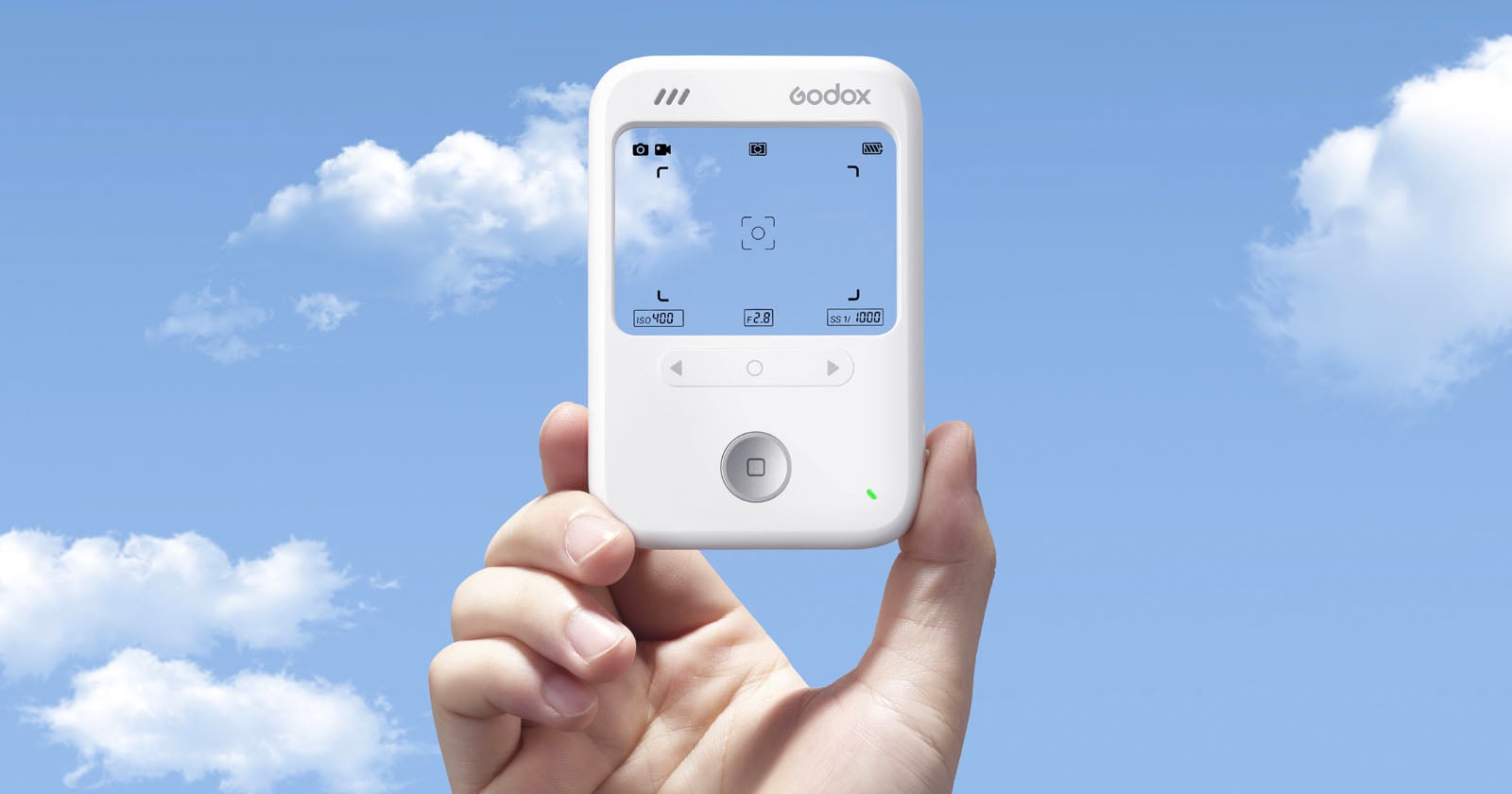
Arc Search

I've been using The Browser Company's Arc Browser for months now and it's quickly become my favorite browser for the Mac. They've just released (tonight) a new iOS app that combines browser, search, and AI together in one app. The premise is you can ask a question and it will search the web for realtime results and then build you a website that answers your question. Interesting concept. I've literally just downloaded it, can't vouch for it yet, but I'm looking forward to trying it out.

Lanny Smoot, an amazing inventor and one of Disney’s amazing imagineers, has come up with a pretty incredible technology that will take virtual reality experiences to a whole other level. These holotiles let you walk in-place, in any direction, while still staying in one spot. I want one.

Insta360 Link Webcam

Being a bit of a photo nerd who works from home, I take my camera setup for video calls more seriously than is probably reasonable. After using a dedicated DSLR with a video capture card for years, I switched to the Insta360 Webcam a little over a year ago and haven’t looked back. It offers great video quality, with easy integration on the Mac. It’s on sale now, making it an even easier recommendation. Just make sure you get some good lights, otherwise no camera can save you.

👜

Orbitkey is a neat company making all manner of EDC and office items in a clean, minimalist design. They’ve just launched the Kickstarter for a new travel tech pouch / organizer that looks great. I have similar pouches that I love from Peak Design and Evergoods that I love, otherwise I’d be all over this.

The First Sci-Fi Novel Written By a Woman (1666)

I’m embarrassed to say I’d never heard of Margaret Cavendish, but I found her story fascinating. I'm eager to read her book at some point. Hat tip to Kerri Ann on Mastodon for the find!

📱

So, years ago, there was a fun, colorful, and very simple todo app on the iPhone/Mac called Clear. It eventually fell by the wayside, but has recently been revamped and it's great fun. They have really figured out how to tap in to our collective dopamine addiction with fun sounds, colors, and the ability unlock new themes and app icons by getting stuff done on your lists. Linked up above is a referral link that unlocks some additional themes and stuff when you start out with the app, if you wanted to try it out. Want to take a look without a referral link? Here's their website: UseClear.

Google Has Gotten Worse

A year long study by German researchers has concluded that the little voice in your head asking if Google search results have been slowly getting worse and worse is actually on to something. Apparently SEO-related SPAM is tanking the quality of their results compared to other search engines. As I've mentioned before, I switched to Kagi months ago and haven't looked back- the results are SO good, and I like knowing that my search data isn't their monetization strategy.

🪛

Speaking of home stuff, this little USB-C rechargeable electric screwdriver set is such a delight. It's got a great, modern, minimal design, it is very ergonomic and powerful enough for the vast majority of the projects I do around the house whether it's building furniture, wall mounting things, etc. It's just one of those little things that sparks joy for me.

💡

I'm a lighting nerd, and dim, overly yellow bulbs bug the heck out of me. These LED bulbs have been a big hit in our household. They're super bright, have a great CRI, are dimmable, and have a long lifespan. The downside: they cost about $5/bulb. Not cheap, but also cheaper than some other bulbs I've tried out that have not been nearly as impressive.

What I Want to Do in Apple Vision Pro

I really enjoyed reading these musings from Stu Maschwitz, an Industrial Light & Magic alum, on what he is hoping to be able to do with the Apple Vision Pro.

A Short History of the 808

As I've been trying to learn about sampling and beat making, I've been consuming a whole lot of Youtube videos and tutorials. This video from Captain Pikant is fantastic- a brief, musical history of the classic 808 drum machine which set the rhythm of so many classic hip hop and electronic tracks. The Captain's other videos are a treat as well, consider Drum Machine 101 and How to Glitch Like Aphex Twin.

My favorite local coffee roaster turned me on to these coffee canisters. At the risk of sounding like a massive snob, I've tried some others, including the beautiful Fellow Atmos Canister, but this has been far and away the easiest and most effective at preserving my coffee's freshness.

Past Lives

We watched this amazing film over the winter break and I can't recommend it enough. Just a beautiful reflection on life, the power of decisions, and nostalgia for the path not taken. One of those movies that really sticks with you.

Planta iOS App

New Year, new opportunity to not slowly, painfully murder every plant we bring in to our home. We've been trying out this app for keeping track of our plants, their watering schedule, sunlight needs, etc. I've been really impressed with its AI troubleshooting features-- Take a picture of your plant, it will identify it, tell you what's wrong with it, and how to fix it.

The Web Is Fantastic

Loved this mini essay from Robb Knight about the delights of the indie web and the pleasure of owning your own little corner of the internet. He does a great job of inspiring, while also giving some practical starting points if you're interested in setting up your own little site or blog.

Catapult Feud

This tabletop game is a recent arrival in the household and has been a hit with the whole family. Two players build their own castles out of blocks, hide soldiers in them, and then take turns using their catapults to try and destroy the other's castle and take out their soldiers. You can play as simple as that, or you can amp up the game with additional rules, powers, or even expansion sets that add more weapons and castle pieces. Shenanigans ensue!

Choosy App

A very niche but handy utility for the Mac, it lets you set up custom rules to decide what kind of links get opened in which browser. Example use case: I have Safari set-up as my default web browser, but there are some sites I know just don't work well in Safari, so I have any links that belong to those sites automatically routed to open in Arc Browser whenever I click on them.

GameBoy Wallpapers for iPhone

I love this pack of Gameboy-themed iPhone wallpapers. I've been rotating them out with these Teenage Engineering-themed wallpapers.

Letterboxd

I signed up for Letterboxd a year or so ago, but recently picked it back up and am really enjoying it. It's a social film review site/app. Of course, one can post/share ones reviews (which I'm starting to do), but my favorite part is reading the reviews of others. It's a lot more insightful and entertaining than Rotten Tomatoes. Let me know if you sign up or are already on there, I'd love to see what you all are watching and liking.

The Obsessor

Former editor of TechCrunch, Matthew Panzarino, has long been one of my favorite writers to follow around the web. A true polymath, he dabbles in everything from tech to fashion, photography to cooking. He's recently launched his own blog where he can deep dive in to these various subjects, and I'm really digging it so far. Here's today's article on his perfect busy morning coffee making routine (I followed the same method back when I was drinking more than one cup per morning-- it's great!).

14 Predictions About 2024

Casey Newton is an excellent tech journalist who has broken a lot of stories about the tech companies dominating the headlines this year. This week he recapped his 2023 predictions (with a pretty good win rate), and provides his prognostication for the year ahead in tech.

BambuLab A1

This week BambuLab announced the release of the A1 3D Printer, the bigger sister to the A1 Mini that I mentioned a few weeks back. Apart from being easily confused with a steak sauce, and also being a great name for a company that is competing for placement in a phonebook, it looks to be another really great entry point for 3D printing. At just $399 and big enough to print helmets and other fun cosplay props, this honestly gives the A1 Mini ($299) some healthy competition... I'd say which one you go with really would boil down to your intended use case. Here’s a fun Godzilla I made for a friend’s son this week on the BambuLab X1C, which has the same size print bed as the new A1.

Ingrid Linnea

I've been going down a rabbit hole on Modular Synthesis the last week or two-- In short, using discreet modular electronic components strung together to create your own instruments, then using other components to apply various filters and effects, and then having yet more components sequence and/or play the instruments for you. Apart from being just an awesome aesthetic, I really enjoy the music I'm discovering while researching it. Ingrid Linnea is an album by artist, Elin Piel, that I've listened to a lot while working this week.

Omnifocus 4

The Omni Group makes my favorite Task Management software, and finally released this week the long awaited fourth version of Omnifocus. It’s honestly overkill for a lot of folks (myself included) but even just using a small fraction of its features has been a huge help for keeping track of my personal and professional to-dos over the years. Version 4.0 looks to be filled with a lot of great quality of life upgrades for the app on Mac, iPhone, iPad, and  Watch.

Talk Dim Sum

As the app’s creator confesses, Talk Dim Sum is a language app disguised as a food app. In short, the app is chock full of pictures of amazing different dim sum delicacies along with what they’re called in English, and both written and audio guides on how to pronounce their Cantonese or Mandarin names. Everything is sortable by the various regions of China they originate from, and other useful categories. It’s a delightful little app to poke around and explore— I’m already scheming my next dim sum outing so I can put it to good use.

Koala Sampler

One of my favorite niche genres of YouTube videos is producers-making-beats-on-their-Mac-or-iPads. (Cf. Nervous Cook$ and Henny tha Bizness) Anyway, I’ve been noticing a lot of the folks I follow using Koala Sampler and finally decided to try it out. It’s super fun and easy to use! You can record samples on the fly using your phone or iPad, record from other audio sources like vinyl, or import beats and samples from packs. Here's an example of Nervous Cook$ using it to great effect.

Restaurant-grade Fried Rice Recipe

We make a lot of rice in our household, and always have leftover rice. The pros tell me that leftover rice is the perfect rice to make Fried Rice, so I've been experimenting with different recipes this year. So far, our favorite is this Classic Chicken Fried Rice recipe from The Woks Of Life. We make it with Tofu instead of Chicken, but it's always a hit. Most of the ingredients are pretty easy to get a hold of, but you may need to go to H-Mart or your Asian Grocery of choice to score some Dark Soy Sauce (which is not/not the same as the soy sauce you find in most western grocery stores.)

Shaper Trace

I don't have one of these, but I'm really intrigued. In short, it is a small frame you can put over any drawing, take a picture with your iPhone, and the related app will turn the drawing into an editable SVG. Why does that matter? Well, if you have a CNC machine, Cricut or something like it, then you can easily turn a drawing into a cuttable path for turning in to etchings, decals, etc. Neat!

Radiooooo

Radiooooo (yes, with 5 "o's") is a globe-trotting musical time machine. You load the app (or website) and are presented with a map of the world and a selection of decades from the present going back to 1910. Choose a country and a decade and get a stream of songs from that country and decade. All the songs are hand picked by a team of volunteer DJ's with what seems to be impeccable taste. I've loved just about every song I've come across.

Thread Boards

For those with access to a 3D Printer (or an army of 3D Printers), this project is pretty awesome-- It lets you print your own wall-mounted storage system with a rich ecosystem of hundreds of shelves, pen holders, cable organizers, buckets, and more. My printer is cranking out peg boards and screws as I type this.

Transcript: When they Came Up With Indiana Jones

When George Lucas, Steven Spielberg, and Lawrence Kasdan sat down to come up with the script for what would eventually become Raiders of the Lost Ark, they plopped a tape recorder on the table and captured the full 4 hour conversation, then had it transcribed. Indie Film Hustle has the whole thing up to read, and it's so fun to see their creative process as they crafted this amazing iconic character. (Fun fact: They initially envisioned his whip as being strapped to his back "like a samurai sword.")

USB-C Wall Outlet

I recently stumbled across these wall outlets with built in 30W USB-C plugs, and have started installing them in place of our house’s old standard outlets. It’s such a small thing but it’s a game changer to not have to find a charging brick each time we need to charge a phone, iPad, or Mac; Now we can just plug directly into the outlet!

Zenitizer

I've been using InsightTimer for years to time and track my meditation, but I've not been a fan of their recent turn towards "premium classes" and guided meditations. Looking for alternatives, I've come across Zenitizer after asking for suggestions on Mastodon. The developer of Zenitizer was kind enough to reach out after someone else mentioned the app as a good alternative, and made a good pitch for using it. I've only gotten to try it out a few times this week, but so far it's been great if, like me, you're looking for a simple timer with Apple Health integration and some nice options for timing and intervals.

Abyss Trailer

After decades of people bugging James Cameron to release a high def restoration of his classic underwater adventure film, he's finally relented. Abyss is getting a 4K restoration and will be shown in theaters next month. Honestly, one of my favorites of his, and a big inspiration for me getting in to Scuba diving when I was a kid.

Lofree Flow

I backed this keyboard awhile back when I was in "need" of a good travel keyboard-- it's a really delightful low profile mechanical keyboard that makes just the right amount of "clicky" and "thwock" sounds. I really like the clean aesthetic and the build just feels super solid without being heavy. I've been using it for a few months now and really digging it. The Verge just released a glowing review of it as well.

Newji

Speeeeaking of Emojis, I stumbled across this fun little iOS sticker app this week. The pitch: Type whatever emoji you wish, and it will generate a sticker that looks exactly like a system emoji. Ever been disappointed there's not an emoji for a Squirrel riding a Dirt Bike? Newji. Ever been frustrated about not having an emoji for doing a backflip in your pajamas? Newji.

🚀

A super simply Mac utility app that lets you type a colon + any keyword into a text field and it will present you with a list of matching emoji, ASCII emotes, and unicode symbols to insert. So, for example, typing ": + shrug" gives me a dropdown list and I can use the arrow keys to choose ¯_(ツ)_/¯ or 🤷‍♂️ and hit enter. Boom! Emotion. It's free, and is one of those apps that once you start using, it just completely disappears from your consciousness and becomes muscle memory. I have been using it for about a year now and honestly forget sometimes that it's an app, and not just something happening at the system level.

Rooms

I honestly am not super sure what this is... but I really like it. It's both a site and app that lets you easily browse and create interactive virtual rooms in a cool pixel-art style. Really fun to just poke around and see what creative things folks have come up with.

Duolingo for Music

Duolingo launched their Music course this week-- it's a new course available within the language app itself. I don't know much about music theory or anything about reading music, so these are great for me.

Freedom Form Flowing

The Gift of Gab is back at it with another ridiculous flow. How does he do it? (Youtube Link)

Stephen King's 14 Tips on Writing

Confession: I've never read any of Stephen King's books, but I really liked this pithy but thought provoking list on the craft of writing. My favorite? "The best stories always end up being about the people rather than the event."

Day One Journal

Apple's just released iOS 17.1, which you should totally update to, and very shortly after released the first betas for iOS 17.2. In these new betas, they've got the earliest release of their forthcoming journaling app. Early reports are saying it's... fine. The consensus from the tech cognoscenti is it's just not as good as Day One, which I've been using and loving for about a decade now. It's just a really delightful little app for both long form journaling about your experiences, dreams, travels, books you're reading, etc but also for very quickly capturing micromoments you want to remember as they happen with photo/video/voice memos, etc.

Declassified Archaeology

OK, this is a bit niche, but recently declassified satellite imagery taken from the very first U.S. spy satellites (CORONA and HEXAGON) is being used to sweep the desert for ancient Roman forts that have since been swept under the sand in modern day Syria and Iraq. What they're finding is redefining how scholars have understood the role of Roman garrisons in the Middle East. The old spy photos of Roman ruins is just too cool.

Internet Artifacts

This amazing little thing has been doing the rounds this week-- It's like a Museum of Internet History, including interactive exhibits of things like the first SPAM email ever sent, the first MP3, and so on.

Monkeytype

A bit nerdy, but I've really enjoyed playing around with this-- Monkeytype is a really delightful typing test that I saw Andy Carolan mention over on Mastodon. Ever curious how fast you can type? Their free test will tell you. (If you do it and let me know your score, I'll send you mine!)

Argylle Trailer

Fun trailer for a new Apple TV+ movie coming later this year from Matthew Vaughn, creator of Kick Ass and Kingsman (comics + movies). It's a fairly generic spy thriller with a really fun twist you only discover about a minute in to the trailer. Looks hilarious, and killer cast.

Cleanup Buddy

Mac security researcher and developer, Guilherme Rambo, released this fun little app/utility that locks your keyboard and mouse so you can clean your keyboard and trackpad without inadvertently typing a bunch of nonsense or deleting your entire Photos collection. It even includes a little snarky animated character to encourage you as you clean.

Etymological Map of Africa and the Middle East

Simon linked to this fascinating map made by the University of Amsterdam and Leiden University that reveals the Etymological History of the names of all the countries (and capitols) in Africa and the Middle East. I wish there were hot links to sources for these, because I want to know a lot more.

Olfactory Task Management

The Verge had a fun piece on various apps and tools that their staff use to stay organized and on top of their complex tasks. A lot of the usual suspects (Notes Apps, To-Do Apps, etc) were mentioned, but this hack used by an audio engineer on the team had me rolling. This is literally insane and I love it!

The New Turing Test

I won't capture it as well as this short post did on Mastodon, but the idea blew my hair back a bit: In short, we've historically thought that the way we'd be able to stump AI's was to ask them about art and emotions that they couldn't possibly understand. But LLM's are surprisingly good at pretending to speak about those things because they're trained on people writing about them. This post suggests a different twist on Turing Tests. Part tongue in cheek, but it's got my head spinning a little thinking about other ways to break the machine.

6 Fundamental Biases

A fascinating research paper attempts to break down all human bias in to six fundamental categories, and I've been thinking about this all week. Here are the core human biases according to the authors--

Bambu Lab A1 mini 3D Printer | Bambu Lab US

This 3D printer from Bambu sounds amazing. I know they, er, had some issues last month, and I'm not sure I'd totally trust their cloud services but this price point is unreal for multi-material printing like this. I love my Prusa Mini printer, but if I was in the market, I'd be looking hard at this new Bambu and/or waiting to see how the rest of the market reacts in an effort to compete.

Daring Fireball - iPhones 15 Pro Review

Of all the iPhone reviews that get released every fall, John Gruber's of Daring Fireball is the one I most look forward to. He is far from the most detailed, but always seems to hit on the stuff I care about most-- How does it feel? How is the camera? and so on. His write up this year is another winner, and his description of how the new focal length options work on the iPhone 15 Pro is the best explanation I've seen-- In short, they are not doing a digital crop of a bigger photo, they really are using that amazing 48mp sensor and machine learning to do some modern camera magic.

iMazing

iMazing is a great iPhone back-up utility for the Mac that I've used off and on over the years. Unbeknownst to me, they recently integrated Citizen Lab's software for detecting NSO's Pegasus and other iPhone spyware into its tool set. In case you're ever curious, the process takes about an hour and is done on your Mac with your iPhone plugged in to it– no data is sent to iMazing's creators. The free trial of the software includes the Spyware detection function.

Perception Check

If you have any familiarity whatsoever with Dungeons & Dragons, or really any sort of RPG, or you just like funny things, please take 1 minute and 48 seconds to watch this absolute masterpiece. It's also a legit banger of a song. I've been laughing about it all week and watch it at least once a day. (Warning: Strong language, not kid friendly.) Tom is also responsible for the equally ridiculous banger, HYCYBH?

Obsidian Field Guide

The inimitable MacSparky has just come out with a new Field Guide. Over the years, I have gotten a few of his Field Guides to really learn the advanced features of various apps that I like. He's a great teacher and brings a unique perspective as not only a Mac power user (he hosts Mac Power Users podcast after all), but also a lawyer, and serious meditation practitioner. His latest Field Guide covers Obsidian, a powerful personal knowledge management (PKM) app that I've dabbled with but have long wanted to know more about.

I Can Eat Glass

One of those weird internet projects that I'm just happy to know existed. From the Wikipedia page, "As Mollick explained, visitors to a foreign country have 'an irresistible urge' to say something in that language, and whatever they say (a cited example being along the lines of 'Where is the bathroom?') usually marks them as tourists immediately. Saying 'I can eat glass, it does not hurt me', however, ensures that the speaker 'will be viewed as an insane native, and treated with dignity and respect'."

Pixii.FR

This one comes courtesy of my dear friend, Abu C. For years, Leica has been the only company in the world making digital rangefinder cameras-- Namely, the lustworthy and wallet-shattering M-series digital bodies. Unbeknownst to me, a small French company called Pixii started producing a very unique digital rangefinder camera body a few years back. What's neat about their offering is it 1) Accepts Leica's glass (all M-mount lenses will work) 2) Its internal hardware is upgradeable as new sensors, processors, and even viewfinders are developed 3) It costs about 1/4 of what a Leica body costs. Lastly, this is not some aspirational Kickstarter project, they have been selling the Pixii since 2018 with a regular stream of internal upgrades being released ever since. The 2023 version (and associated upgrades for older versions) include a 64-bit processor, an advanced Monochrome RAW capture mode, and upgraded Wifi to mobile capabilities. I'm super intrigued.

Postmarks

As a long time user of various bookmarking services (Delicious, Pinboard, etc), I’m very interested to see where this federated, self-hosted alternative could go… especially if we can eventually get Google Reader-style social commenting, etc.

The Mystery of the Bloomfield Bridge

Ok, hear me out on this one. This is an incredibly long and detailed search to answer what should be a simple question: Why did they build this bridge over I-494 outside of Minneapolis? It sounds like mundane research, but it’s a very funny and fascinating story written by someone willing to go to absurd lengths to figure out the rationale for what appears to be a completely pointless pedestrian foot bridge.

The Wisdom Limo

Merlin Mann is one of my favorite full-time internet persons, someone really smart and funny who just seems to spend all of his time writing and talking on the internet. He has started collecting some of his rules for living and aphorisms in a Git repository. Think of it as a 21st-century Meditations by Marcus Aurelius. Highly recommended.

Tidbyt

We've been wanting a display to have in the kitchen that we could use to flag important family calendar events, show the weather and moon phases, track holidays, etc. Surprising no one who knows me, there was no way we were going to get a Google/Meta/Alexa device for it, and Apple sadly doesn't make any equivalent yet. So we settled on a Tidbyt. It's a really neat little 32x64 LED pixel display that you can customize the heck out of with various applets from your phone. Beyond running built in weather and clock apps, I've also built custom pixel art greetings for my kiddos each morning featuring drawings I've made of some of their favorite cartoon and video game characters. It's been a hit, and unlike some of the other offerings I've tried like the LaMetric Time, it's very responsive and has not had any connection timeouts.

Boba Tea Protein

I don't think I'm going to surprise anyone by outing myself here as a big fan of Boba tea. It’s not something I allow myself to enjoy too often, due to the inordinate amount of sugar and other “empty” calories, not to mention the ballooning cost as boba tea / pearl tea become more trendy. Long story short, apparently Instagram’s advertising algorithm also figured out my love for Boba, and I got targeted ads for this Boba Tea Protein powder, which sounds kind of gross, but is actually amazing. I’ve tried both their Matcha Latte and Taro Milk Tea and several of their boba pearl flavors, and am already hooked. I’ve made one a day, everyday this week. I’m sold on the low/no sugar, natural ingredients, and authentic flavors. Worth a shot if you’re at all curious.

🔪

Austin-based design team, Studio Neat, have a new Kickstarter they’ve just launched last week for a box cutter. Not just any box cutter, a $95 box cutter. Now, for most sane people, this is an easy pass. However, if you’re just the right kind of crazy, you’re intrigued. It’s beautiful and uses magnets to delightful effect (like several of their other products). If I didn’t already have more pocket knives than I can reasonably justify, I’d be backing this right away.

Ollie's Arcade

The good folks at Iconfactory very graciously let this humble blog writer have a sneak peek at the beta of their next new game that drops on Tuesday this week. I’ve been a fan of their apps for over a decade, dating back to some very early iOS apps and games like Twitterrific and Ramp Champ— both sadly no longer operational. Their next foray into gaming is like a greatest hits of retro games featuring their own delightfully crafted takes on Flappy Bird (“Ollie Soars”), Snake (“Snake”), and Lunar Lander (“Tranquility Touchdown”). I’ll have a proper review written up when I get a little more time in the three games, but for now, I can already say it is worth downloading when it drops on Tuesday.

Scott Pilgrim Takes Off

Last week, Netflix dropped the trailer for Scott Pilgrim Takes Off, their Scott Pilgrim anime series that launches on November 17th. Scott Pilgrim, the live action movie, is one of my all time classic movies— one of those movies, that just makes me happy and I could watch it at any time and love it. I’m thrilled that they’re bringing back all the original cast to do the voices, and that the author of the original Manga comic will return as the writer, and the inimical Edgar Wright will be producing. (If you’ve not seen this 8 minute Every Frame a Painting video on the art of Edgar Wright’s visual comedy aesthetic, please find a moment for a coffee or tea break tomorrow and watch it… It’s SO great.)

Bomb Chicken

I regret that I can't remember where exactly I found this, beyond poking around the #pixelart hashtag on Mastodon or some Discord server, but this iOS retro platformer is a total delight. $2.99 buys you a super fun, quick to pick up, platformer game with creative mechanics and challenging (but not TOO challenging) levels, killer pixel art, and no ads. Highly recommended.

Cowboy Bebop Soundtrack

On a recent flight, I binged several hours of Cowboy Bebop, a show I've always meant to watch but never gotten around to. For those who might not be familiar, it's a sci-fi anime about a bounty hunter and his crew wondering the galaxy, with strong influences from old noir detective movies and cowboy westerns. It's considered by many to be one of the best gateways for someone looking to explore anime. I really dug it! Very stylish art, fun and weird storylines... and amazing jazzy soundtrack. Trust me, whether you like jazz or not, it's super cool. I've been putting it on for everything from background music for work, mixing cocktails after work, and just driving around running errands.

🚀

Speaking of sci-fi, Jason Kottke shared this fascinating series of paintings by Karla Knight this week. I think Jason came up with the best description for the series: "imagine Hilma af Klint as the production designer for Wes Anderson's Stargate."

The History of the Seattle Mariners

Several months back, Jill Lepore wrote about the difference between data and information for the New Yorker. She argued that our obsession with data makes it harder to glean any meaningful knowledge from the world around us. What, then, do we make of this three hour long Prezi video featuring obscure baseball stat charts ("ERA," "WAR," "OPS"??) that still makes you well up? Tracing the history of MLB’s only team to never the World Series, The History of the Seattle Mariners digs deep into percentages and totals to show that people, teams, and cities are so much more than their numbers. Looking at wins vs losses or times to reach the playoffs, the Mariners are clearly a failure. Such a cursory glance would ignore some of the unequivocally best pitching, batting, and fielding that the sport has ever seen. Such a cursory glance would ignore what it means to be a fan, a leader, and a teammate. "Dig deeper," the producers of this six part video series urge us, "and you’ll find greatness wherever you look." That... combined with arson, toilet jello, face stabbings, and the world’s best timed Nutcracker Suite makes The History of the Seattle Mariners a fascinating, hilarious, heartbreaking watch.

⛏️

I stumbled across this great, short (possibly apocryphal) story by Kurt Vonnegut this week and have been thinking about it a lot. It takes less time to read than it takes you to read this little email, I suggest you check it out.

American Smooth by Rita Dove

The New York Times put together a really lovely detailed analysis of poet Rita Dove’s poem, “American Smooth.” My wife and I just started taking dance classes together and so this beautiful poem really hit home, but getting to see all the hidden extra layers she built in to this poem via the analysis really took my appreciation for the poem to the next level.

Blueberry Cheong

I posted a snap over on Mastodon a few weeks back of my attempt at this amazingly tasty (and simple) syrup from Johnny Kyunghwo. After letting it sit for a good long while we recently strained out the berries and we've been enjoying it in everything from Blueberry Old Fashioned to Blueberry Matcha Green Tea. Highly recommended. Johnny's got lots of great inspiration for other Cheongs to try-- Next up, we're doing Strawberry.

Callsheet

Casey Liss has a new iOS app out this week called Callsheet designed to make it easy to quickly look up cast and crew information for movies and tv shows— It’s way, way cleaner and faster than using IMDB or Rotten Tomatoes. I've already found myself using it at least once a day to check what else some actor has been in, or who wrote an episode of a show we're watching. Definitely worth checking out.

Low Rez Jam

Speaking of retro video games, I just stumbled across the Low Rez Jam, a sort of minimalist video game hackathon that's going on right now. A bunch of teams around the world are competing to make a winning video game playable at 64x64 resolution. Tons of great pixel art and game imagineering going on under the #lowrezjam hashtag on Mastodon (and I presume X, if you're still visiting Elon's vanity project.) The development period wraps up August 15th, and then the games will go up for voting. It will be fun to see and try all the final products.

Retroid Pocket 3+

Going further down the retro gaming rabbit hole, I picked up a Retroid Pocket 3+ this last week... and after an admittedly grueling several hour configuration process, I'm really happy with it! It emulates everything from old Atari and Commodore 64 to Playstation 2 and Nintendo Wii games. Killer screen and impressive performance for a little device that's half the price of a Nintendo Switch and about 2/3's the size. Now I just need to find some time to actually play more than 5-10 minutes a time.

8bitdo Retro Nintendo Keyboard

The preorders opened for this amazing Nintendo / Famicon-inspired keyboard. I have more keyboards than I know what to do with, but I came this close to snagging one of these. Honestly, the only thing that held me back was the very confusing lack of MacOS and iOS support. Holding out hope they do a V2 with support for the superior operating systems.

The Strange Tale of the North Pond Hermit

Highly recommended long read for the week, Carrie over on Mastodon surfaced this riveting 2013 article about the North Pond Hermit, who haunted the woods of Central Maine for nearly 30 years, surviving solely via moonlight raids on local cabins and homes to steal junk food and books, not talking to or being seen by another human being for decades. The author tells the amazing tale and then shares his fascinating correspondence with the hermit from jail after he was caught. {There is definitely some sort of comma-related kung-fu I should be using in the preceding sentence that would make it clear that it is the hermit who wound up in jail and not the author, but instead you’re getting this extended parenthetical. Apologies, you deserve better, dear reader.}

The Zenith Clicker

The Verge had this awesome little piece about a genius marvel of vintage mechanical engineering that Zenith designed for a TV clicker that didn’t rely on wires, radio, or infrared, and required no batteries. Worth a read, I won’t spoil the surprising tech at play.

TMNT: Mutant Mayhem

Took my kiddo to see this at the Alamo Drafthouse this weekend— What a complete and total blast! The non-traditional animation style, great cast, and killer old school hip-hop sound track make for a great combination. Worth a watch whether you grew up binging the turtles like I did or not.

🔍

No results found

Try a different search term or clear the filters to see all items.

Frequently Asked Questions

What is The Hiro Archive?

The Hiro Archive is a searchable, filterable collection of every product, app, tool, and piece of gear featured in The Hiro Report newsletter. It currently contains 668+ items across 22 categories from 132 newsletter issues.

How often is it updated?

The archive is updated automatically every time a new issue of The Hiro Report is published — typically weekly. New items are ingested from the newsletter RSS feed and added to the collection.

What categories are covered?

The archive covers 22 categories: Apparel, Apps, Audio, Bags, Books, Coffee, Creative, EDC, Entertainment, Fitness, Gaming, Gear, Kitchen, Maker, Outdoor, Photography, Power, Smart Home, Stationery, Tech, Travel, Watches. Each item is automatically categorized based on its source and content.

How do I subscribe to The Hiro Report?

The Hiro Report is a free weekly newsletter covering the best in tech, apps, gear, and more. Subscribe at hiro.report — it's free and lands in your inbox every week.

What is the Gift Guide?

The Gift Guide is a curated selection of items from the archive that make great gifts. You can filter by the 🎁 Gift Guide button to browse these picks specifically.